
Elmcreek 22 Buildings Pack With Decorations v1.0.0.0

FS25 mods

Elmcreek 22 Buildings Pack With Decorations v1.0.0.0

Elmcreek 22 Buildings Pack With Decorations v1.0.0.0
Elmcreek 22 Buildings Pack With Decorations v1.0.0.0
Elmcreek 22 Buildings Pack With Decorations v1.0.0.0
Elmcreek 22 Buildings Pack With Decorations v1.0.0.0
Elmcreek 22 Buildings Pack With Decorations v1.0.0.0
About the mod:

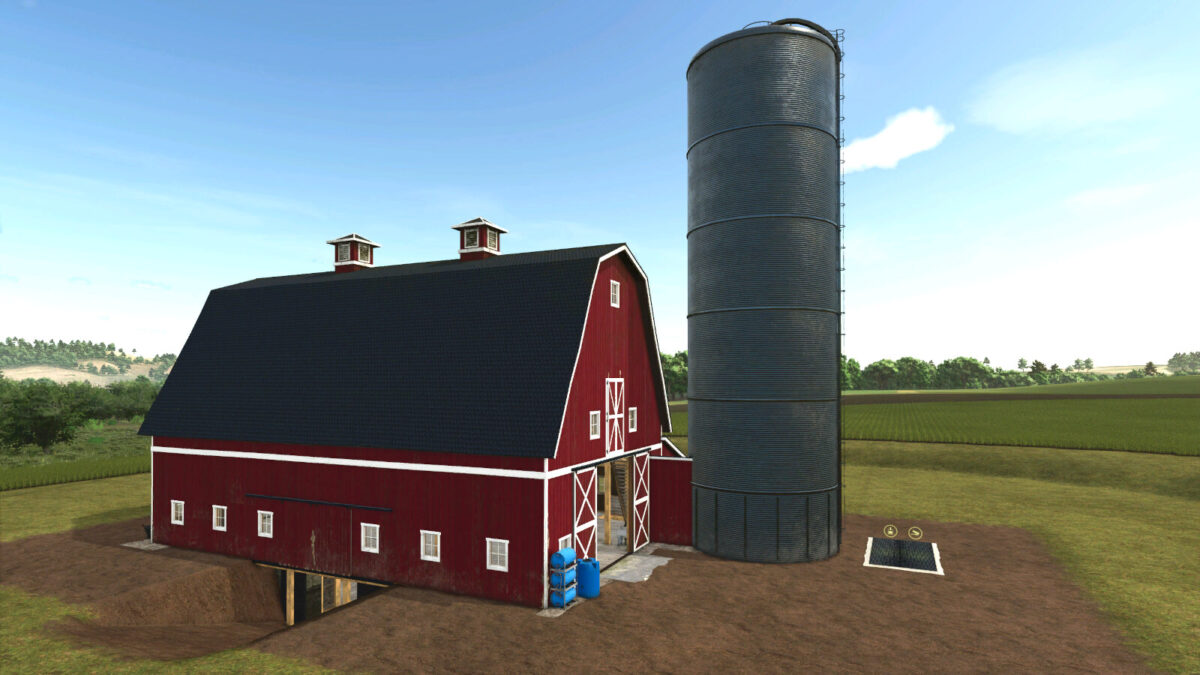
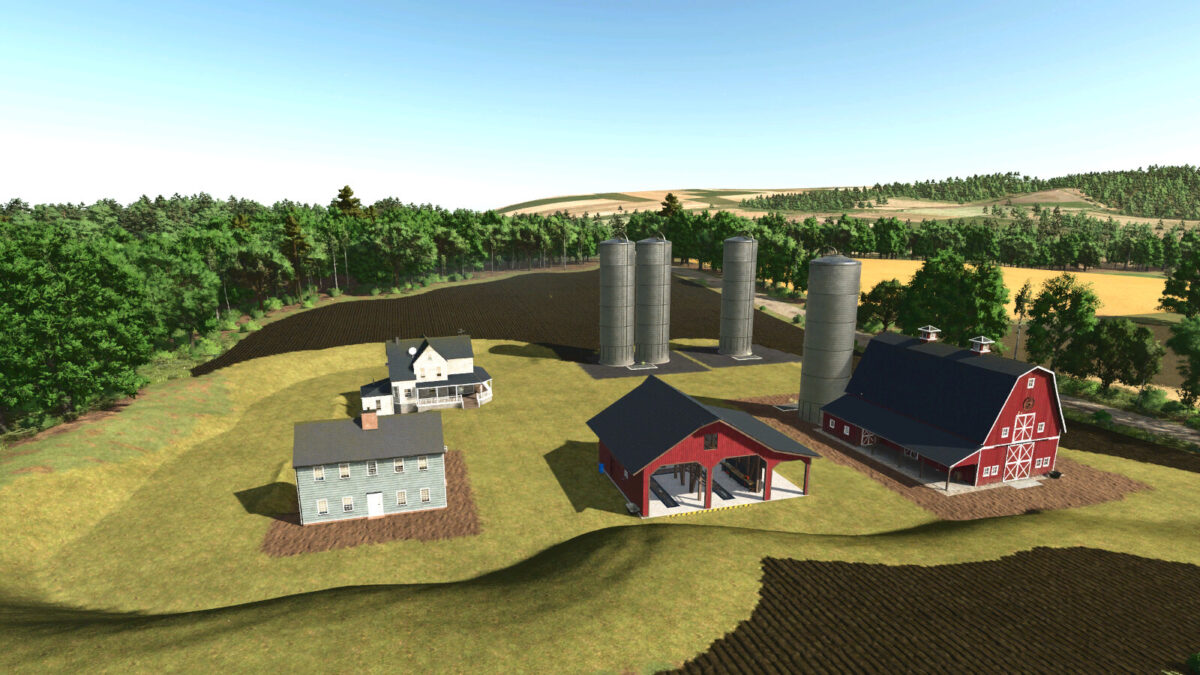
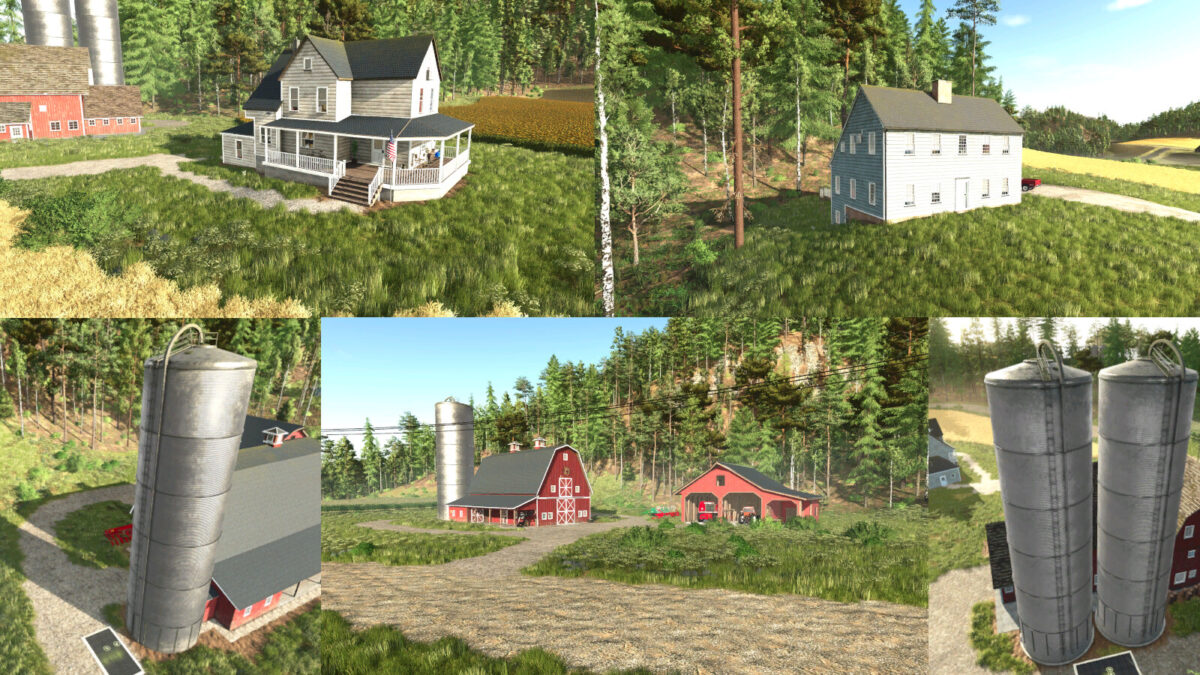
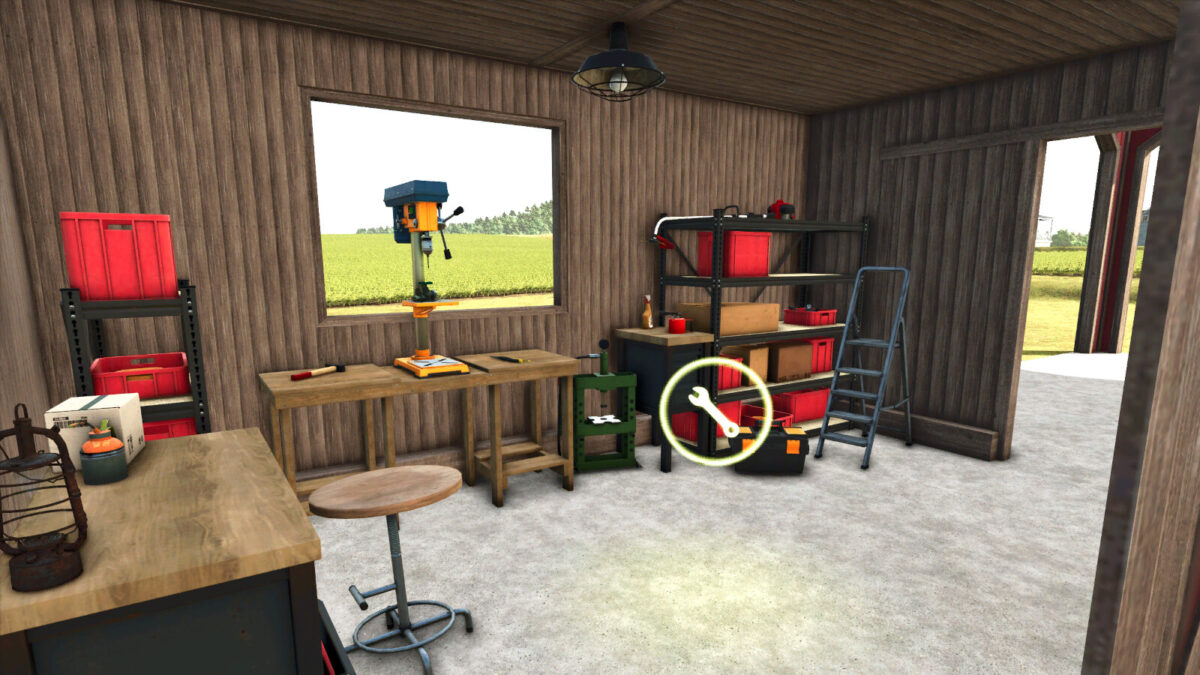
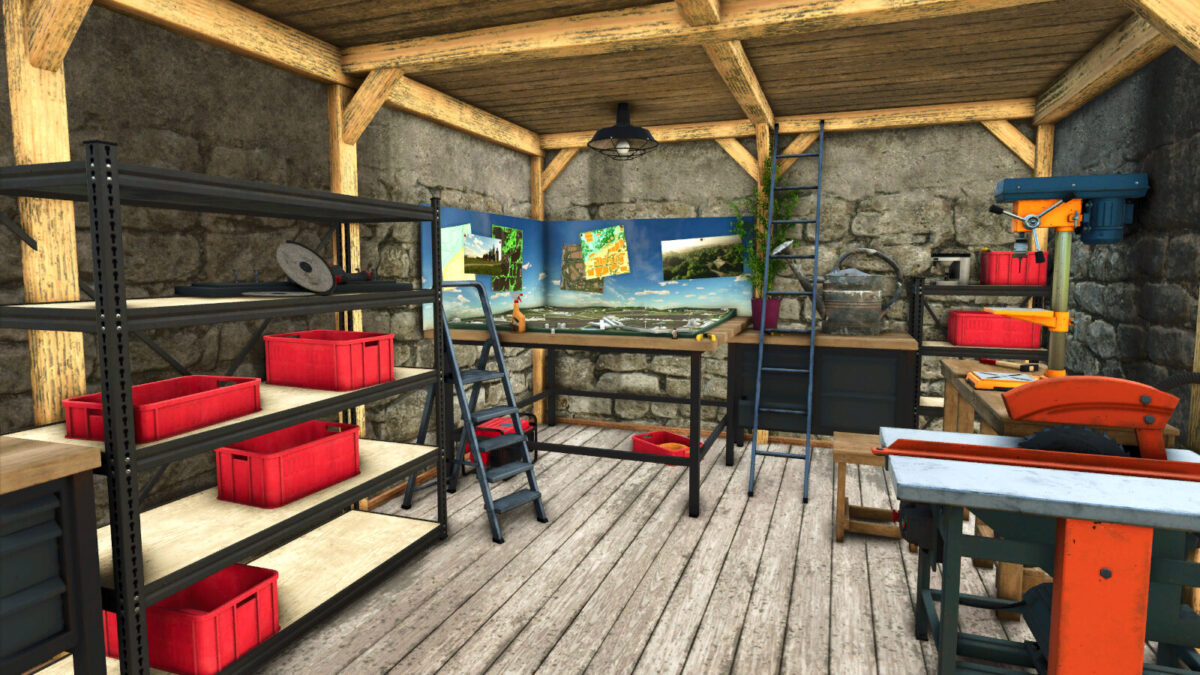
This pack includes six original buildings from FS22 Elmcreek. Each of these buildings include the original decorations.
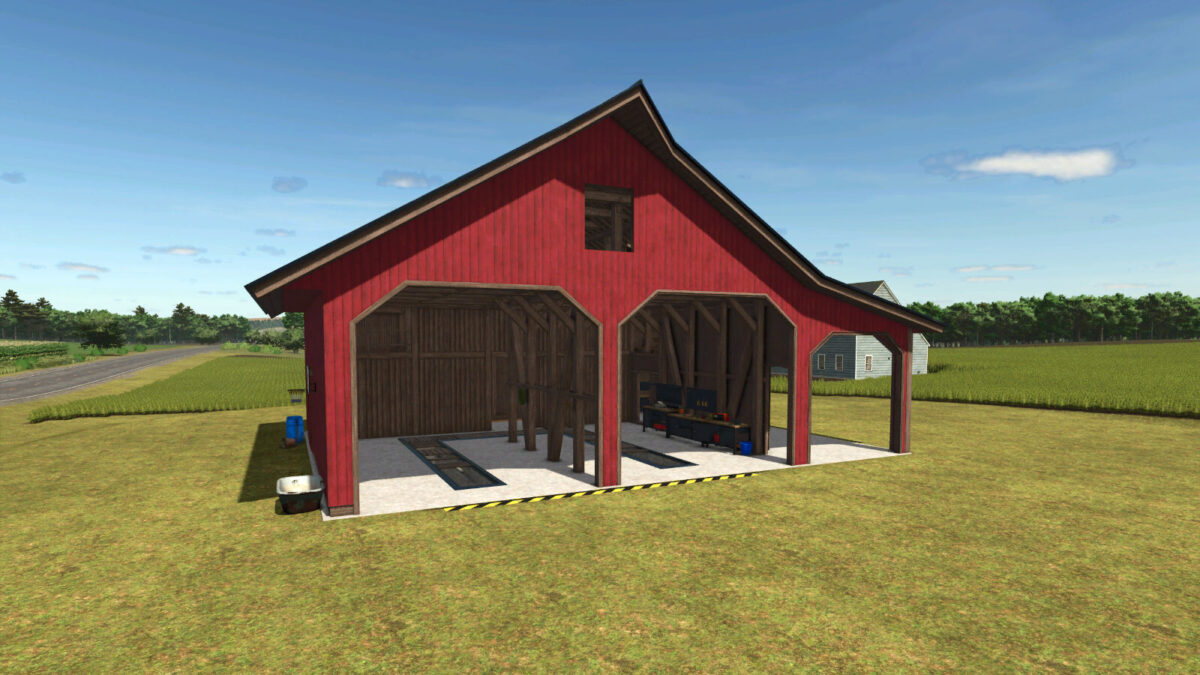
When the garage and barn are placed using the leveling function they will have the lower levels and basement area available as they were in FS22.
The houses will also dig out an area where a slope needs to be to allow the buildings to be placed as they were meant to be.
– Category: Houses
Colonial house
Price $125000
Daily up keep $10
Farm house
Price $105000
Daily up keep $10
– Category: Workshop
Garage with workshop
Price $75000
Daily up keep $10
– Category: Barn/Silo
Barn with multi-fruit silo
Capacity 1,500,000 liters
Price $155000
Daily up keep $10
– Category: Silos
Old Silo multi-fruit single
Capacity 1,500,000 liters multi-fruit
Price $125000
Daily up keep $10
Old Silo multi-fruit double
Capacity 3,000,000 liters
Price $250000
Daily up keep $10

Credits:
Papes_Farming_Mods

How to install FS19 mods?

Firstly find a mod which you like and want to download. Then download a mod to your PC. Mods are usually in .zip format file. But sometimes it can be in .rar. If a mod file is a .zip format no needed additional actions. If a file is in .rar, then you must unarchive mod with software like WinRar or Zip7. Windows 10 users no need to use software for archives, Win10 itself has a feature to unarchive files.

The next step is to find mods folder in your PC. Usually, it is in Documents/My Games/Farming Simulator 19/2019. Open the "mods" folder and put downloaded .zip archive or unarchived .rar file to this folder.

Last step. Enjoy of FS19 mods!

Leave a Reply

Your email address will not be published. Required fields are marked *