

Volvo FH16 Tandem Autoload Truck v1.0.0.7

Volvo FH16 Tandem Autoload Truck v1.0.0.7
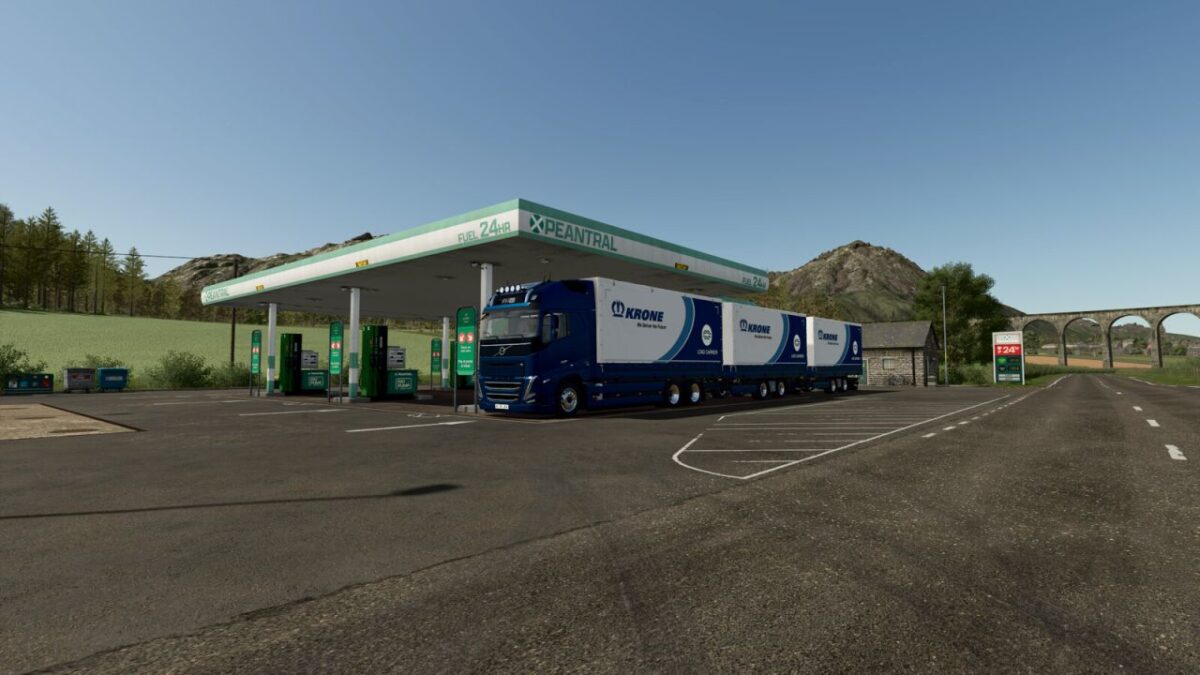
“VOLVO FH16 VAN
Categories: Trucks, Baling – Transport
Configurations:
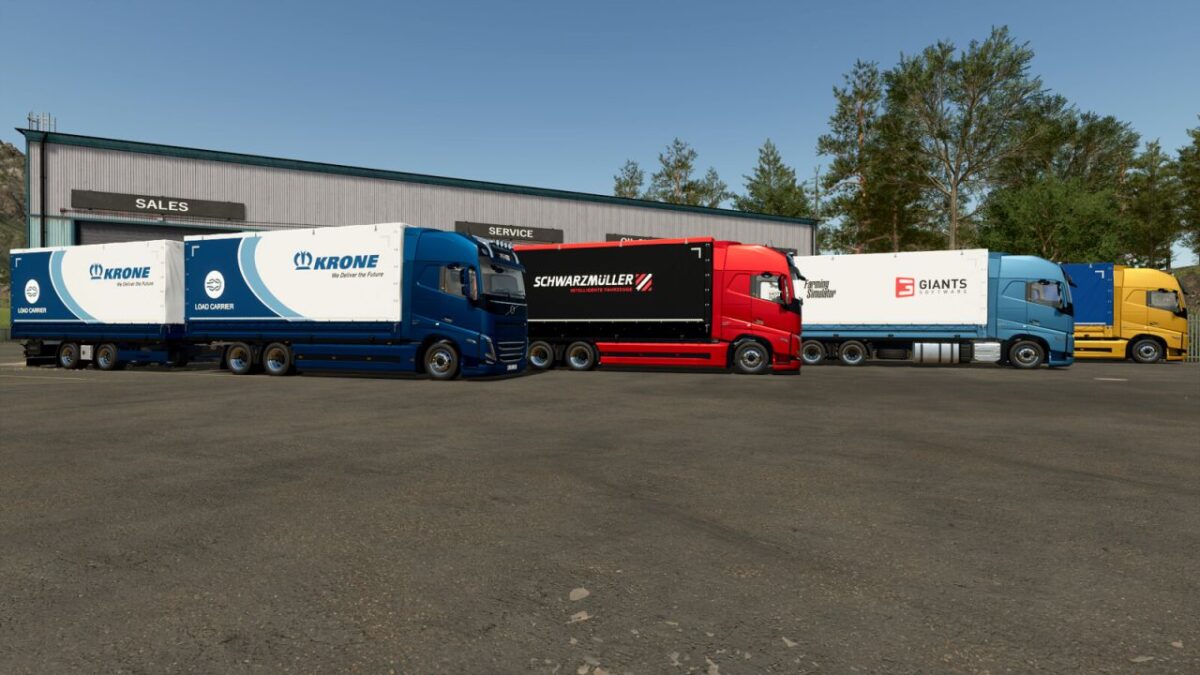
VAN ($2 000).
VAN with pallet autoload ($30 000). Note: it is not recommended to load different cargo types at the same time or exceed the maximum capacity!
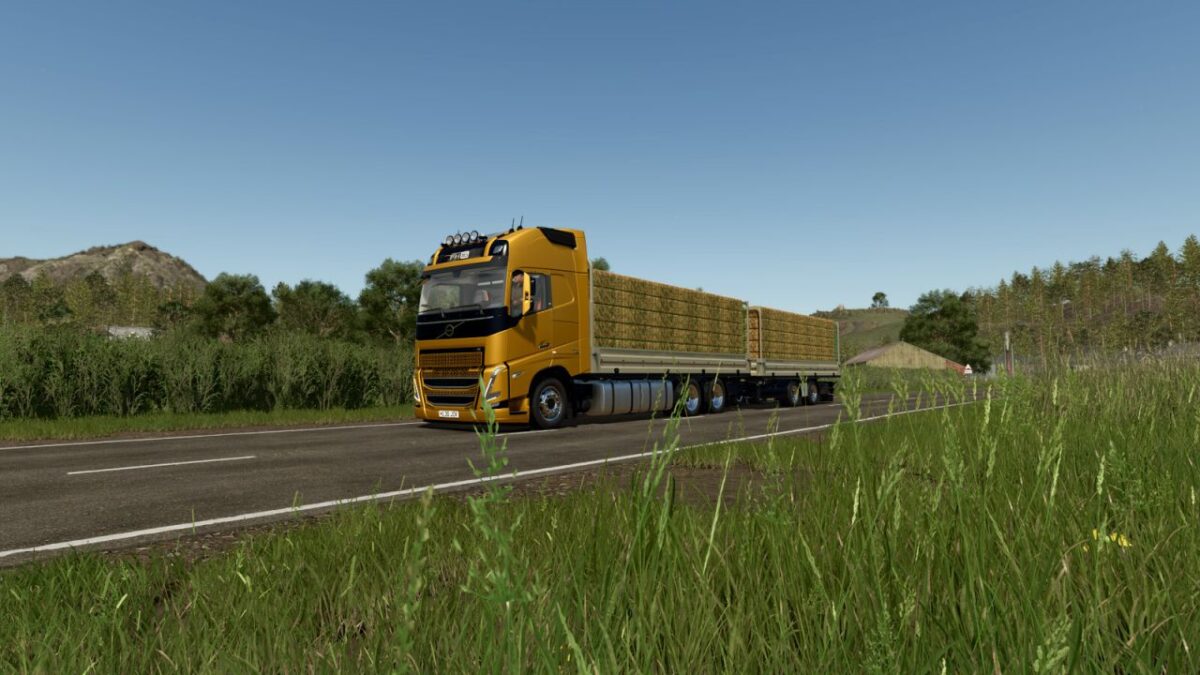
Drop-side platform.
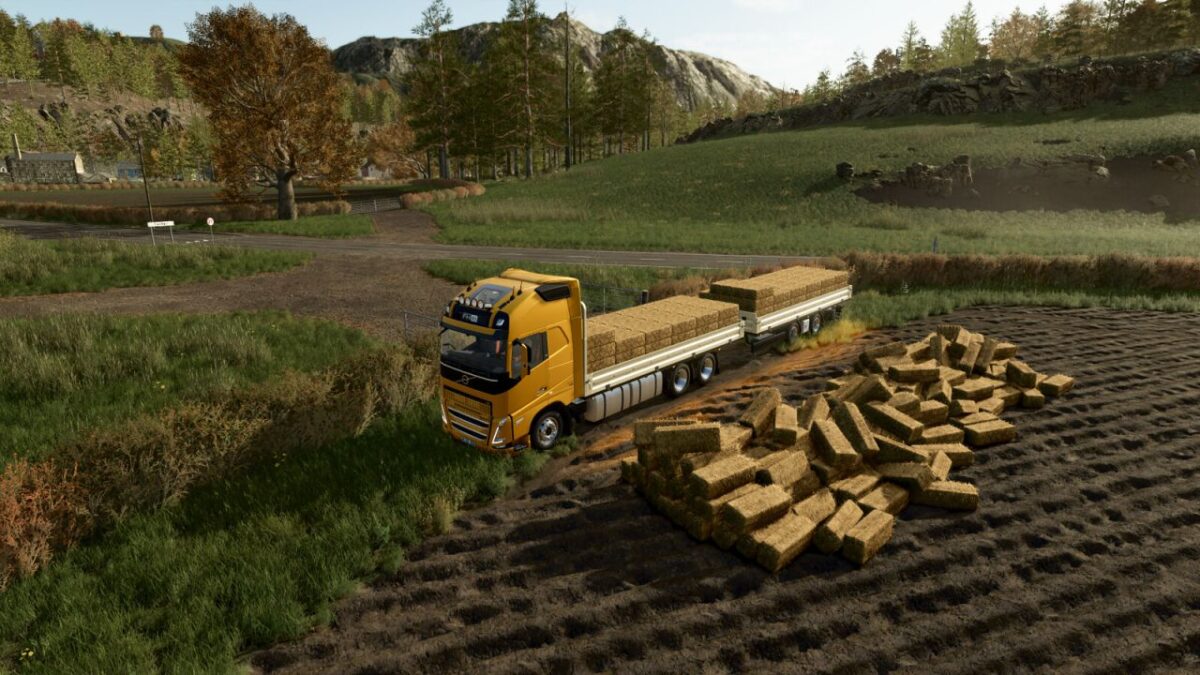
Drop-side Platform with autoload bales ($20 000).
Power (Diesel): 600 – 780 hp
Power (Electric): 330 – 662 KW (450 – 900 hp)
Max. speed: 90 – 120 kph
Capacity fuel tank: 1510 liters
Battery capacity: 810 KWh
Capacity:
europallets (VAN): 18 – 108 pcs.
squarable bales (AUTOLOAD): 120cm – 180 pcs. 180cm – 16 pcs. 220cm – 12 pcs. 240cm – 12 pcs. Cotton – 1 pcs.
roundable bales (AUTOLOAD): 125cm – 18 pcs. 150cm – 14 pcs. 180cm – 8 pcs. Cotton – 3 pcs.
Price: $190 000
KRONE LOAD CARRIER
Categories: Trailers – Flatbed Trailers, Baling – Transport
Configurations:
VAN ($2 000).
VAN with pallet autoload ($30 000). Note: it is not recommended to load different cargo types at the same time or exceed the maximum capacity!
Drop-side platform.
Drop-side Platform with autoload bales ($20 000).
Capacity:
europallets (VAN): 18 – 108 pcs.
squarable bales (AUTOLOAD): 120cm – 180 pcs. 180cm – 16 pcs. 220cm – 12 pcs. 240cm – 12 pcs. Cotton – 1 pcs.
roundable bales (AUTOLOAD): 125cm – 18 pcs. 150cm – 14 pcs. 180cm – 8 pcs. Cotton – 3 pcs.
Price: $25 000
Cab doors, as well as the sideboards of the drop-side platform and the van, can be opened and closed from the outside (“O” key on PC, “LB + D-PAD Down” on gamepad).
The rear ramp can be extended and retracted from the outside (“CTRL + Z” on PC, “LB + RT” on gamepad).
There is a rear-view camera (requires the Mercedes-Benz Trucks Pack DLC to work).
Pallet autoload supports cargo from the following DLCs: Beans & Alpacas Expansion, Highlands Fishing Expansion, Straw Harvest Pack, and Pumps n’ Hoses Pack.
V1.0.0.7
Reworked door functionality.
Cab doors, as well as the sideboards of the drop-side platform and the van, can be opened and closed from the outside (“O” key on PC, “LB + D-PAD Down” on gamepad).
The rear ramp can be extended and retracted from the outside (“CTRL + Z” on PC, “LB + RT” on gamepad).
Improved the drive-through loading feature on the trailer (“X” key on PC, “LB + A” on gamepad).
Changed the sideboard opening and closing sound.
Bug fixes:
Various graphical fixes.