In-game Phone v1.0.0.3

FS25 mods

In-game Phone v1.0.0.3
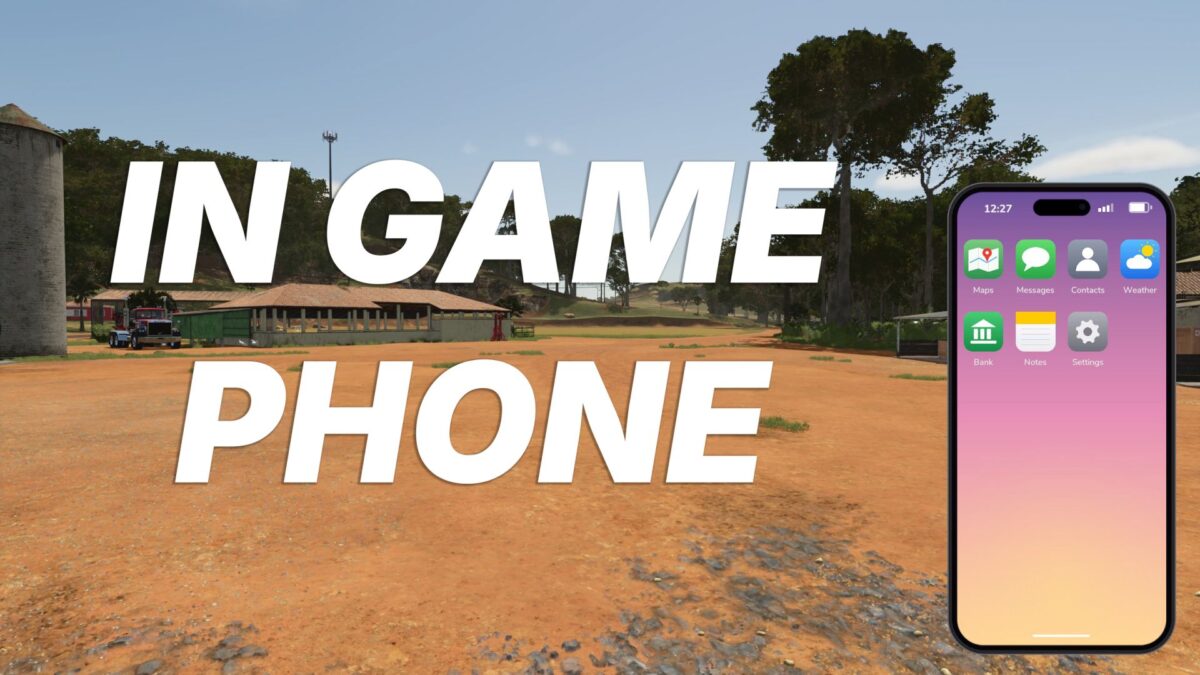
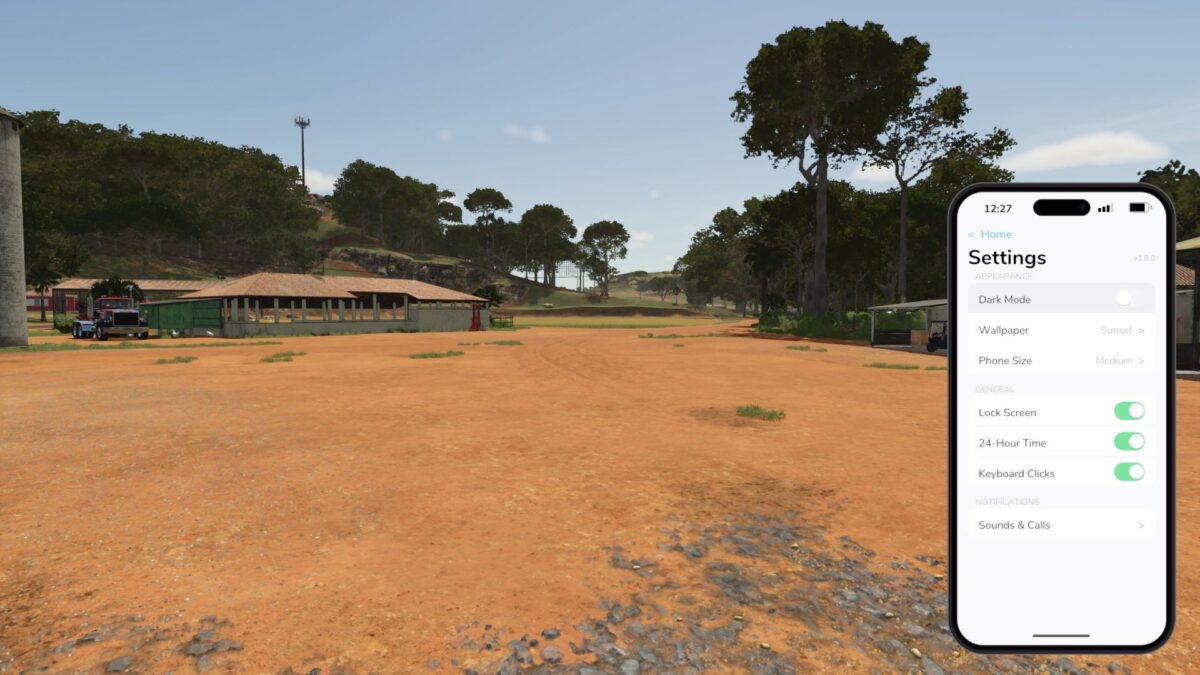
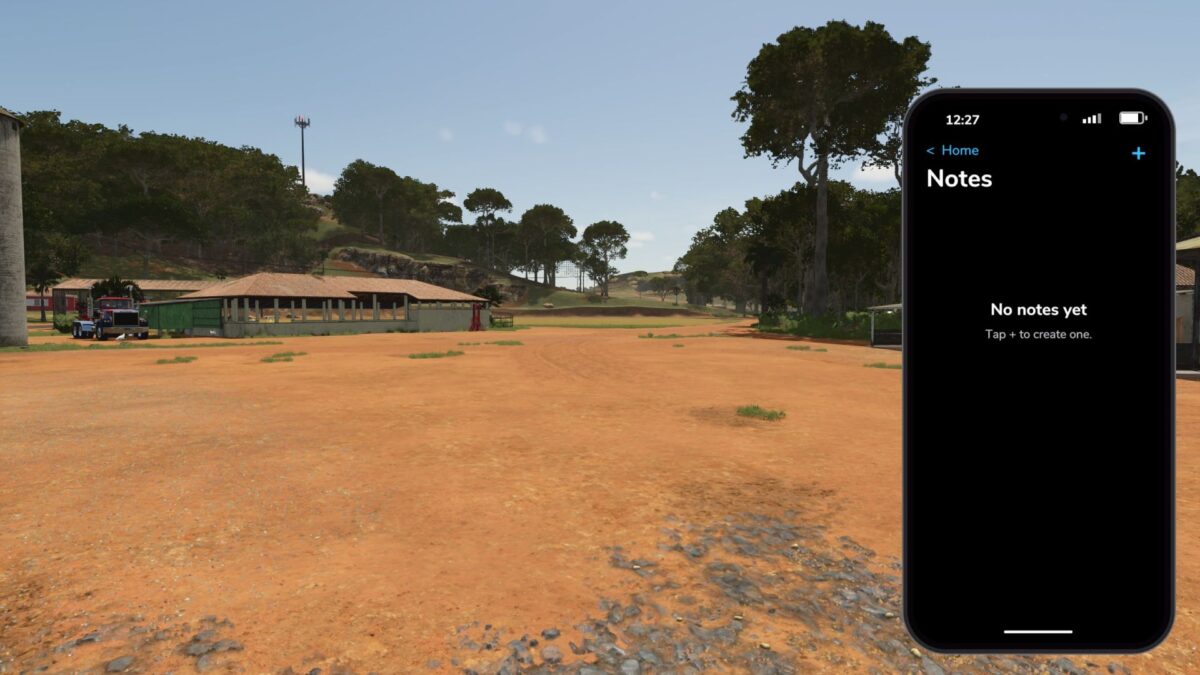
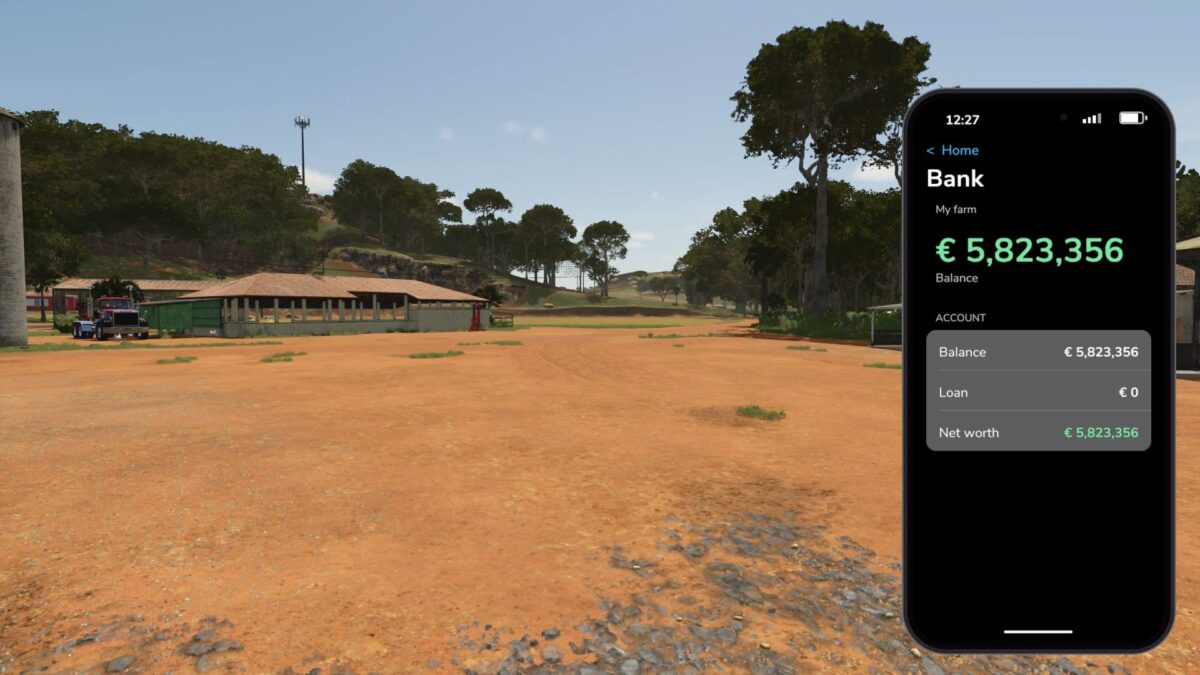
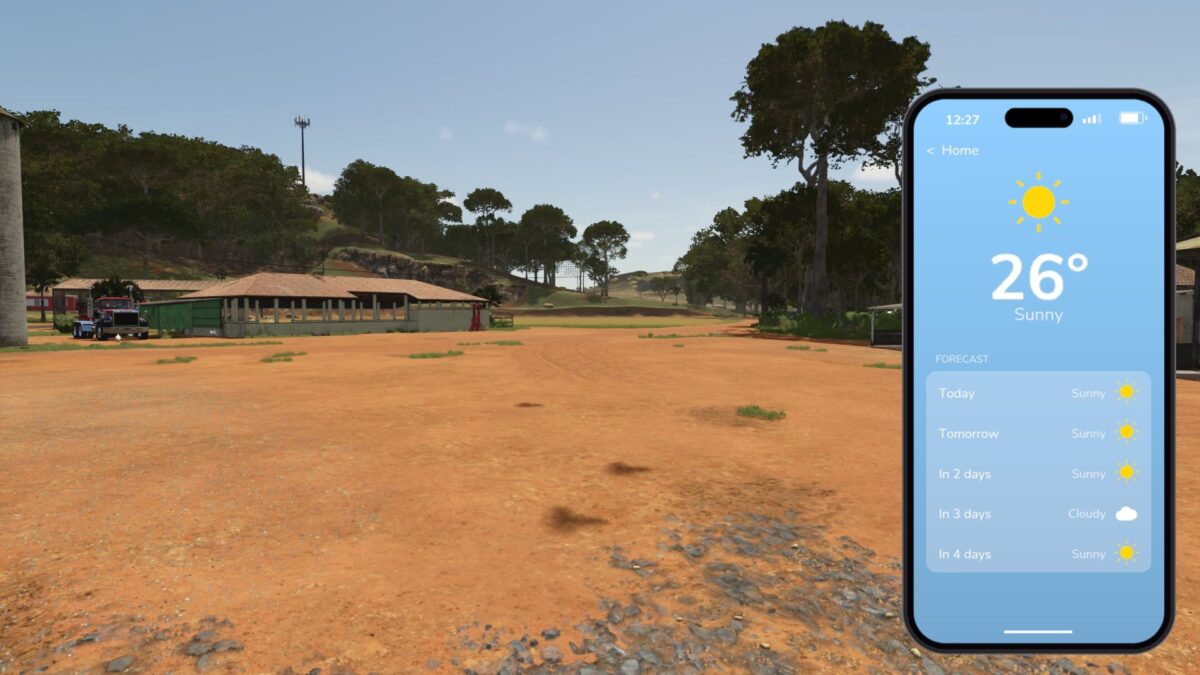
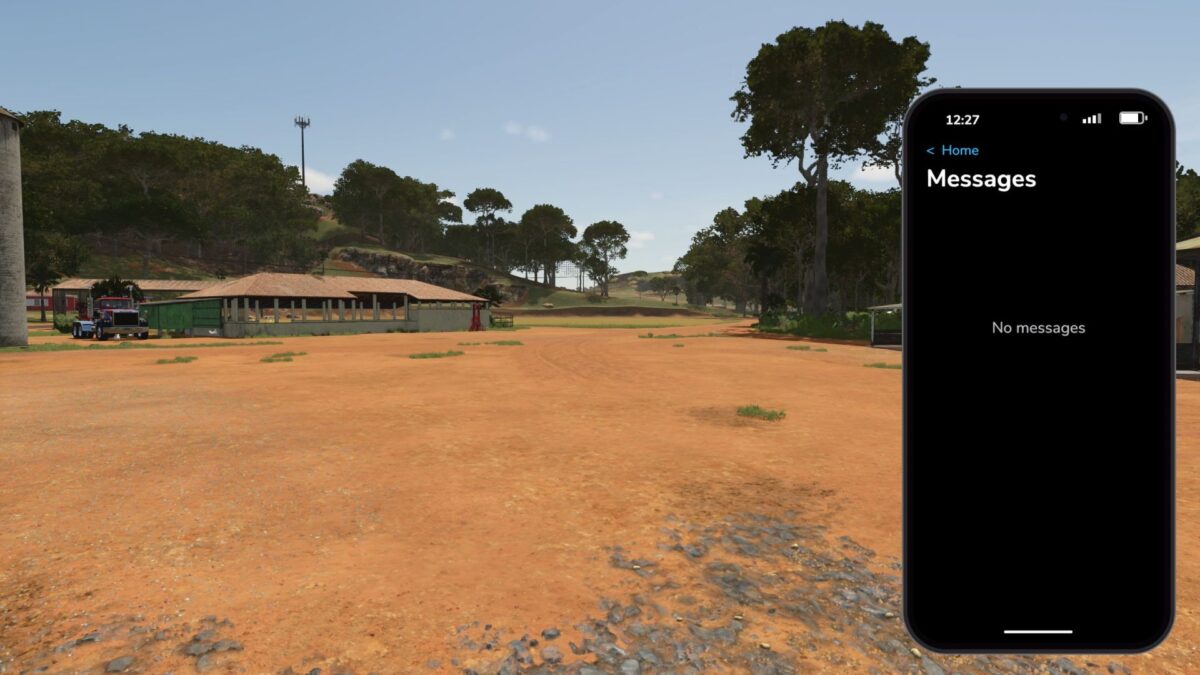
About the mod:

With this mod, you get your own smartphone directly in LS25!
The mobile phone offers you various practical functions that make your everyday gaming experience even more realistic and comfortable.

Key assignment: Numpad (can be changed in the settings)
Multiplayer not tested!

Current features:
Check the in-game time at any time
Open the calendar and keep track of appointments
Open the map directly on your phone
Write and save your own notes
Notifications will be displayed via SMS
Various standard mobile phone functions

What’s next?
The mod is still under development! Further features and improvements are already planned.
The phone will gradually be expanded with new possibilities.

Credits:
N3x0n_GER

How to install FS19 mods?

Firstly find a mod which you like and want to download. Then download a mod to your PC. Mods are usually in .zip format file. But sometimes it can be in .rar. If a mod file is a .zip format no needed additional actions. If a file is in .rar, then you must unarchive mod with software like WinRar or Zip7. Windows 10 users no need to use software for archives, Win10 itself has a feature to unarchive files.

The next step is to find mods folder in your PC. Usually, it is in Documents/My Games/Farming Simulator 19/2019. Open the "mods" folder and put downloaded .zip archive or unarchived .rar file to this folder.

Last step. Enjoy of FS19 mods!

Leave a Reply

Your email address will not be published. Required fields are marked *