

Advanced Leasing System v1.0.0.0

Advanced Leasing System v1.0.0.0
This mod allows the leasing of fields and factories.
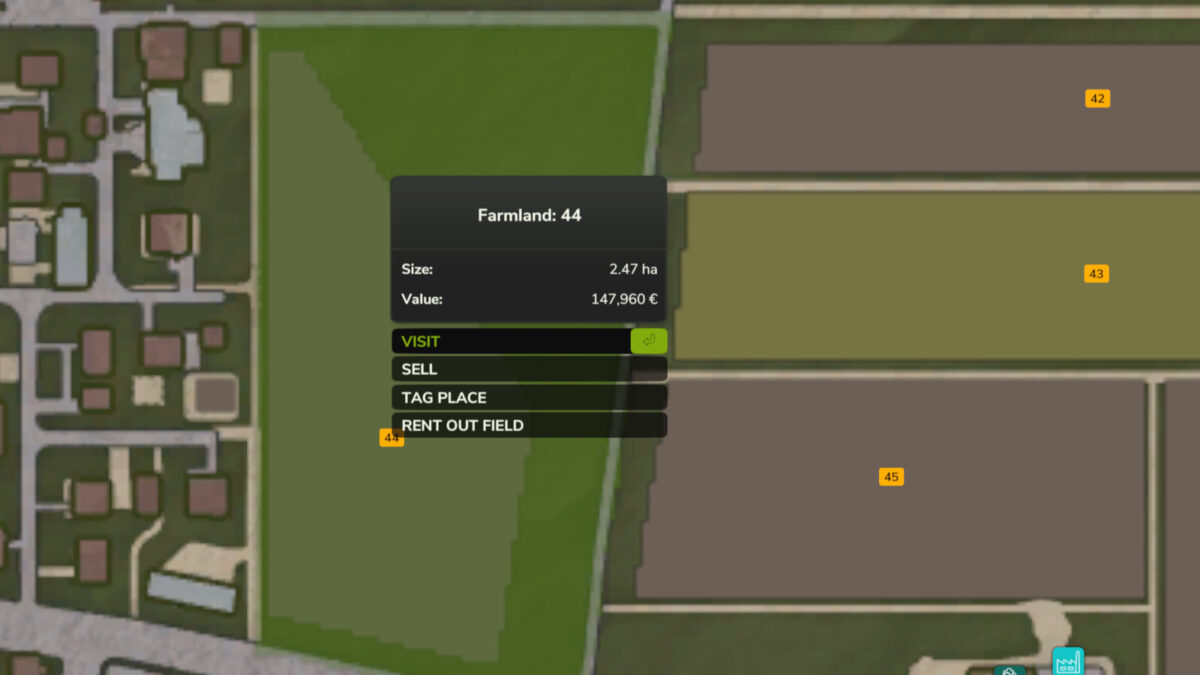
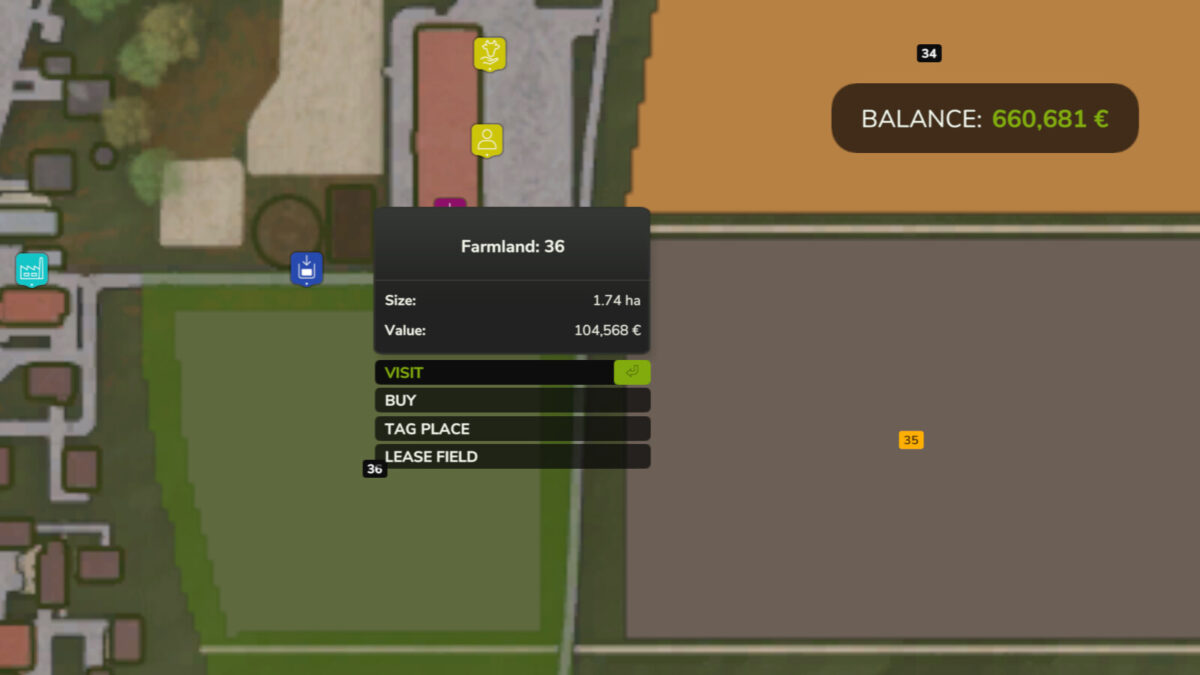
It is possible to rent fields that have not yet been bought by other players – for a fee and a minimum rental period defined in the settings.
Furthermore, you can rent out your own fields to other players or NPCs. You can choose the price and the minimum rental period yourself.
There is a dynamic probability that NPCs might not be interested in the field or land. Every month, an attempt is made to find a tenant for the field. As long as it has not yet been rented out, the offer can be withdrawn free of charge. The minimum rental period and payments only begin once a player or NPC has rented the field.
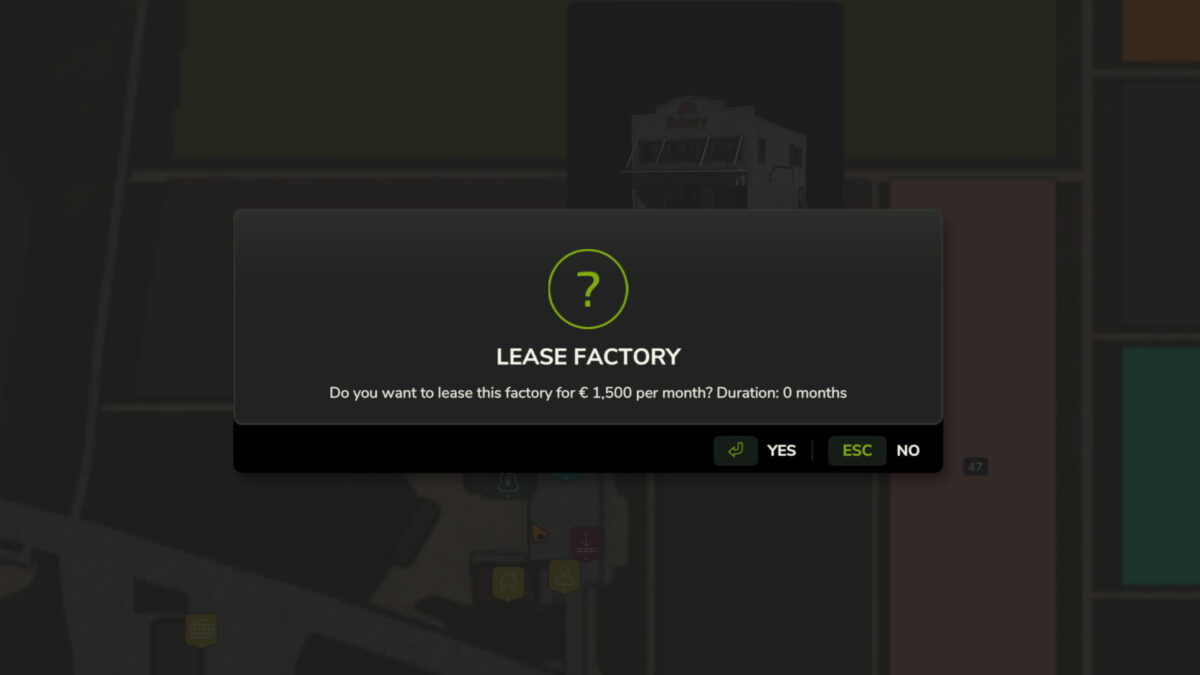
Renting out factories works in the exact same way. Factories that have been placed via the build menu can also be rented out. All transactions are handled directly via the map: simply click on the field or factory and select “Rent” or “Rent out”.
As a landlord, you lose access to the land or factory as soon as you start looking for a tenant.