

Starbuck, MN v1.2.6.0

Starbuck, MN v1.2.6.0
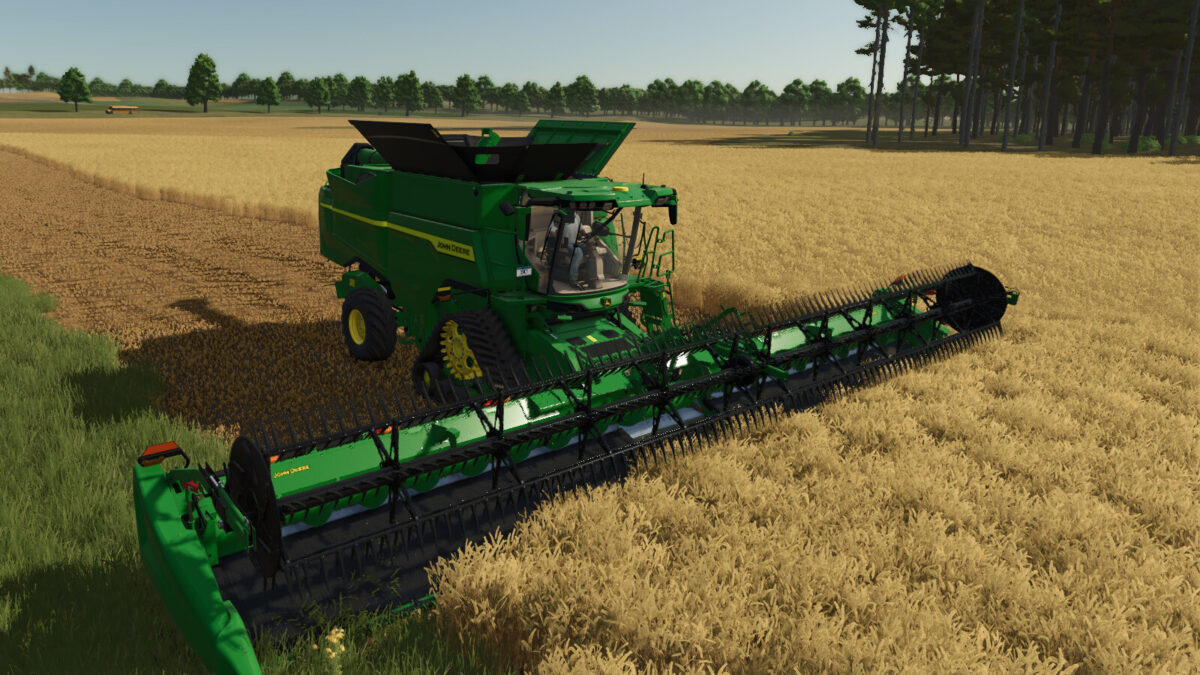
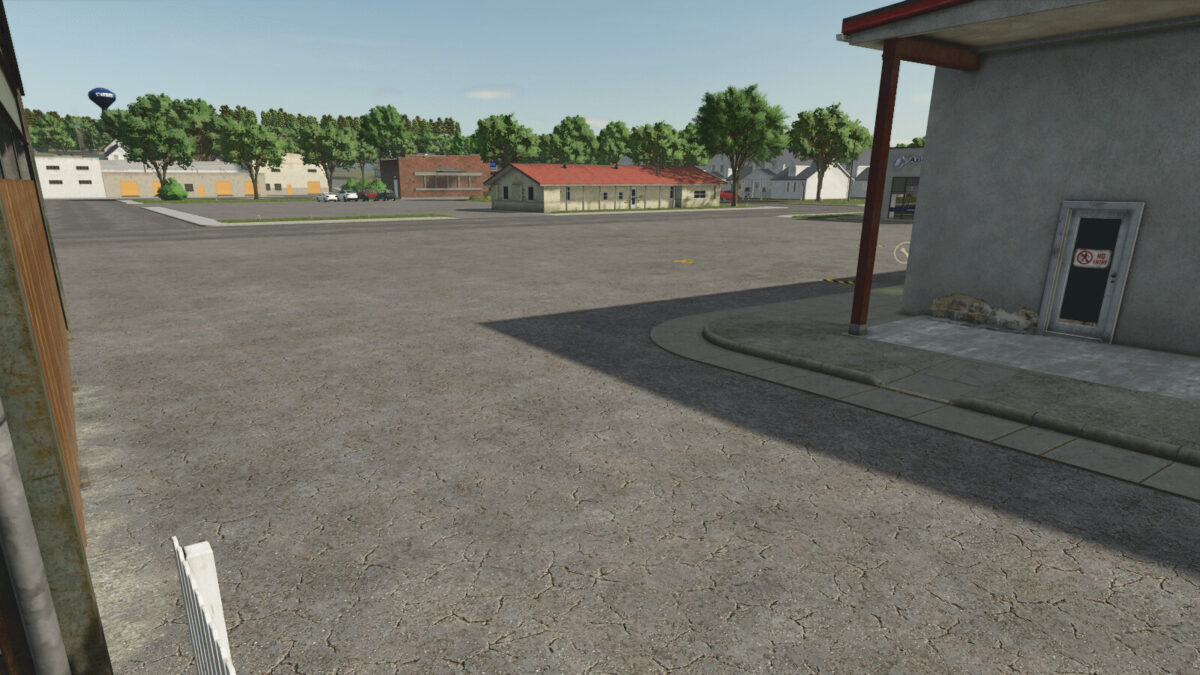
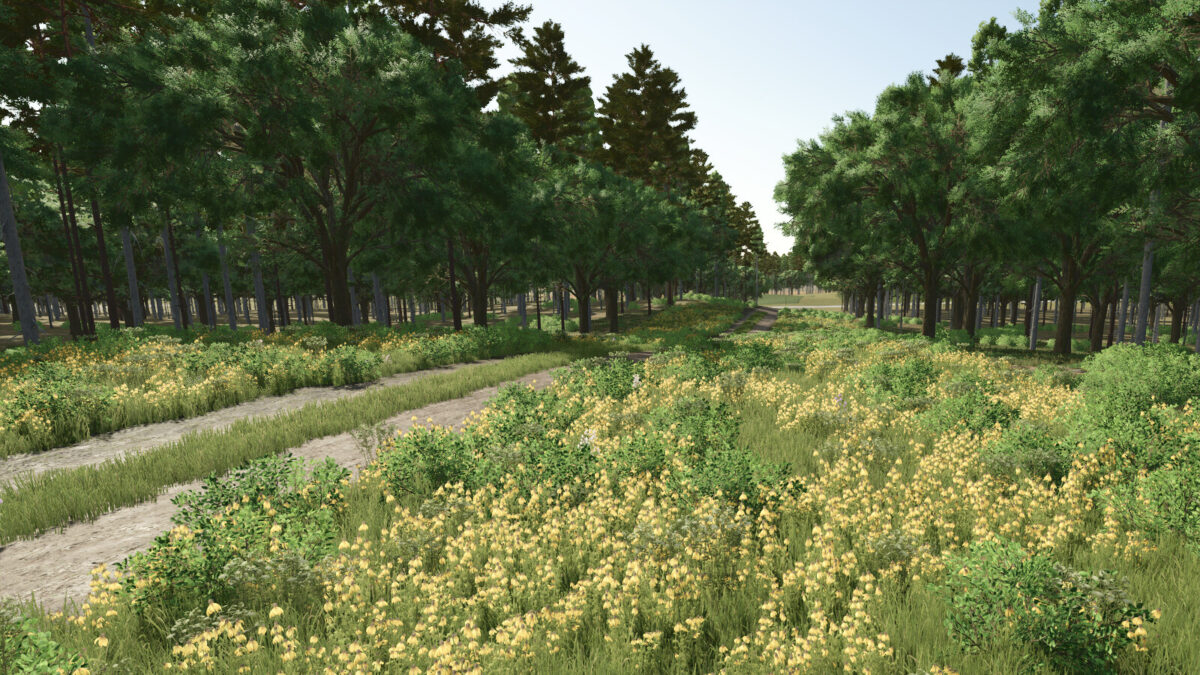
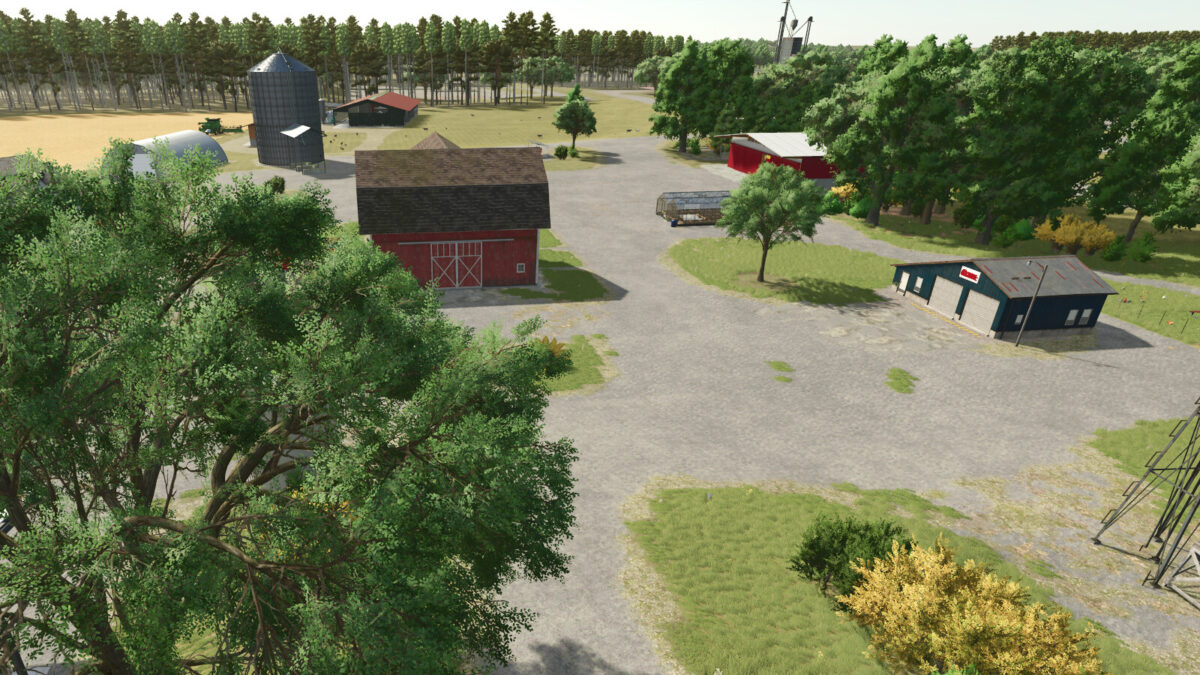
Starbuck is a rich slice of Minnesota farmland reimagined for Farming Simulator 25, blending small‑town charm with practical, gameplay‑focused design. The landscape features rolling Midwestern terrain, authentic field shapes, and a clean layout built for smooth progression in both singleplayer and multiplayer.
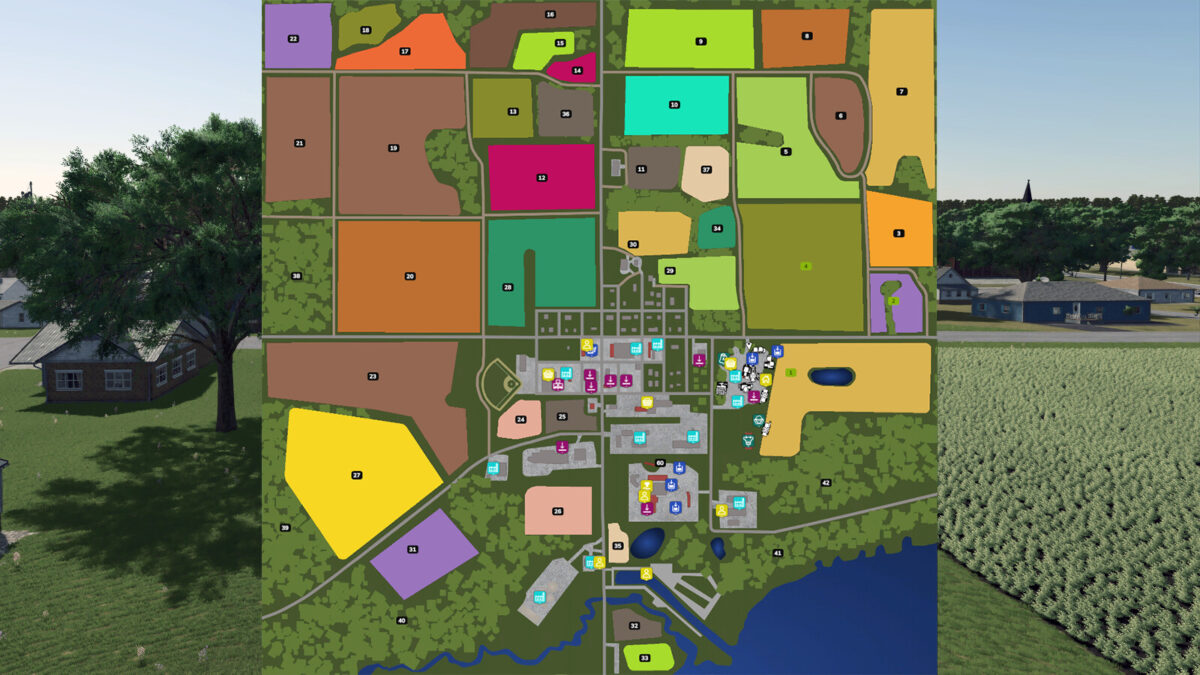
The map includes 44 farmlands, offering a wide range of field sizes and ownership paths. A scenic lakeside area adds visual character and anchors the map’s rural atmosphere, giving players a natural landmark to build around.
Key Features
– 44 farmlands with varied field sizes, shapes, and ownership options
– Scenic lake integrated into the terrain for added atmosphere
– Dynamic terrain designed for immersive machinery operation
– Production chains including dairy, grain mill, carpentry, and more
– Custom crops integrated into the economy and Precision Farming
– Custom PDA with a clean, readable layout and accurate road network
– Fictional farms tailored for both solo play and multiplayer starts
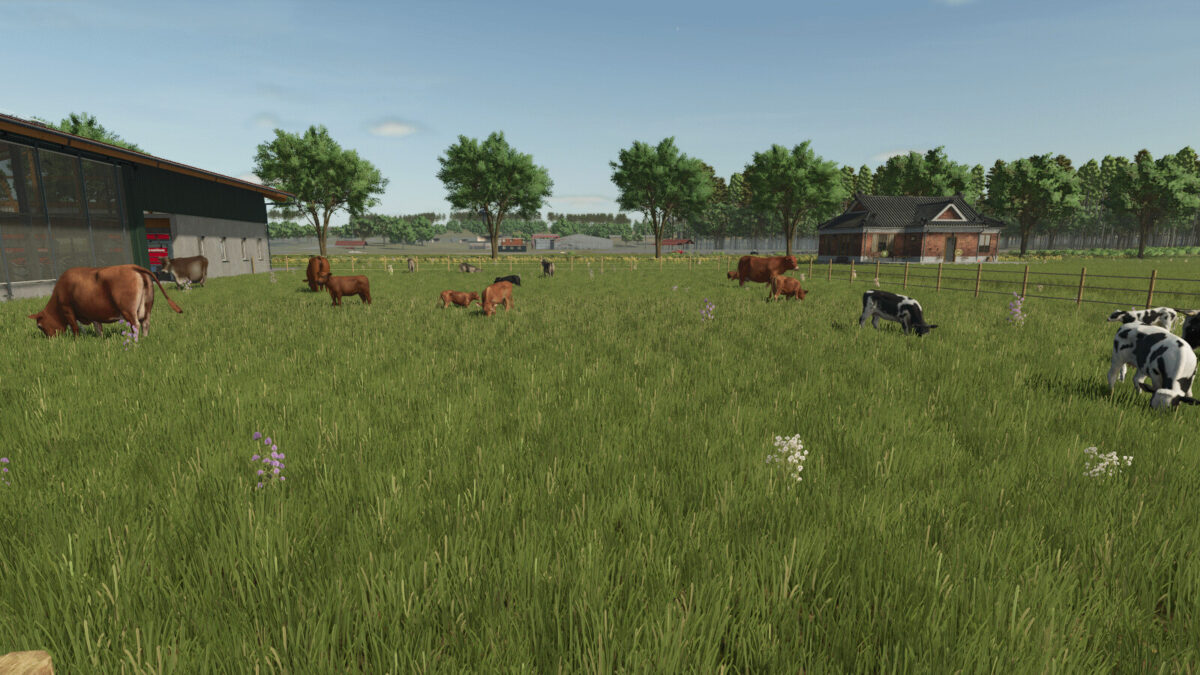
– Forestry, arable farming, and animal husbandry supported from day one
Whether you’re managing a quiet solo farm or building a cooperative operation with friends, Starbuck delivers a grounded, productive, and distinctly Minnesotan farming experience.
Starbuck Map Update
– Fixed random onion clusters spawning across the map.
– Removed redundant shape, I3D, and DDS files, reducing the mod size by over 100 MB.
– Reworked sidewalks so NPCs no longer sink while walking.
– Updated road markings to better match Starbuck roads.
– Reworked intersections with smoother curves for a more natural look.
– Added more curbs throughout residential areas.
– Church bells at noon and night now play for 2 minutes instead of 15.
– Baseball stadium audio now plays at 2 PM, 4 PM, and 6 PM, including Take Me Out to the Ball Game. No games during winter. Arrive a minute early for the full experience. Events last about 4 minutes.
– Added more decorative details around the marina.
– Removed unnecessary trees from Field 2.
– Made minor adjustments to Field 30.
– Enlarged Fields 1, 23, 26, and 31.
– Moved Fields 16 and 22 slightly away from the map edge.
– Converted the forest area at 38 into a new Field 38. Other forestry areas remain unchanged.
– Gave the dealership a Starbuck makeover.
– Added a lighted gas station sign that turns on at night.
NEW SAVE optional, but some trees will be gone.
Category: Maps