
Alpaca Spit v1.0
About the mod:
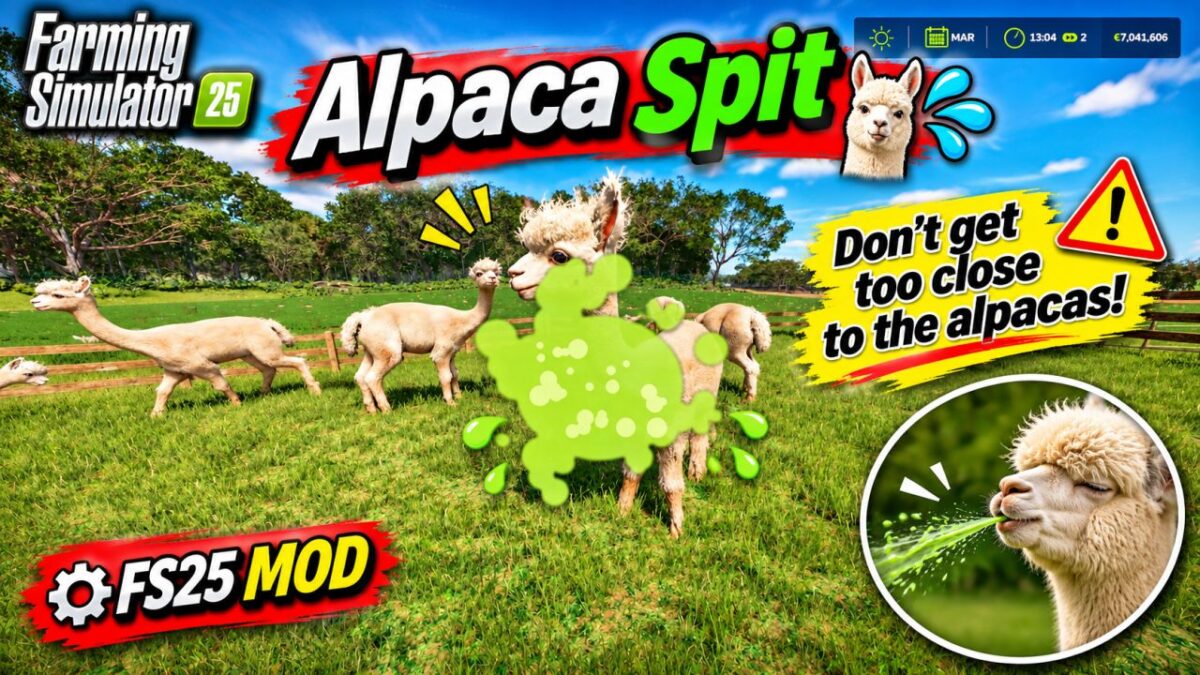
Don’t get too close to the alpacas.
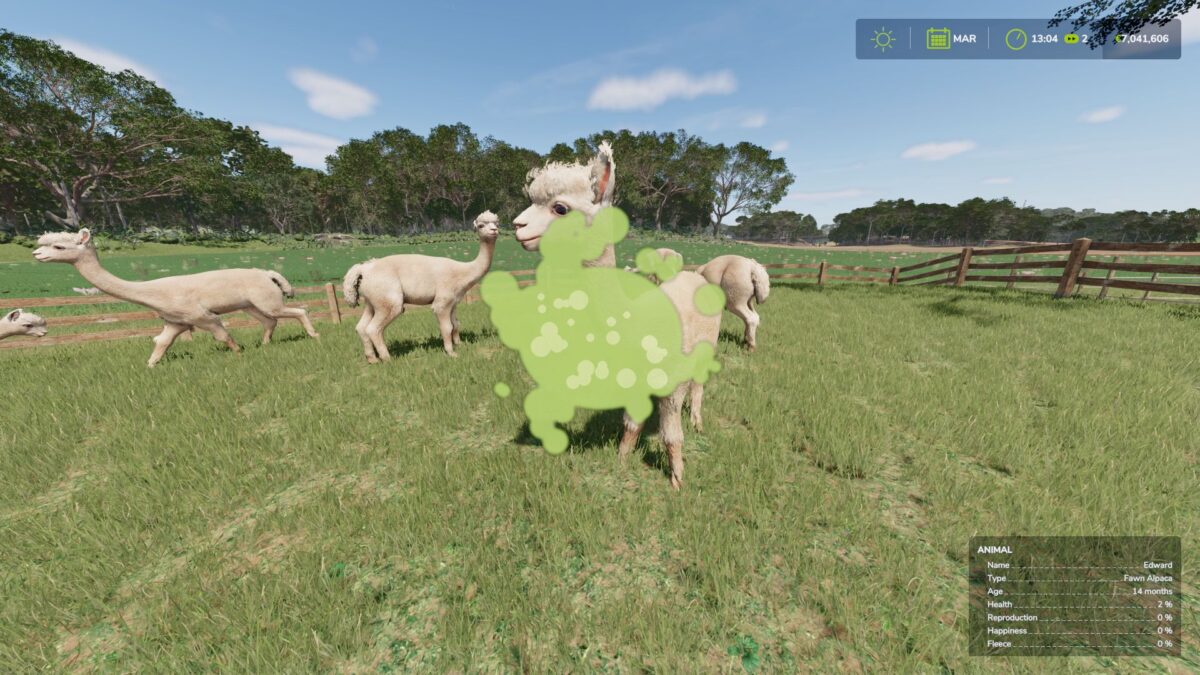
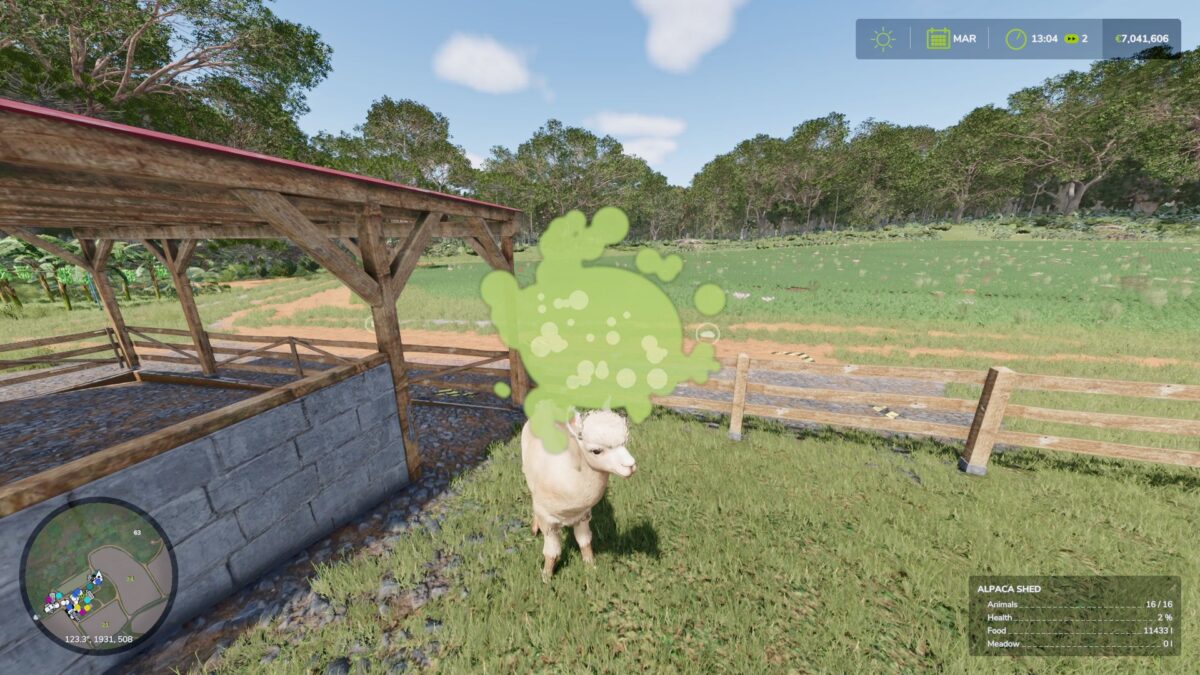
Walk up to an alpaca shed or stand next to the fence, and an alpaca may spit at you.
A splat appears on your screen and fades away after 3 seconds.
Features
Works with the animals of the Beans & Alpacas expansion
Works from outside the fence too
Replace images/scuipat.png to use your own splat image
Multiplayer ready: each player sees their own splat
Requires the Beans & Alpacas expansion.
Credits:
OGFSMODDING
How to install FS19 mods?
Firstly find a mod which you like and want to download. Then download a mod to your PC. Mods are usually in .zip format file. But sometimes it can be in .rar. If a mod file is a .zip format no needed additional actions. If a file is in .rar, then you must unarchive mod with software like WinRar or Zip7. Windows 10 users no need to use software for archives, Win10 itself has a feature to unarchive files.
The next step is to find mods folder in your PC. Usually, it is in Documents/My Games/Farming Simulator 19/2019. Open the "mods" folder and put downloaded .zip archive or unarchived .rar file to this folder.
Last step. Enjoy of FS19 mods!