Motorway Variable Message Sign System v2.3.0.1

FS25 mods

Motorway Variable Message Sign System v2.3.0.1
About the mod:

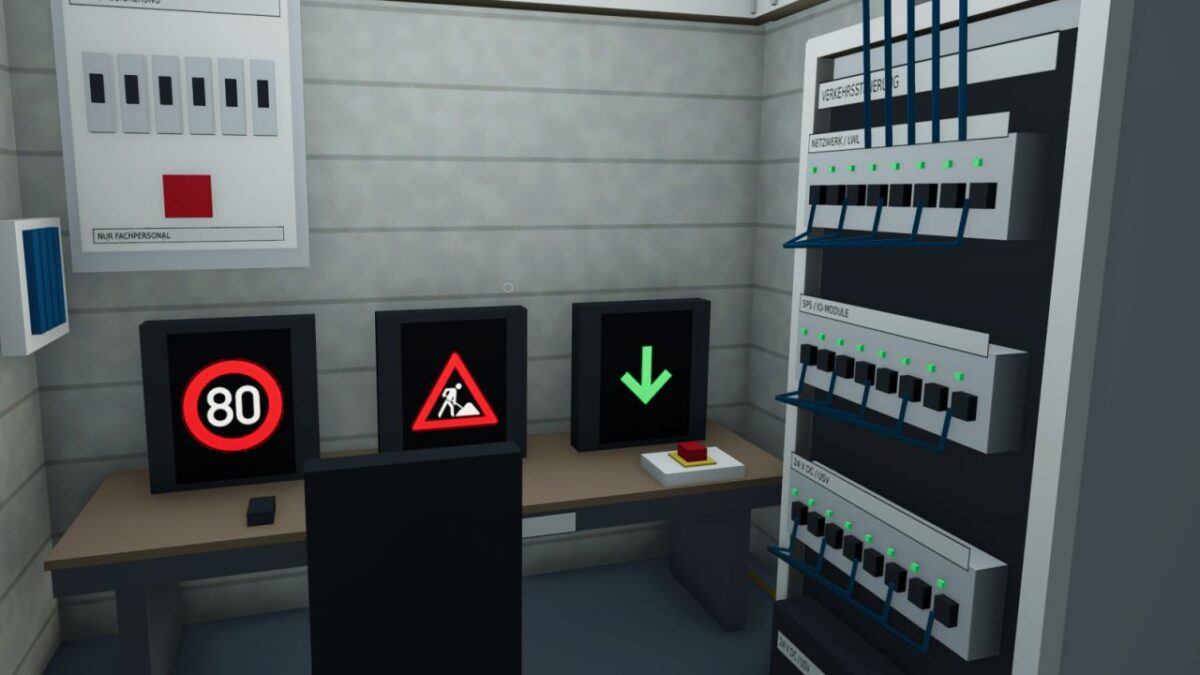
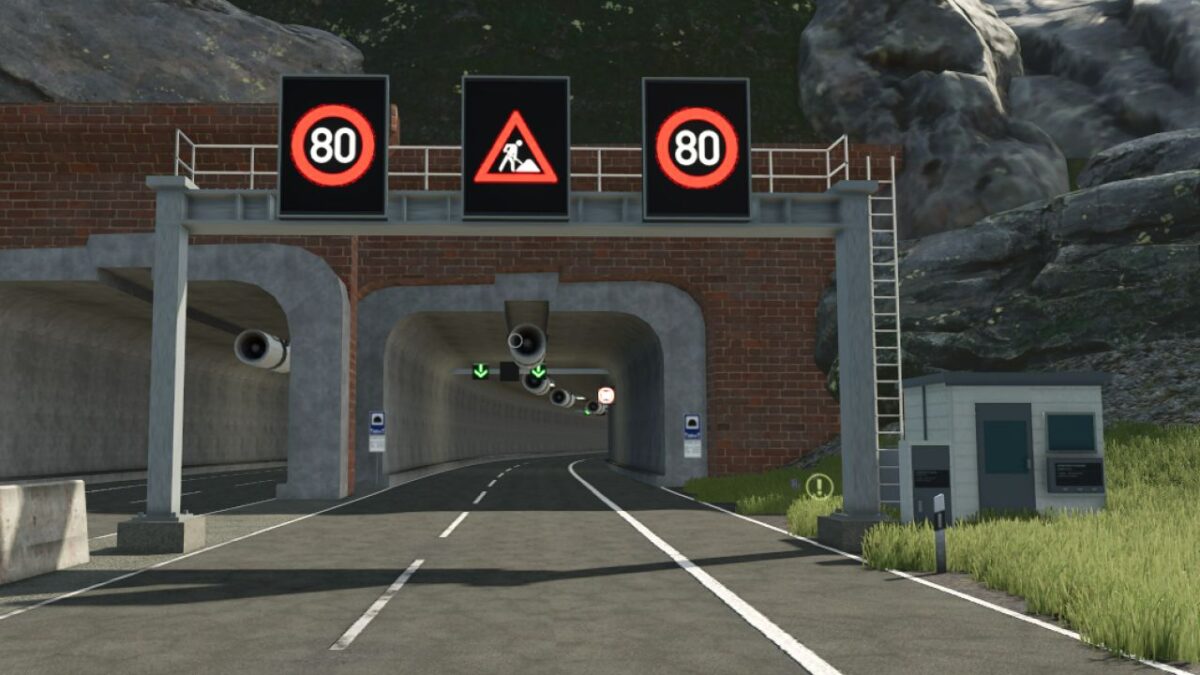
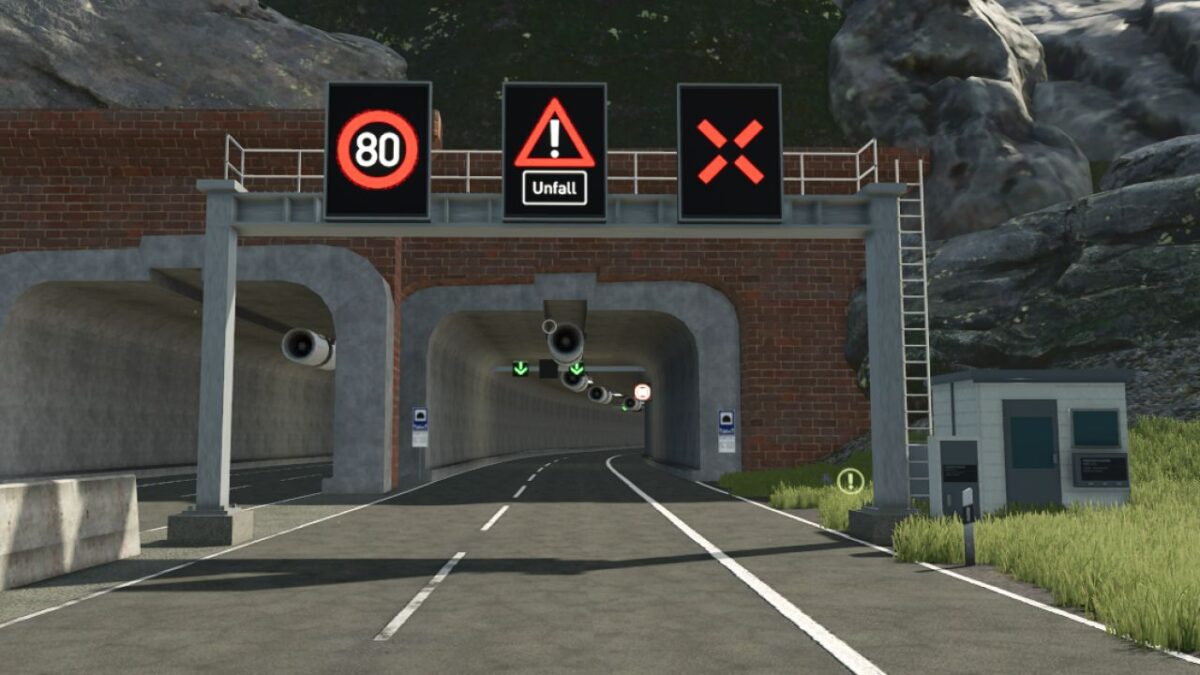
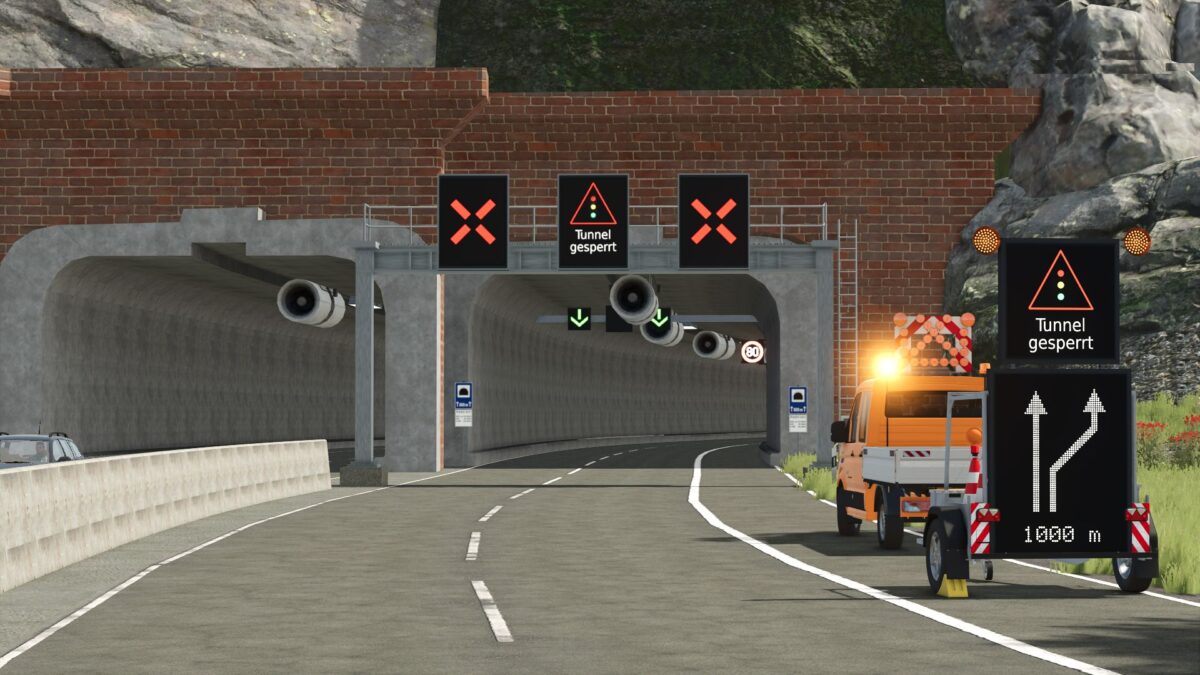
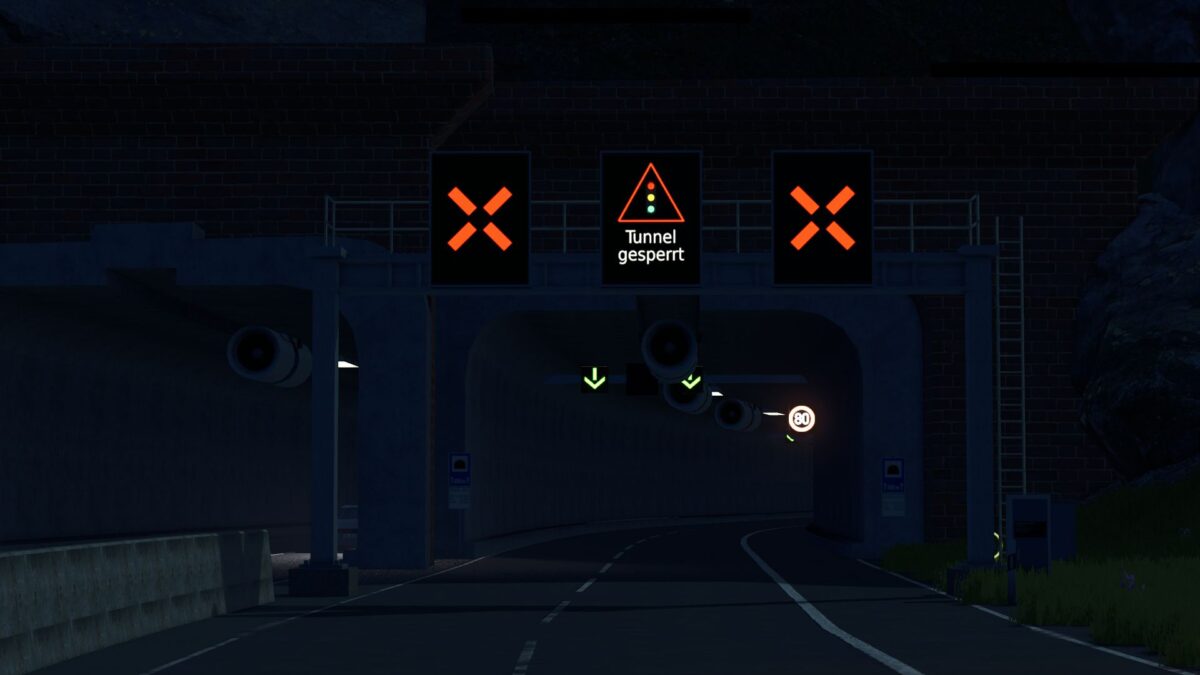
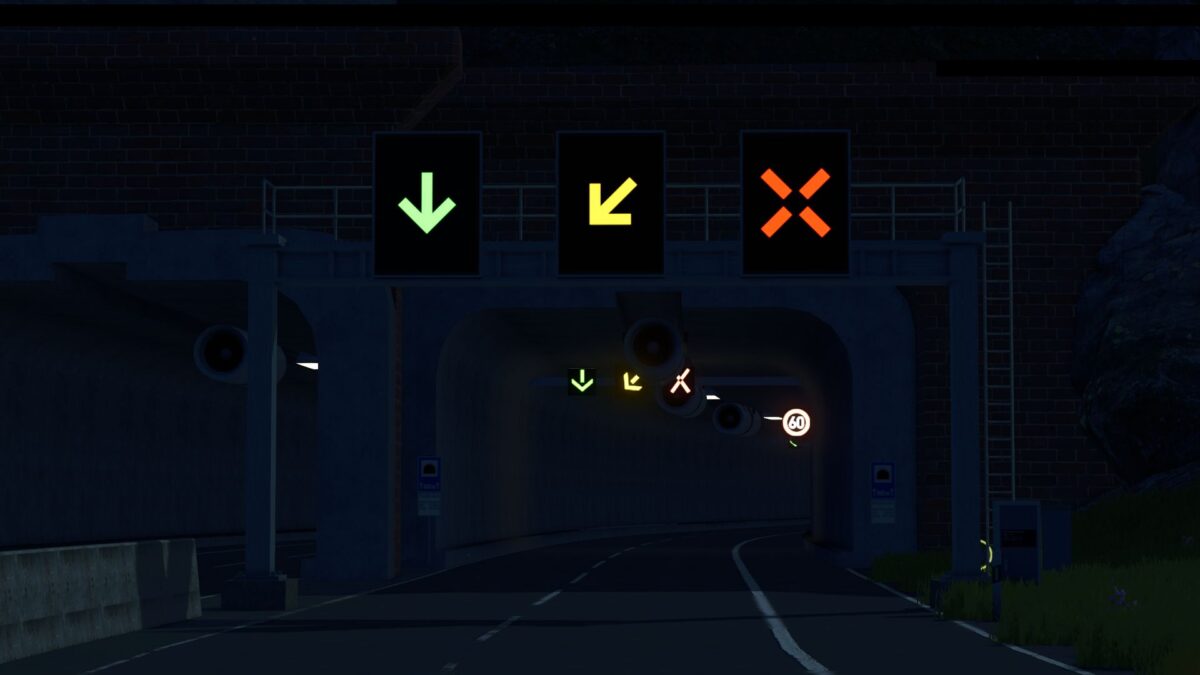
Motorway variable message sign system with control center, Secure construction sites, accident scenes and closed lanes with a three lane LED sign gantry.
The displays can be controlled individually or via ready made operation templates.

– 23 HD motifs plus blank display mode
– Speed limits, construction site, accident, traffic jam and other warning signs
– Closure cross, direction arrows and hard shoulder opening
– Separately placeable control center with technical interior and opening door
– Operation via Ctrl + F11 or directly at the terminal
– Saving of the configured displays
– Multiplayer support
– No additional mods required

Prices: Sign gantry €7,000, control center €1,800.

Version 2.3.0.1:
* Add collision
* Add a selling option

Credits:
Hessen Modding, Modding Keller, SamOfGaming

How to install FS19 mods?

Firstly find a mod which you like and want to download. Then download a mod to your PC. Mods are usually in .zip format file. But sometimes it can be in .rar. If a mod file is a .zip format no needed additional actions. If a file is in .rar, then you must unarchive mod with software like WinRar or Zip7. Windows 10 users no need to use software for archives, Win10 itself has a feature to unarchive files.

The next step is to find mods folder in your PC. Usually, it is in Documents/My Games/Farming Simulator 19/2019. Open the "mods" folder and put downloaded .zip archive or unarchived .rar file to this folder.

Last step. Enjoy of FS19 mods!

Leave a Reply

Your email address will not be published. Required fields are marked *