

Agro Deal v1.0

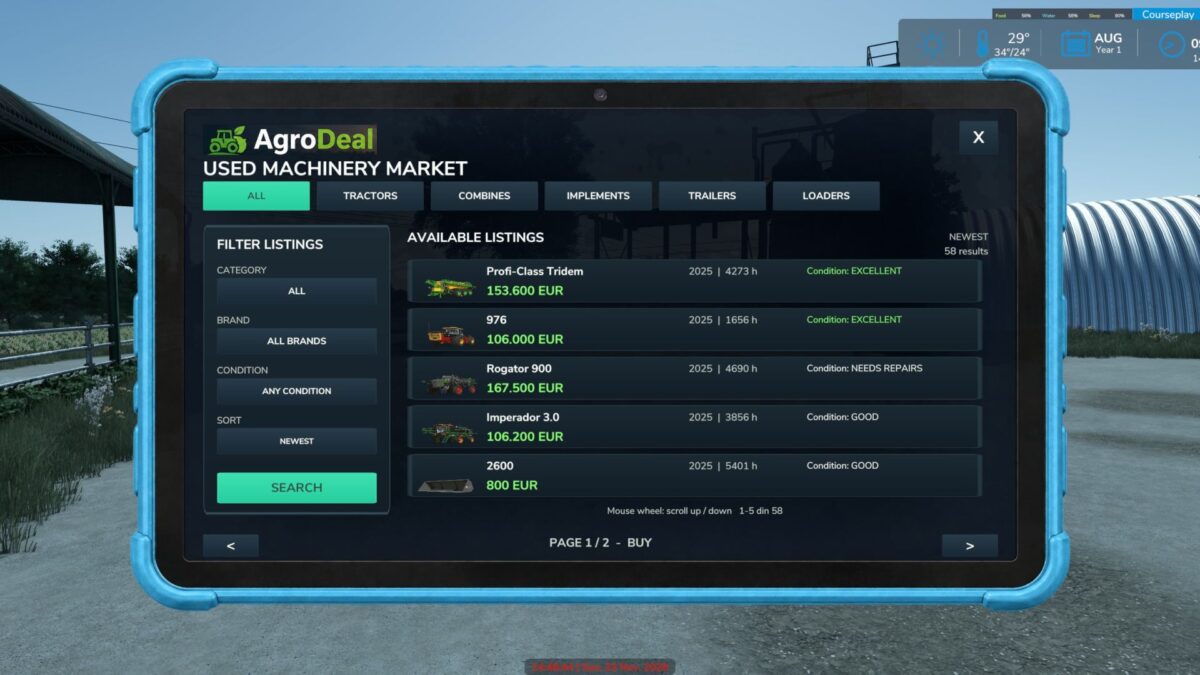
Agro Deal v1.0
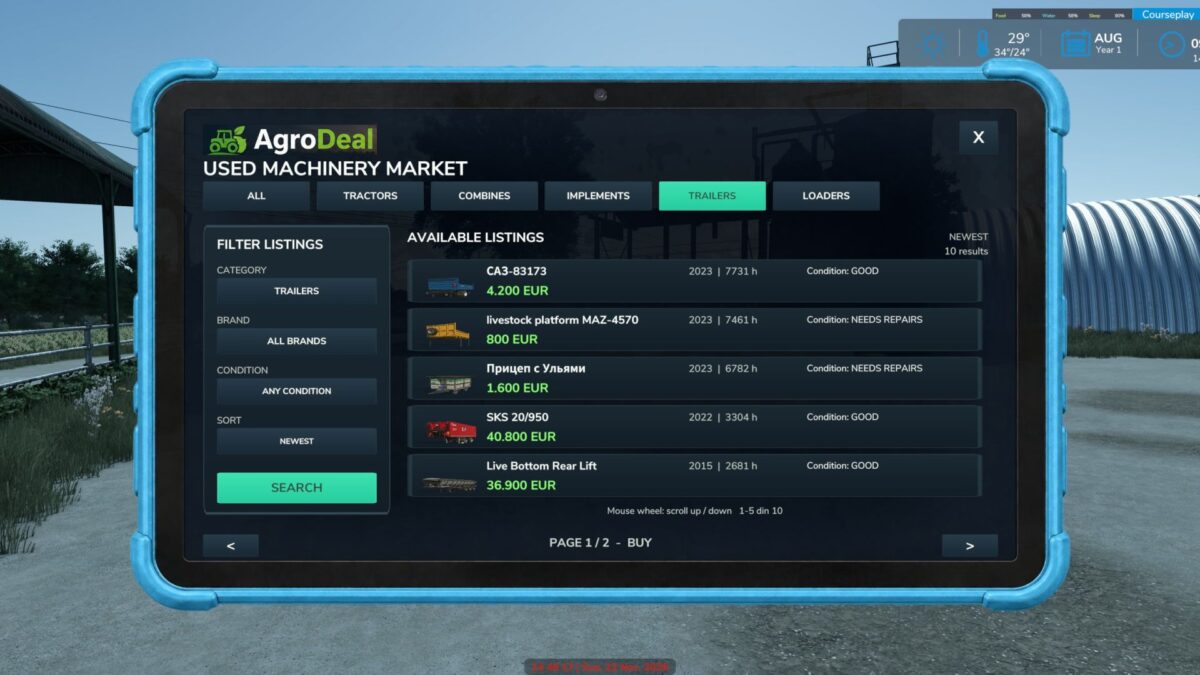
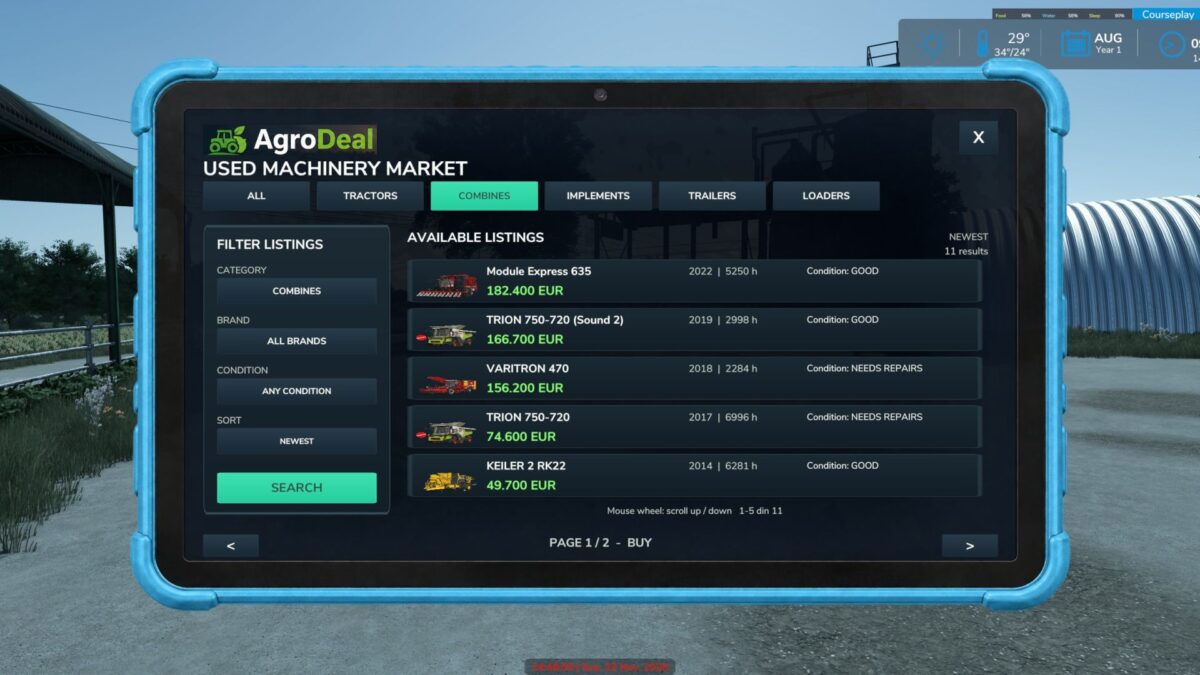
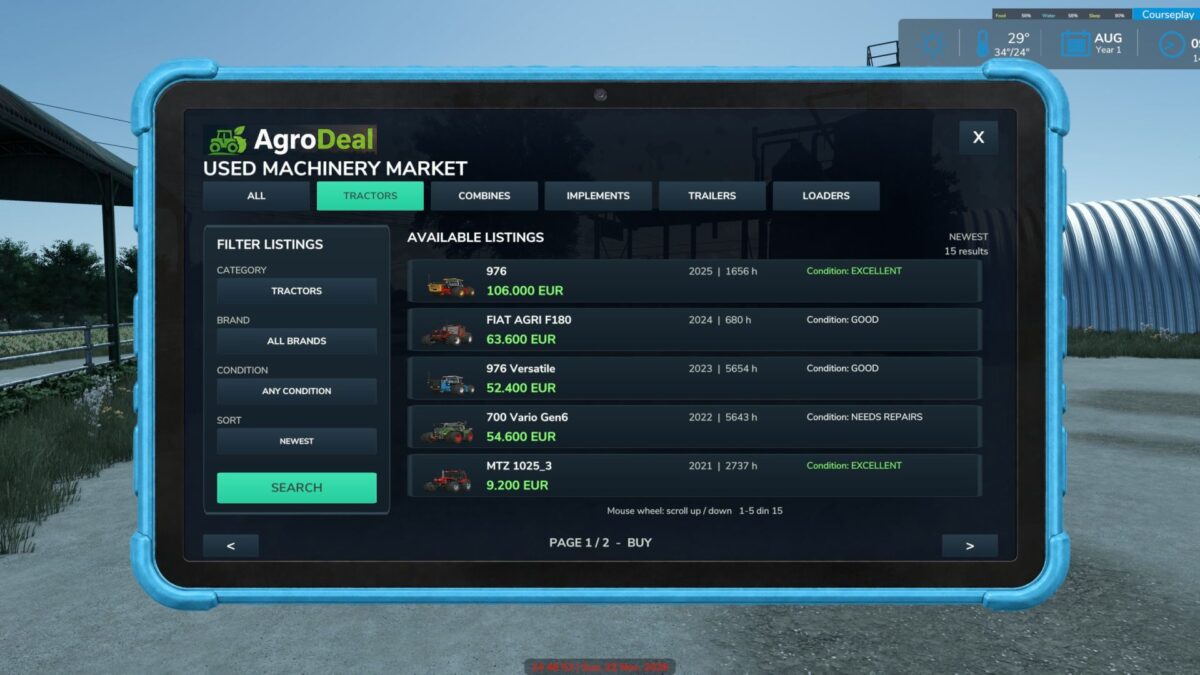
AgroDeal brings a more advanced and realistic experience to Farming Simulator 25, changing the way players interact with the machinery market and manage their farm equipment.
The mod is designed to integrate naturally into the gameplay and has connections with Farm Mechanic, creating a broader system where buying, selling, managing, and maintaining agricultural machinery become part of a more immersive farming experience.
Features
Dedicated AgroDeal system for agricultural machinery
Integration and connections with Farm Mechanic
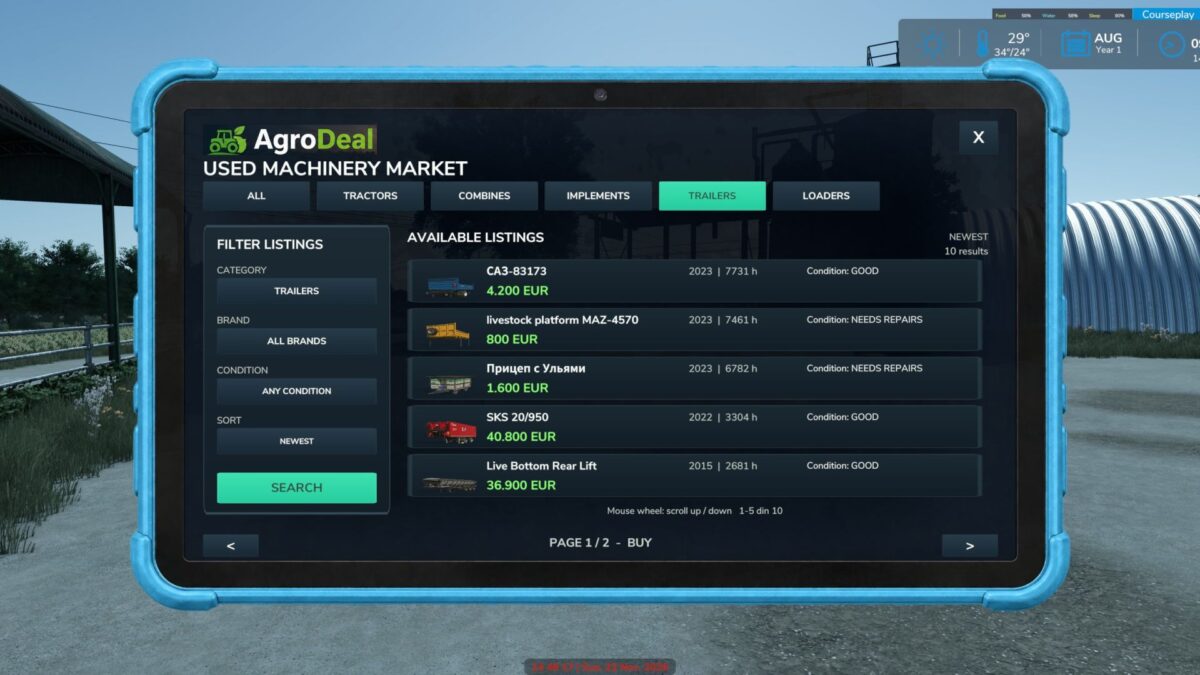
Enlarged tablet interface for improved visibility, readability, and easier navigation
Realism-focused gameplay
Multi-language support
Designed for Farming Simulator 25
Single-player focused — multiplayer support has been discontinued
Note: Multiplayer support has been removed to focus on a more stable and refined single-player experience.
BETA
Enlarged tablet interface for improved visibility, readability, and easier navigation
Realism-focused gameplay
Multi-language support
Designed for Farming Simulator 25
Single-player focused multiplayer support has been discontinued
Note: Multiplayer support has been removed to focus on a more stable and refined single-player experience.