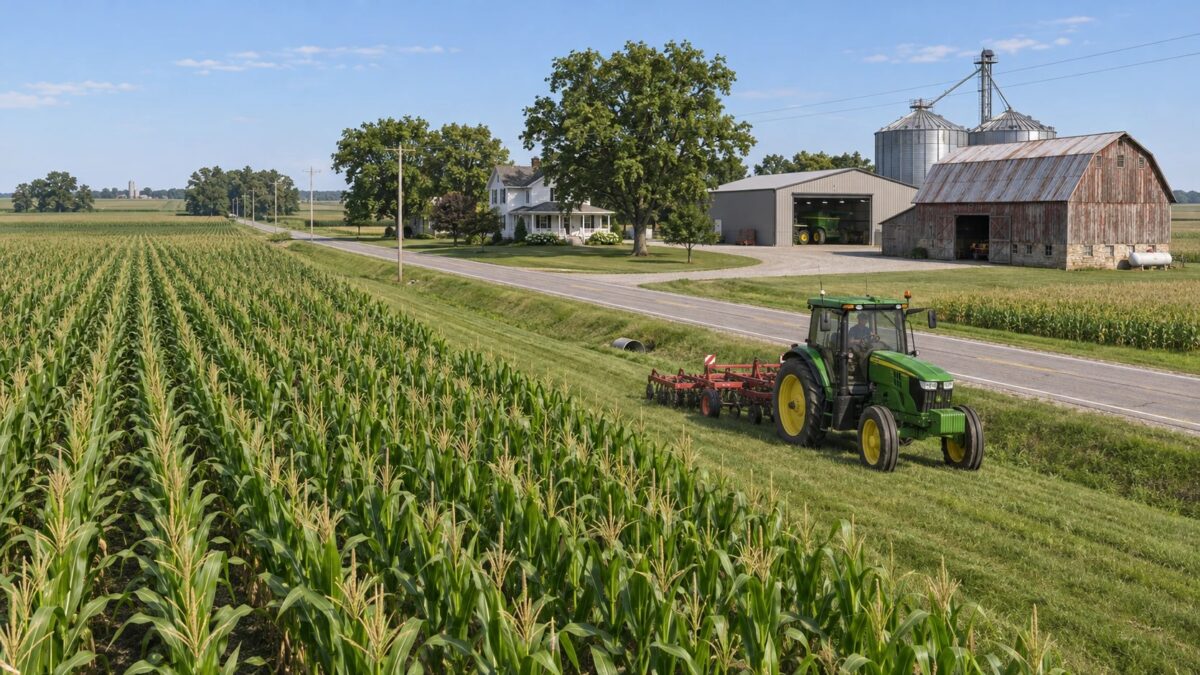
Bunch Family Farms Map v1.0
About the mod:
A 4X Farming Simulator 25 map, built from real farmland in western Ohio.
You start with your own farm and grow it out from there.
Straight country roads, drainage ditches, small woodlots between fields, and older farm buildings mixed in with newer steel sheds.
This map is set up for ThundR’s Row Crop System, so your crops are planted in real rows.
You need the Row Crop System mod installed to use it.
Credits:
Outdoor Overland
How to install FS19 mods?
Firstly find a mod which you like and want to download. Then download a mod to your PC. Mods are usually in .zip format file. But sometimes it can be in .rar. If a mod file is a .zip format no needed additional actions. If a file is in .rar, then you must unarchive mod with software like WinRar or Zip7. Windows 10 users no need to use software for archives, Win10 itself has a feature to unarchive files.
The next step is to find mods folder in your PC. Usually, it is in Documents/My Games/Farming Simulator 19/2019. Open the "mods" folder and put downloaded .zip archive or unarchived .rar file to this folder.
Last step. Enjoy of FS19 mods!