Vocal and Visual GPS v1.0

FS25 mods

Vocal and Visual GPS v1.0
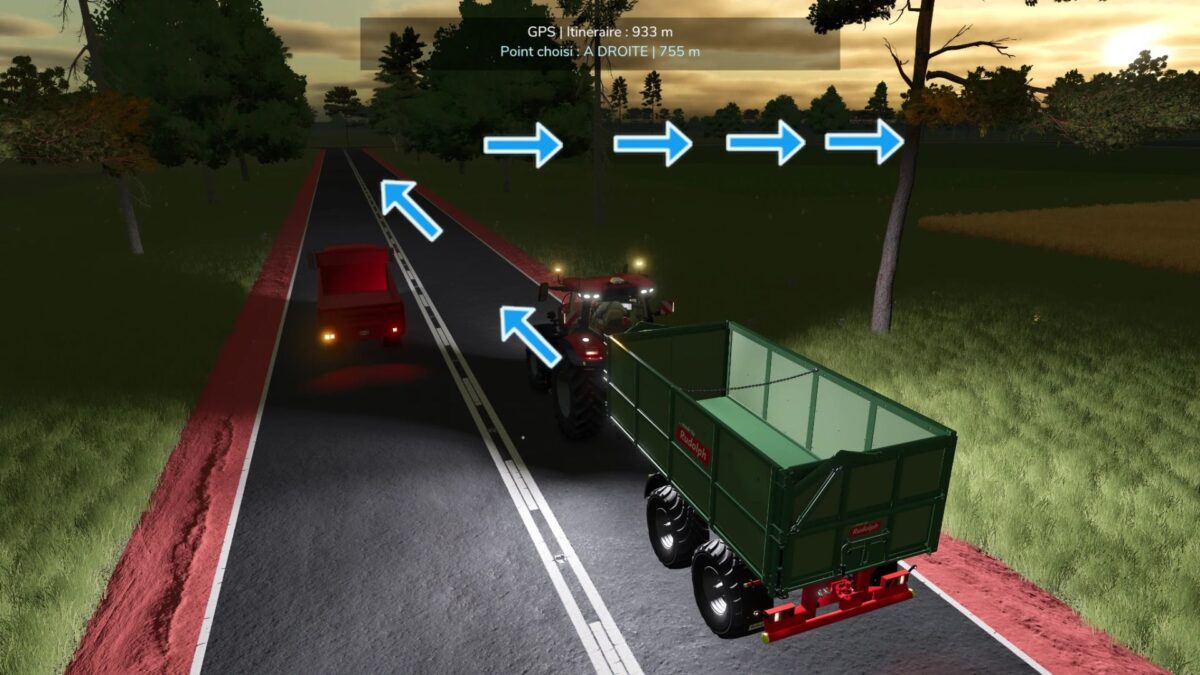
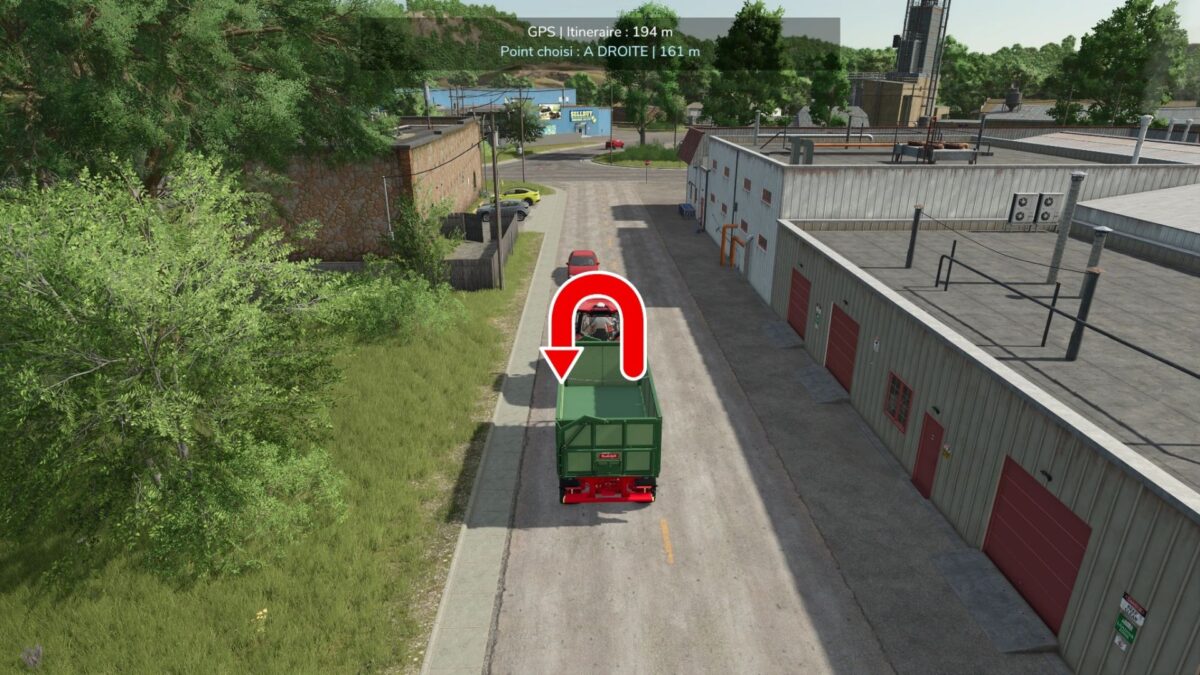
About the mod:

VoiceArrow GPS – Voice and visual GPS for Farming Simulator 25
VoiceArrow GPS is a navigation system designed to make getting around in Farming Simulator 25 easier.
It combines visual guidance with voice instructions in French to help players reach their destination.

FEATURES:
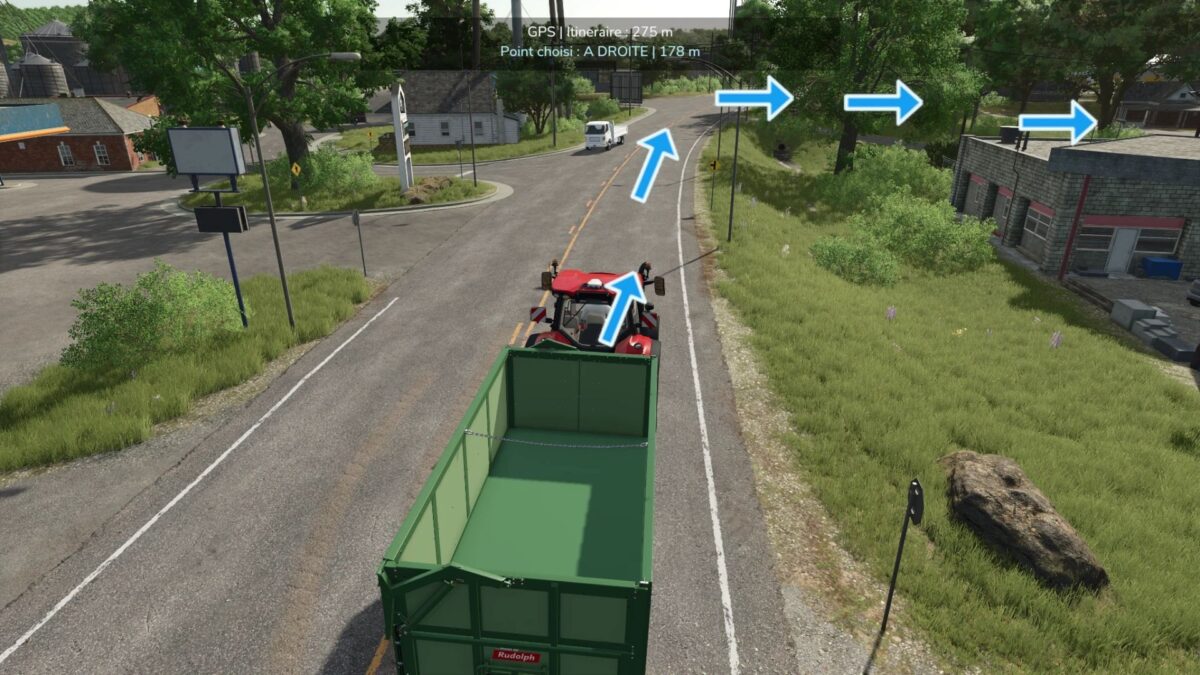
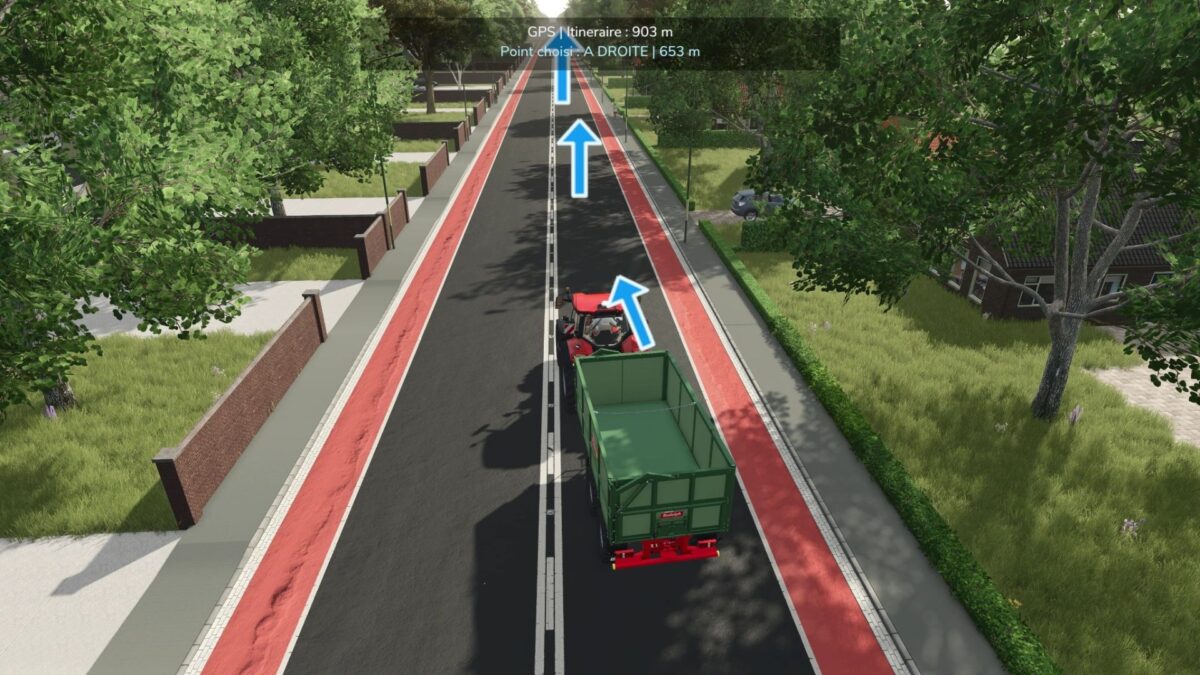
Visual guidance with blue points and arrows displayed on the ground.
Voice instructions in French.
Display of the distance to the destination.
Select a destination directly on the map.
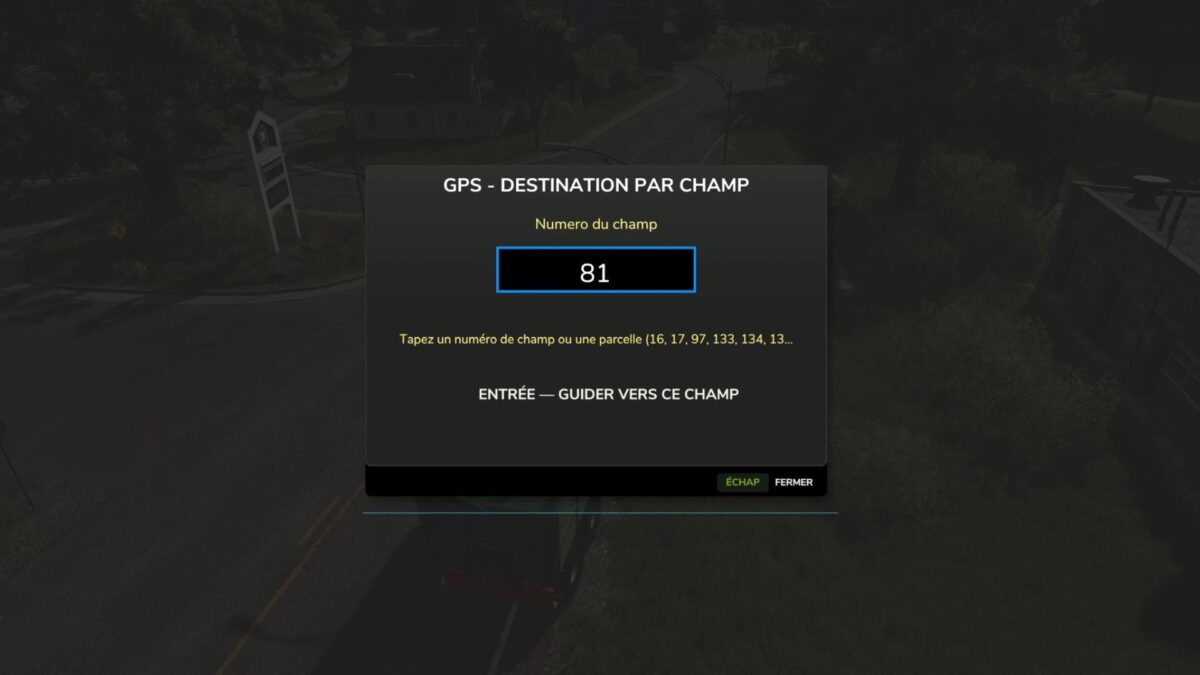
Guidance to fields.
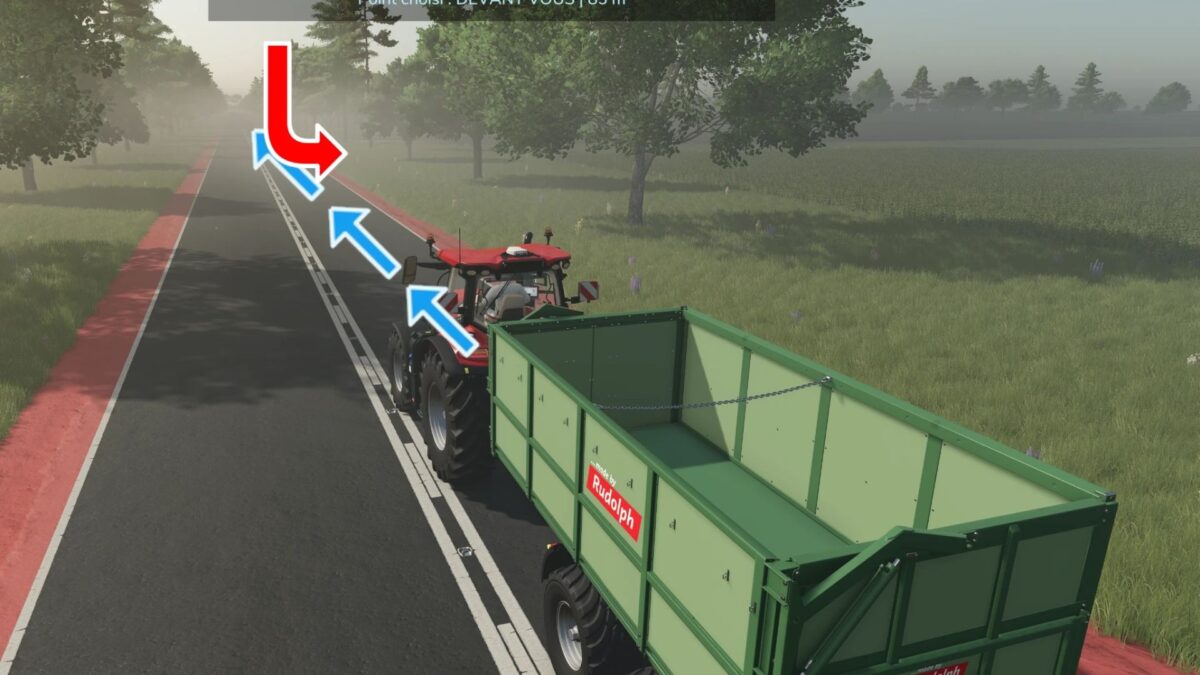
Direction change indications.
Red arrow to signal U-turns.
Route recalculation based on the vehicle’s position.
Use in single-player and multiplayer.

ACCESSIBILITY:
VoiceArrow GPS was also developed to make navigation easier for visually impaired players by combining audio and visual indications.

INFORMATION:
Game: Farming Simulator 25
Name: VoiceArrow GPS
Version: 1.0.0.0

Credits:
Lolo Farm

How to install FS19 mods?

Firstly find a mod which you like and want to download. Then download a mod to your PC. Mods are usually in .zip format file. But sometimes it can be in .rar. If a mod file is a .zip format no needed additional actions. If a file is in .rar, then you must unarchive mod with software like WinRar or Zip7. Windows 10 users no need to use software for archives, Win10 itself has a feature to unarchive files.

The next step is to find mods folder in your PC. Usually, it is in Documents/My Games/Farming Simulator 19/2019. Open the "mods" folder and put downloaded .zip archive or unarchived .rar file to this folder.

Last step. Enjoy of FS19 mods!

Leave a Reply

Your email address will not be published. Required fields are marked *