

Cultivator Plow Function v1.0

Cultivator Plow Function v1.0
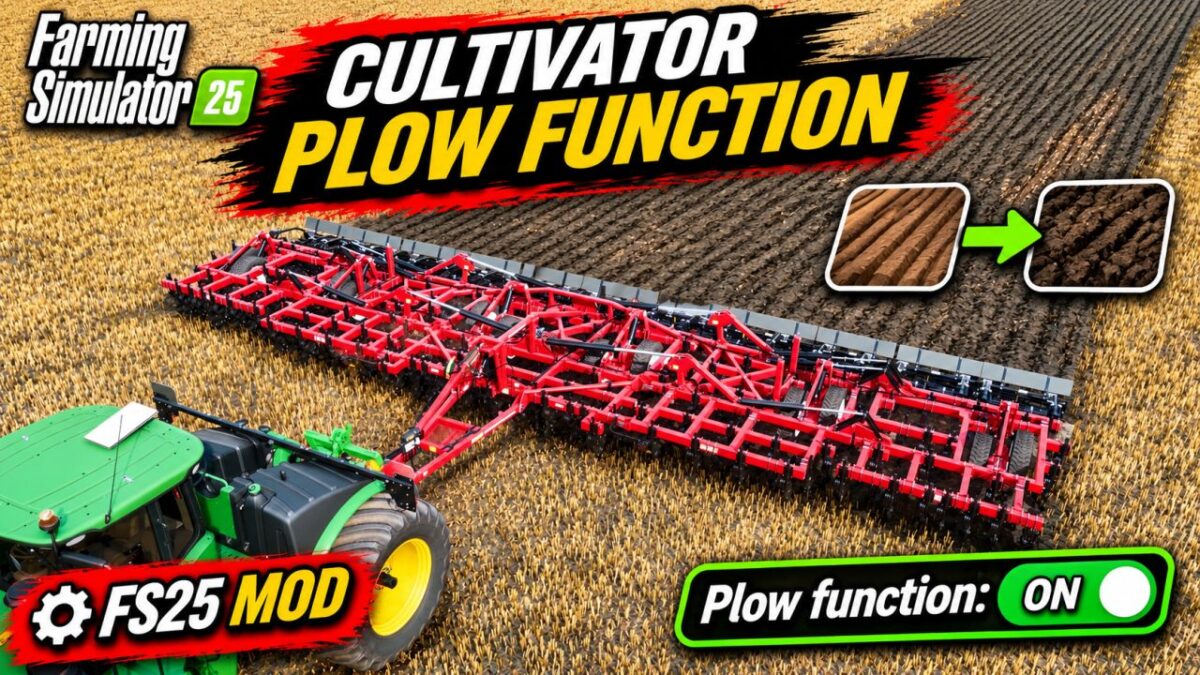
Want to plow with your cultivator or disc harrow? Now you can!
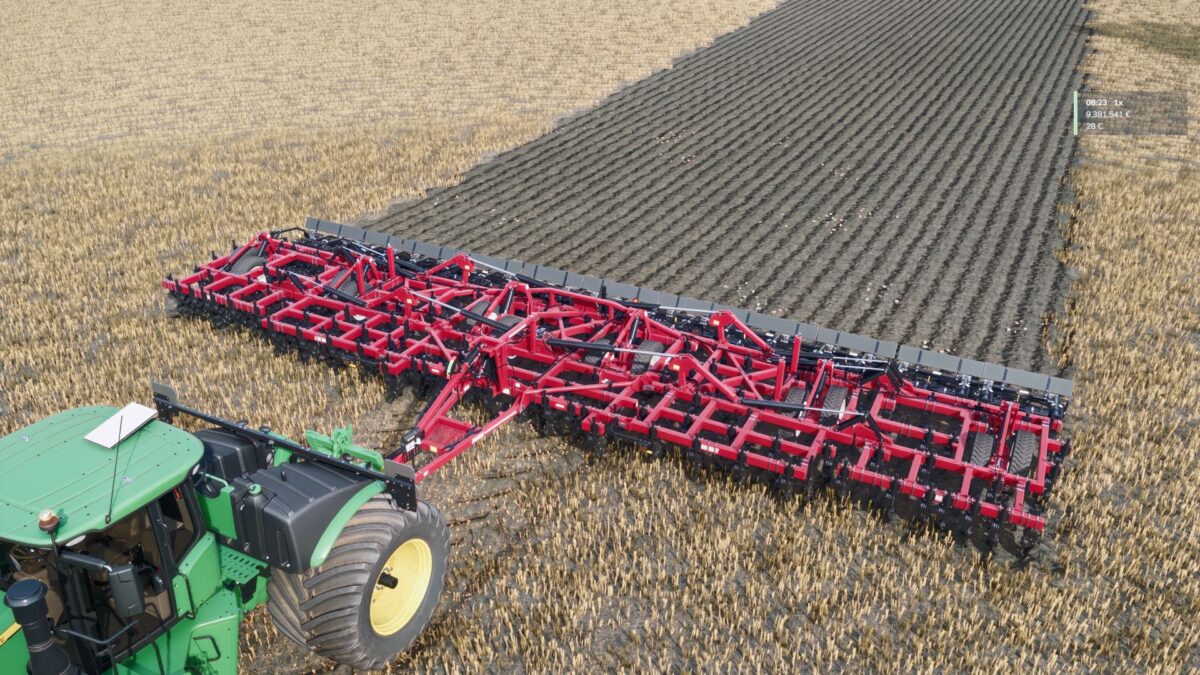
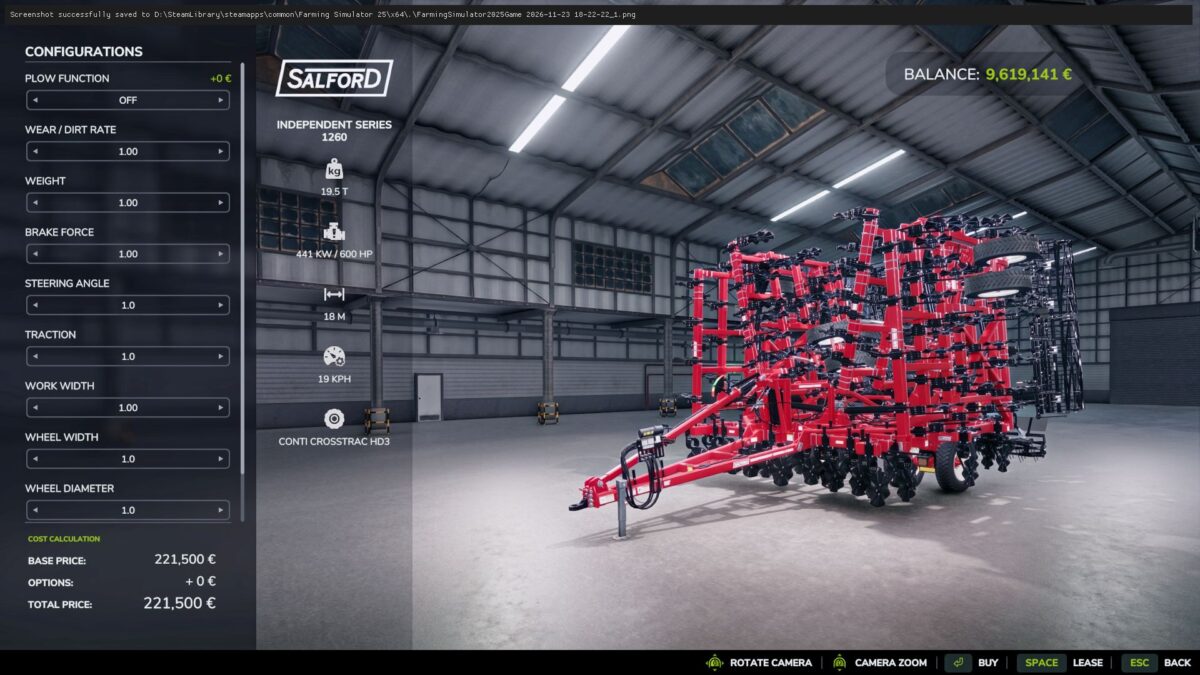
This mod adds a new configuration option, Plow function (Off / On), to every cultivator and disc harrow, in the shop and in the workshop. When it is On, the implement plows the ground (plowed ground state) instead of just cultivating it.
Works with ALL cultivators and discs, base game and modded
Simple Off / On choice in the shop and in the workshop reconfigure screen
No XML edits needed, just install and play
Default is Off, so nothing changes until you choose it
Multiplayer supported
Languages: English, German, Romanian
Option price: 5% of the implement price
How to use:
Open the shop and pick a cultivator or a disc harrow
Set Plow function to On
Buy it and go plow your fields!
For an implement you already own, use the workshop to reconfigure it.