

2018 Isuzu NPR (Autoload) v 1.2

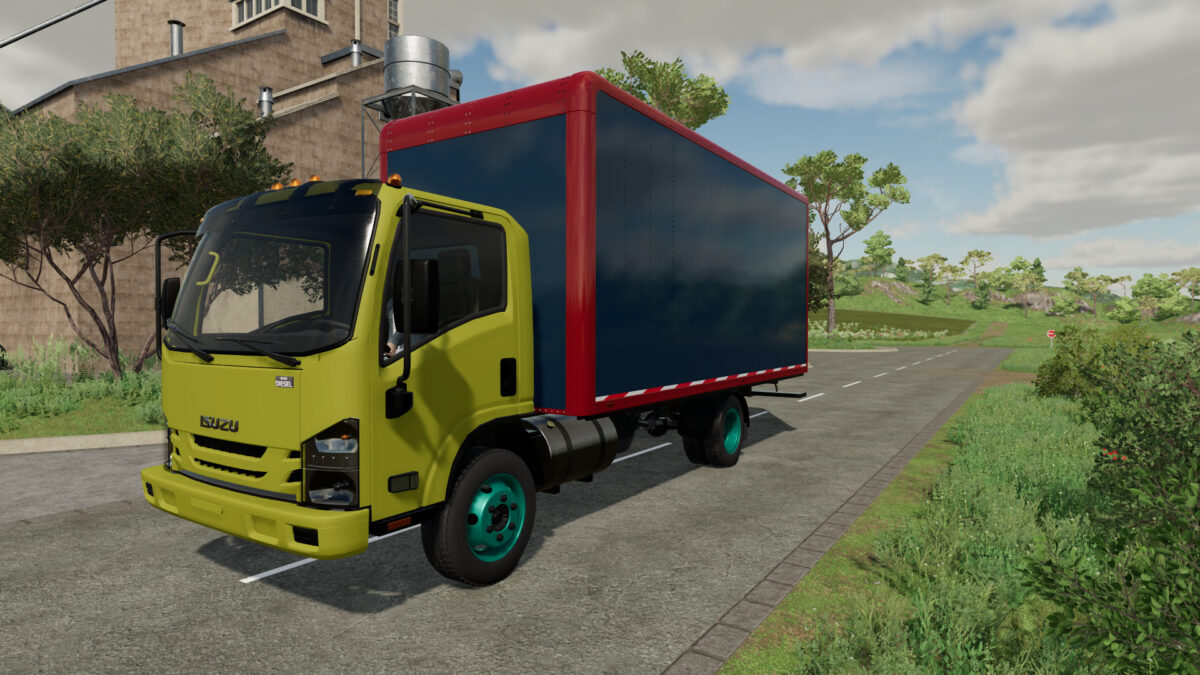
2018 Isuzu NPR (Autoload) v 1.2
About the mod:
- Power 215 hp
- Speed 100 km/h
- Selectable Fuel Tank
- Selectable Sunvisor
- Selectable Attachers
- Selectable Box Logo
- Selectable License Plate
- Selectable Box Color
- Selectable Rim Color
- Choice of Color
Autoload Capacity:
- Square Bale120 / Capacity 330
- Square Bale180 / Capacity 32
- Square Bale220 / Capacity 26
- Square Bale240 / Capacity 24
- Round Bale125 / Capacity 24
- Round Bale150 / Capacity 31
- Round Bale180 / Capacity 14
- Square Bale Cotton448 / Capacity 1
- Round Bale Cotton238 / Capacity 3
Version 1.2:
* Fixed fuel loading
* Update Last Version Pallet Autoload Specialization 1.8.4.1
Credits:
Sheriff Robert & Lezzy