

2020-2025 John Deere 8R Series US Spec v 1.0

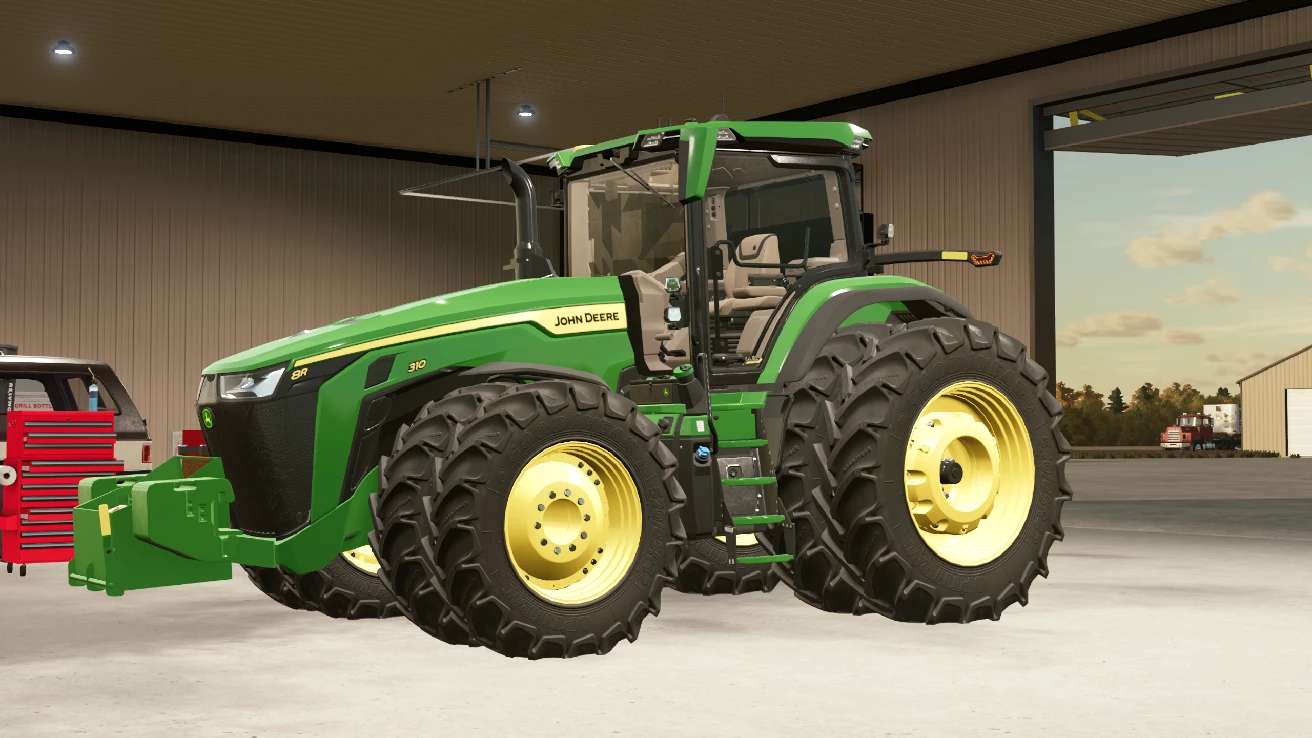
2020-2025 John Deere 8R Series US Spec v 1.0
About the mod:
Power 253 – 458 hp.
Configurations:
– Motor configuration
– Transmission configuration
– StarFire configurations
– Monitor configurations
– Additional lights configuration
– Halogen or LED lights configuration
– Display configuration
– CB Radio configuration
– Fenders configuration
– Front mount configuration
– Various wheel configurations: Firestones, Goodyears, Continentals
– Seat material configuration
– Additional equipment configuration
– Realistic ILS system configuration
Other Features:
– Prepared for Interactive Control
– Prepared for passenger script
– Prepared for Precision Farming DLC
Credits:
Dince, STX Farms, Casearias Modding, Custom Modding, Schaben Modding, KarlFarms, NDMM, JHHG