

Agrar Forage Wagon Pack v1.0.0.1

Agrar Forage Wagon Pack v1.0.0.1
Agrar Forage Wagon Pack
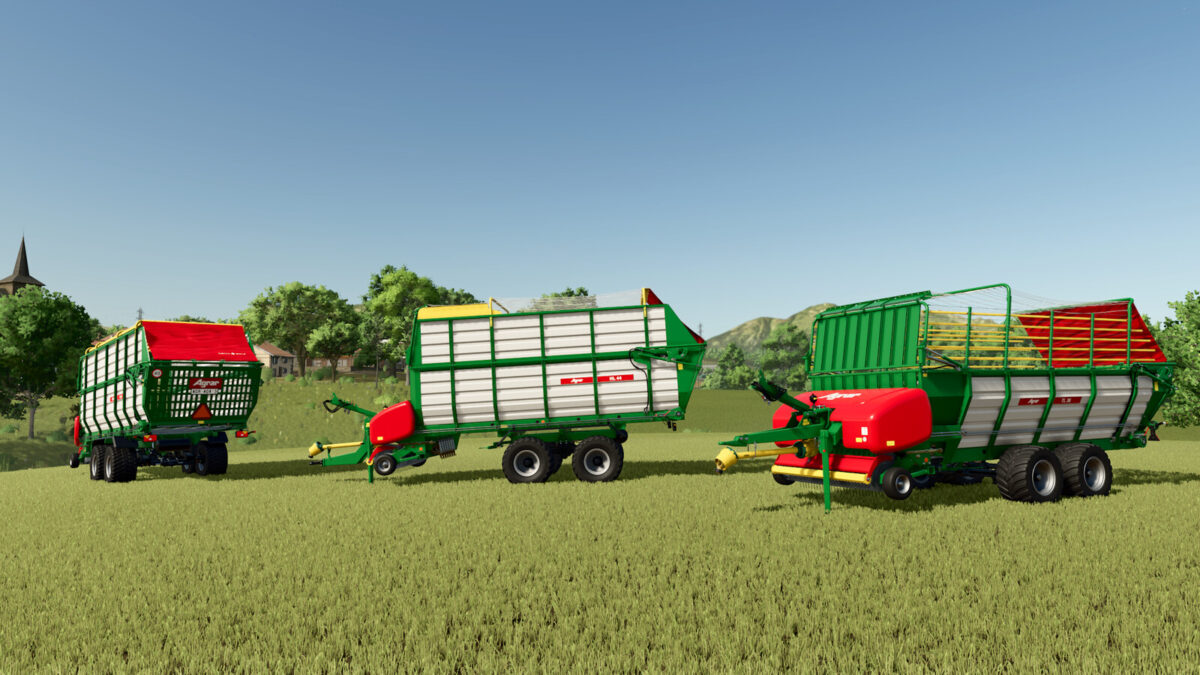
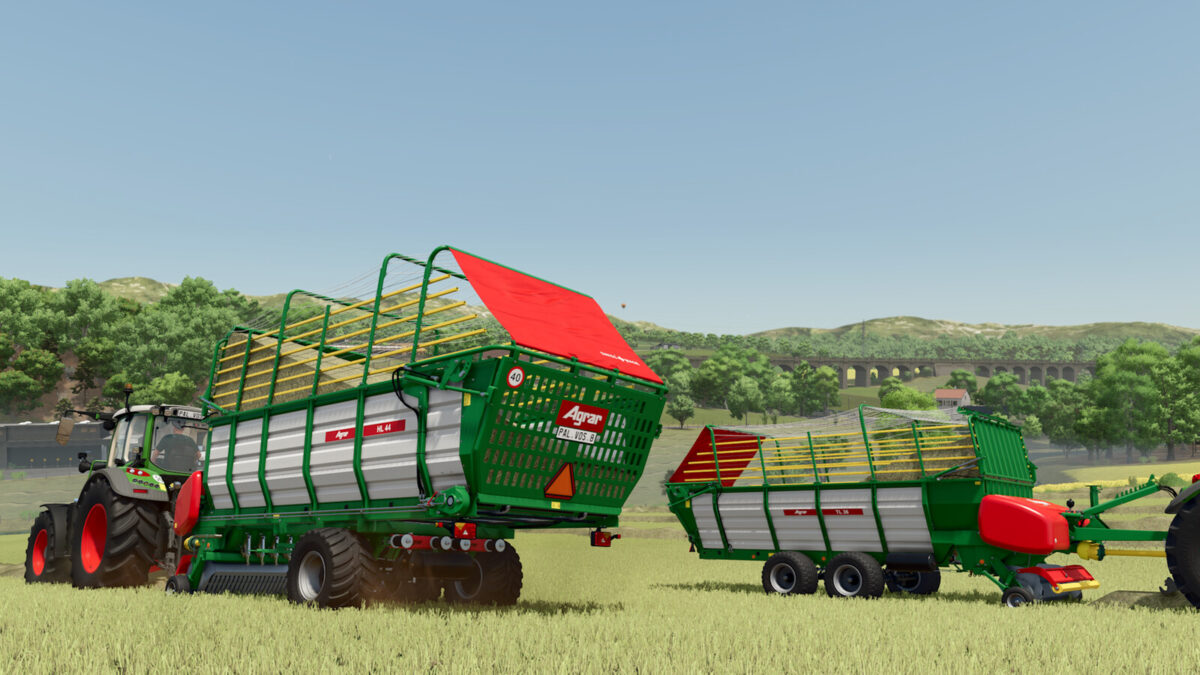
The Agrar Forage Wagon Pack includes 3 models. These are high-performance, lightweight forage wagons.
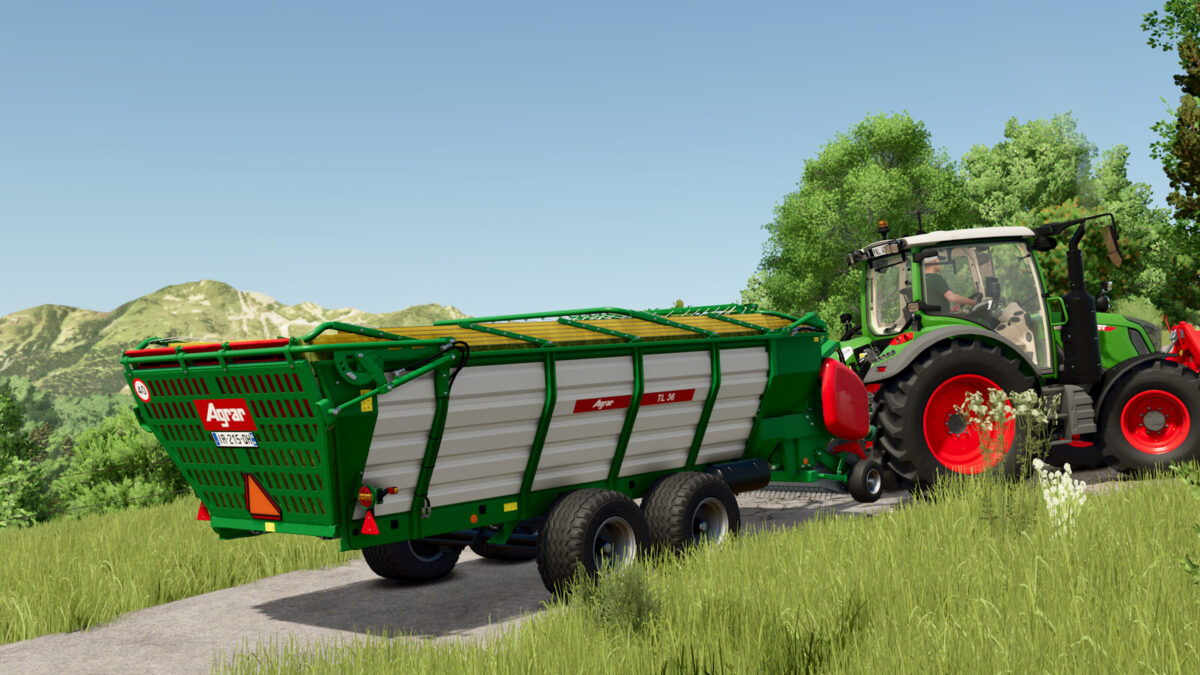
The TL 36 is suited for mountainous areas, with its wide tires and its low gravity center. It is also a good option if for low stables or to load forage under the trees.
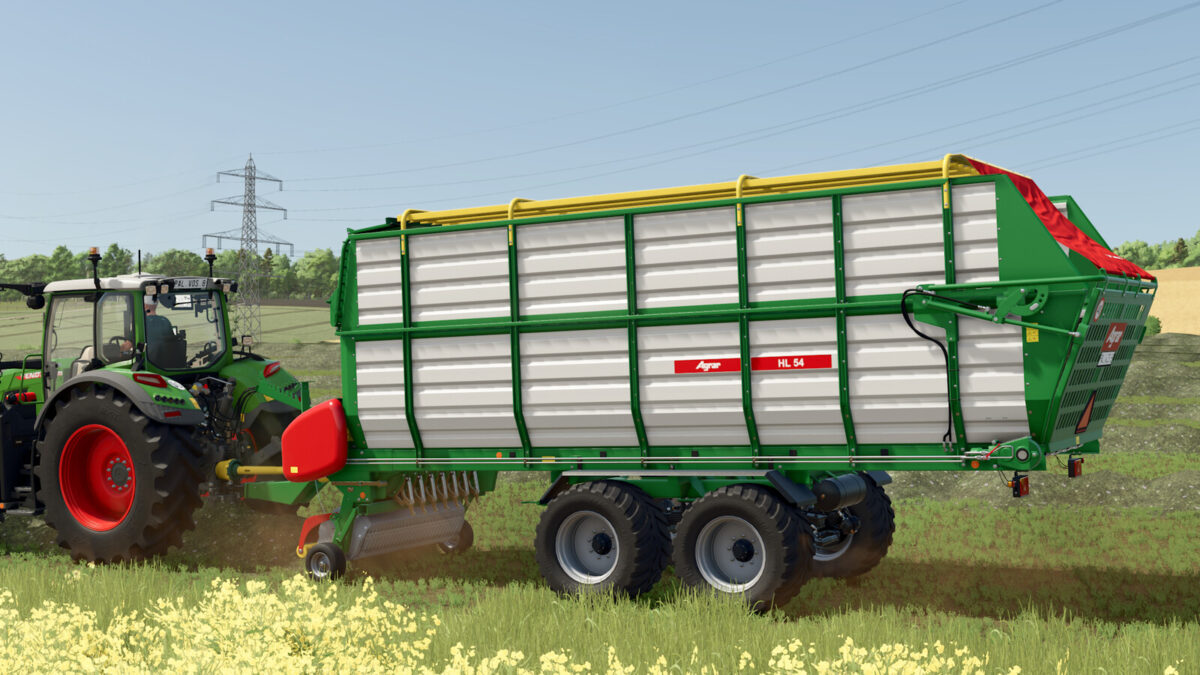
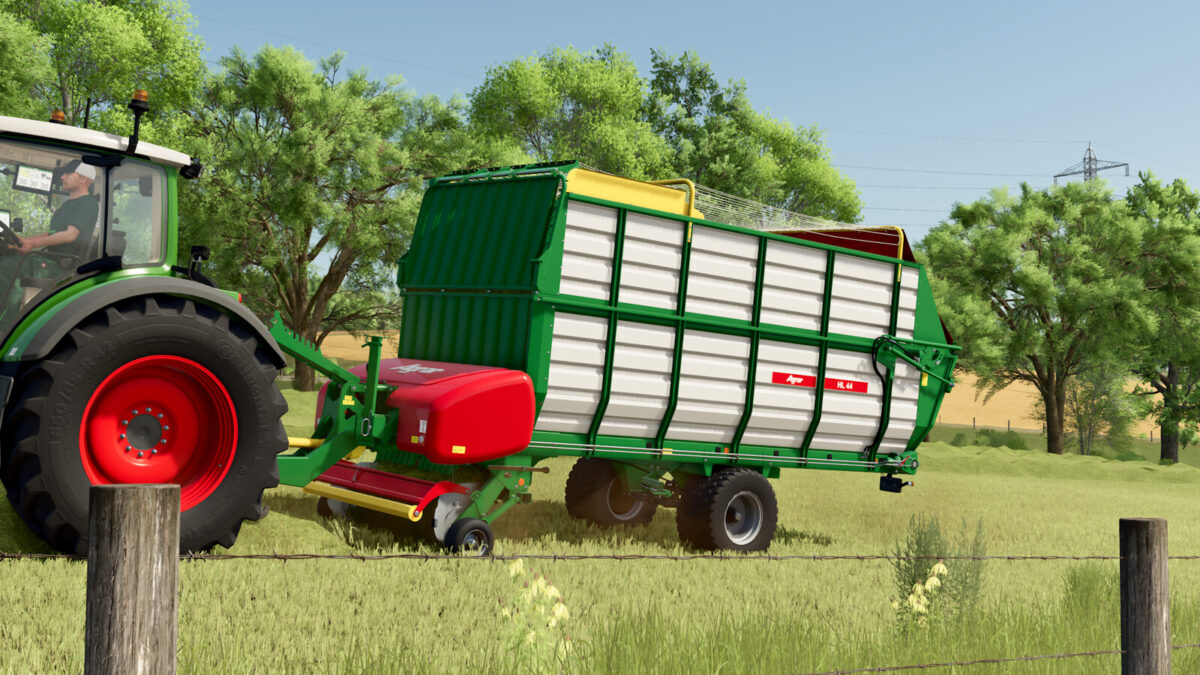
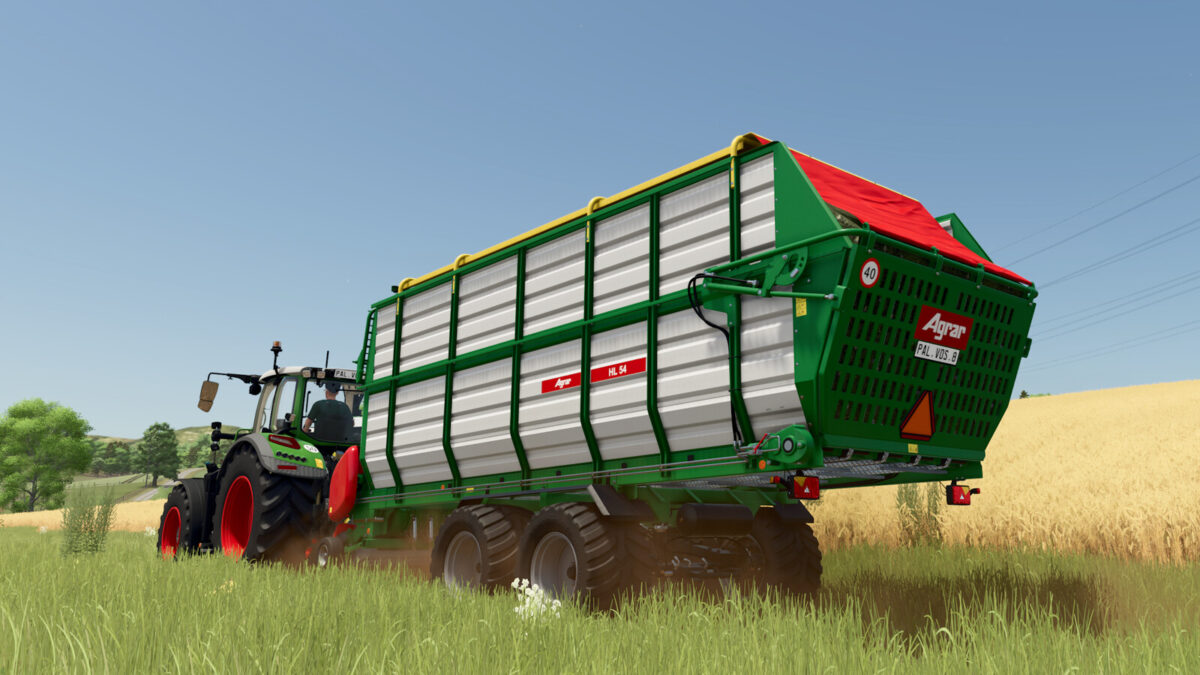
The HL 44 and HL 54 are suited for medium sized farms where hay is the basic food of the cattle. They can be configured with a foldable frame or a static frame.
They can be configured with different wheels and axles, including the TerraProtect solution designed by Agrar to reduce the ground pressure and preserve the grasslands.
All the loaders can be choosed with different drawbars, that are hydraulically controlled.
Consisting of:
– Agrar TL 36
– Agrar HL 44
– Agrar HL 54
Agrar TL 36:
– Price: 35,000 $
– Volume: 13,000 – 23,000 l
– Working speed: 17 kph
– Required power: 70 hp
Agrar HL 44:
– Price: 40,000 $
– Volume: 28,000 – 29,000 l
– Working speed: 17 kph
– Required power: 90 hp
Agrar HL 54:
– Price: 50,000 $
– Volume: 35,000 – 36,000 l
– Working speed: 17 kph
– Required power: 110 hp
Features:
– New sounds
– Dynamic cover
– PTO safety chain can be shown or hidden via Interactive Control (PC only!)
Configurations:
– Structure (Folded, Foldable, static frame with ropes, static frame with roof)
– Wheels
– Axles
– Drawbar (pin hitch or ball point)
– Warning triangle
Changelog 1.0.0.1:
– Dirt and wear improved
– Sounds adjustments
– PTO changed
– Various improvements