

Agro Realistic v1.0.0.0

Agro Realistic v1.0.0.0
Agro Realistic adds a set of realism rules focused on manual work, logistics and long-term farm progression.
Main features:
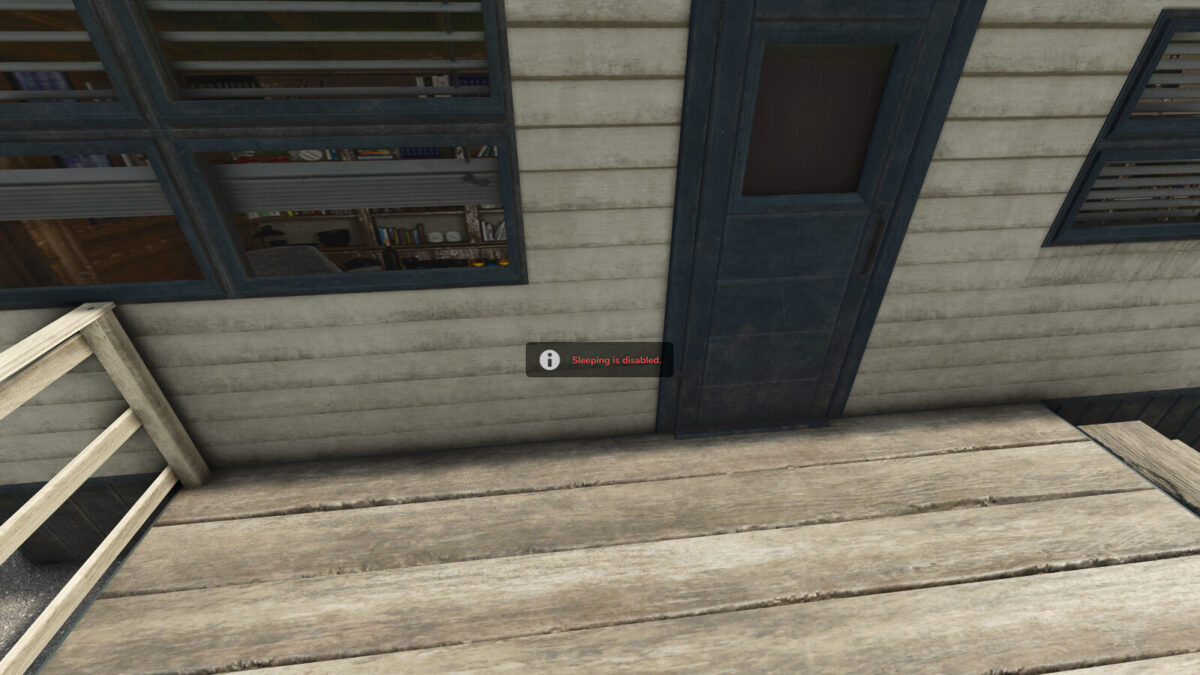
– Disables sleeping so players cannot skip time.
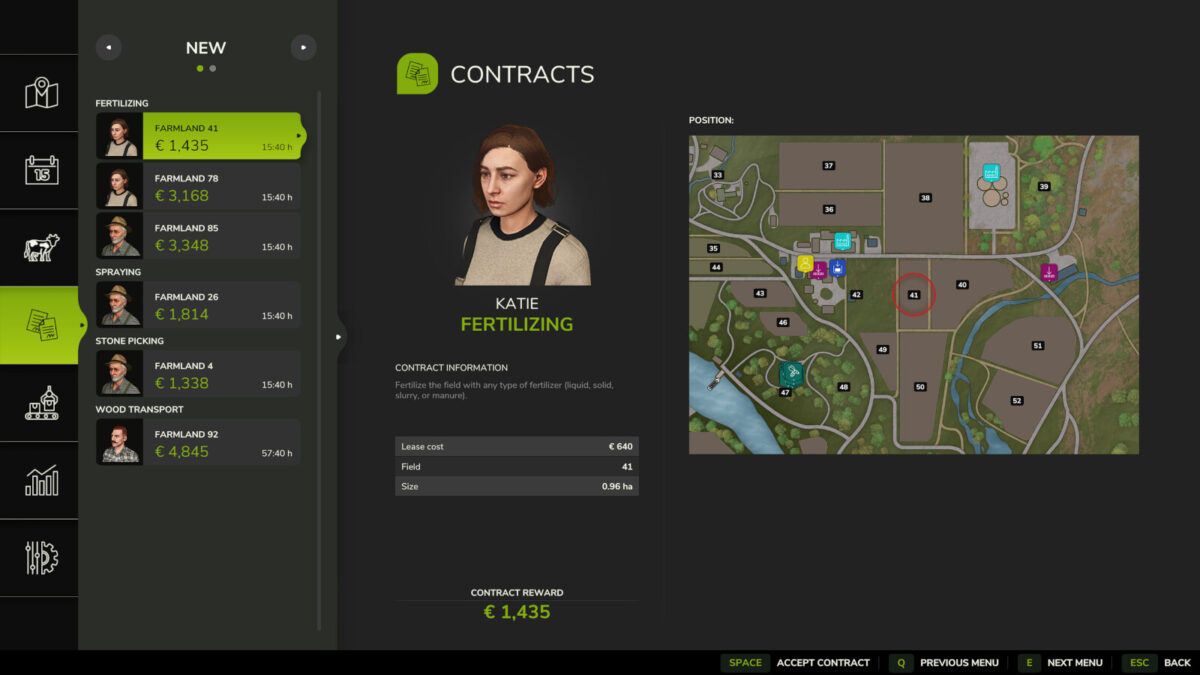
– Disables borrowed vehicles for contracts.
– Forces production outputs to remain in Storage mode.
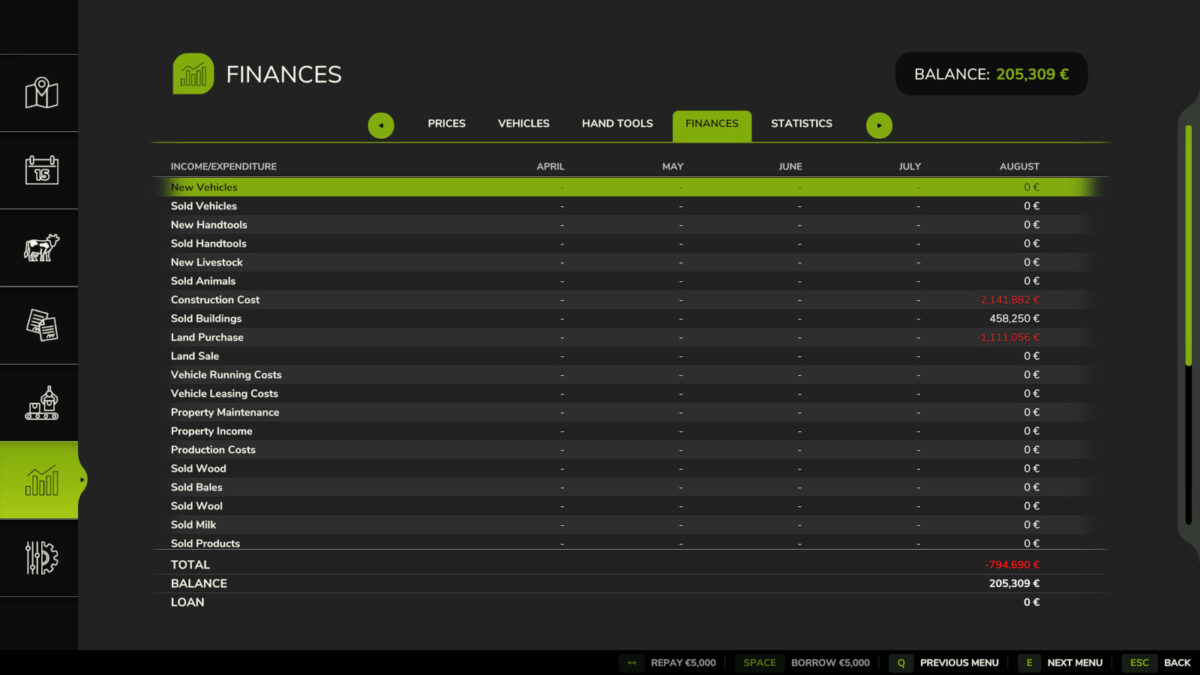
– Disables new bank loans while still allowing existing loans to be repaid.
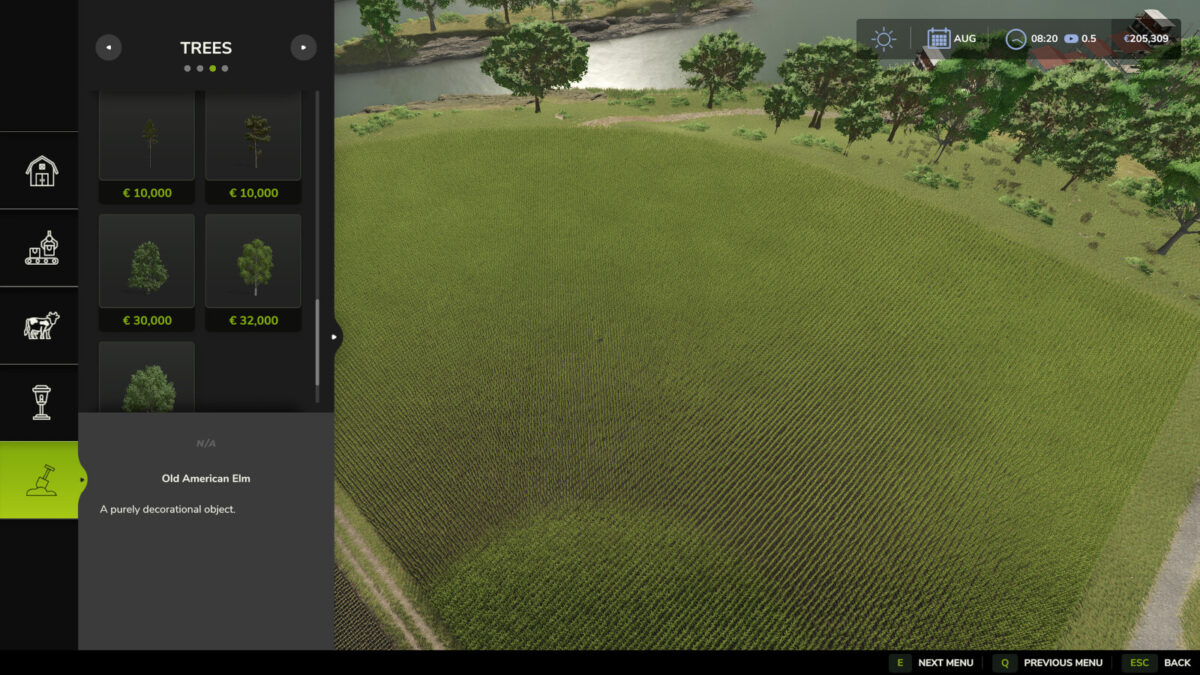
– Multiplies the price of decorative trees by 20.
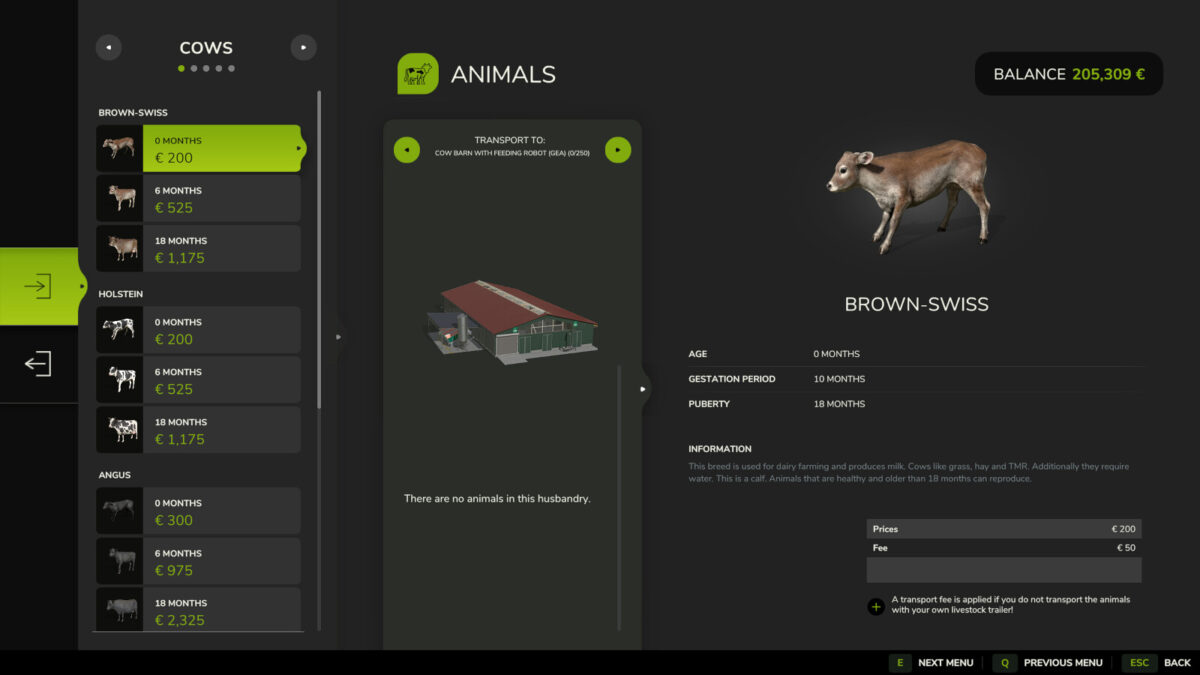
– Requires a compatible livestock trailer for animal trading and transfers.
– Limits every animal husbandry to a maximum of 250 animals, regardless of the size of a customizable fence.
– Allows AI workers to operate only while at least one player from their farm is online.
– Disconnects remote multiplayer players after 30 minutes without keyboard, mouse or controller input, with a warning during the final minute.
– Removes 50 percent of each affected animal group after it remains at 0 percent health for 24 consecutive in-game hours. The loss repeats every 24 hours while health stays at zero.
– Applies progressive depreciation when land is resold: 50 percent during the first 12 months, followed by 40, 30, 20 and 10 percent for each completed year. After 60 months there is no depreciation.
– Prevents vehicles with 100 percent damage from starting.
The base game does not support transporting chickens, so a compatible livestock trailer mod is required for them.