
Auto Farm Manager v1.0.0.1

FS25 mods

Auto Farm Manager v1.0.0.1

Auto Farm Manager v1.0.0.1
Auto Farm Manager v1.0.0.1
About the mod:

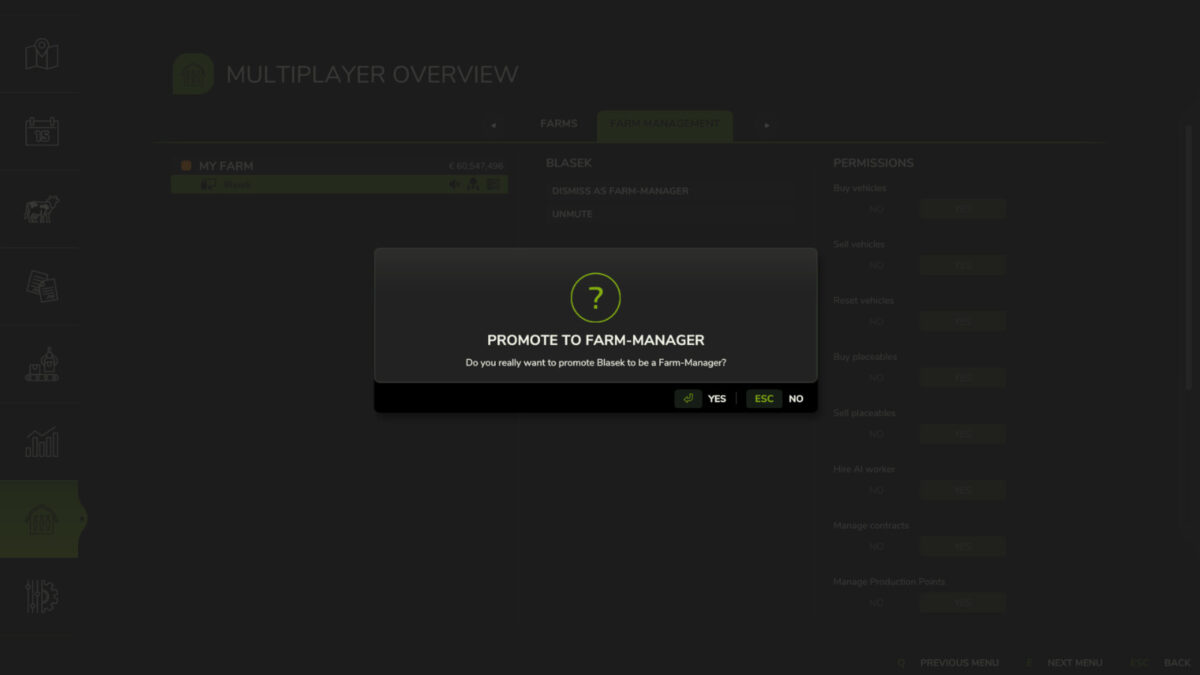
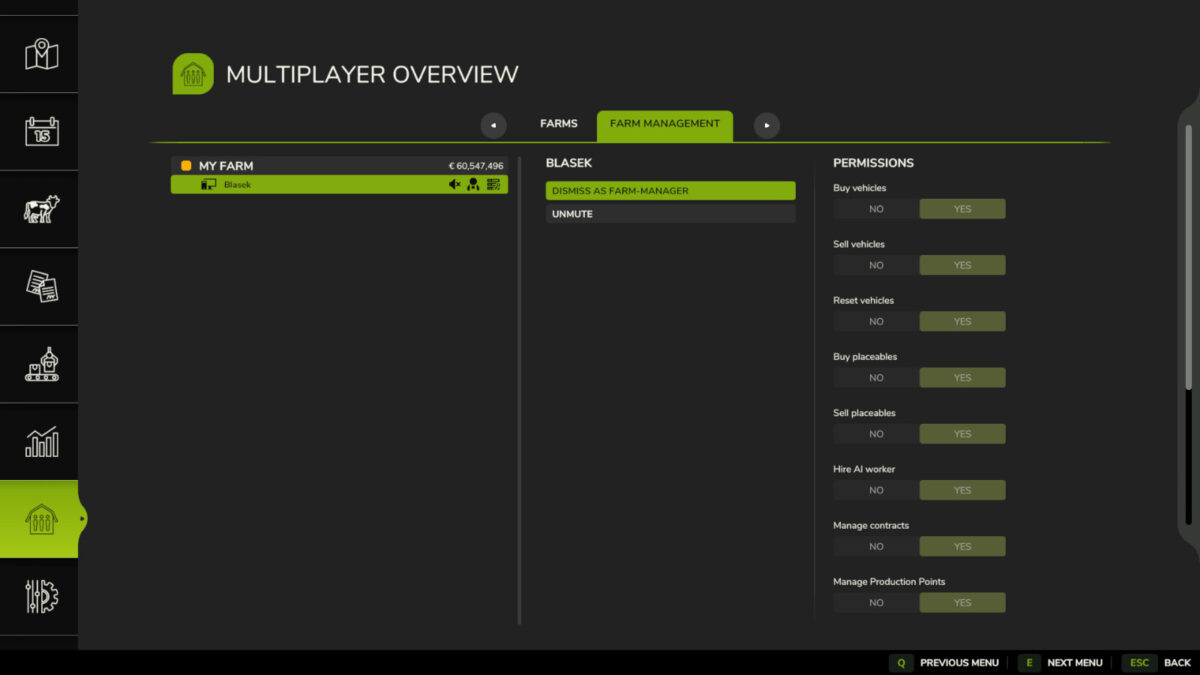
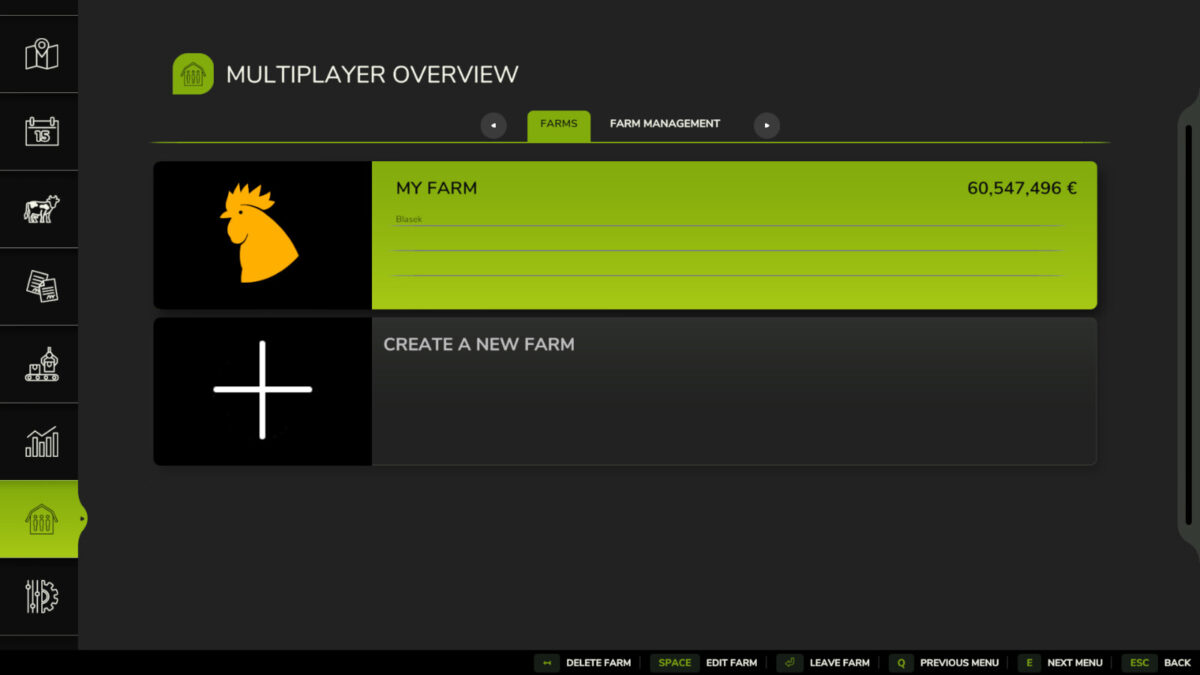
Auto Farm Manager automatically promotes every player who joins a farm in multiplayer to Farm Manager and grants all standard permissions available in Farm.PERMISSION. The mod reapplies access when a player joins, reconnects, or switches farms and periodically checks active users to restore permissions if they are lost. Permission status is synchronized from the server to connected players.
This mod only grants Farm Manager permissions. It does not make players server administrators or Master Users.
Changelog 1.0.0.1:
– Optimization.
– Translations for six languages: Brazilian Portuguese, Portuguese, English, German, French and Spanish.

Credits:
Blasek

How to install FS19 mods?

Firstly find a mod which you like and want to download. Then download a mod to your PC. Mods are usually in .zip format file. But sometimes it can be in .rar. If a mod file is a .zip format no needed additional actions. If a file is in .rar, then you must unarchive mod with software like WinRar or Zip7. Windows 10 users no need to use software for archives, Win10 itself has a feature to unarchive files.

The next step is to find mods folder in your PC. Usually, it is in Documents/My Games/Farming Simulator 19/2019. Open the "mods" folder and put downloaded .zip archive or unarchived .rar file to this folder.

Last step. Enjoy of FS19 mods!

Leave a Reply

Your email address will not be published. Required fields are marked *