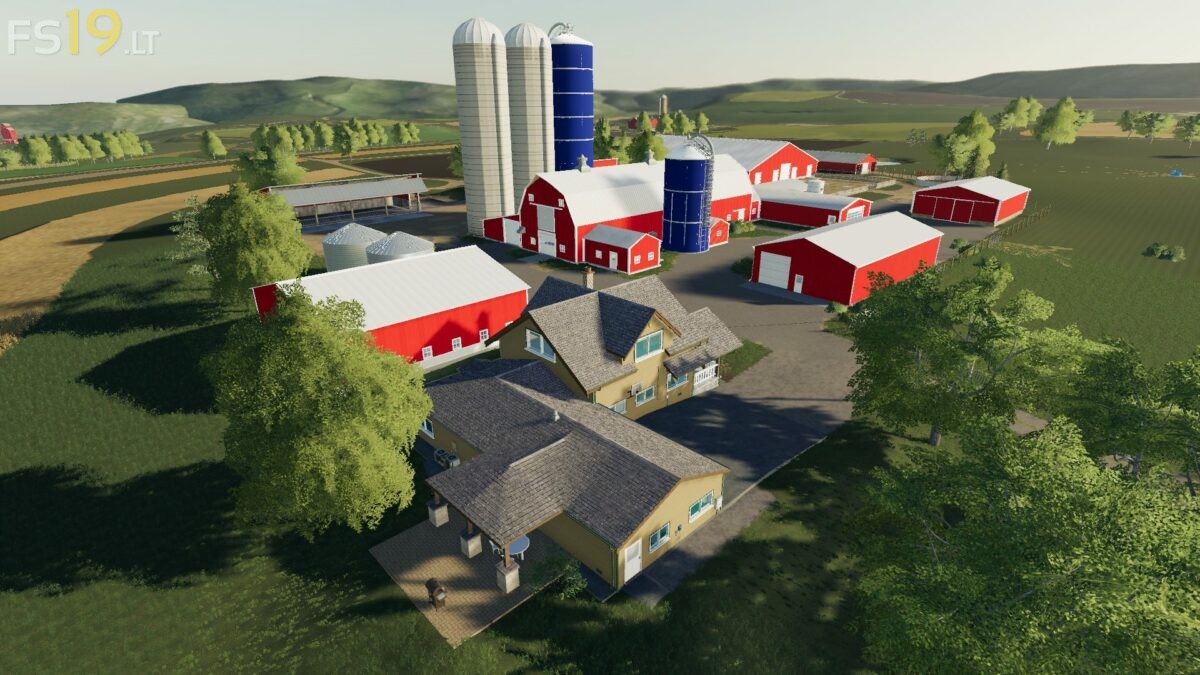
Autumn Oaks DFMEP Map v 1.0.2.0
About the mod:
Version 1.0.2.0:
* Completely rebuilt 1.0.1.5 from 1.0.0.0 Files, some previously fixed Issues may be broken again
* Changed Terrain under heifer Barns so Manure won’t spawn under them
* Changed Labels on Cow Pens/Barns, they are now a lot more descriptive with stuff like “150 Head Freestall Barn”
* Changed Labels on Beef Cattle so there are no l10n Errors
* Fixed Wilson Ranch Hand
* Fixed Extreme FPS Drop on Load
Credits:
CWJ 108, MB Farms, Brian Greenawalt, Diniz Farms
How to install FS19 mods?
Firstly find a mod which you like and want to download. Then download a mod to your PC. Mods are usually in .zip format file. But sometimes it can be in .rar. If a mod file is a .zip format no needed additional actions. If a file is in .rar, then you must unarchive mod with software like WinRar or Zip7. Windows 10 users no need to use software for archives, Win10 itself has a feature to unarchive files.
The next step is to find mods folder in your PC. Usually, it is in Documents/My Games/Farming Simulator 19/2019. Open the "mods" folder and put downloaded .zip archive or unarchived .rar file to this folder.
Last step. Enjoy of FS19 mods!