

Bale Owner Selector v1.0.0.0

Bale Owner Selector v1.0.0.0
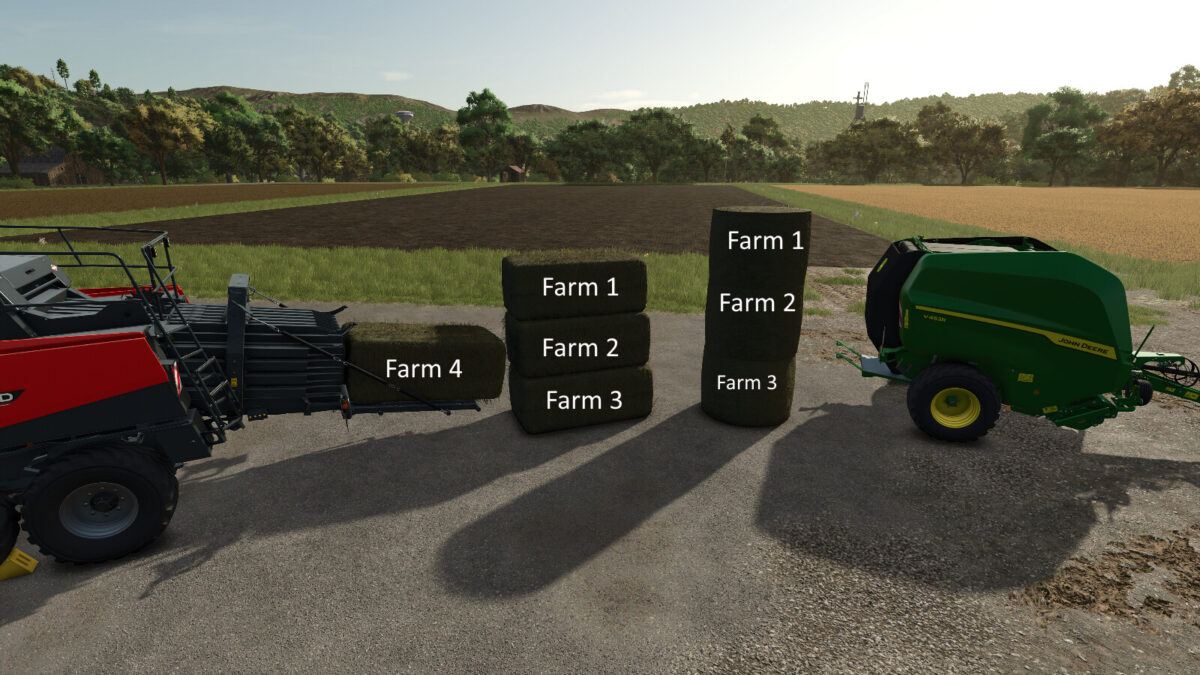
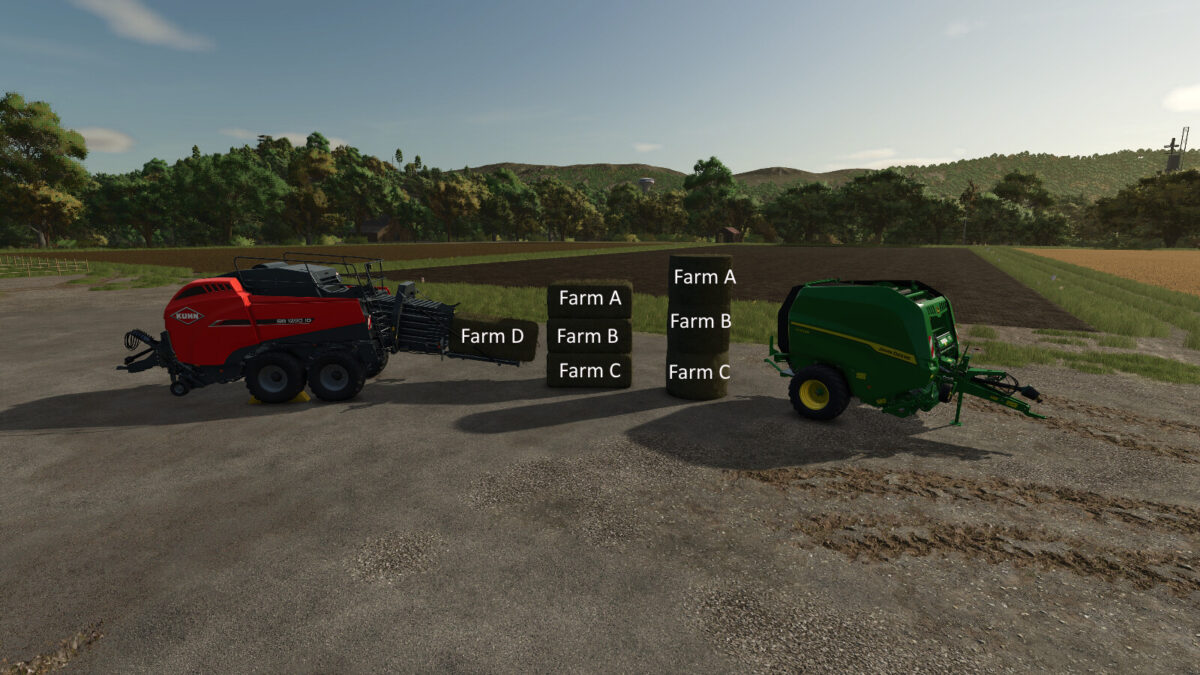
Bale Owner Selector allows you to select which farm will own newly created bales directly from the baler.
The target farm can be changed conveniently through the F1 help menu. This mod is especially useful for contracting work in multiplayer games and on dedicated servers.
When a farm other than your own is selected, a clearly visible green HUD message is displayed at the top of the screen. This makes it easy to see which farm the current bales are being produced for.
Features:
– Select the target farm directly from the baler
– Farm selection through the F1 help menu
– Default key binding: Left Alt + B
– Selected farm displayed in the F1 menu
– Green HUD notification when working for another farm
– Multiplayer and dedicated server support
– Client/server synchronization
– Newly created bales are assigned directly to the selected farm
– “Standard” mode uses the original game ownership logic
Ideal for multiplayer communities and contracting work between multiple farms.
Mod for Farming Simulator 25.