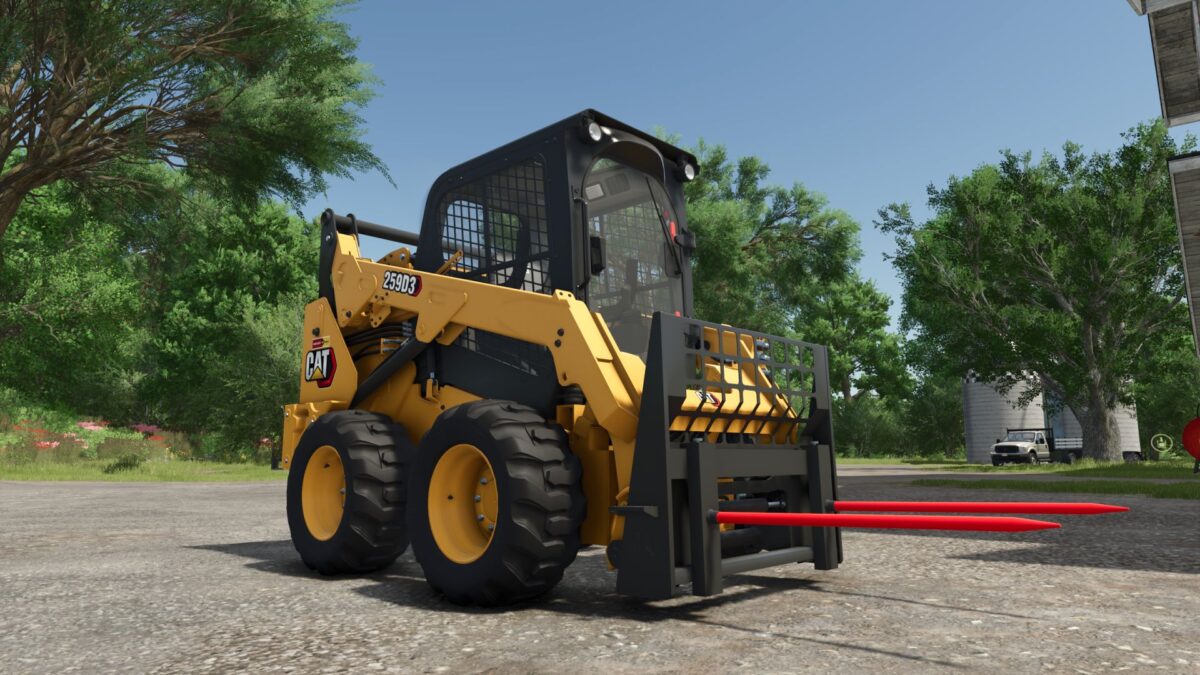
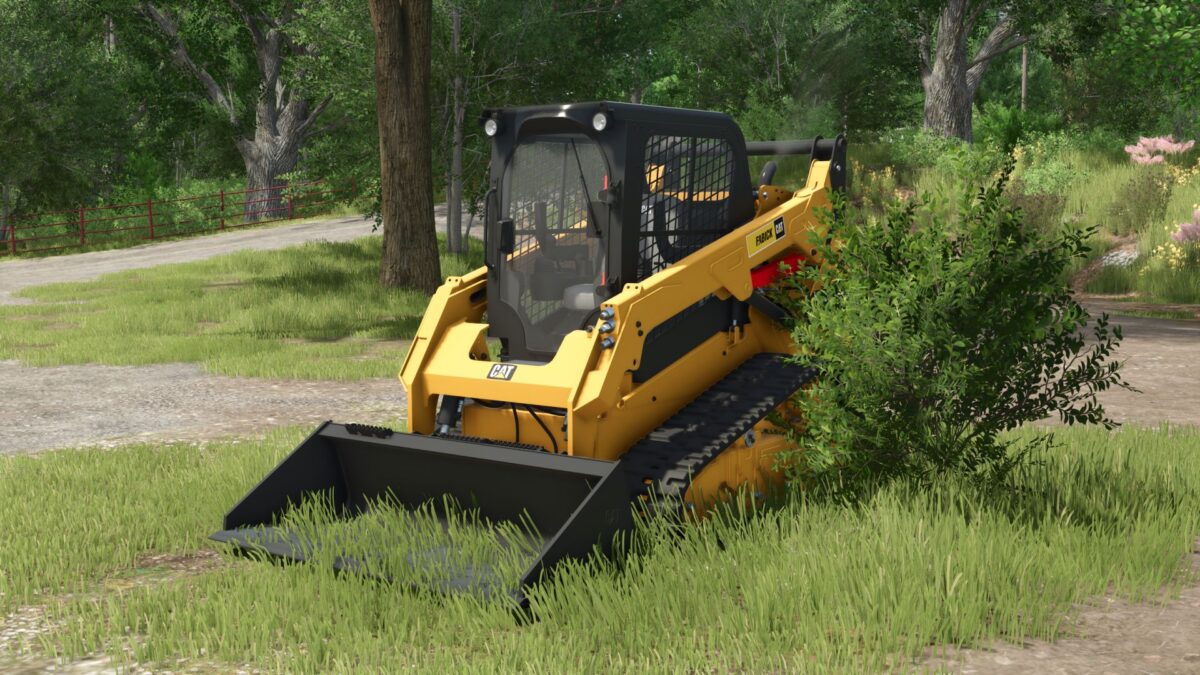
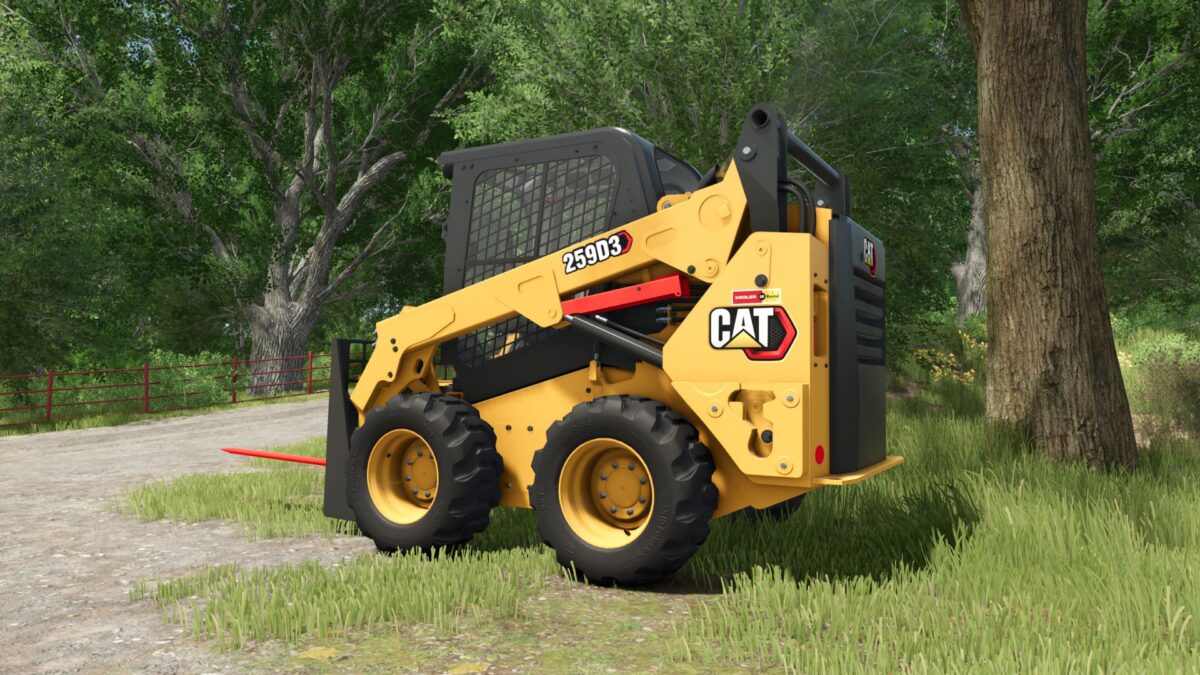
Caterpillar 242D/259D v 1.0
About the mod:
– Price: 35900$
– Power: 74 hp
– Speed 9.5-18.5 km/h
– Selectable wheels (3) and tracks (3)
– Selectable weights
– Selectable dealer decals
– Selectable high flow
– Selectable operators station
– Selectable era
Credits:
Canada FS, Mountain Creek Modding, JMH Customs, GreenSpongeBob
How to install FS19 mods?
Firstly find a mod which you like and want to download. Then download a mod to your PC. Mods are usually in .zip format file. But sometimes it can be in .rar. If a mod file is a .zip format no needed additional actions. If a file is in .rar, then you must unarchive mod with software like WinRar or Zip7. Windows 10 users no need to use software for archives, Win10 itself has a feature to unarchive files.
The next step is to find mods folder in your PC. Usually, it is in Documents/My Games/Farming Simulator 19/2019. Open the "mods" folder and put downloaded .zip archive or unarchived .rar file to this folder.
Last step. Enjoy of FS19 mods!