

Coming Home Function v 1.0

Coming Home Function v 1.0
About the mod:
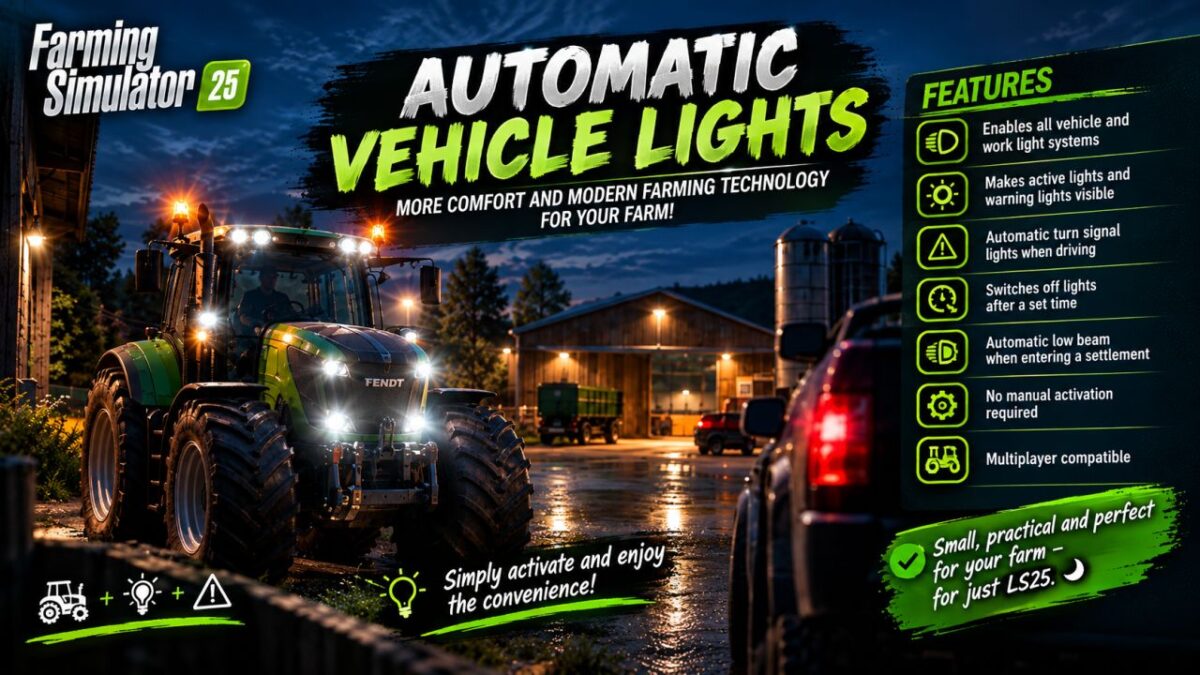
More comfort and modern vehicle technology for your farm.
Features:
Low beam headlights and hazard warning lights when approaching
Vehicle lights remain switched on when exiting the vehicle.
Automatic hazard warning lights when exiting the vehicle
Shutdown after 5 seconds
Immediate shutdown upon entering
Only the nearest vehicle reacts.
No activation of trailers or attachments
Multiplayer compatible
Small, practical, and perfect for adding even more atmosphere to Farming Simulator 25.
Simply put it in the mods folder, activate it, and enjoy.
Credits:
Dirtdevil99