

Dynamic Market v 1.0.1.0

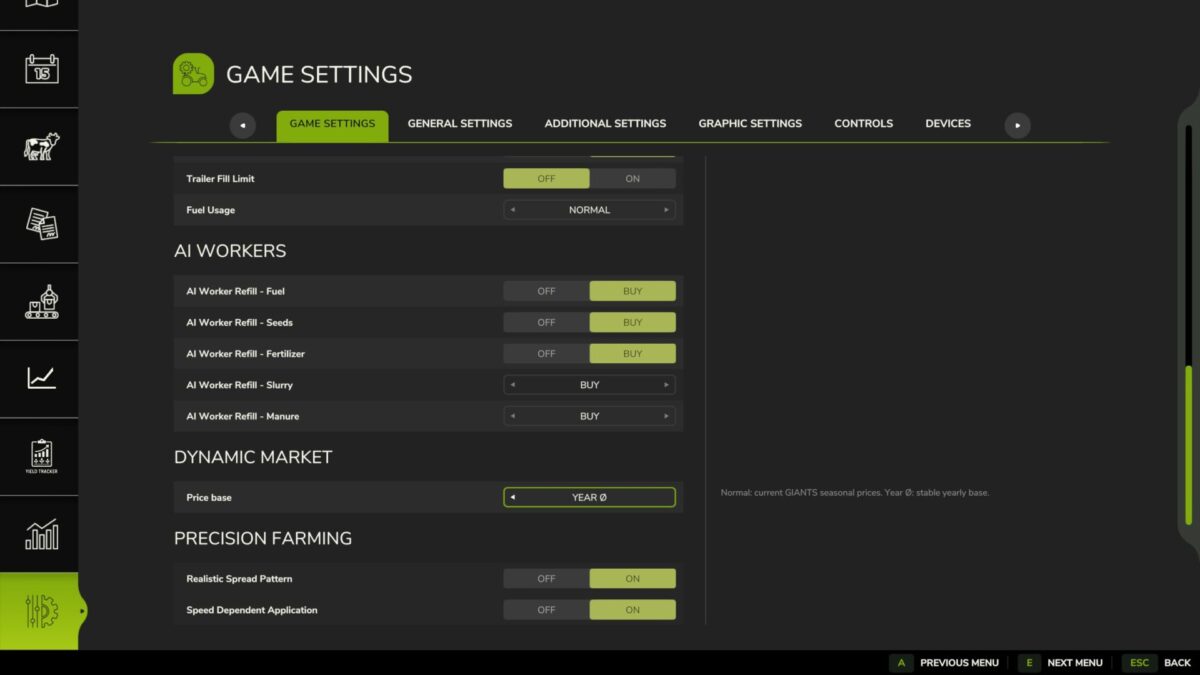
Dynamic Market v 1.0.1.0
About the mod:
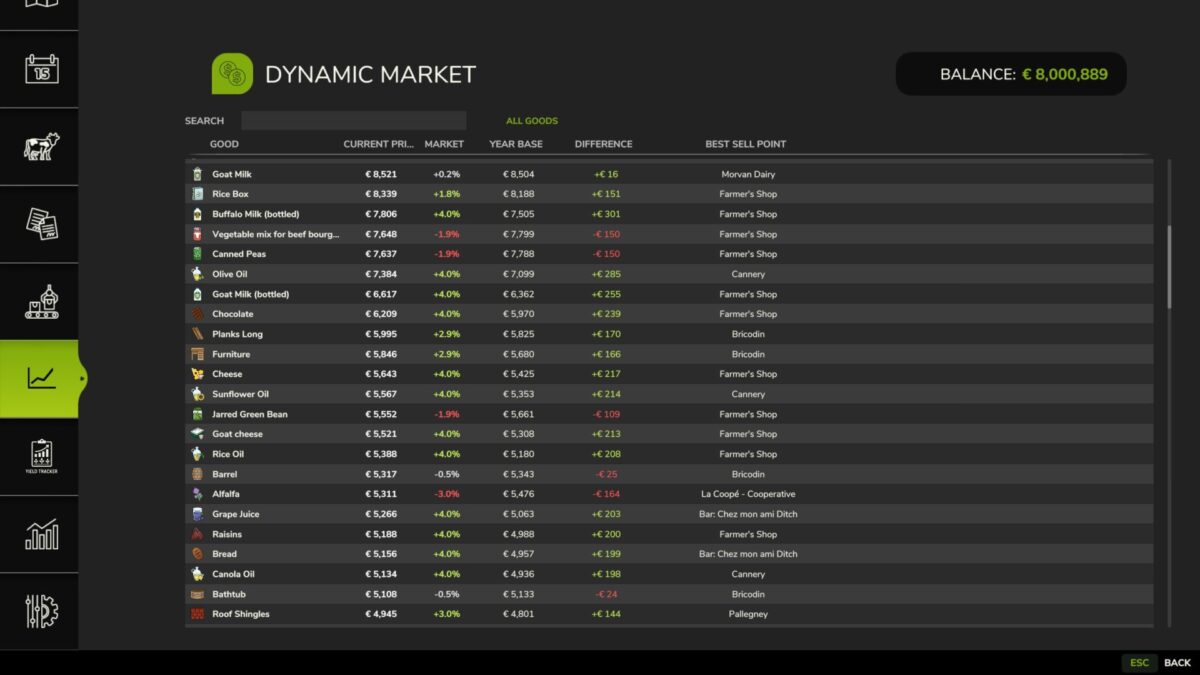
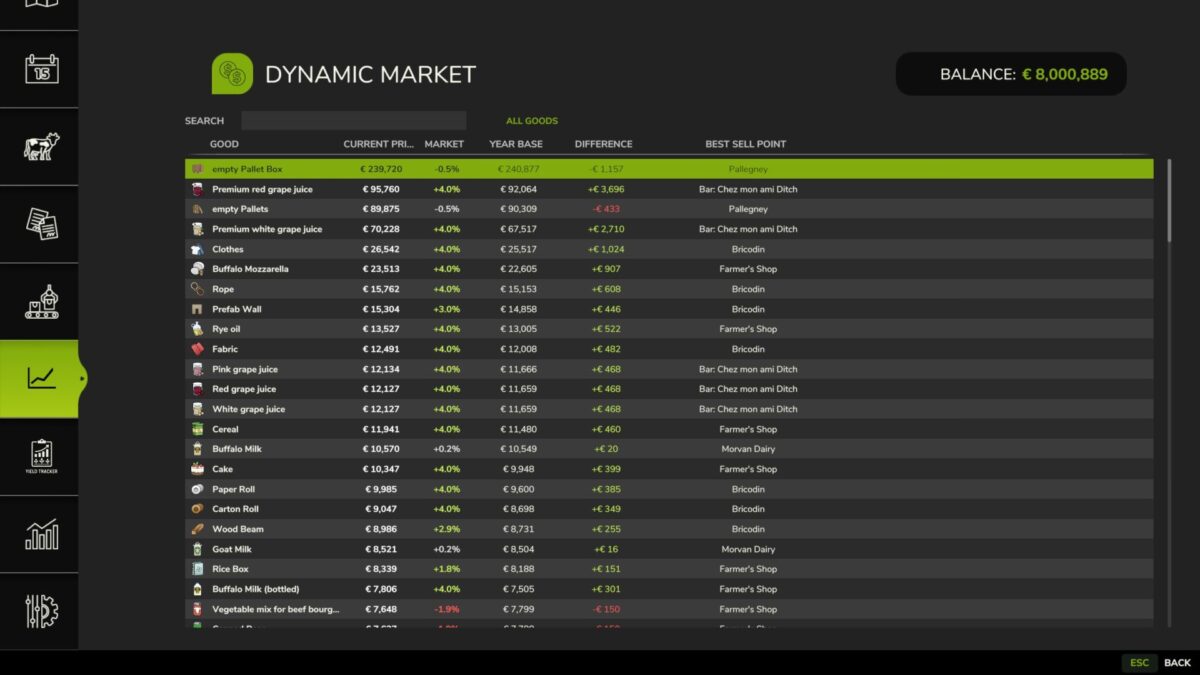
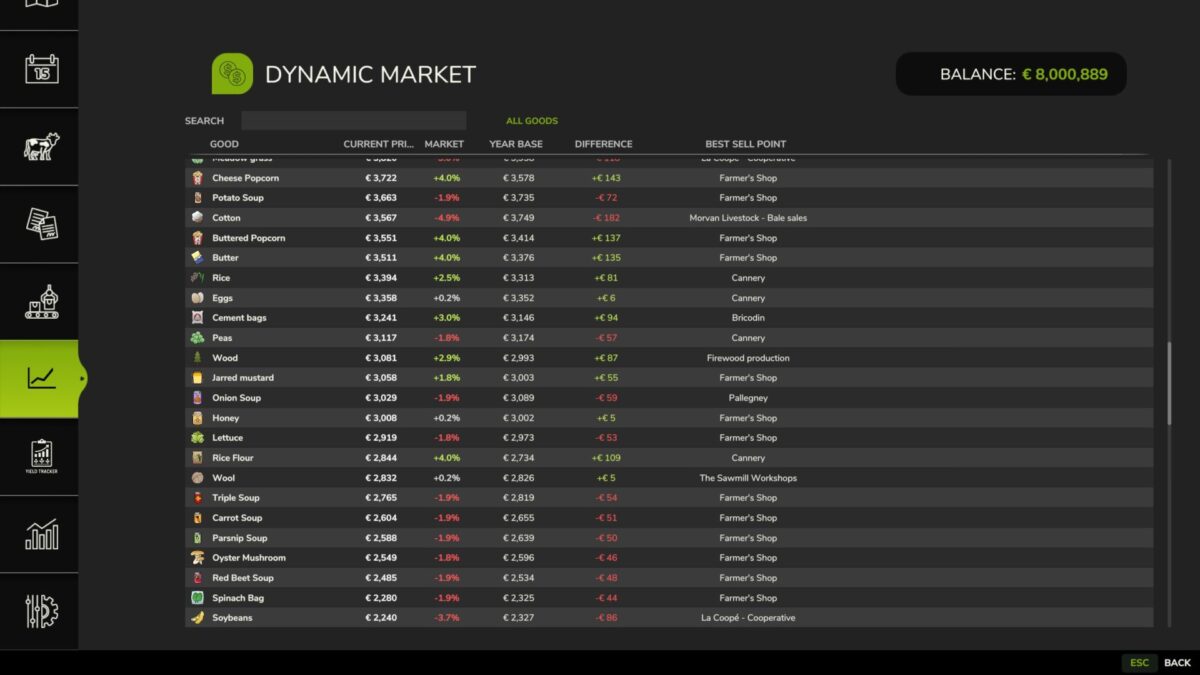
Dynamic Market is a Farming Simulator 25 mod that enhances the base game economy with a dynamic pricing system based on supply, demand and player interaction.
Features
Dynamic price calculation based on market activity
Prices react to selling behavior and supply levels
Server-side logic for multiplayer-safe economy handling
Transparent price development for better decision making
Compatible with base game systems and standard selling stations
Designed for balanced gameplay without breaking the base economy
Version 1.0.1.0:
* UI adjustments for better text readability
* Revised French translations
Credits:
Nalathan