

Farm Silo Pack v1.0.0.2

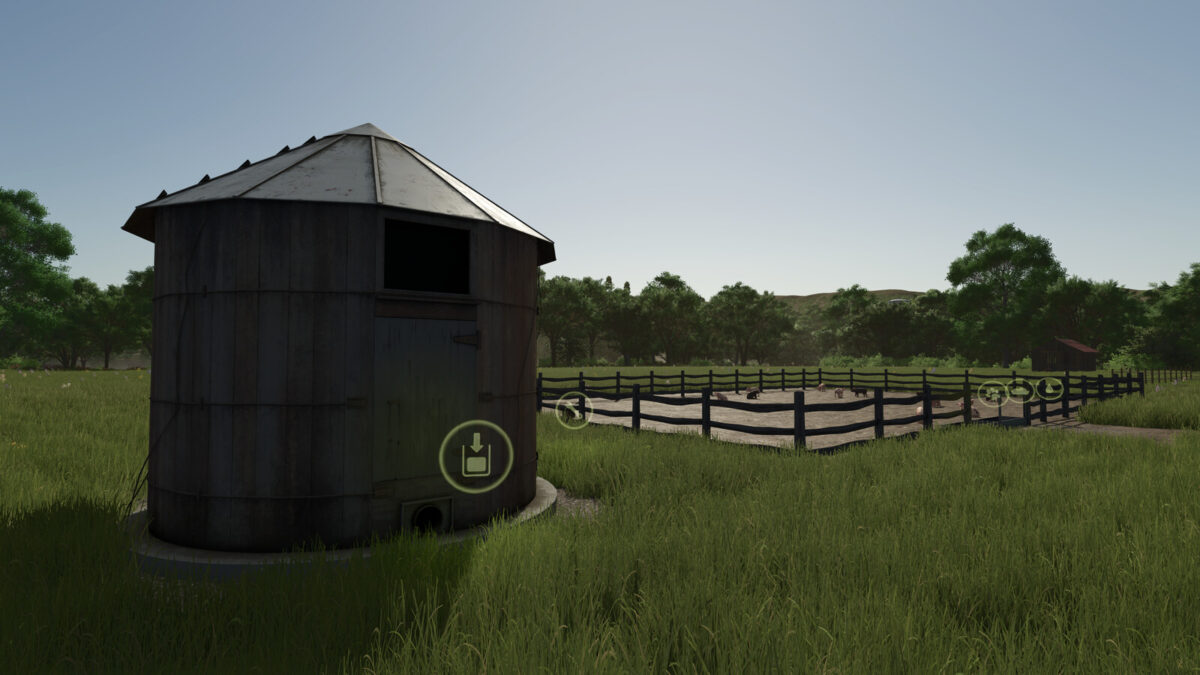

Farm Silo Pack v1.0.0.2
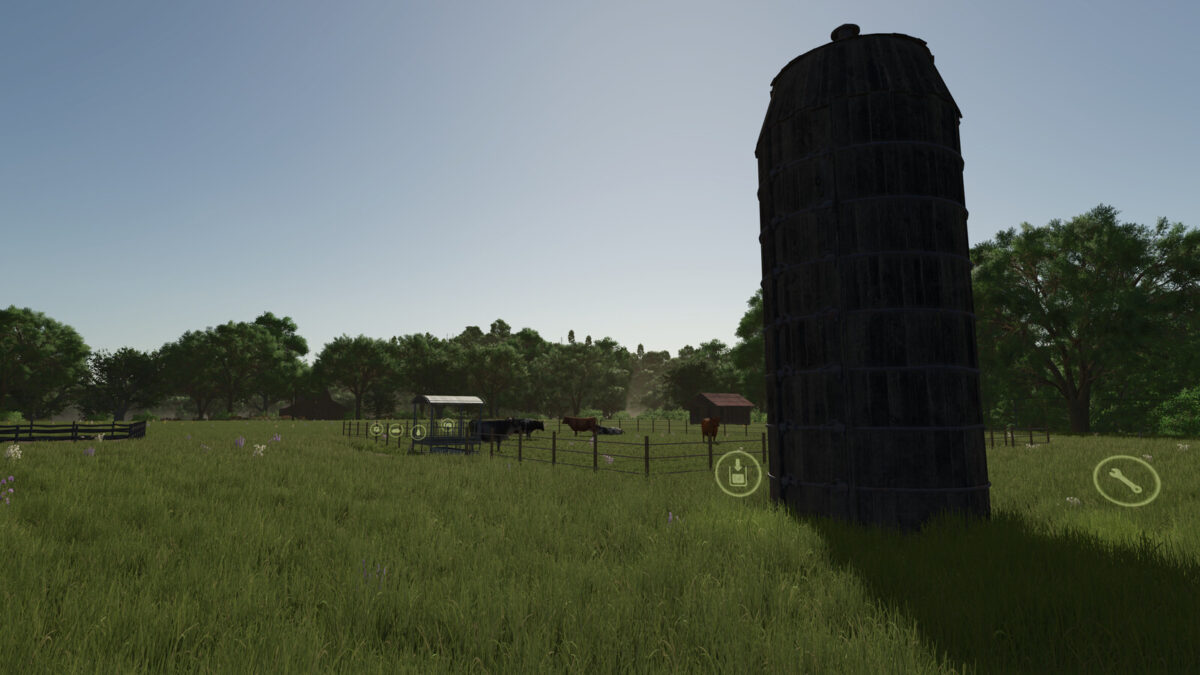
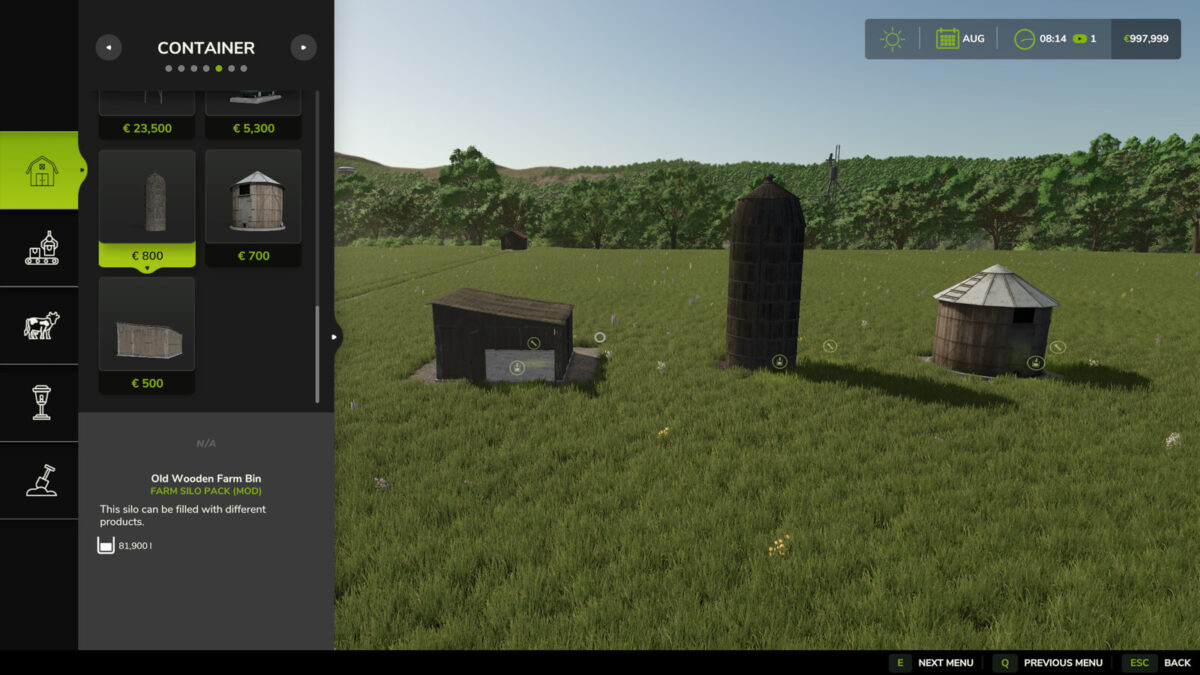
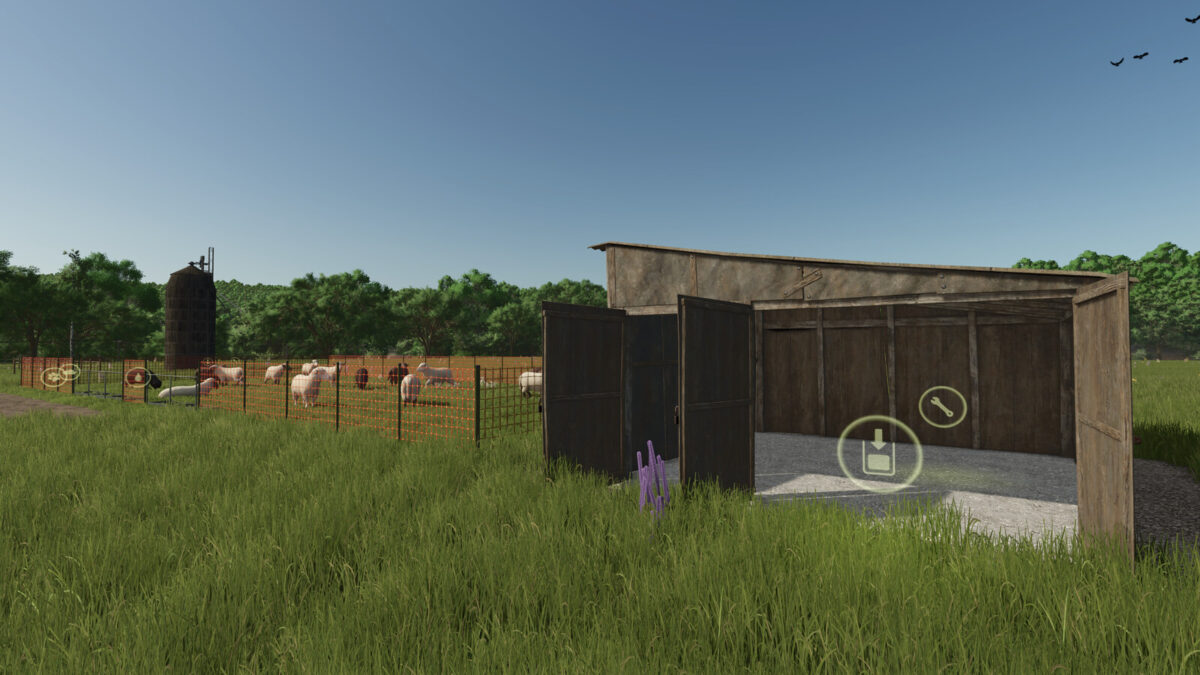
Pack of 3 silo buildings to fit and help you in your daily routines around your farm.
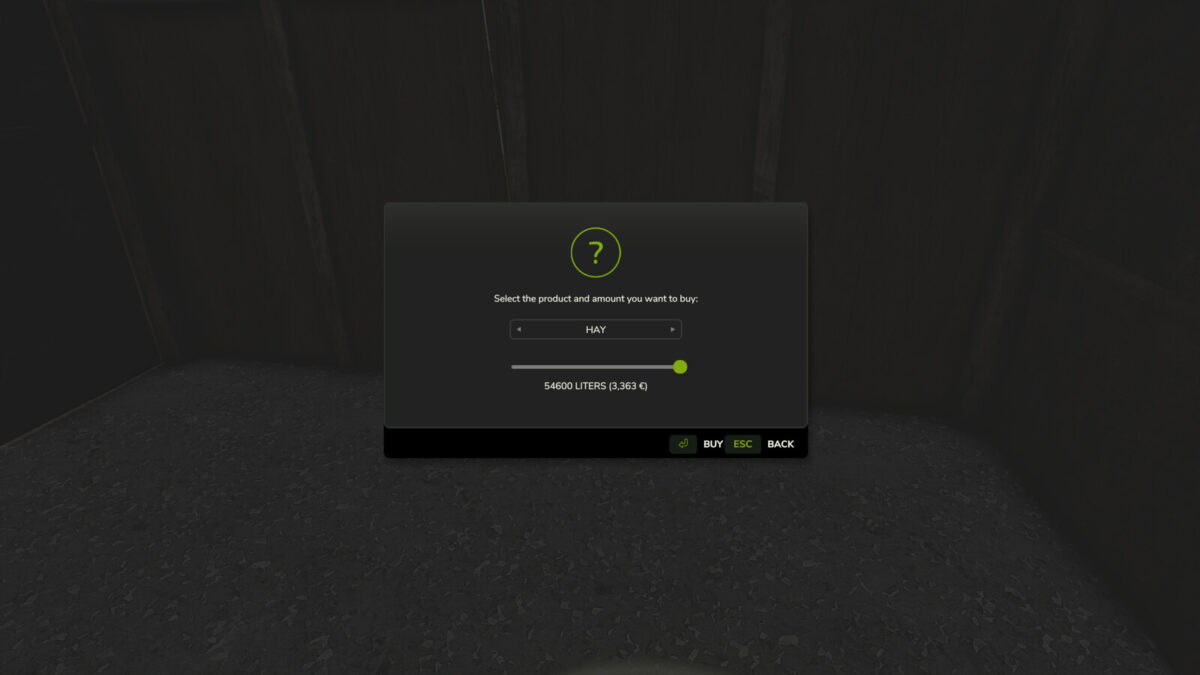
You can store or direct buy your field consumables: SEEDS, MINERAL FEED, SILAGE ADDITIVE, LIQUIDFERTILIZER, FERTILIZER, HERBICIDE, LIME.
You can also store or direct buy: MAIZE, BARLEY, WHEAT, CANOLA, SUNFLOWER, SOYBEAN, OAT, SORGHUM, BEETROOT, CARROT, PARSNIP, SUGARBEET, POTATO, SILAGE, HAY, STRAW, TMR, PIGFOOD, WATER.
– You can direct buy supplies from the “Wrench Icon”. Prices depend on your economy settings.
– Silos can hold different products at the same time.
– Silos accept bales of STRAW, HAY, SILAGE and TMR.
– Silos accept pallets of SEEDS, MINERAL FEED, SILAGE ADDITIVE, LIQUIDFERTILIZER, HERBICIDE.
Category: Containers
Price: 500$ / 700$ / 800$
Daily upkeep: 10$ / 10$ /10$
Storage Capacity: 54600 l. ; 109200 l. ; 163800 l.
Fill level speed: 1000 l/s. ; 1500 l/s. ; 2000 l/s.
Changelog: 1.0.0.2
– adjusted snow area around the 3 buildings.
– added suport to store and buy CARROT, PARSNIP, SUGARBEET, POTATO
– loading, unloading, pallet and bale trigers area was adjusted.
– improved mod description.