Faster Field Course Generation v 1.0
About the mod:
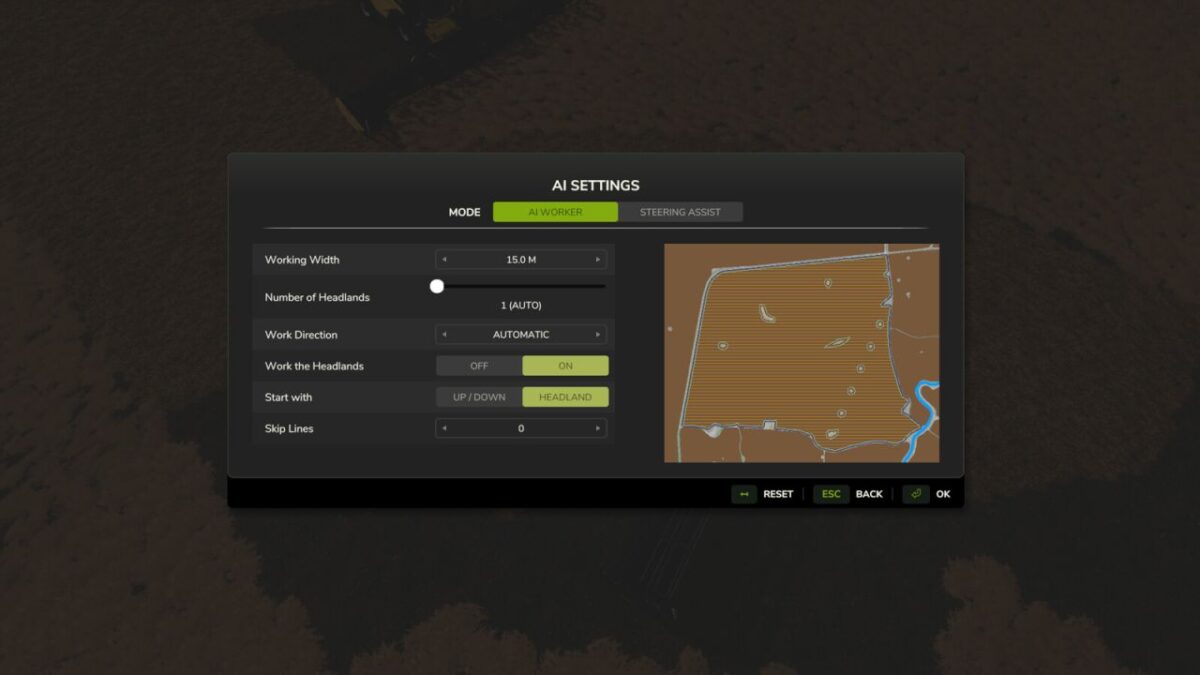
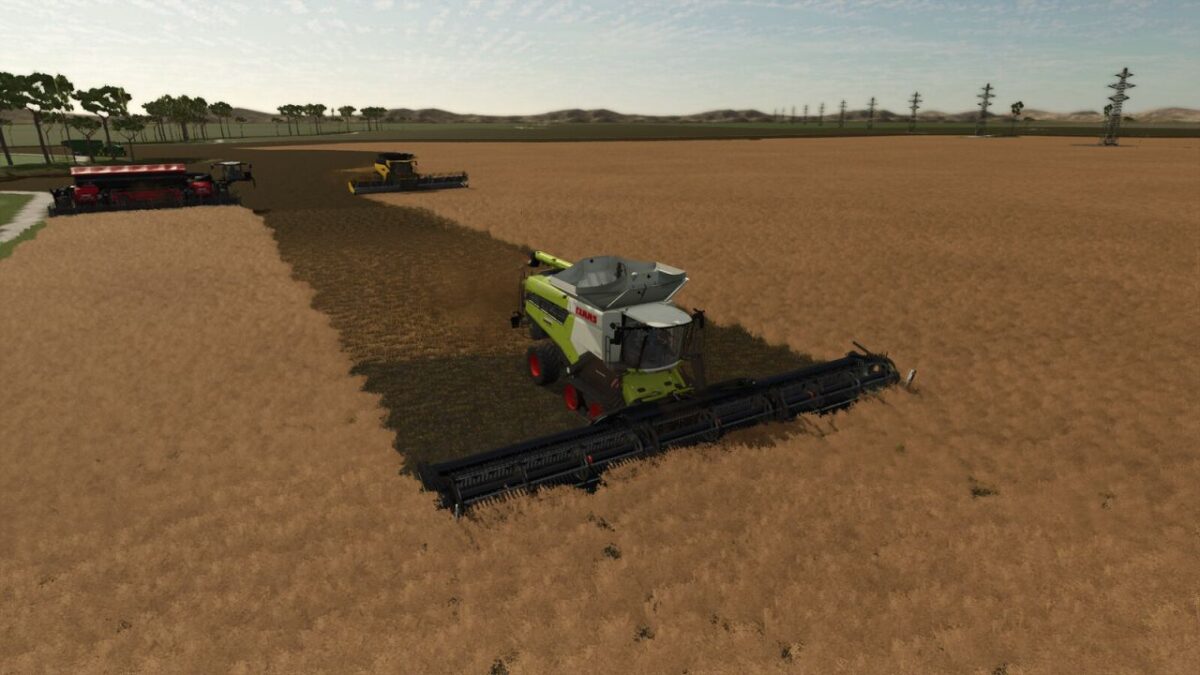
Speeds up field course generation for AI helpers and the guidance system.
The base game advances the course calculation by only small steps per frame, which makes large fields on 4x or 16x maps take several minutes.
This mod processes several steps per frame, limited by a time budget so the game stays responsive.
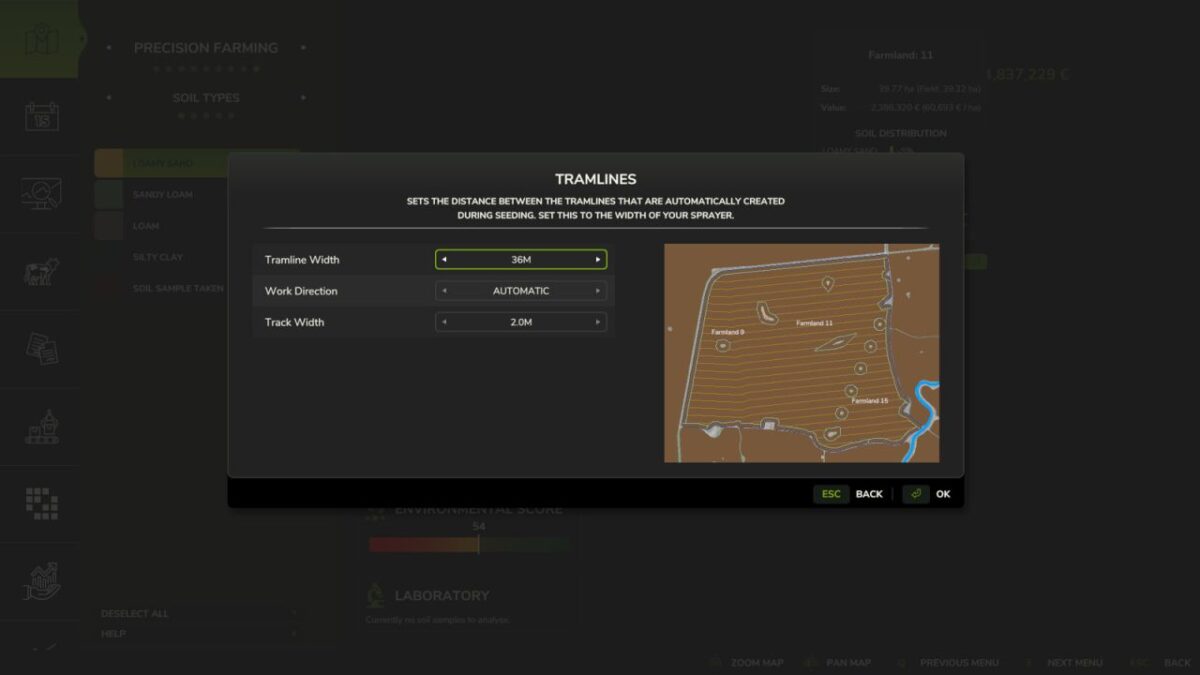
Also in combination with Precision Farming the tramline calculation speed is significantly increased.
Credits:
Hirschenpower
How to install FS19 mods?
Firstly find a mod which you like and want to download. Then download a mod to your PC. Mods are usually in .zip format file. But sometimes it can be in .rar. If a mod file is a .zip format no needed additional actions. If a file is in .rar, then you must unarchive mod with software like WinRar or Zip7. Windows 10 users no need to use software for archives, Win10 itself has a feature to unarchive files.
The next step is to find mods folder in your PC. Usually, it is in Documents/My Games/Farming Simulator 19/2019. Open the "mods" folder and put downloaded .zip archive or unarchived .rar file to this folder.
Last step. Enjoy of FS19 mods!