

Field Contractors v 1.1


Field Contractors v 1.1
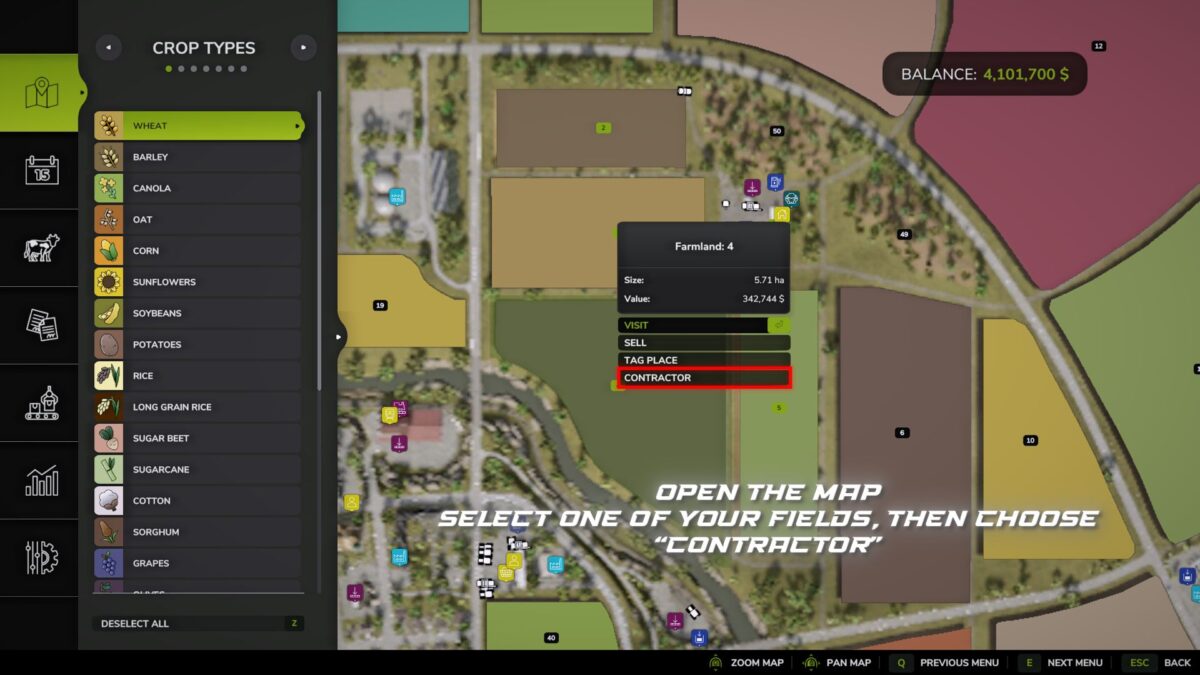
Field Contractors – adds a system for hiring contractors to work on your own fields.
Instead of renting equipment, preparing a machinery setup yourself, driving to the field and starting the standard in-game AI, you can simply order the required fieldwork and assign it to a contractor.
The cost is calculated based on the field area and the selected work mode.
Available work modes:
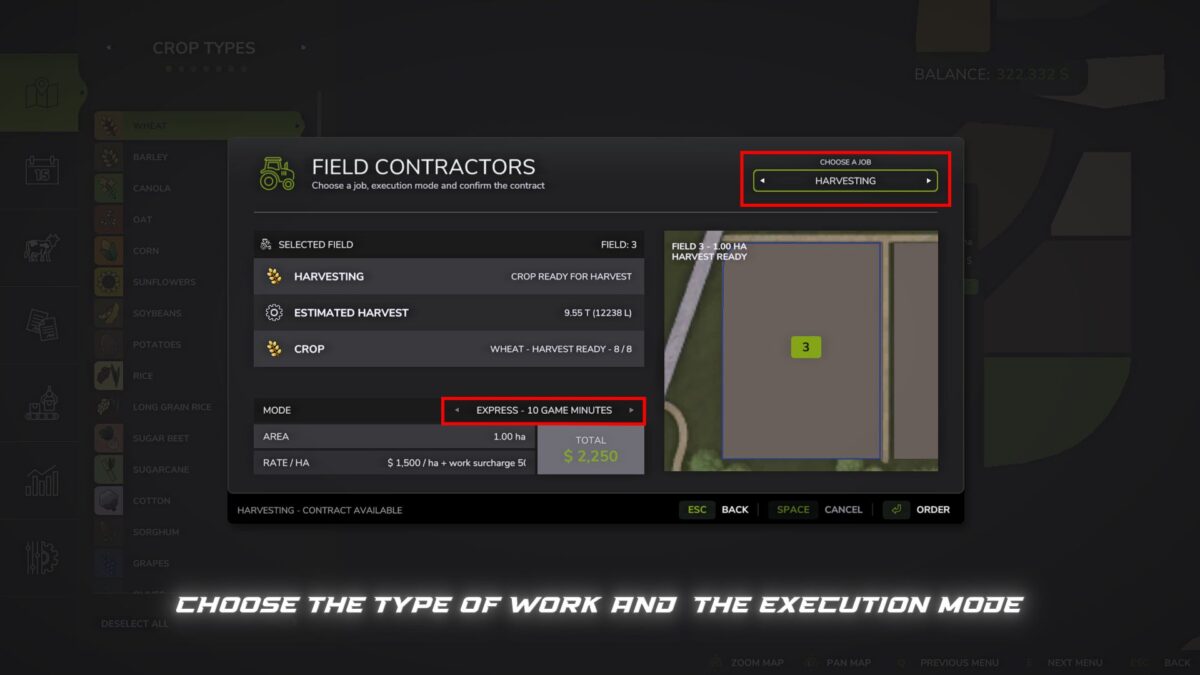
– Express – 10 in-game minutes – +50% surcharge
– Fast – 30 in-game minutes – +40% surcharge
– Medium – 1 in-game hour – +25% surcharge
– Slow – 3 in-game hours – +10% surcharge
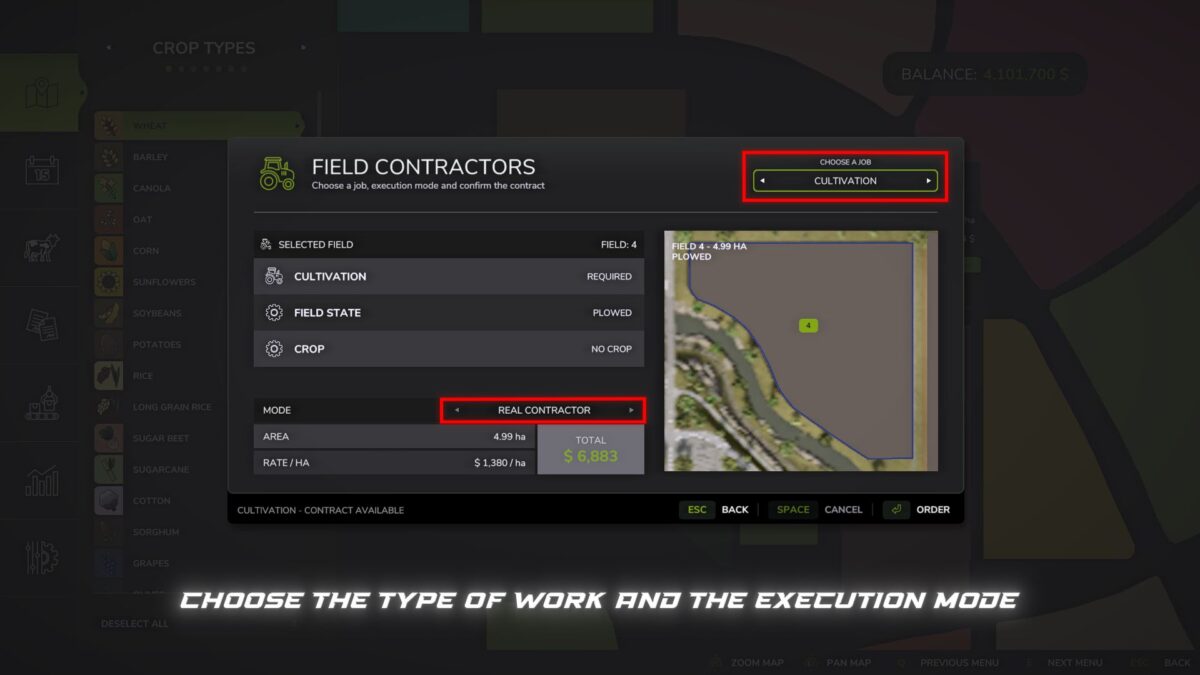
– Real Contractor – the work is carried out by the contractor’s actual equipment directly in the field
In the first four modes, the selected work is completed automatically after the specified in-game time.
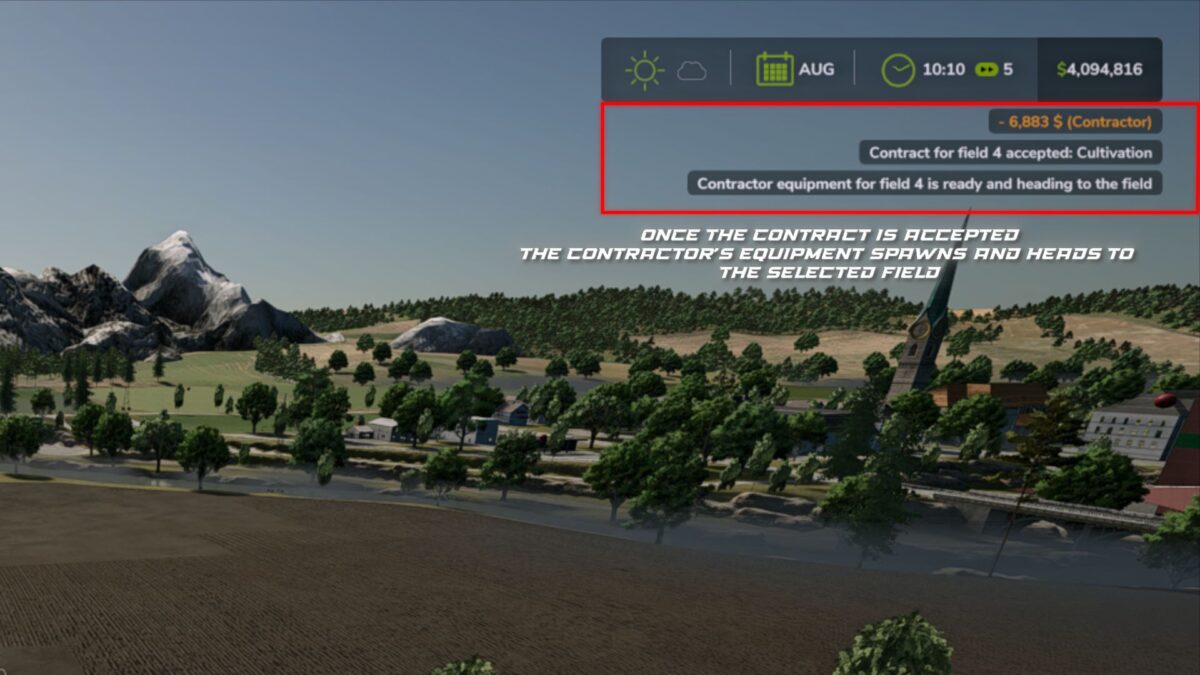
In “Real Contractor” mode, the contractor provides real equipment that appears in the game world, travels to the selected field, performs the ordered work using the in-game AI, and leaves the field after completion.
On very large fields, the game may pause for several seconds when starting a “Real Contractor”. During this time, the standard in-game AI calculates the working route for the equipment. The larger and more complex the field, the longer this calculation may take. On smaller fields, this delay is usually unnoticeable.
The mod checks the current state of the field and uses this information to determine the available or required work.
The following are currently supported:
– Cultivation
– Plowing
– Sowing
– Fertilizing
– Liming
– Weed control
– Rolling
– Harvesting
Harvesting is currently available in Express, Fast, Medium and Slow modes.
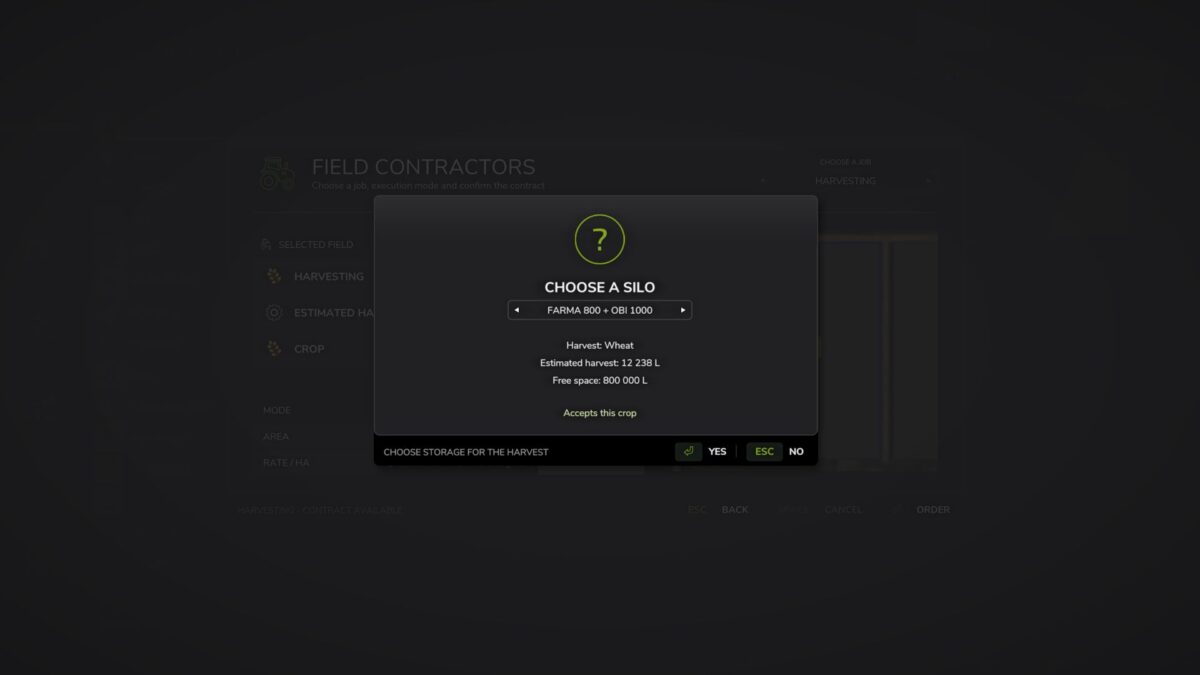
When harvesting is ordered, the mod calculates the approximate crop volume and offers you a choice of the available storage facilities on your farm. The selected storage is checked for support of the corresponding crop type and for available capacity.
The free capacity of the storage takes active harvesting contracts into account: the calculated crop volume is reserved in the selected storage so that several simultaneously active orders cannot exceed its available capacity. When a contract is cancelled, the reservation is released.
After the order is completed, the harvested crop is delivered directly to the selected storage.
Compatibility:
– Standard maps and mod maps are supported
– Additional crops from compatible maps are supported
– Compatibility with MultifruitSeeders and LimeSpreaders is supported
In “Real Contractor” mode, equipment setups available to the game are used, and the equipment size is selected according to the field size.
Version 1.1:
* Added harvesting for the following modes: Express, Fast, Medium and Slow
* Added storage selection for the harvested crop
* Added checks for capacity and supported crop type
* Added free storage space reservations for active harvesting contracts
* Updated windows, field status and translations