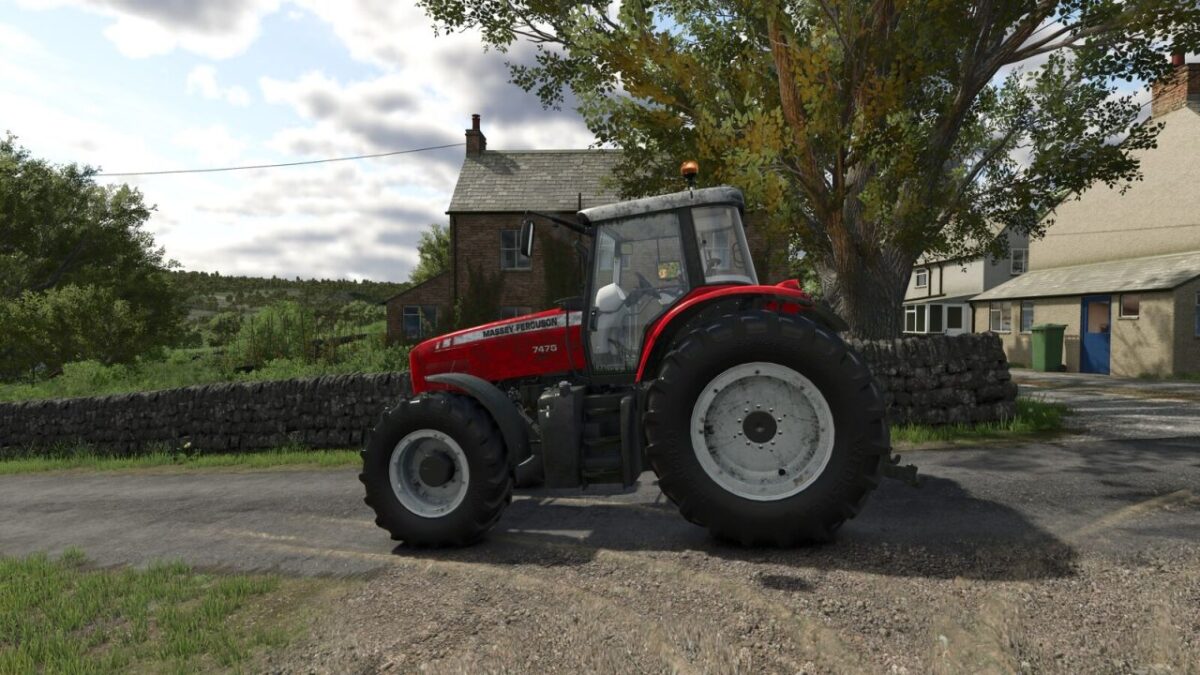
First Person Cameras v 1.0

FS25 mods

First Person Cameras v 1.0
About the mod:

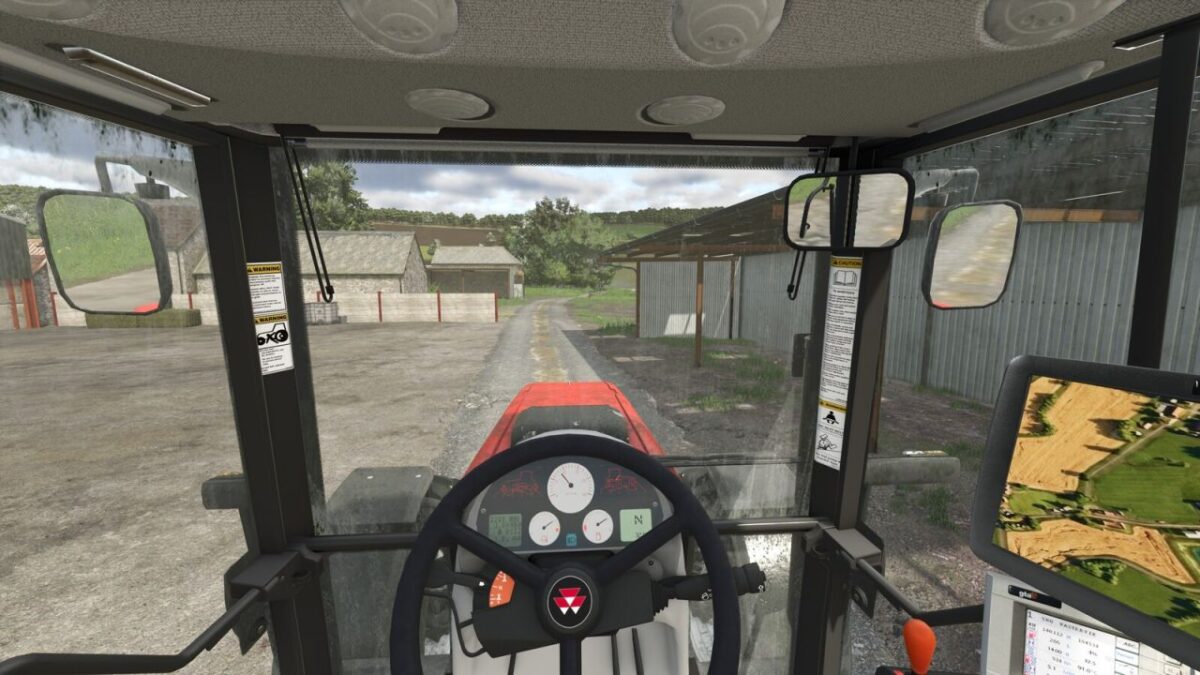
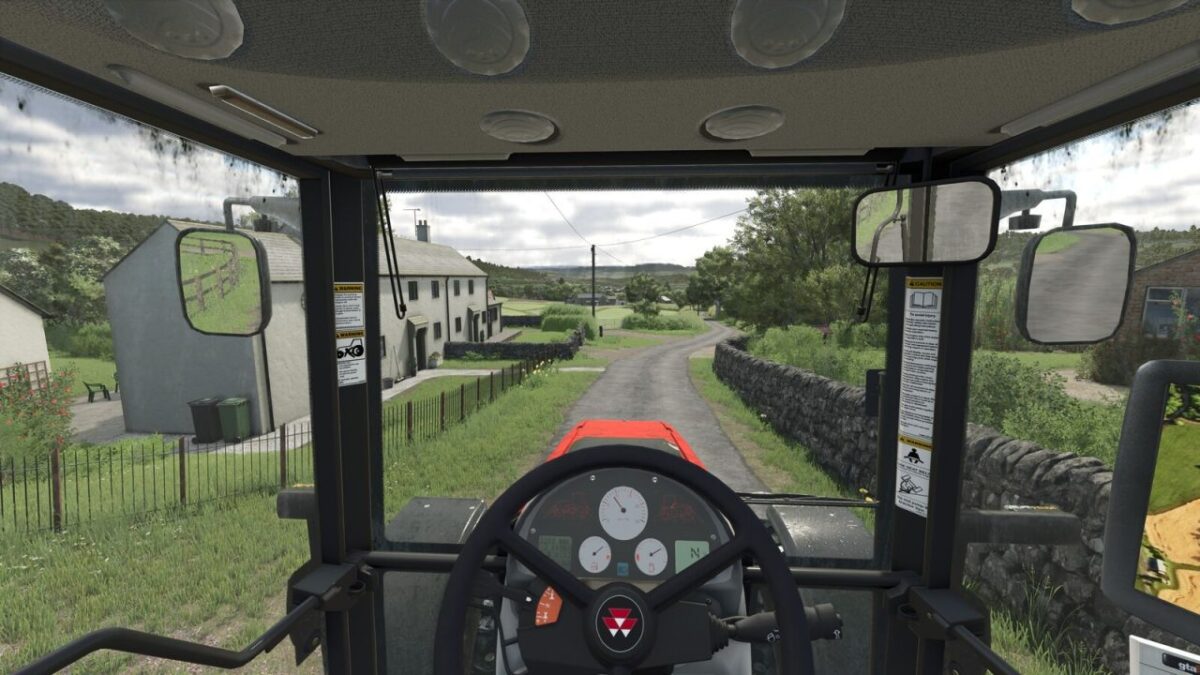
Adds effects to the on foot first person camera, and in-cab first person camera.
Breathing effect for on foot camera
Multiple in cab effects, simulating engine rumbling and the impact of motion and forces on the player point of view, for a more realistic experience.
All effects can be tuned or disabled using settings.

Credits:
Ozz

How to install FS19 mods?

Firstly find a mod which you like and want to download. Then download a mod to your PC. Mods are usually in .zip format file. But sometimes it can be in .rar. If a mod file is a .zip format no needed additional actions. If a file is in .rar, then you must unarchive mod with software like WinRar or Zip7. Windows 10 users no need to use software for archives, Win10 itself has a feature to unarchive files.

The next step is to find mods folder in your PC. Usually, it is in Documents/My Games/Farming Simulator 19/2019. Open the "mods" folder and put downloaded .zip archive or unarchived .rar file to this folder.

Last step. Enjoy of FS19 mods!

Leave a Reply

Your email address will not be published. Required fields are marked *