

First Person Cameras v1.0.0.1

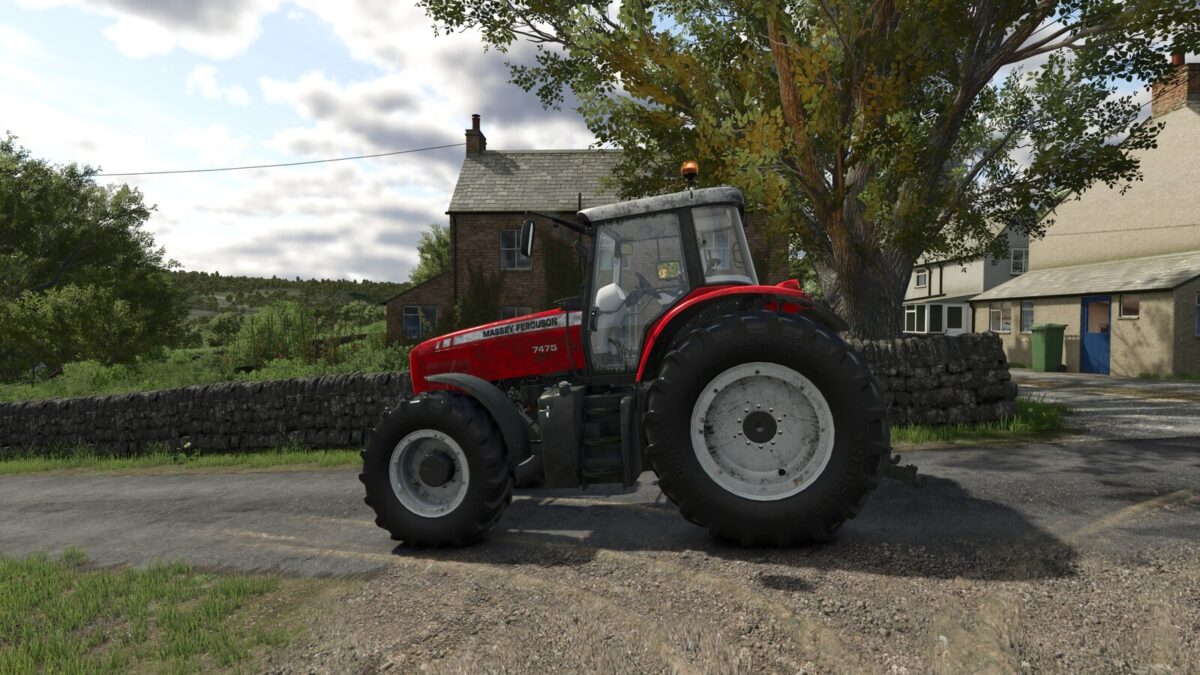
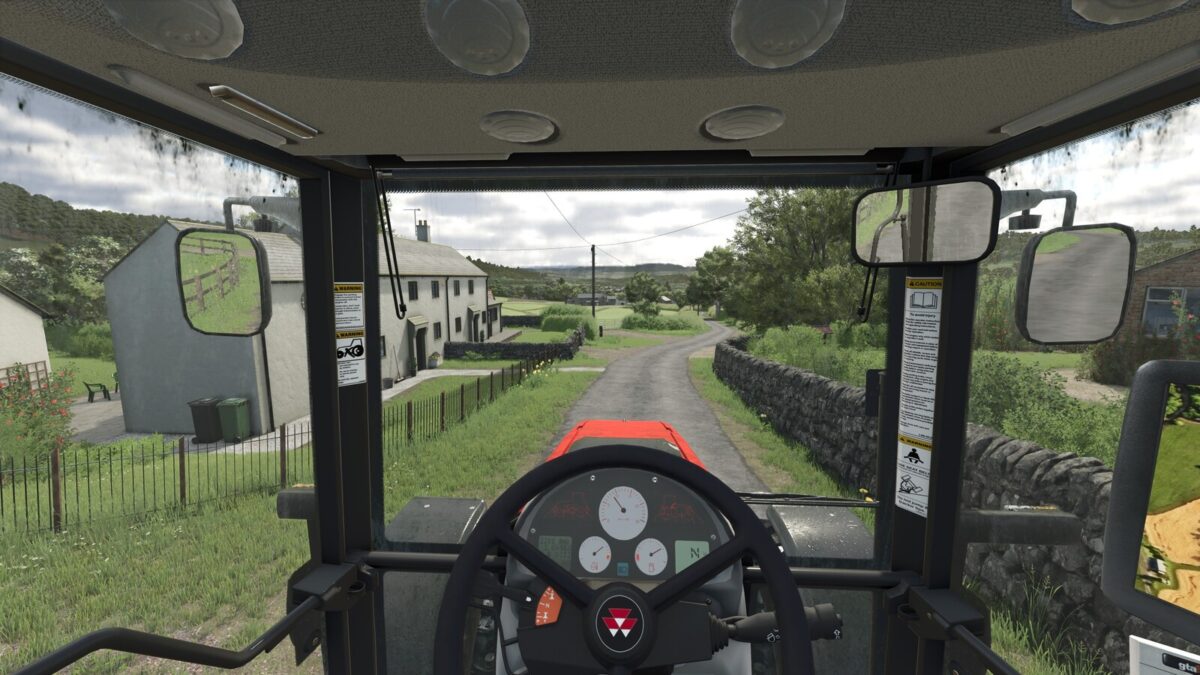
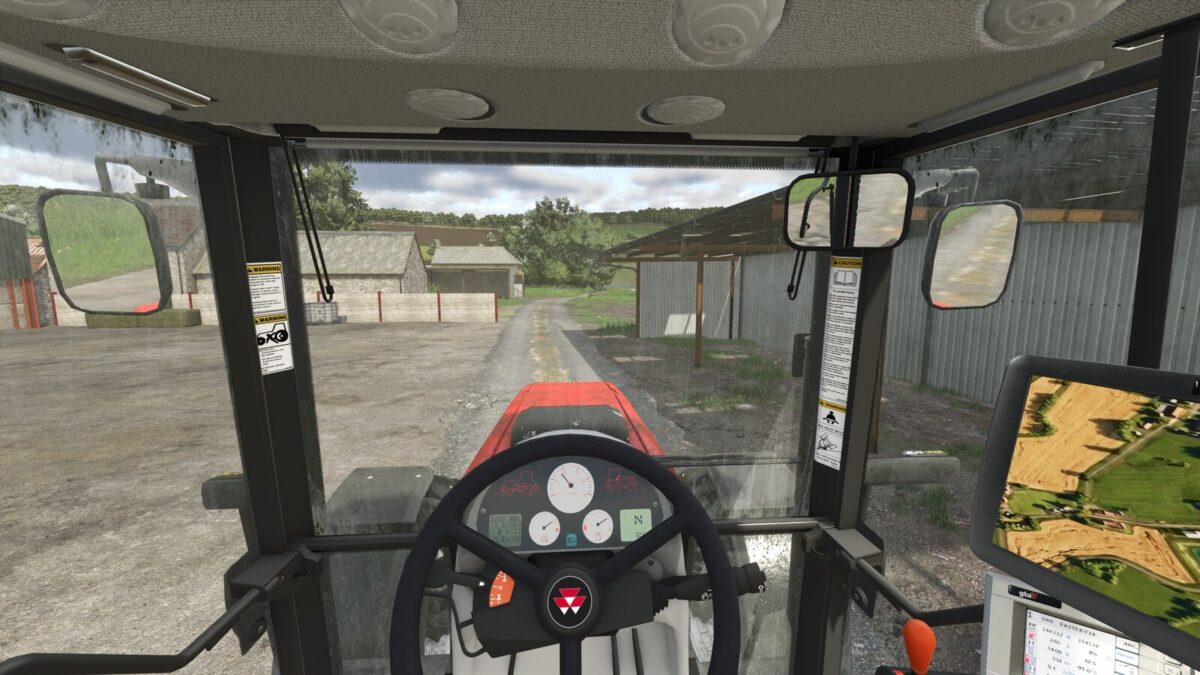
First Person Cameras v1.0.0.1
About the mod:
First Person Cameras
Adds effects to the on-foot first person camera, and in-cab first person camera.
– Breathing effect for on-foot camera
– Multiple in-cab effects, simulating engine rumbling and the impact of motion and forces on the player point of view, for a more realistic experience.
All effects can be tuned or disabled using settings.
GitHub: https://github.com/Ozz-Modding/FS25_FirstPersonCameras
Changelog:
1.0.0.1:
– Settings moved to the General tab, so every player can change their own settings in multiplayer (previously only the admin could)
Credits:
Ozz