

Fruit Greenhouse v1.5.0.1

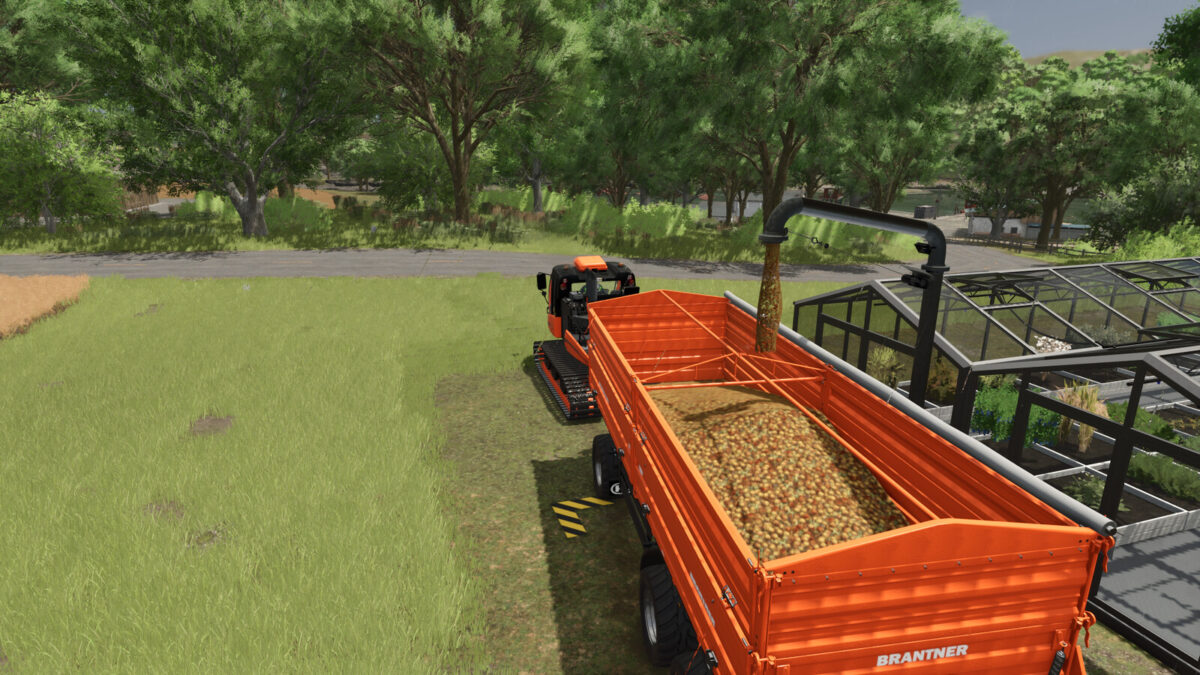
Fruit Greenhouse v1.5.0.1
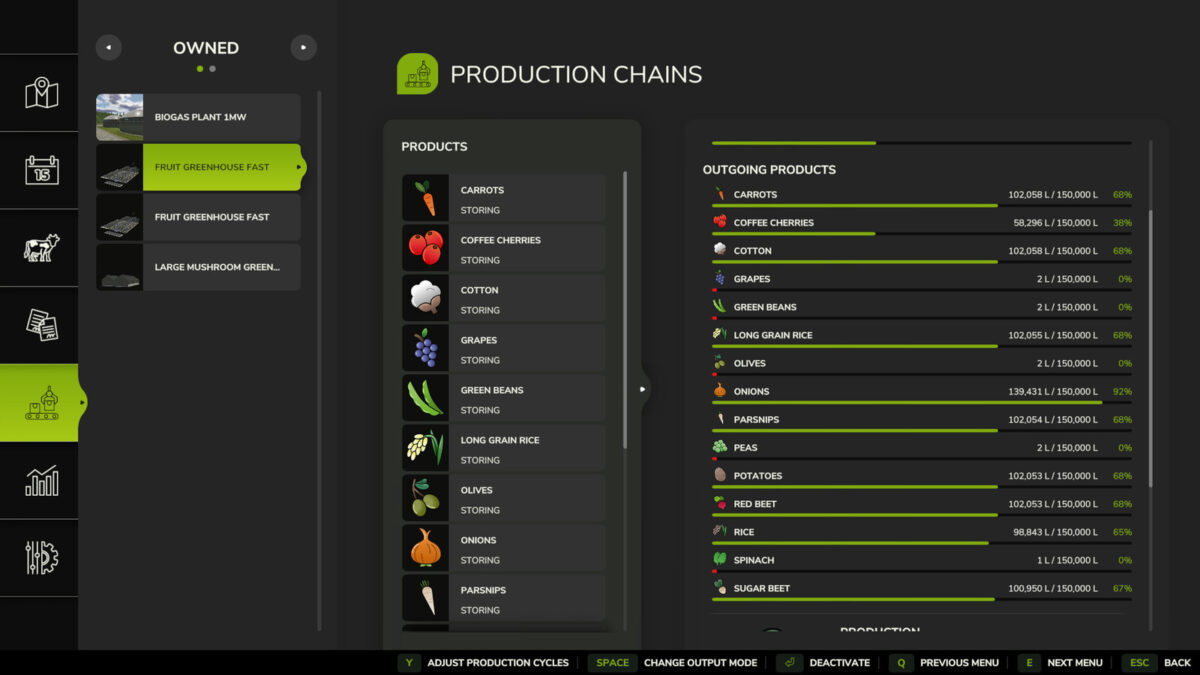
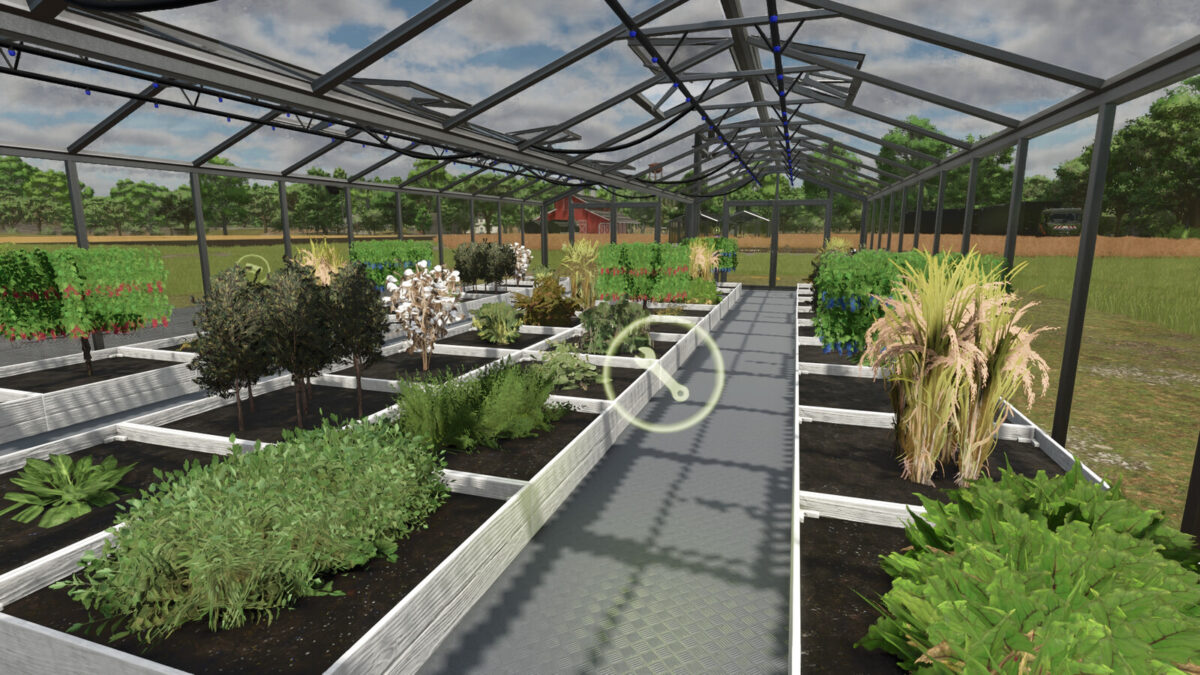
This is the fruit greenhouse where you can produce olives, grapes, peas, spinach, bush beans, cotton, coffee cherries, carrots, potatoes, long-grain rice, parsnips, rice, beetroot, sugar beets and onions, without needing to purchase expensive machinery.
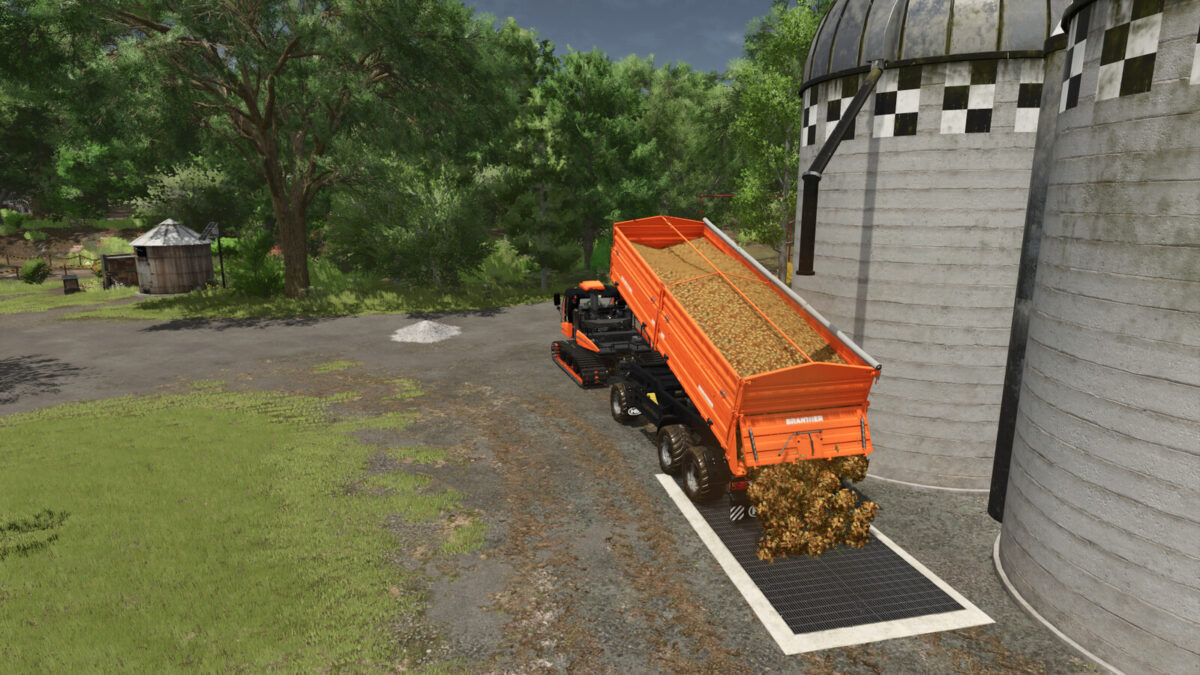
It is possible to transport these crops—olives, grapes, peas, spinach, bush beans, cotton, coffee cherries, carrots, potatoes, long-grain rice, parsnips, rice, beetroot, sugar beets and onions—as bulk material and store them in a farm silo. Furthermore, the fruit greenhouse is now available in two versions, which are explained below.
Note: Onions only work with the Highlands Fishing DLC, and coffee cherries only with the Beans & Alpacas DLC.
Information for the “Fast” Fruit Greenhouse:
Construction cost: $12.500
Daily maintenance: $50
Required inputs: Water, seeds, fertilizer, and herbicide
Produced crops: Olives, grapes, peas, spinach, bush beans, cotton, coffee cherries, carrots, potatoes, long-grain rice, parsnips, rice, beetroot, sugar beets and onions
Capacity per crop: 100.000L – 200.000L
Cycles per hour: 25
Hourly operating cost: $20
Category: Placeables – Factories – Greenhouses
Information for the “Slow” Fruit Greenhouse:
Construction cost: $12.500
Daily maintenance: $50
Required inputs: Water, seeds, fertilizer, and herbicide
Produced crops: Olives, grapes, peas, spinach, bush beans, cotton, coffee cherries, carrots, potatoes, long-grain rice, parsnips, rice, beetroot, sugar beets and onions
Capacity per crop: 5L – 20,000L
Cycles per hour: 15
Hourly operating cost: $20
Category: Placeables – Factories – Greenhouses
Changelog 1.0.1.0
Fixed bug in the moddesc – Incorrect text
Fixed bug in the fruit_greenhouse.xml
Better support for modmaps
Changelog 1.1.0.0
There are now 2 greenhouses, a fast one and a slow one. The fast one is, as you know, with more volume of everything. In the slow greenhouse, everything has been scaled up to a real size.
Moddesc description adjusted
Fixed some small bugs
Changelog 1.1.1.0
Adjustment of the doors and windows that were moved by update 1.1.0.0
Changelog 1.2.0.0
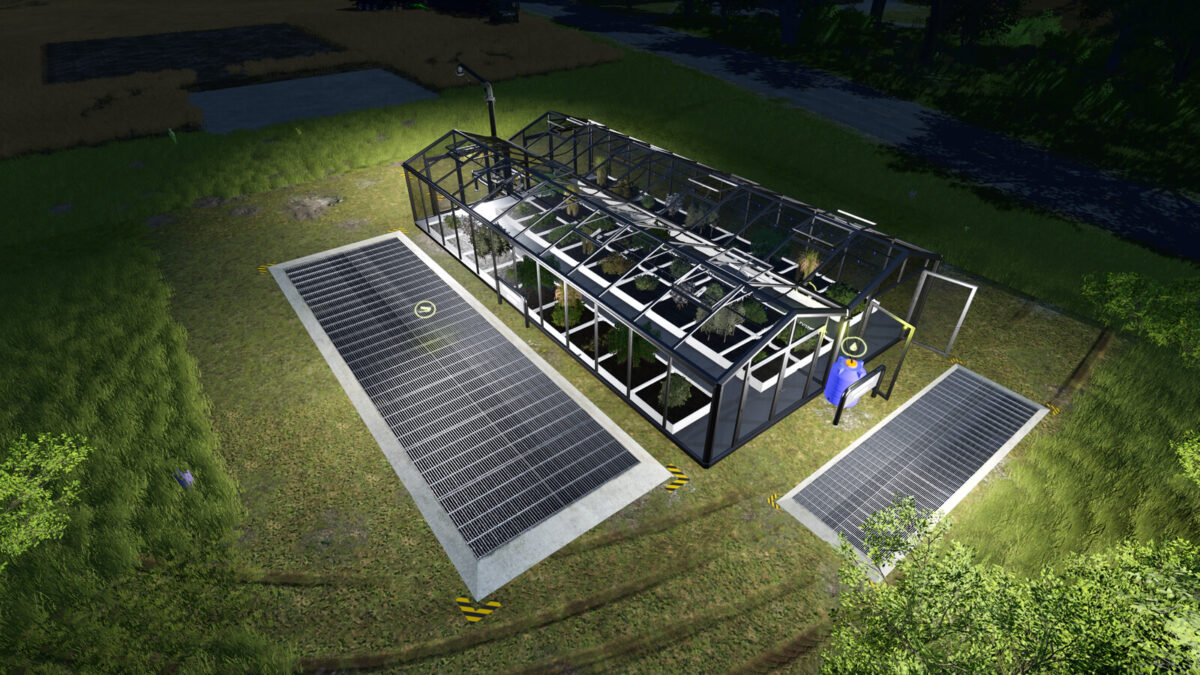
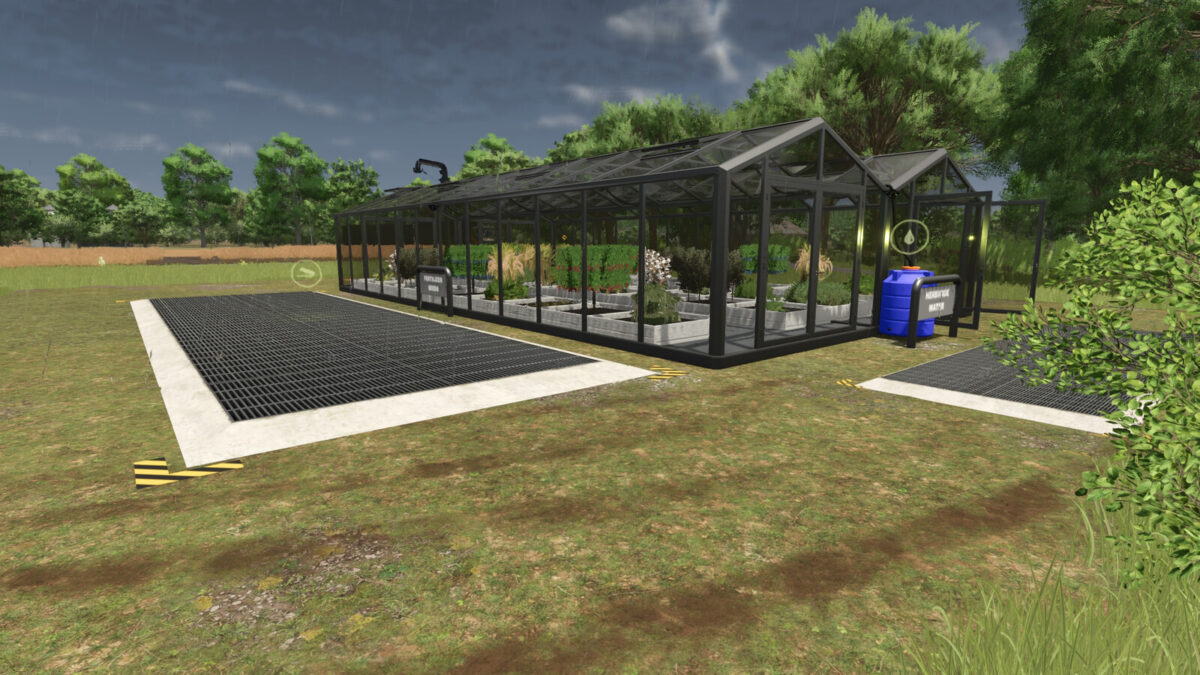
Unloading points now signposted, indicating where things go.
Water warning stripes added.
Unloading speed slightly increased for both greenhouses.
Adapted to patch v1.7.0.2.
Changelog 1.3.0.0
Adjustments to the current patch
Fruit greenhouse unloading speed adjusted from 150 to 175
Fixed a few spelling and translation errors
Redesigned signs
Changelog 1.4.0.0
Updated for the current patch
Redesign of the greenhouse, including signs
Fixed a few spelling and translation errors
Added new unloading points (visual)
Changelog 1.5.0.1
Fixed an issue with the water trigger