
Gambrel Barn v1.0.0.0

FS25 mods

Gambrel Barn v1.0.0.0

Gambrel Barn v1.0.0.0
Gambrel Barn v1.0.0.0
Gambrel Barn v1.0.0.0
Gambrel Barn v1.0.0.0
Gambrel Barn v1.0.0.0
About the mod:

Gambrel Barn
Category: Sheds
Price: $30,000
Monthly upkeep: $30
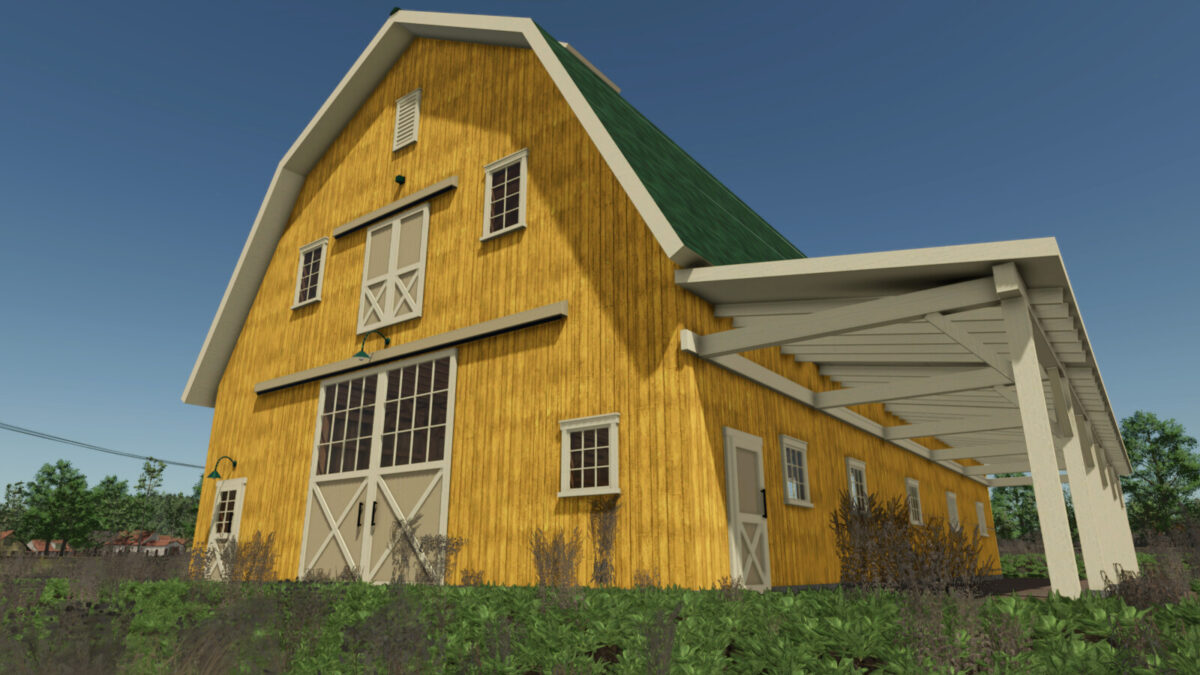
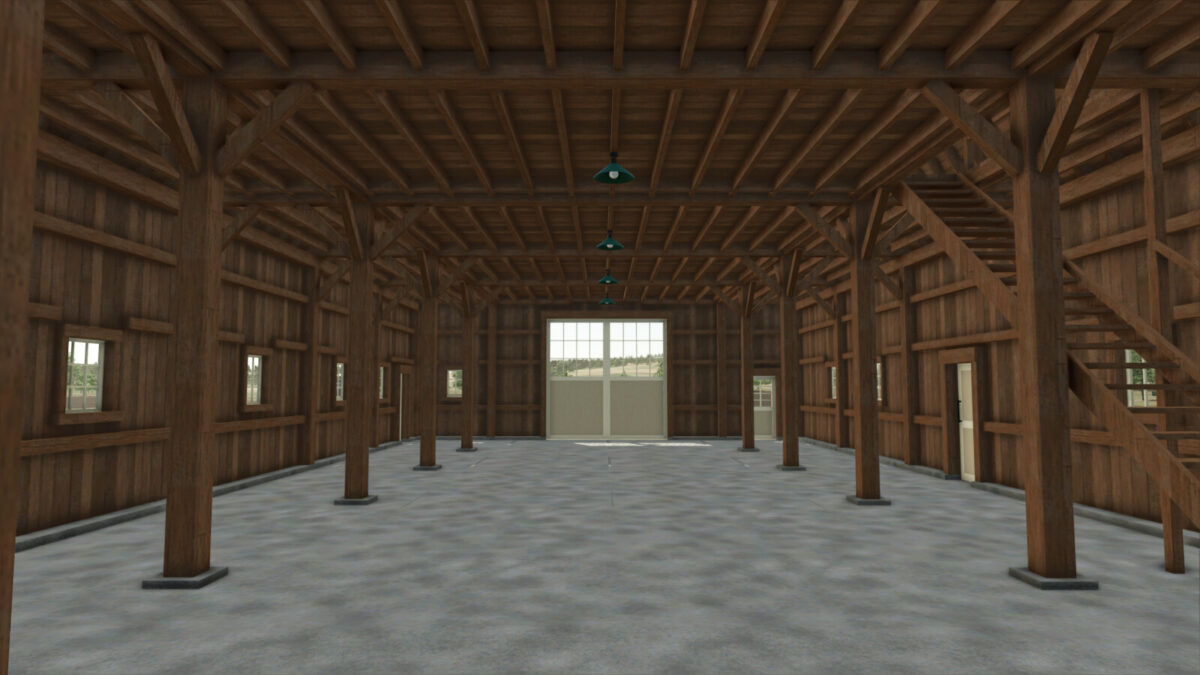
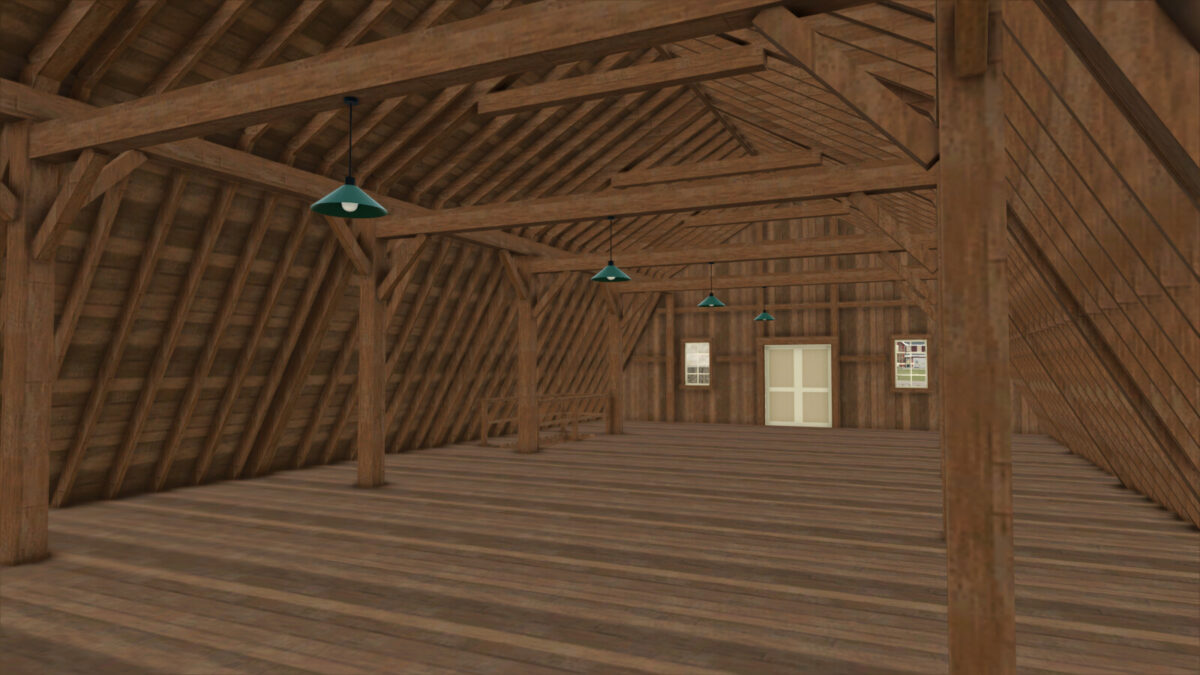
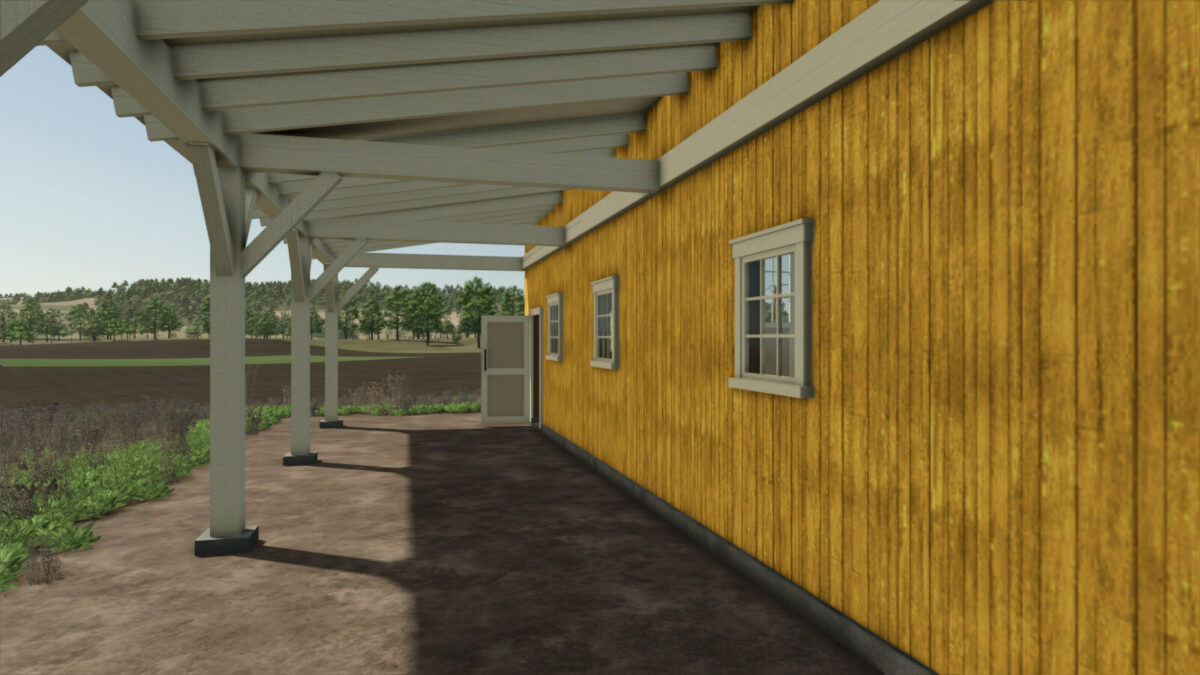
A classic red gambrel-roof shed with a timber-framed interior, a covered porch along one side, a cupola and a dormer.
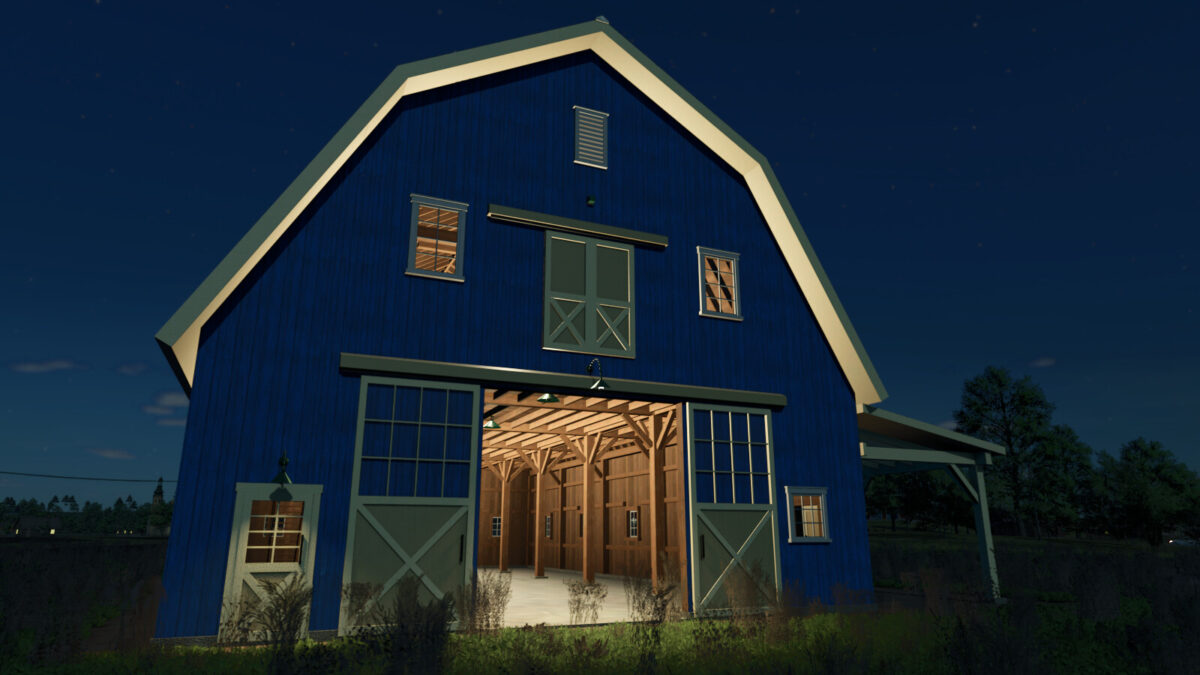
Drive in through the big 4 m sliding gates at both ends and park your vehicles under cover. An open stair leads up to a full-length plank loft under the roof. The sliding gates, the front door and both side doors open and close. At night the pendant lamps light the ground floor and the loft, and the two lamps over the front gate and the front door light up outside.
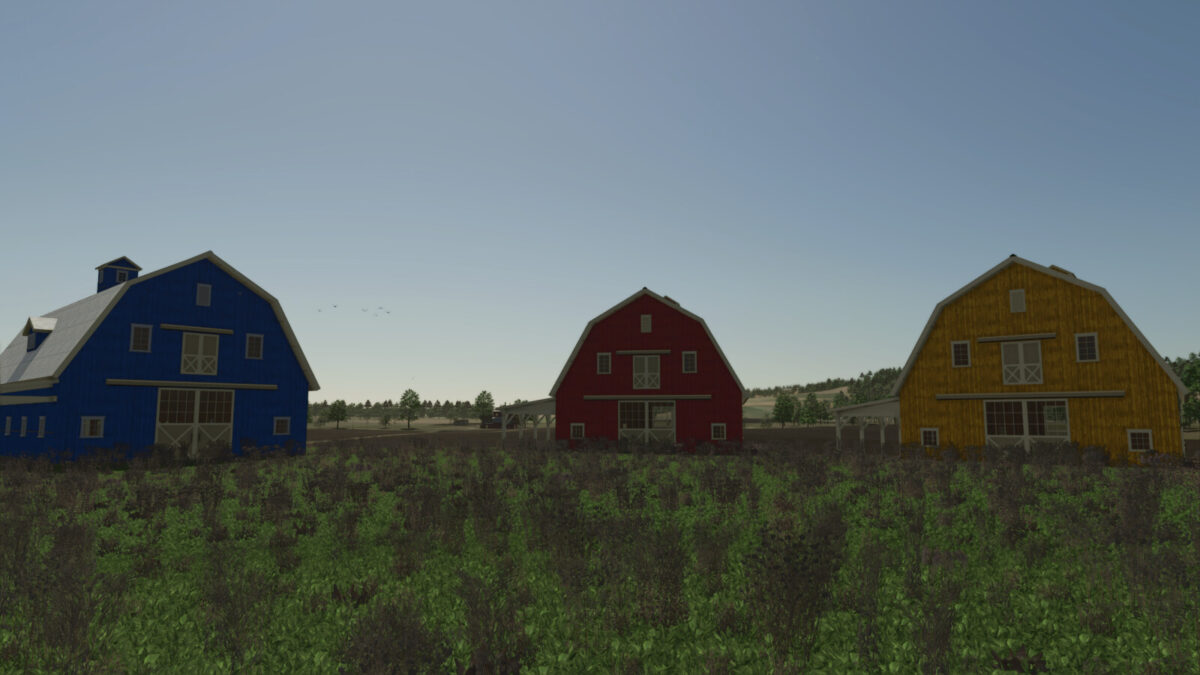
Colour schemes in the shop: red with a grey roof (default), yellow with a dark green roof, or blue with a white roof and light grey windows.

Credits:
Cosmos

How to install FS19 mods?

Firstly find a mod which you like and want to download. Then download a mod to your PC. Mods are usually in .zip format file. But sometimes it can be in .rar. If a mod file is a .zip format no needed additional actions. If a file is in .rar, then you must unarchive mod with software like WinRar or Zip7. Windows 10 users no need to use software for archives, Win10 itself has a feature to unarchive files.

The next step is to find mods folder in your PC. Usually, it is in Documents/My Games/Farming Simulator 19/2019. Open the "mods" folder and put downloaded .zip archive or unarchived .rar file to this folder.

Last step. Enjoy of FS19 mods!

Leave a Reply

Your email address will not be published. Required fields are marked *