

Grain Dryer v 1.0.0.1

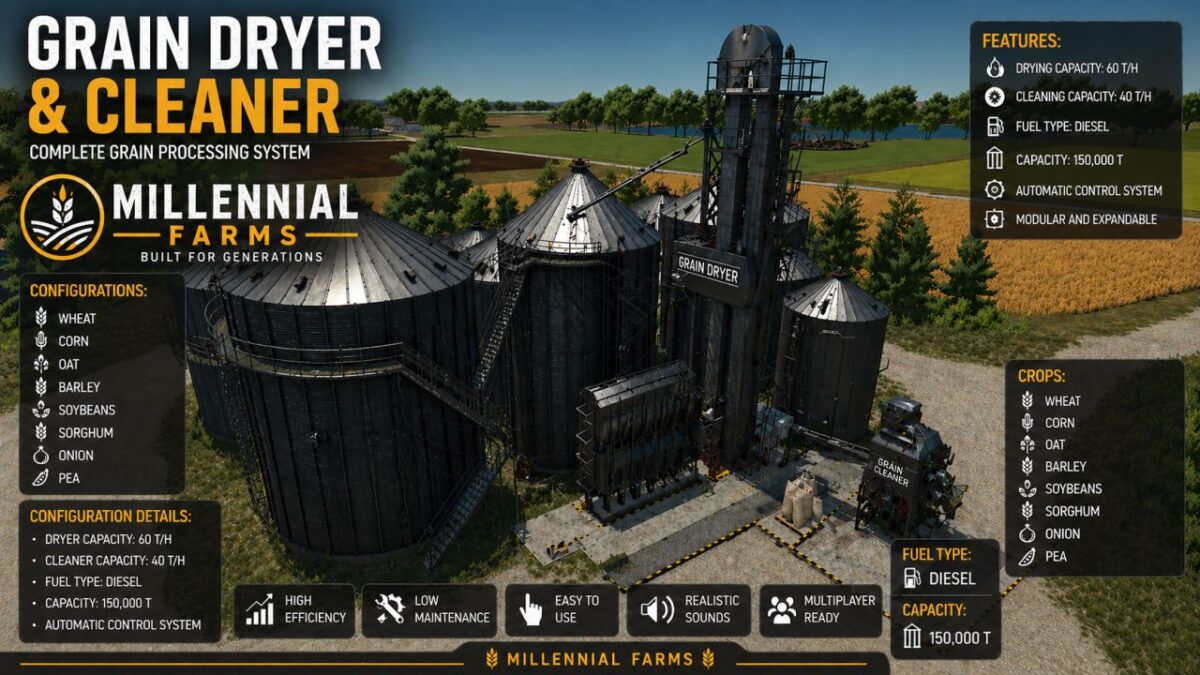
Grain Dryer v 1.0.0.1
About the mod:
Not add automatic Flattening before stand it up Make place where, and manualy Sculping
IMPORTANT
Before Come out Millennial Map General Update – This Mod can use and replace Silo System who are at the moment
and not working properly.
Millennial Farm GrainDryer.
Crops – Wheat Barley Oat Onion Pea Soybean Corn Sorghum Pea Canola
Output one- Dry All Type off Crops with prefix_ Dry
Cleaner:
Input – All Dry Grains
Output – All Crops with Prefix_Clean.
Price: 100000Eur
Version 1.0.0.1:
* Change Capacity to 1500000 liters
Capacity: 150t
Credits:
FarmerTV, Mappers Paradise, TheSuBBie, Celobuki