
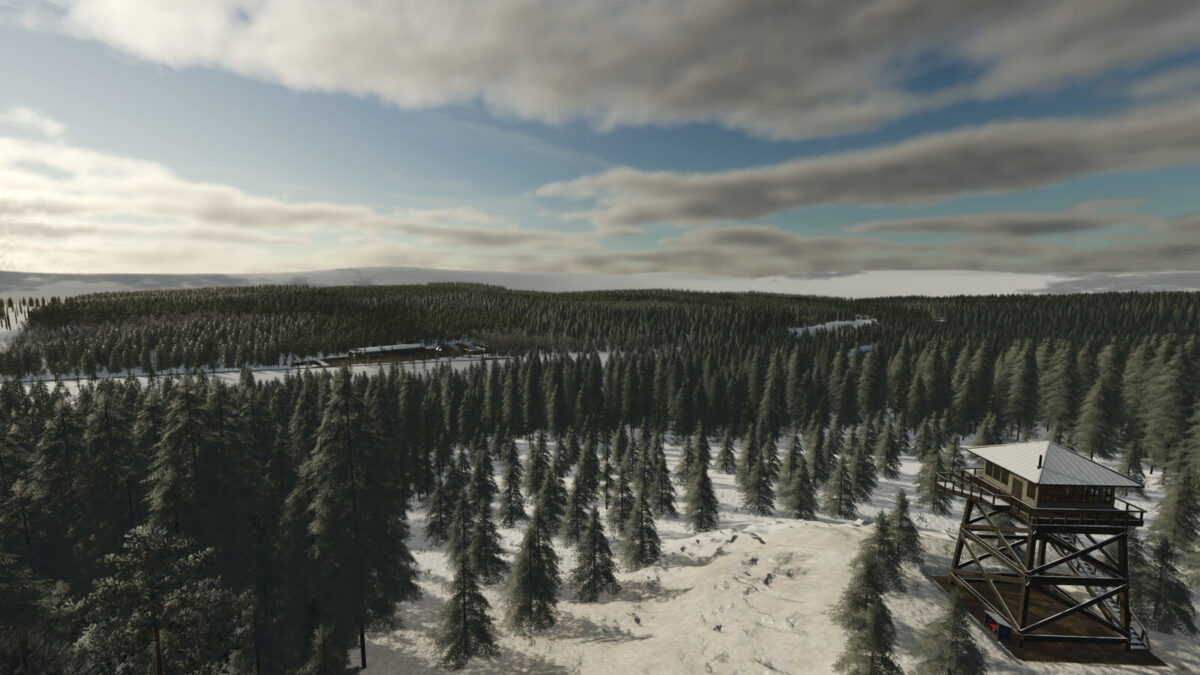
Grenland v1.0.0.1

FS25 mods

Grenland v1.0.0.1

Grenland v1.0.0.1

Grenland v1.0.0.1

Grenland v1.0.0.1

Grenland v1.0.0.1

About the mod:

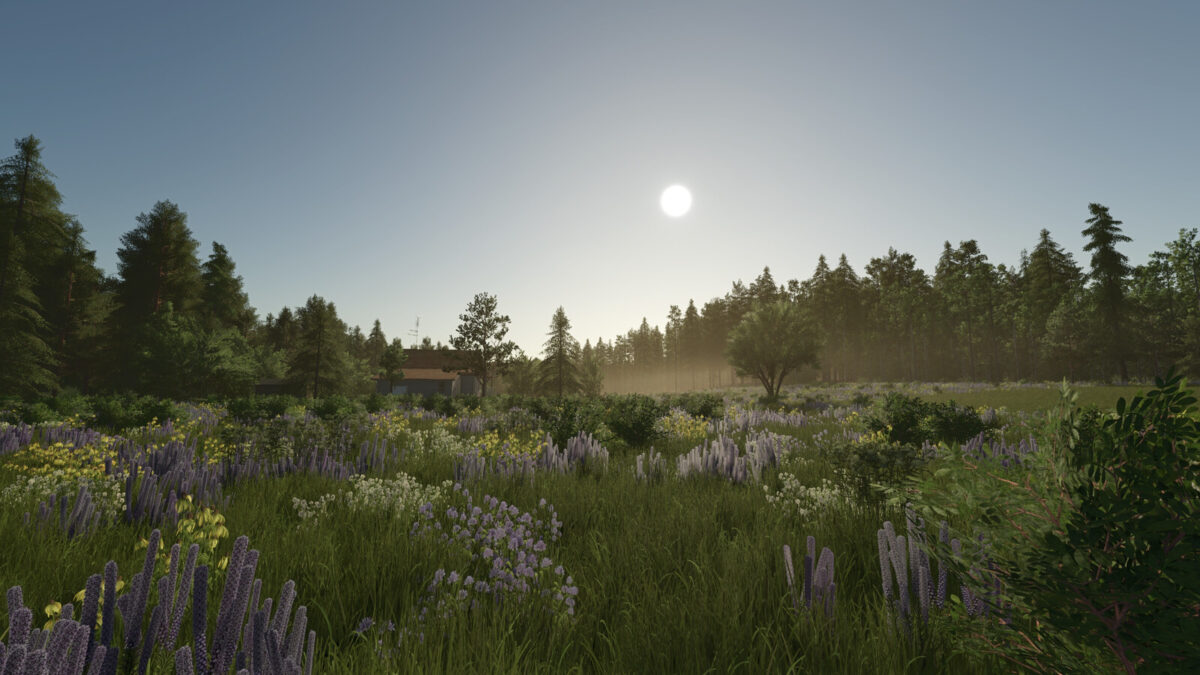
Welcome to Grenland!
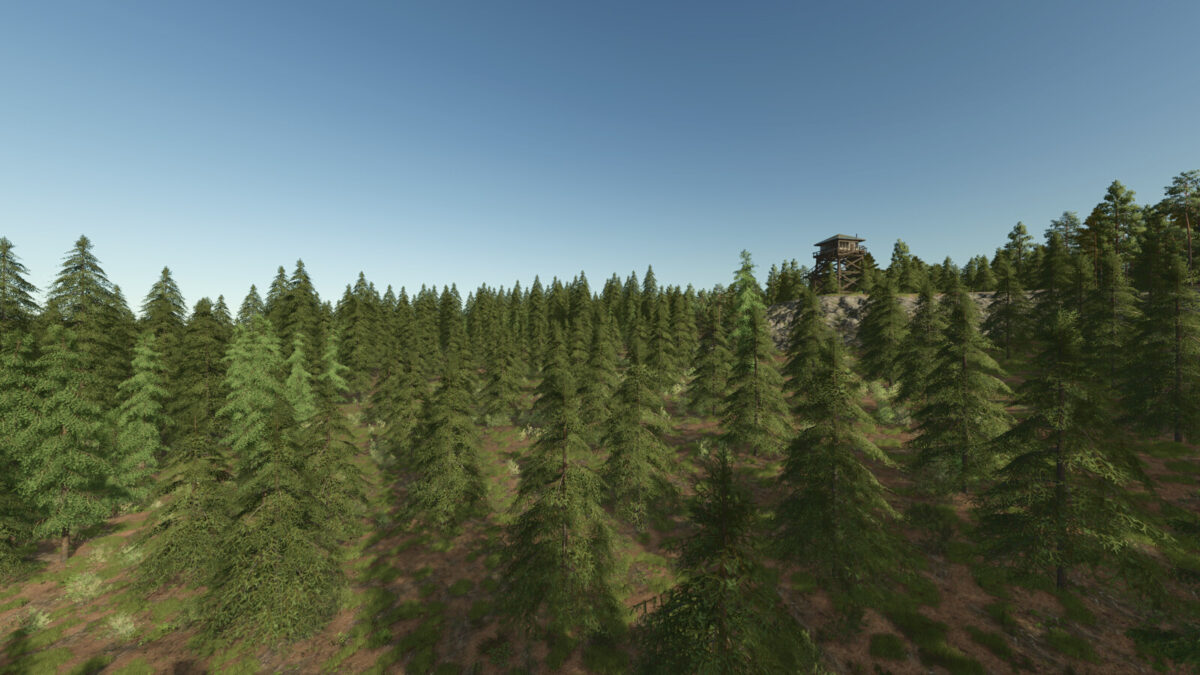
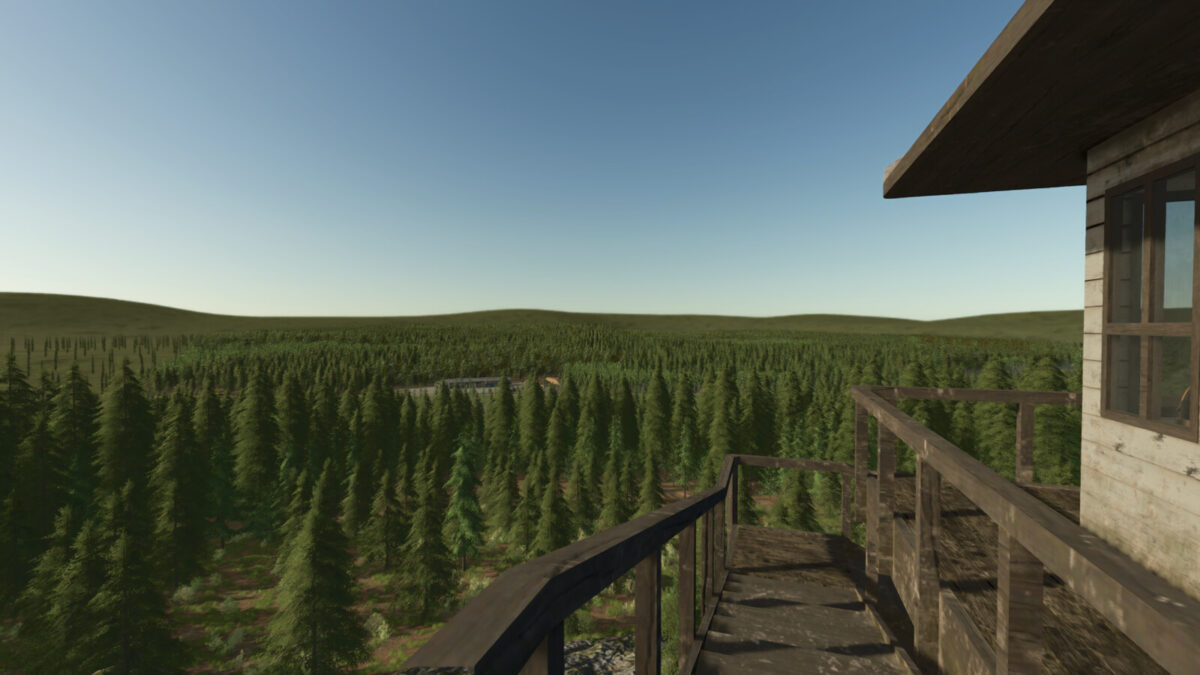
You are a forester responsible for maintaining the forests of Grenland.
Your job is to manage logging operations, care for the forests and open land and ensure the areas remain healthy and sustainable for the future.
There is another local forester who can teach you more about forestry and to start maintaining the forests and lands of Grenland.
Map Info:
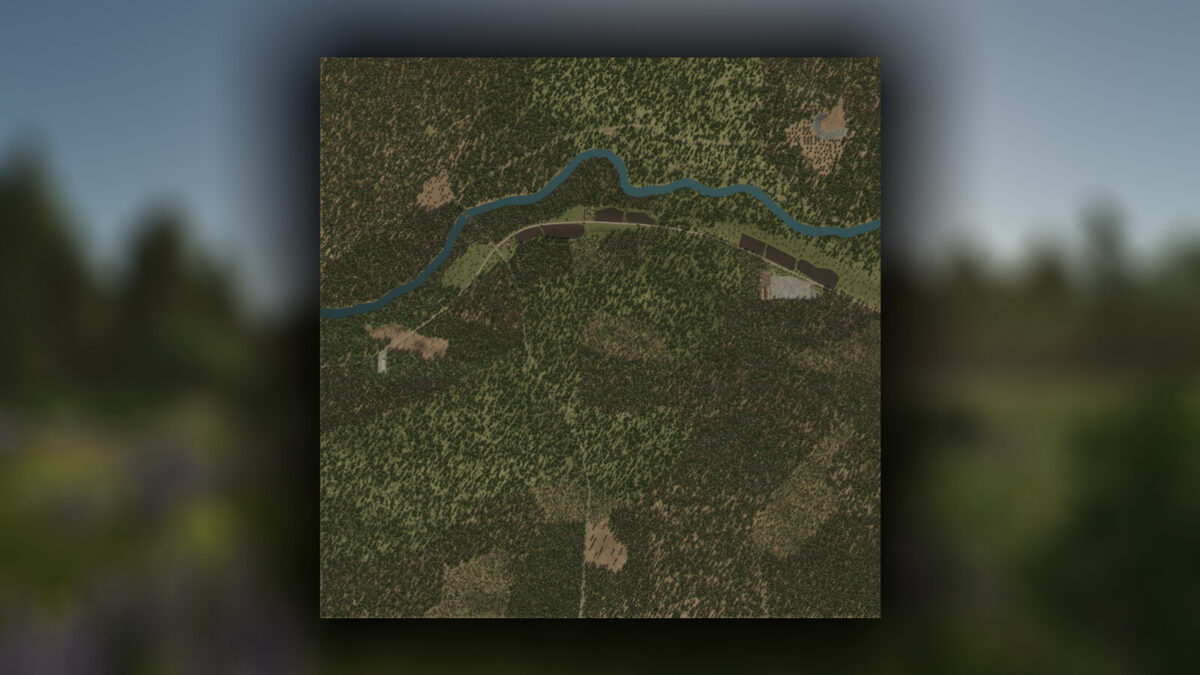
7 grass fields
Storage hall for selling products and grains
Over 56000 trees
Player-owned sawmill to produce and sell wood products
Most roads will be covered with snow in winter
Custom log transport missions
River for fishing
Precision Farming ready
New crops: alfalfa and clover
Enjoy your stay in Grenland!
Changelog 1.0.0.1
Switched the environment.xml to the basegame one to prevent issues after the 1.24 game update!

Credits:
Carl-TG

How to install FS19 mods?

Firstly find a mod which you like and want to download. Then download a mod to your PC. Mods are usually in .zip format file. But sometimes it can be in .rar. If a mod file is a .zip format no needed additional actions. If a file is in .rar, then you must unarchive mod with software like WinRar or Zip7. Windows 10 users no need to use software for archives, Win10 itself has a feature to unarchive files.

The next step is to find mods folder in your PC. Usually, it is in Documents/My Games/Farming Simulator 19/2019. Open the "mods" folder and put downloaded .zip archive or unarchived .rar file to this folder.

Last step. Enjoy of FS19 mods!

Leave a Reply

Your email address will not be published. Required fields are marked *