
HAWE ULW 4000 TR v1.0.0.0

FS25 mods

HAWE ULW 4000 TR v1.0.0.0

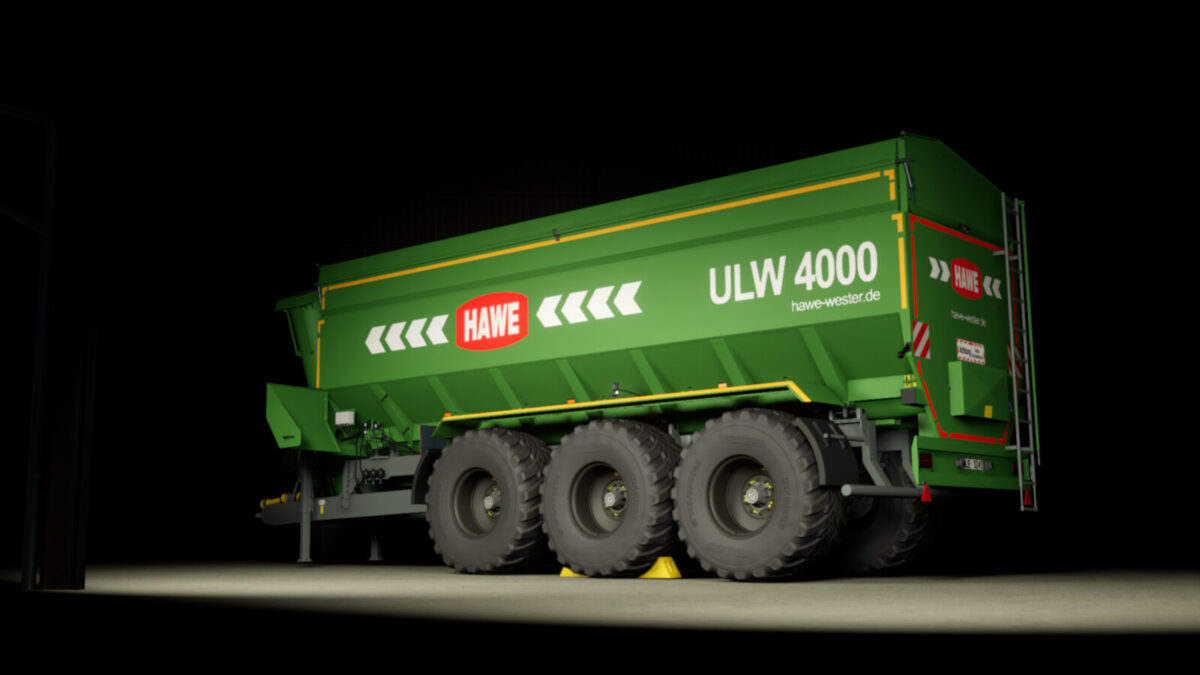
HAWE ULW 4000 TR v1.0.0.0
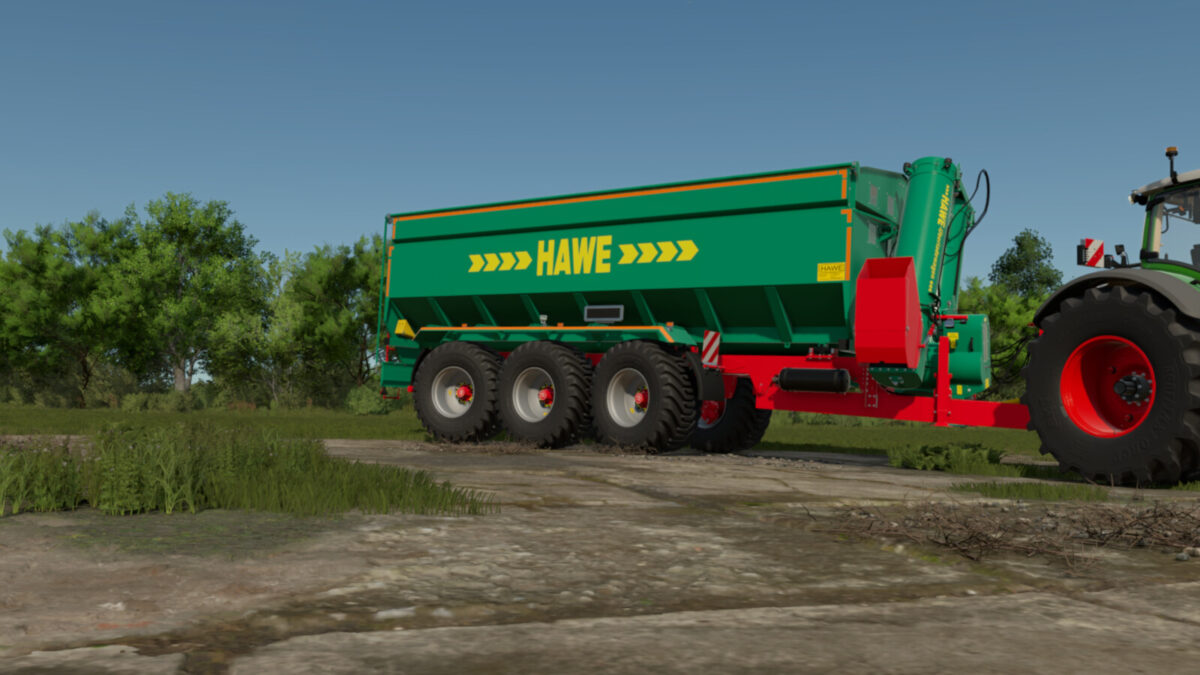
HAWE ULW 4000 TR v1.0.0.0
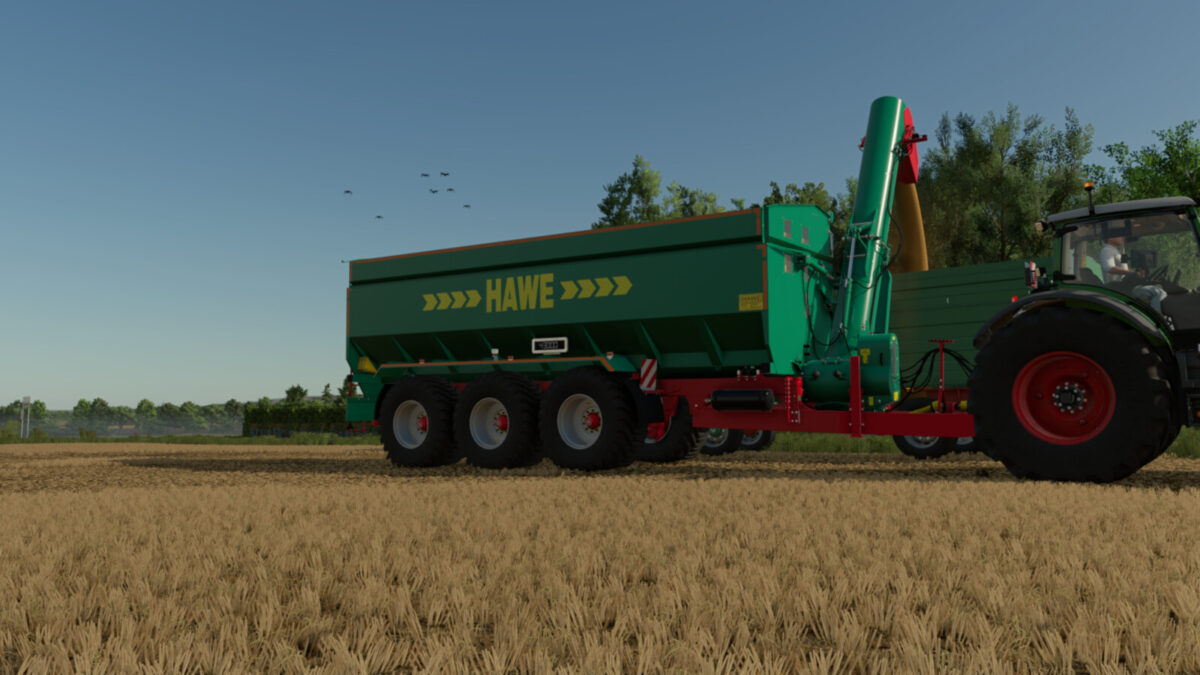
HAWE ULW 4000 TR v1.0.0.0
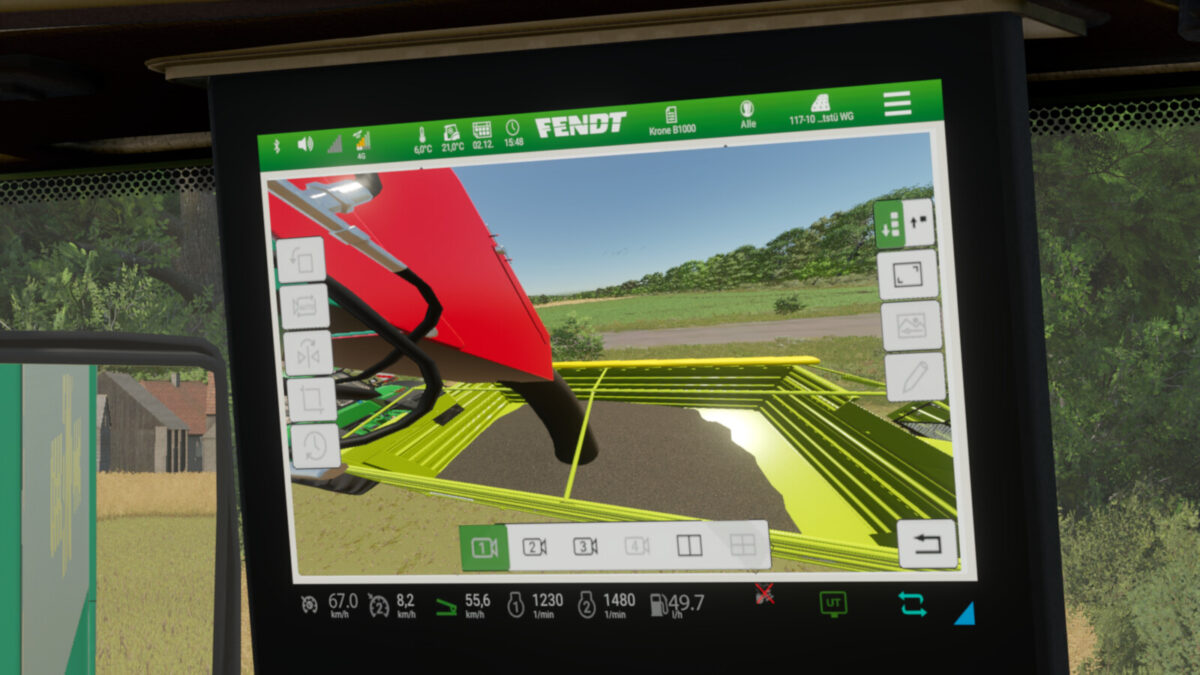
HAWE ULW 4000 TR v1.0.0.0
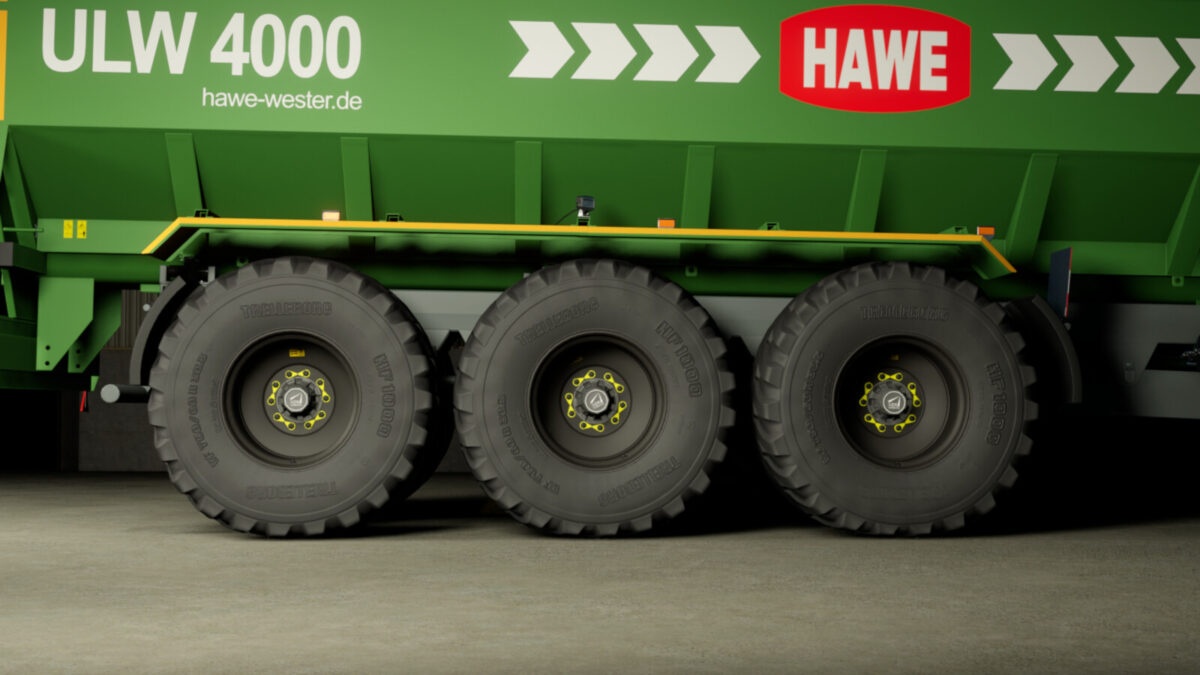
About the mod:

Category: Auger Wagons
Price: $102,000
Capacity: 43,000 m³
Configurations:
– Weighing system
– Wheel nut covers
– Cameras
– Reflectors
– Pipe cover
– Warning stickers
– HAWE Design (old and new)
– Taillights (Classic and Modern)
Features:
– 3 functioning cameras (rear, cargo area, and discharge pipe). Depending on how many cameras are supported by the tractor.
Color Options:
– Main color
– Chassis color
– Cover color
– Wheel hub color
– Reflector color
The Mercedes-Benz DLC and a compatible tractor are required to display the cameras. Paul’s Fendt tractors are recommended.
Compatible with Interactive Control.
Credits:
Thanks to Nico Du 55 for sharing the wheel nut cover.
Thanks to deutzfreakwsm for providing the ADR Teknoax wheel hub.

Credits:
roman.1707

How to install FS19 mods?

Firstly find a mod which you like and want to download. Then download a mod to your PC. Mods are usually in .zip format file. But sometimes it can be in .rar. If a mod file is a .zip format no needed additional actions. If a file is in .rar, then you must unarchive mod with software like WinRar or Zip7. Windows 10 users no need to use software for archives, Win10 itself has a feature to unarchive files.

The next step is to find mods folder in your PC. Usually, it is in Documents/My Games/Farming Simulator 19/2019. Open the "mods" folder and put downloaded .zip archive or unarchived .rar file to this folder.

Last step. Enjoy of FS19 mods!

Leave a Reply

Your email address will not be published. Required fields are marked *