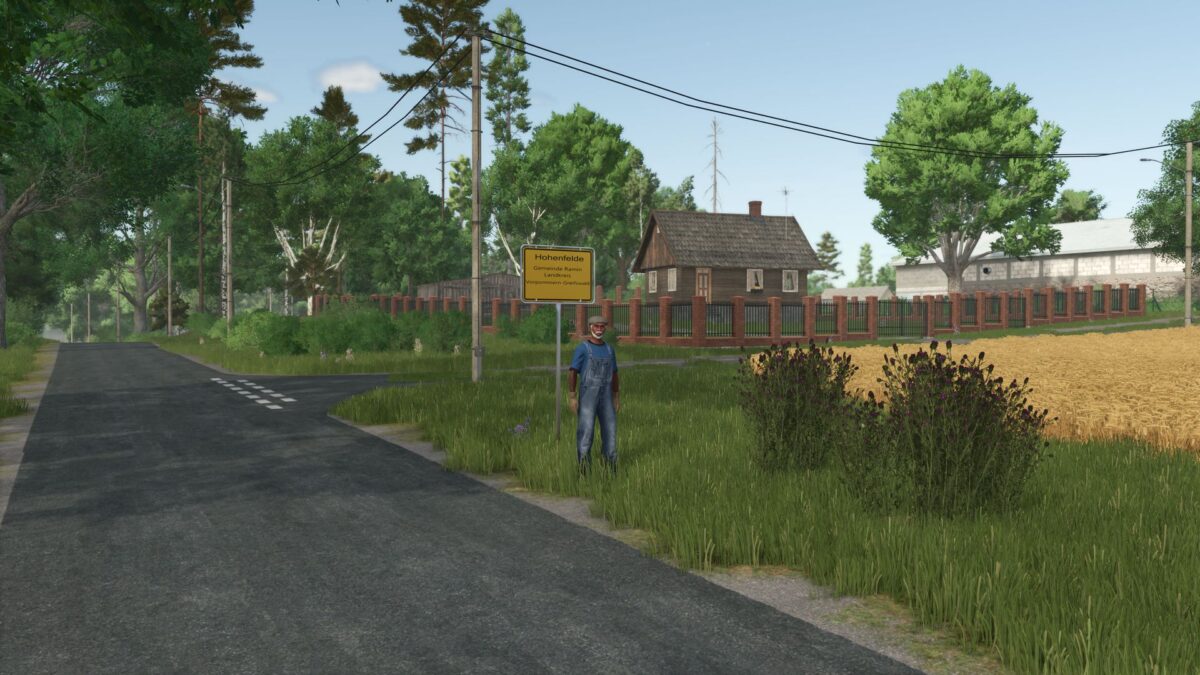
Hohenfelde Map v 1.1.2

FS25 mods

Hohenfelde Map v 1.1.2

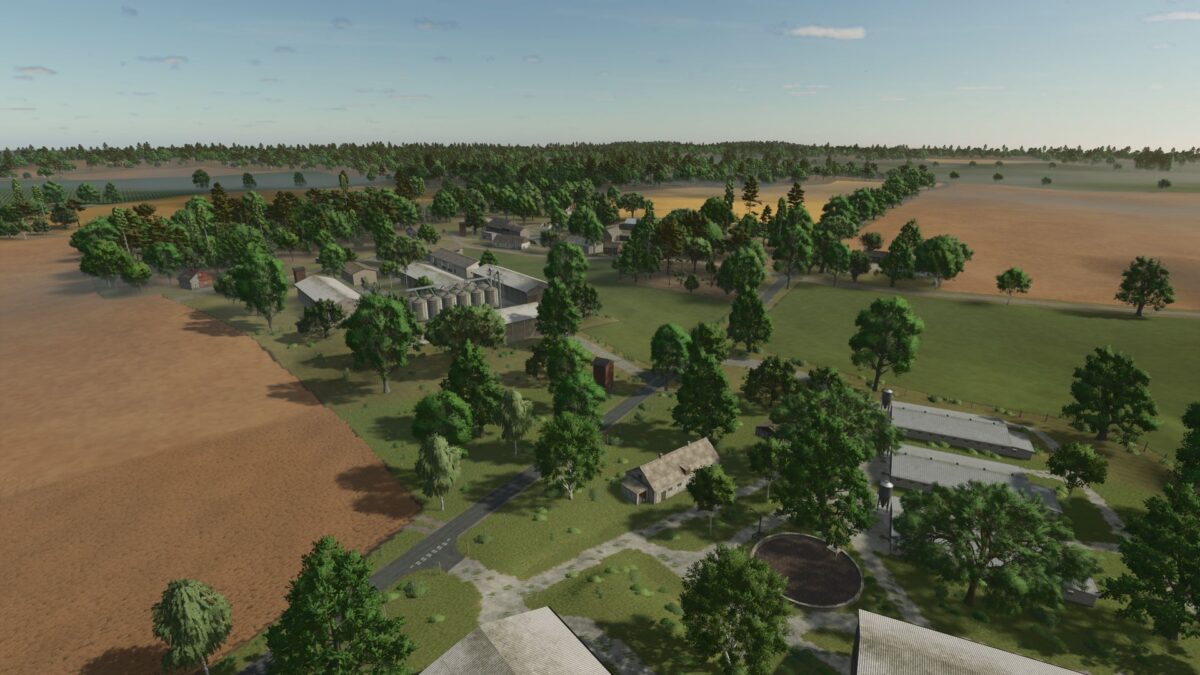
About the mod:

– 99 farmlands
– 50 fields and meadows
– Multicrops such as spelt, triticale, spring wheat, spring barley, rye, mustard and field grass (also for threshing), silage maize, green rye, vetch rye, clover, alfalfa and flowering cover crop
– In Hohenfelde, you take over your grandparents’ small farm
– Grandpa worked hard until the very end and left you a small, but fine fleet of vehicles, a few cows, and fields where leases have just expired, so you can now farm almost 60 hectares to start with

Version 1.1.2:
* Ground angle reduced (255 is too much for 4-fold cards)
* Soil types fit again

Credits:
Hirsch6920

How to install FS19 mods?

Firstly find a mod which you like and want to download. Then download a mod to your PC. Mods are usually in .zip format file. But sometimes it can be in .rar. If a mod file is a .zip format no needed additional actions. If a file is in .rar, then you must unarchive mod with software like WinRar or Zip7. Windows 10 users no need to use software for archives, Win10 itself has a feature to unarchive files.

The next step is to find mods folder in your PC. Usually, it is in Documents/My Games/Farming Simulator 19/2019. Open the "mods" folder and put downloaded .zip archive or unarchived .rar file to this folder.

Last step. Enjoy of FS19 mods!

Leave a Reply

Your email address will not be published. Required fields are marked *