

Horizonte Argentino v1.1.0.0

Horizonte Argentino v1.1.0.0
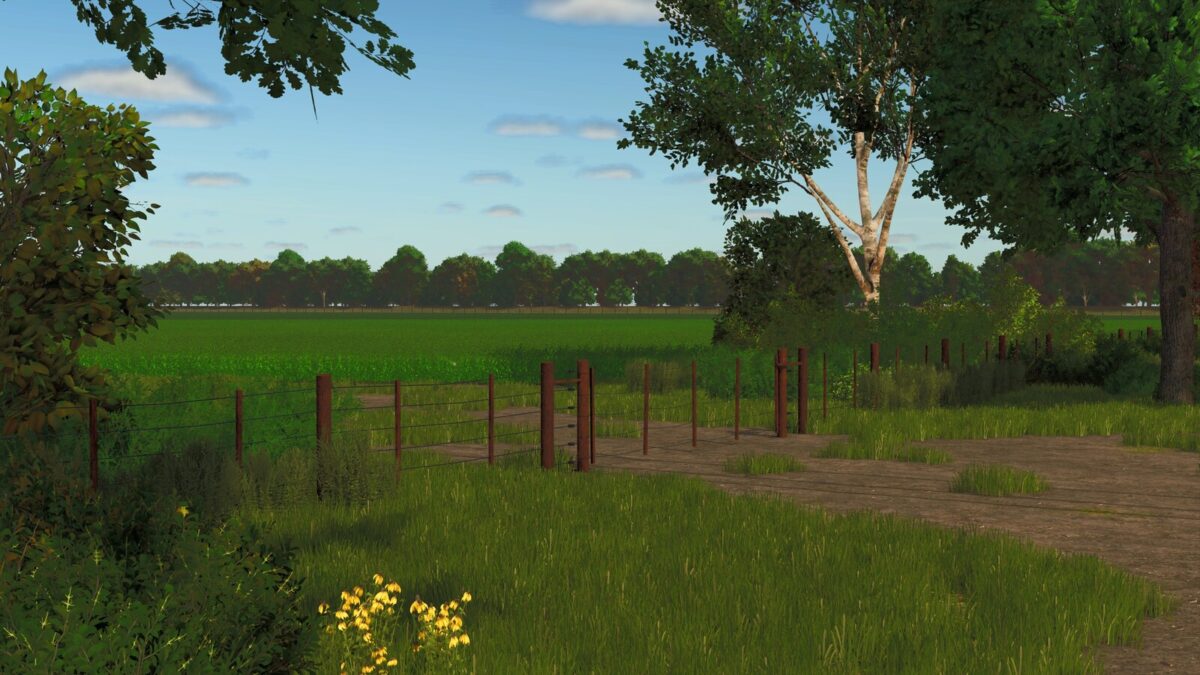
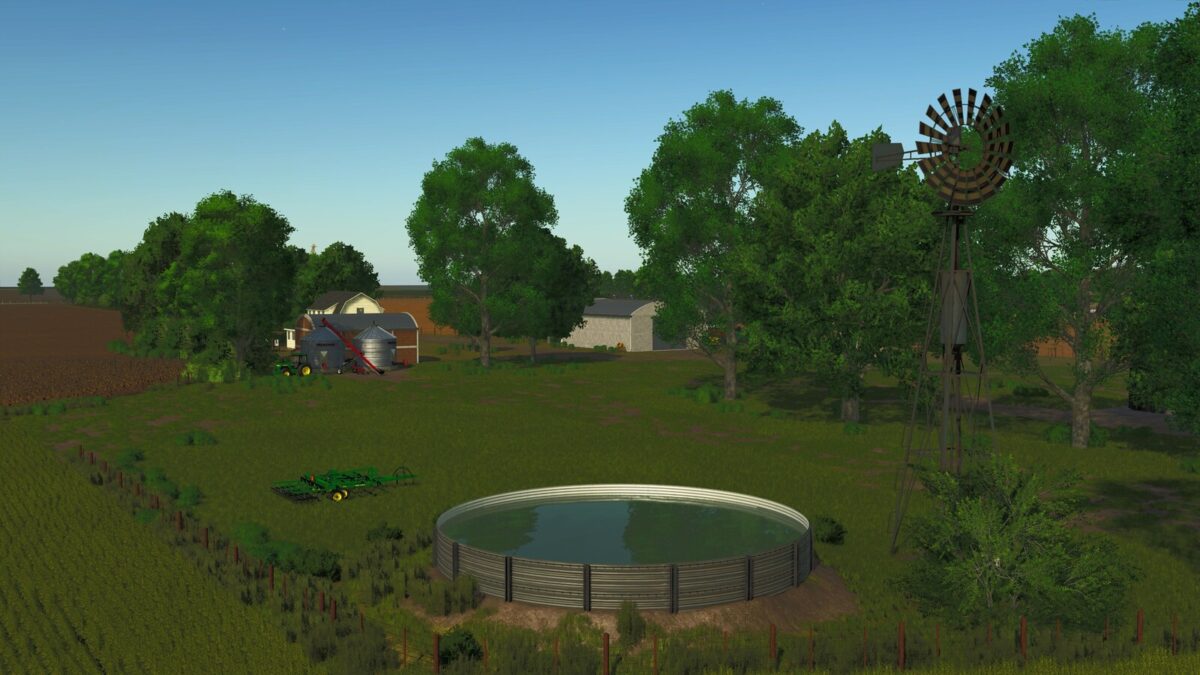
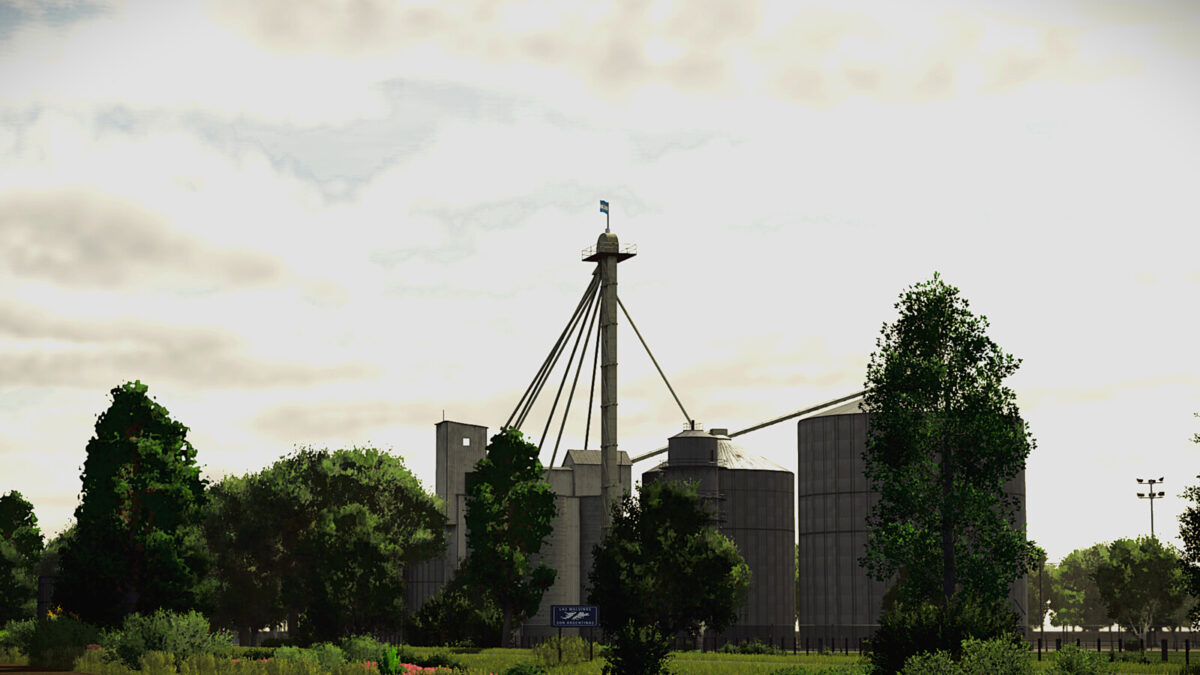
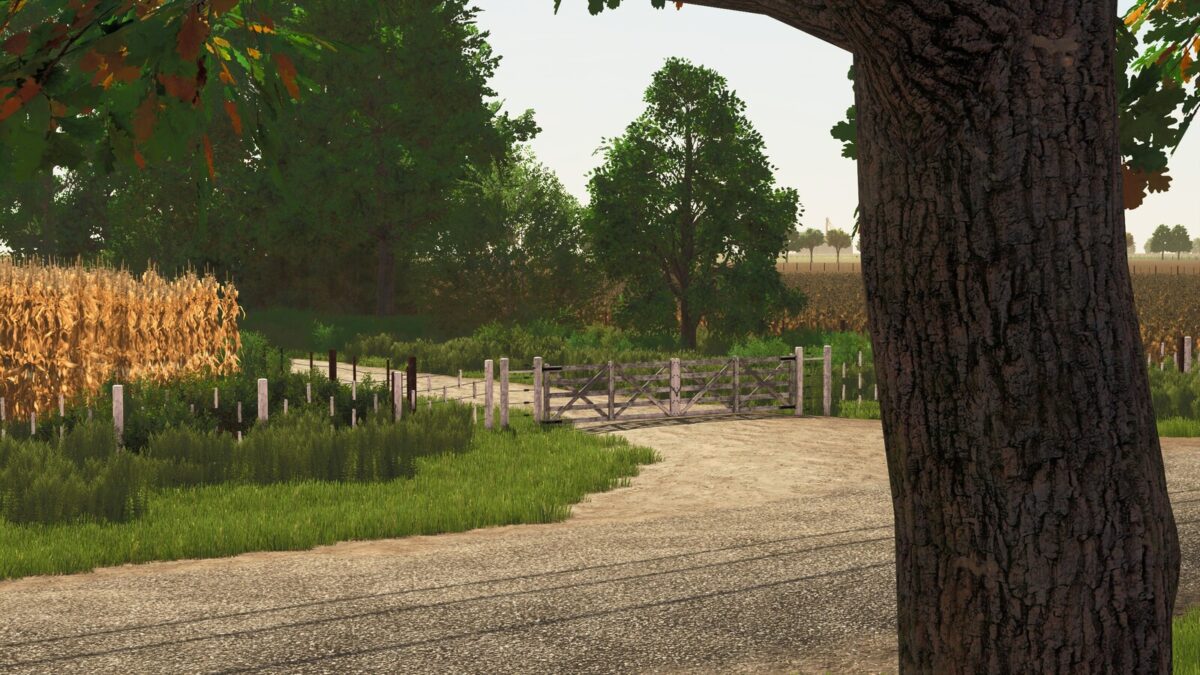
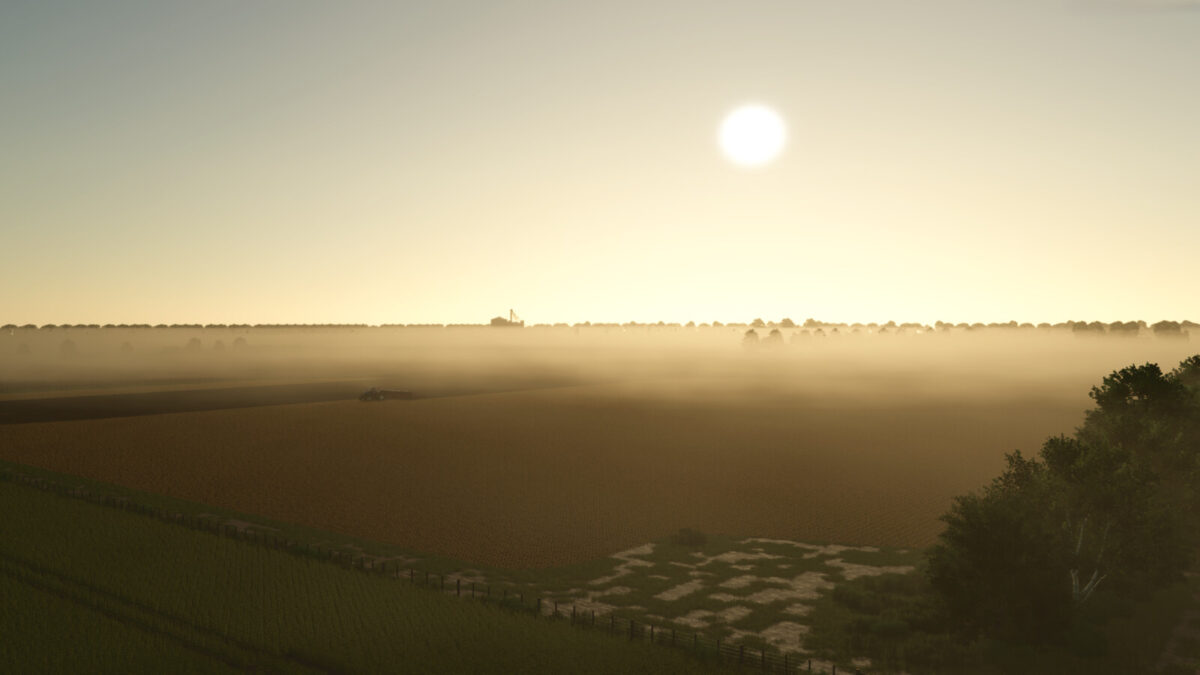
Horizonte Argentino is a map inspired by the core agricultural region of Argentina, offering an immersive and extensively developed rural experience. It combines landscapes, infrastructure, and crop diversity typically found in the country’s central plains to recreate a familiar and representative environment. The map features detailed Argentine-style farms, silos, storage sheds, fenced plots, and realistic road networks, creating a unique South American atmosphere.
Farms: 3
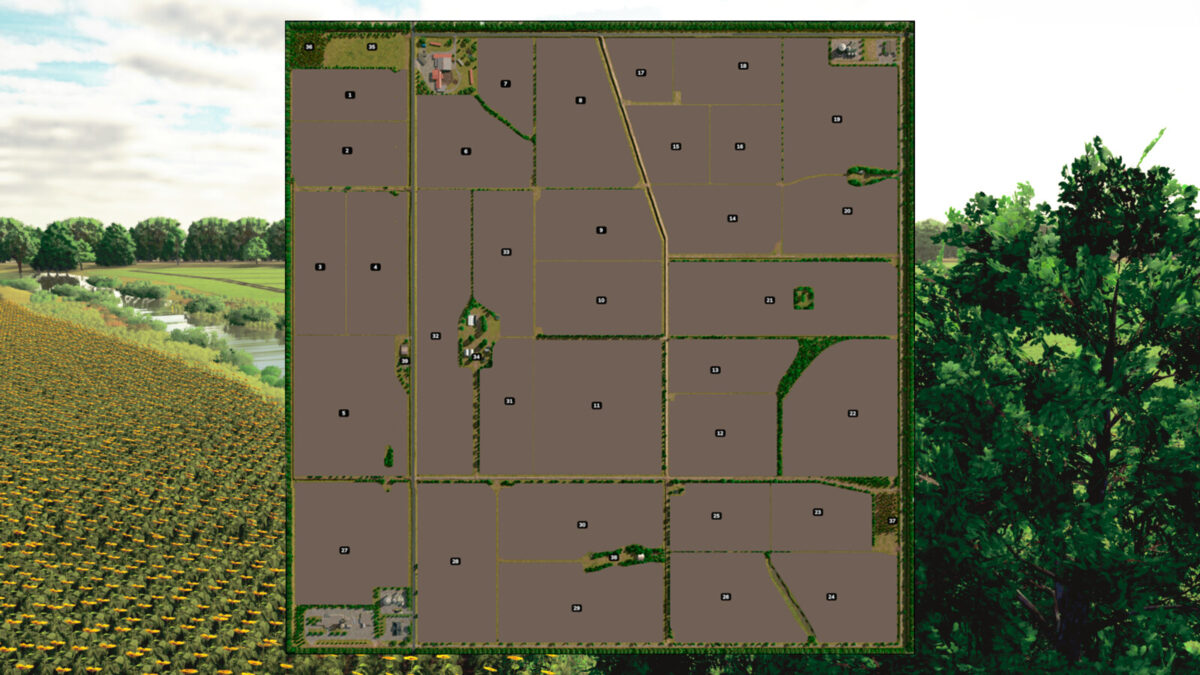
Number of purchasable fields: 33
Number of purchasable farmlands: 39
Average acre size: 25.34 acres (10.25 ha)
Number of purchasable forestry land: 2
Water retrieval sources: Rivers, ponds, and windmill tanks
Unique Features:
– Multi Terrain Angles (MTA)
– Southern Hemisphere Seasons
– Crop growth cycles adapted to Argentina’s central region
– Temperatures and weather adjusted to the local climate
– Authentic Argentine ambient sounds
– 50 collectibles
Included new crops:
– Late Maize
– Late Soybean
– Emmer Wheat
– Rye
– Triticale
– Alfalfa
– Cover and forage crops
**Changelog 1.1.0.0**
– Replaced fences with Classic Fences, improving their appearance and connections.
– Adjusted dry stubble wheel destruction for maize and late maize.
– All Australian water tanks on the map can now be sold.
– Added fresh alfalfa to sheep feed.
– Enabled chopping of grass and alfalfa hay.
– Fixed traffic jams.
– Fixed the foliage distance texture limit error.
– Removed HUMUSACTIVE, MUSTARD, VETCHRYE and FIELDGRASS crops, and the TAREDIRT product.
– Fixed icons and other minor issues.
**Changelog 1.0.2.0**
– Added required dependency: Farm Fence Pack.
**Changelog 1.0.1.0**
– Fixed an issue where fences did not display correctly on Consoles
– Fixed an issue where Soybeans would not grow in Field 33 at game start
– Added a storage facility for purchasing pallets (New Savegame required)
– Added a forklift at the vehicle dealer (New Savegame required)
– Changed selling point icon for “Comercio Rural”
– Adjustments to the PDA map
-Contact-
GitHub Issue Tracker – https://github.com/brucmanbm/FS25_HorizonteArgentino