

Jenz Wood Crusher v 1.0

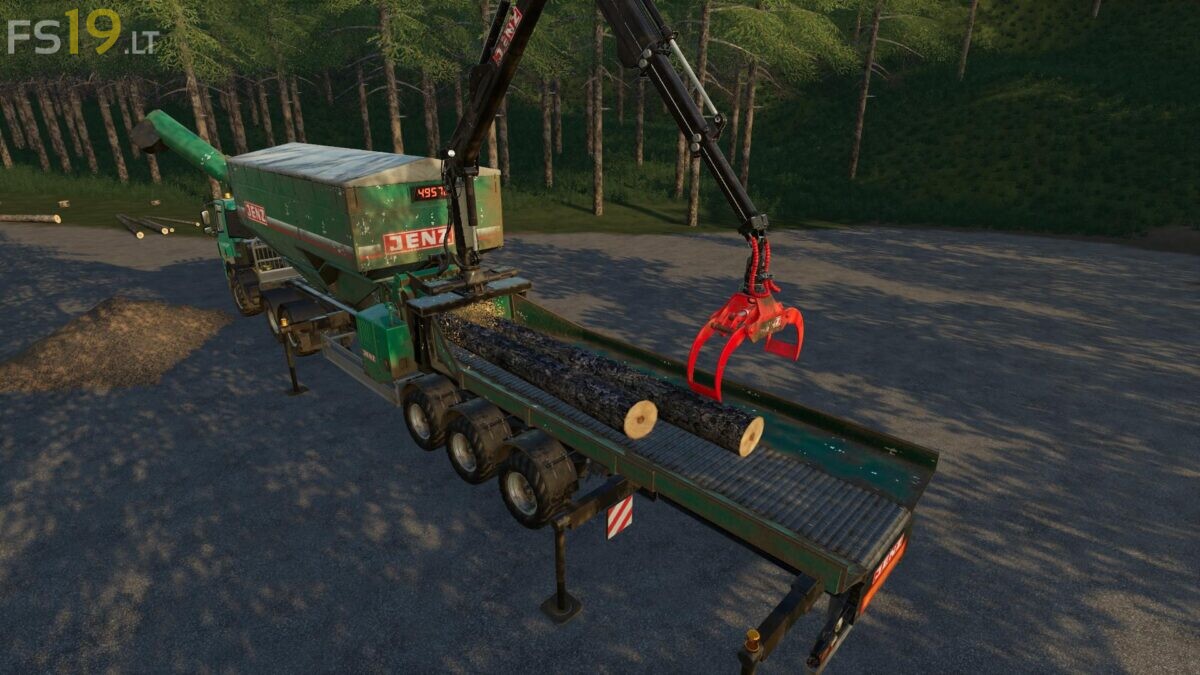
Jenz Wood Crusher v 1.0
About the mod:
With this Wood Crusher with extendable table you can quickly turn long Logs (up to 10 m) to the woodchips
– You can enter and operate wood crusher even if it is not attached to the truck (crusher is not tabbable)
– When you reach 95% capacity, an audible alarm sounds
– When capacity is full it automaticaly stops crusher and you need to unload woodchips by pipe
– Current fill level is displayed on trailer
– Removable cover
– Work lights on arm and pipe
– Always unfold wood crusher before operating log arm (otherwise it may be unstable)
– Wheel Configurations: Standard, Forestry, Wide Tires
– Capacity 55000 liters
Price 320000 €
Credits:
kenny456, Kyosho's Modfactory