

John Deere Waterloo Boy Model R v 1.0

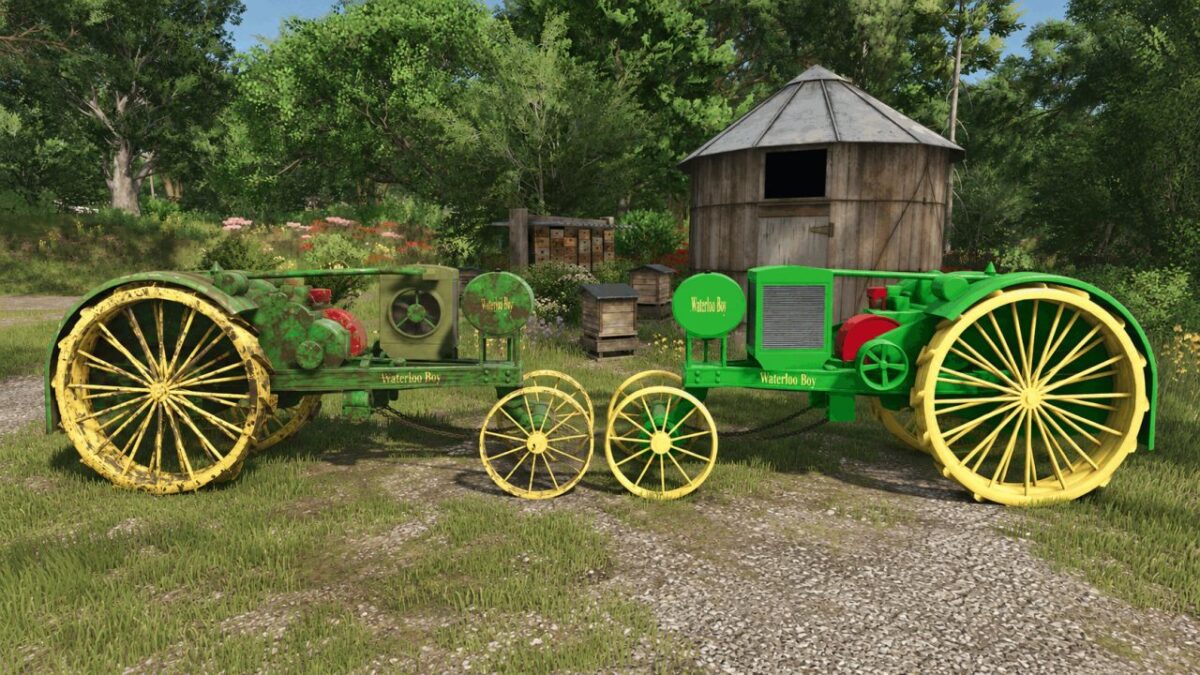
John Deere Waterloo Boy Model R v 1.0
The Waterloo Boy Model R was manufactured by the Waterloo Gasoline Engine Company from 1914 to 1918, when John Deere purchased the company. This was the tractor that put John Deere in the tractor business. It featured one forward gear, one reverse gear, and was rated at 12 hp on the drawbar and 25 hp on the belt.
This Pack Includes Two Versions
Waterloo Boy Model R: The classic green version with yellow steel wheels.
Overtime Model R: The version exported to the United Kingdom during World War I under the Overtime name, finished in green with red wheels.
In-game specifications:
25 hp
20 L fuel tank
6 mph top speed
7.9 t
$2100.00 Price
All credit for the original mod goes to MulletMewModding. I only updated and repaired the mod for use in FS25.
Fixes and Improvements
Mod not appearing in-game: Updated the descVersion in modDesc.xml from 45 to 113.
Unneeded backup folder: Removed the duplicate FS25_waterlooBoy_John Deere – копія folder that was packed inside the mod. This reduced the overall file size and removed unnecessary files.
Weight balance for both tractors: Moved most of the weight from the wheels to the main body while keeping the total weight at 7.9 t. This helps prevent the front end from lifting when an implement is attached.
Body: 500 kg → 7,100 kg
Front wheels: 1.5 t → 0.1 t each
Rear wheels: 2.2 t → 0.3 t each
Sound errors: Updated four outdated sound names in both sound files to their FS25 equivalents: waterSplash01, switch01, switchTurnlightJD, and attach01. The hydraulic sound was removed because it has no FS25 equivalent and was unnecessary for a drawbar-only tractor.
Collision support: Added the VEHICLE collision bit (16).
Refueling support: Added an exactFillRootNode to the fuel tank, allowing the tractor to be refueled properly.
AI support: Added AI worker functionality.