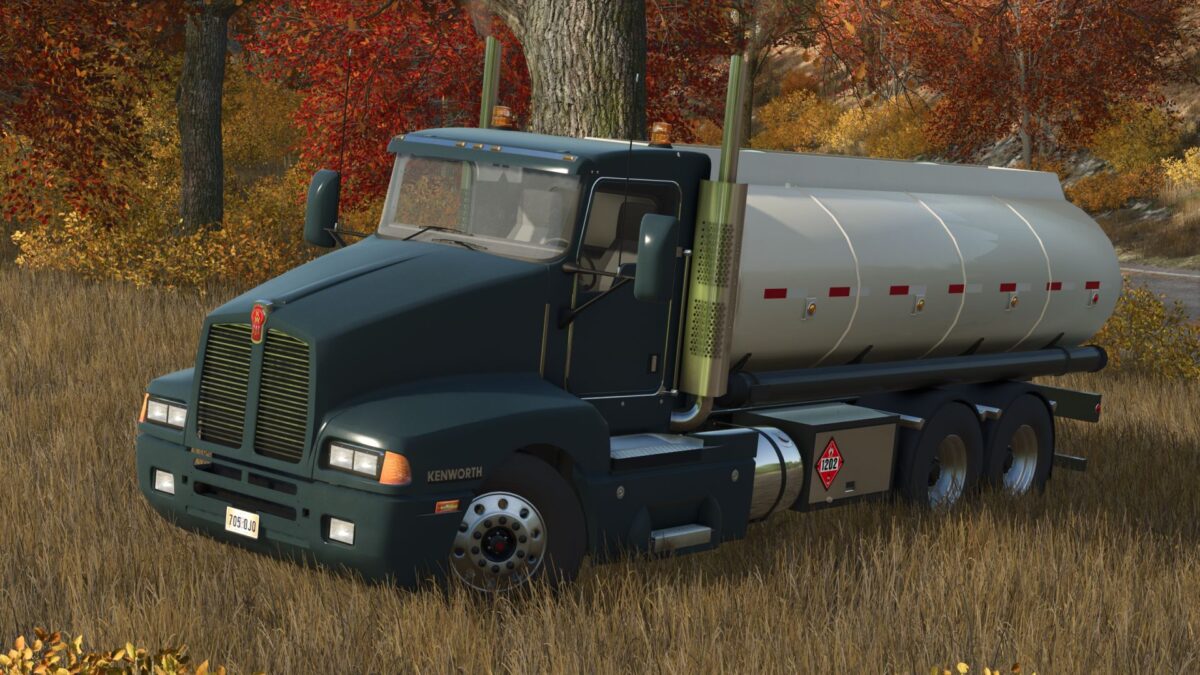
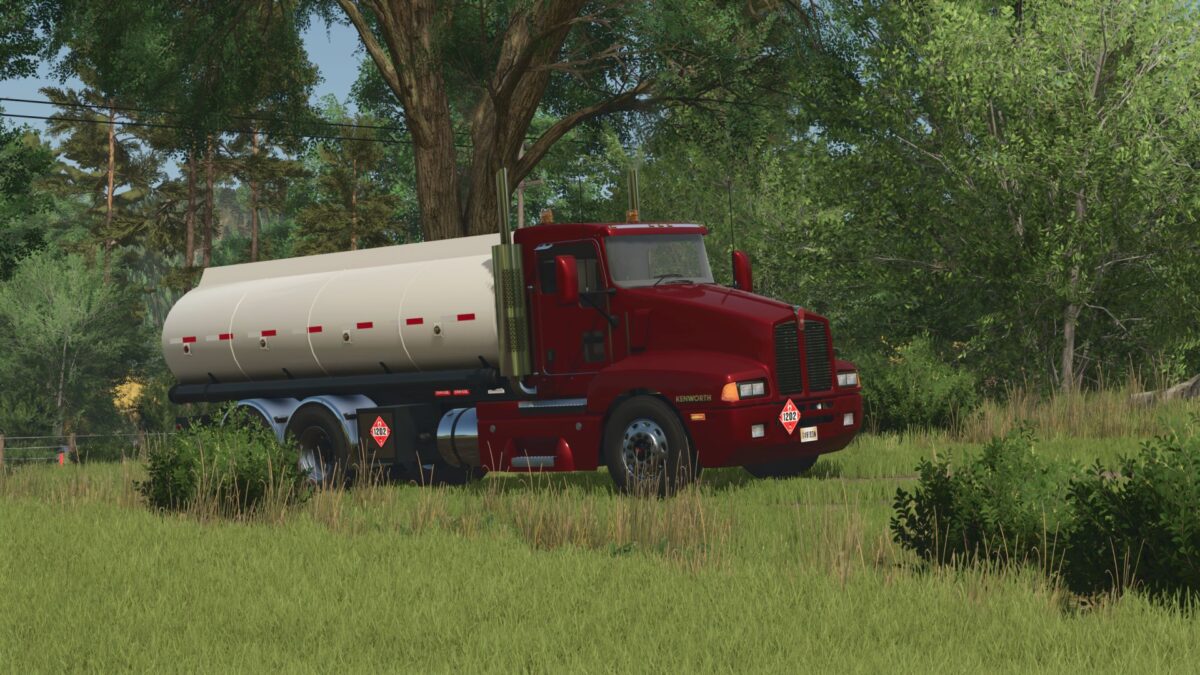
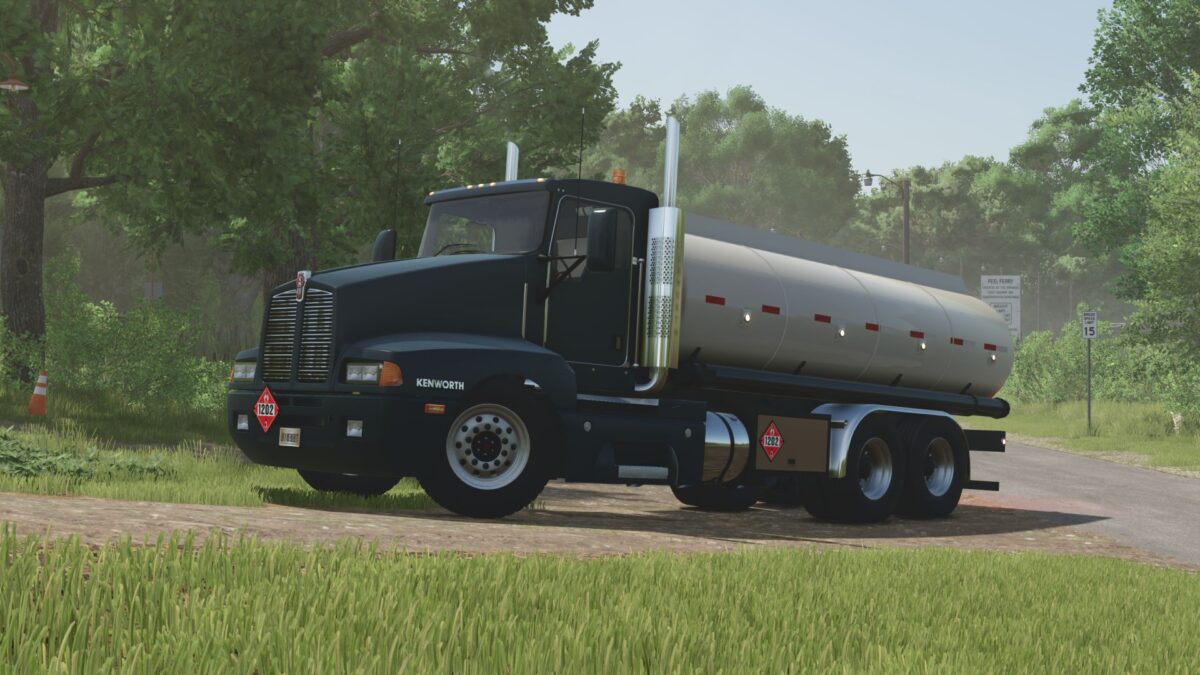
Kenworth T600 Tanker Truck v 1.1
About the mod:
Capacity: 16 m³
Speed 120 km/h
Selectable wheels
Selectable fender
Selectable license plates
Selectable color (base, rim, tank)
Animated dashboard, pedals , driveshaft and turn signal switches.
Passenger support
Version 1.1:
* Added support for the Crude Oil Production mod (allows transporting petroleum, gasoline, and LPG)
* Added interior rear view camera (Mercedes Benz Trucks Pack required)
* Jake brake added
* Interior improved
* Sounds improved
Credits:
Canada FS, 7L Farms
How to install FS19 mods?
Firstly find a mod which you like and want to download. Then download a mod to your PC. Mods are usually in .zip format file. But sometimes it can be in .rar. If a mod file is a .zip format no needed additional actions. If a file is in .rar, then you must unarchive mod with software like WinRar or Zip7. Windows 10 users no need to use software for archives, Win10 itself has a feature to unarchive files.
The next step is to find mods folder in your PC. Usually, it is in Documents/My Games/Farming Simulator 19/2019. Open the "mods" folder and put downloaded .zip archive or unarchived .rar file to this folder.
Last step. Enjoy of FS19 mods!