

Kirovets K-703MA v 1.0.0.2

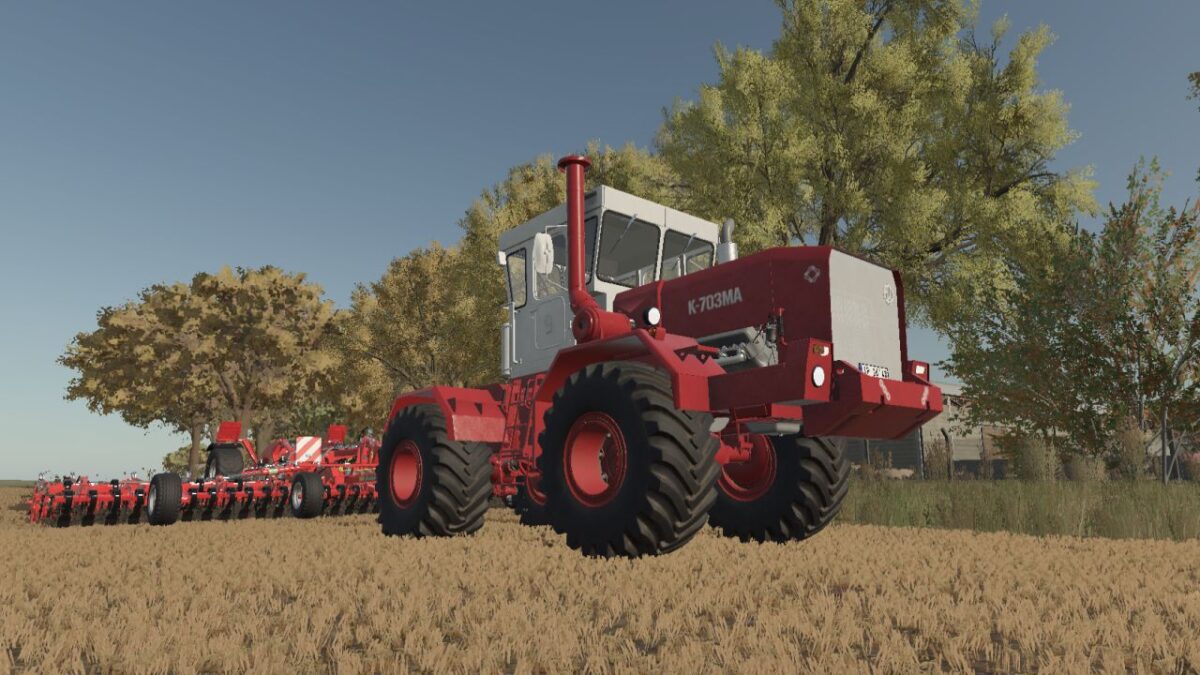
Kirovets K-703MA v 1.0.0.2
SPECIFICATIONS
Manufacturer: Kirov Plant
Model: K-703MA
Price: 78,000
Engine: YaMZ-238ND3 V8, 230 hp, 30 kph
Alternative: YaMZ-240-BM, 350 hp, 34 kph
Transmission: Manual with powershift groups
FEATURES
– 16 paint schemes, freely combinable for body, cab, decals, exhaust,
cylinders and rims
– Two engine options
– Nine fleet numbering variants, with and without decals
– Optional towbar and optional three-point front attacher
– Interactive cab controls
INCLUDED IMPLEMENTS
– Angled dozer blade (2,550)
– Angled snow blade (2,550)
– Towing triangle (50)
Version 1.0.0.2:
* Color selections on already owned tractors resets once with this update
* Re-pick them in the shop or workshop, they stick from then on
* Color and three point hitch patched
* Workshop and refueling now available
* Variable tire pressure is now supported