

Krampe BigBody 750S v1.0.0.0

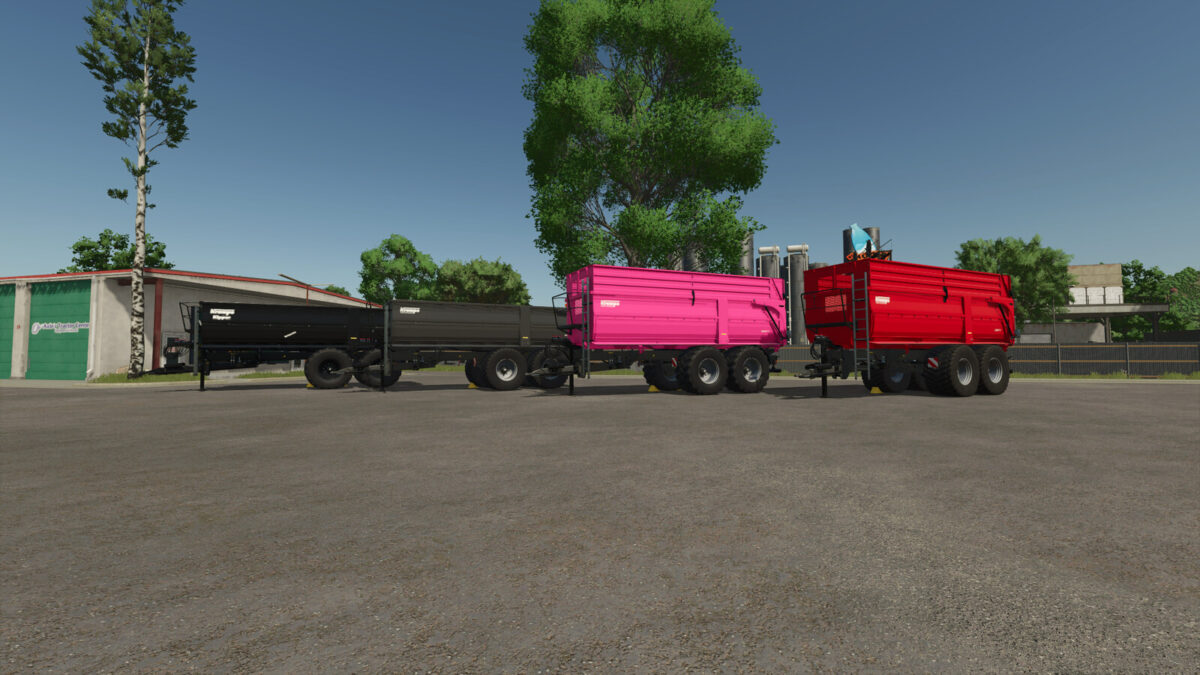
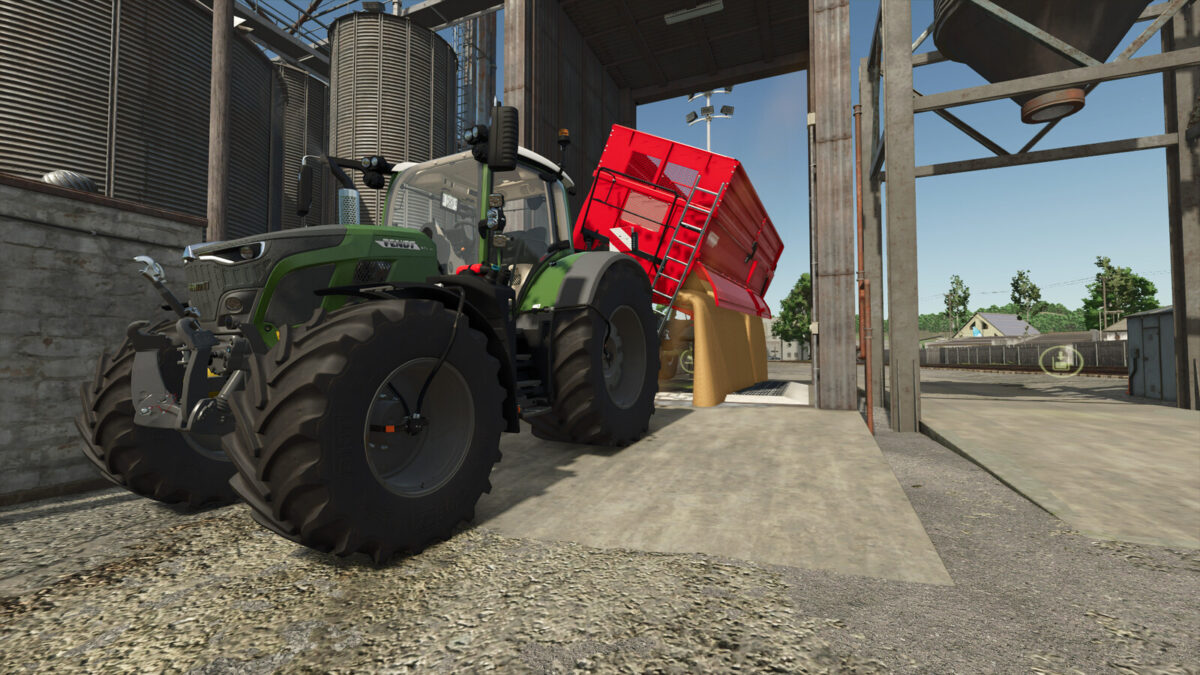
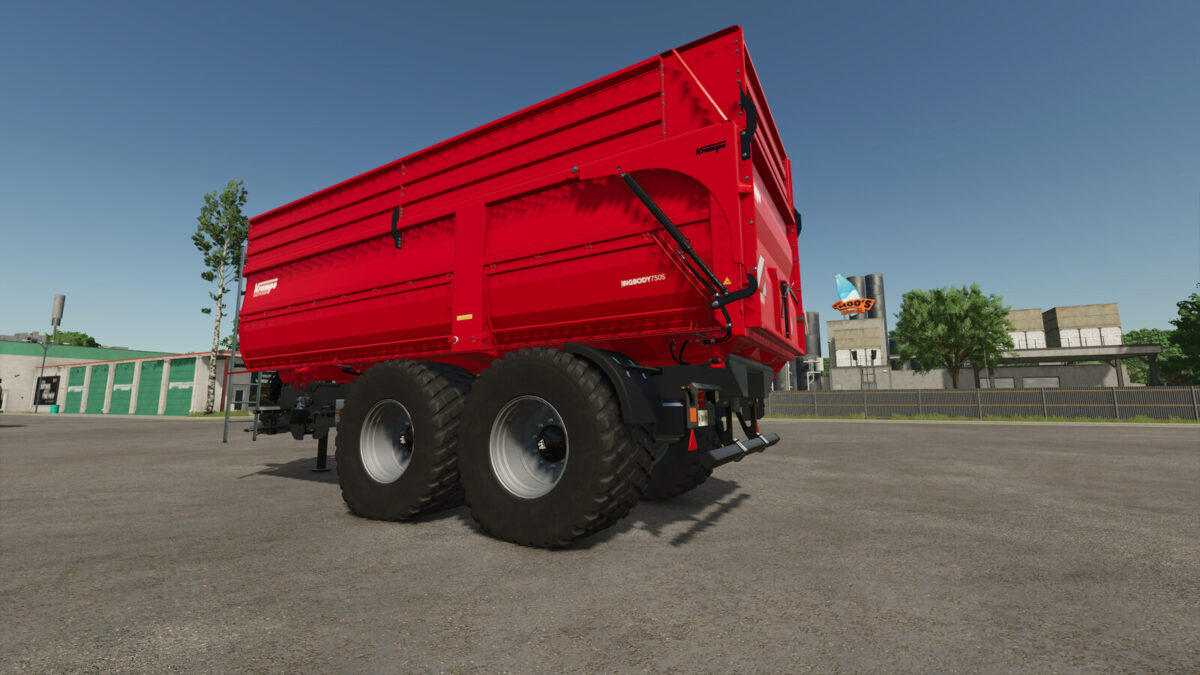
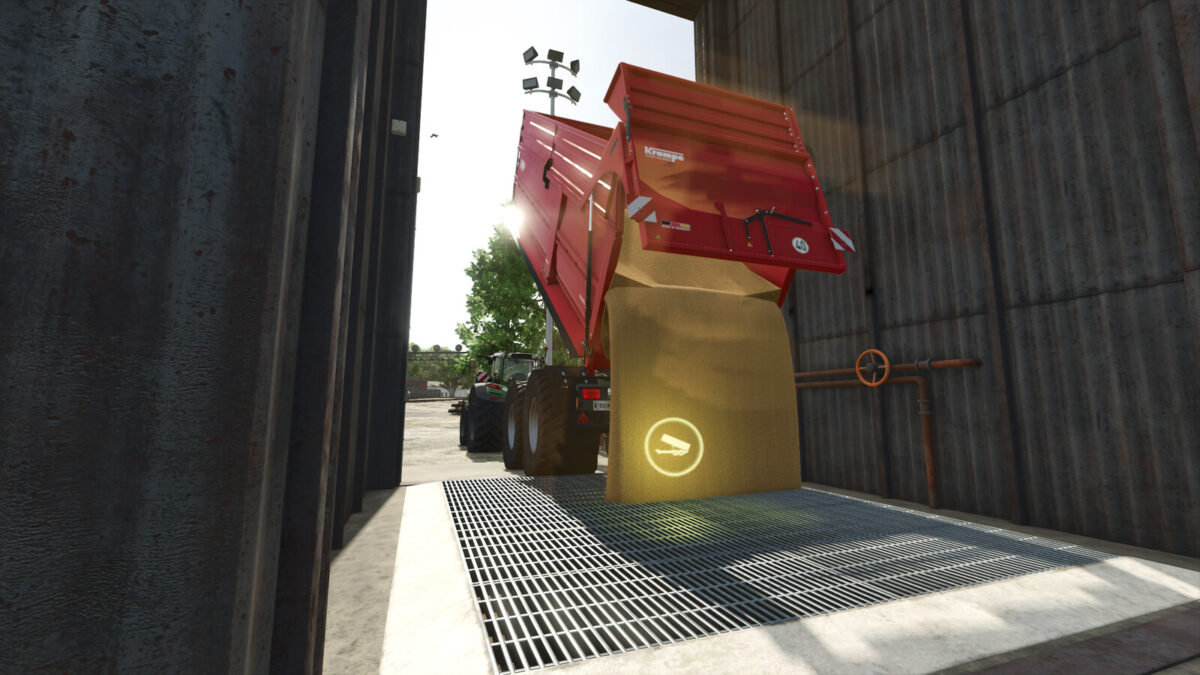
Krampe BigBody 750S v1.0.0.0
BigBody750S
The Krampe Big Body 750 S is a powerful and versatile high-capacity trailer designed for use on large agricultural farms. With its robust construction and generous loading capacity, it is ideal for transporting grain, corn, grass, wood chips and other bulk materials.
Features
– Price: $35,500
– Capacity: 20,000 – 37,500 l
– Weight: 7,800 kg
Existing Configurations
– Tires
– Body
– Main colors
– Frame color
– Rim color
New Configurations
– Speed stickers
– New / old decals
– Additional tire variants
Further Changes
– Platform in black
– Support leg in black
– Side marker and mudguard brackets in black
– Bumper in black
– Air tanks in black
– Forced steering and drawbar protection in black
– BPW axles
– LED rear lights
– Cameras added (requires the Mercedes-Benz Trucks Pack) Tractors capable of displaying the cameras, such as Paul