

Krasylivka v1.0.0.0

Krasylivka v1.0.0.0
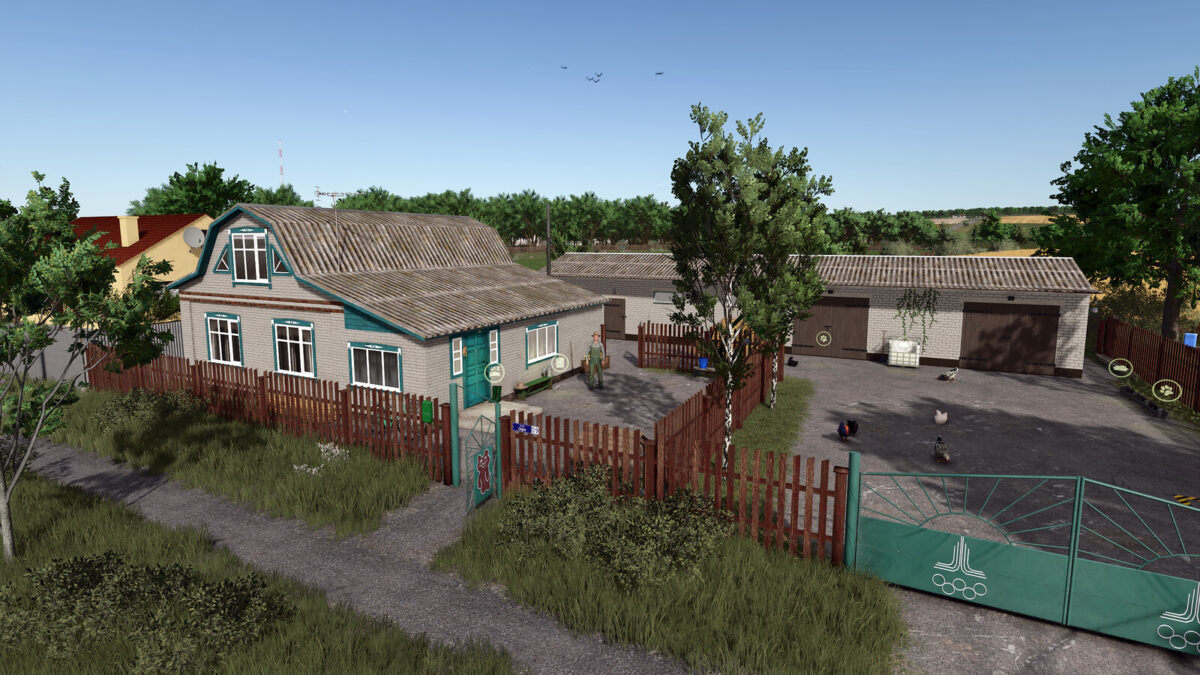
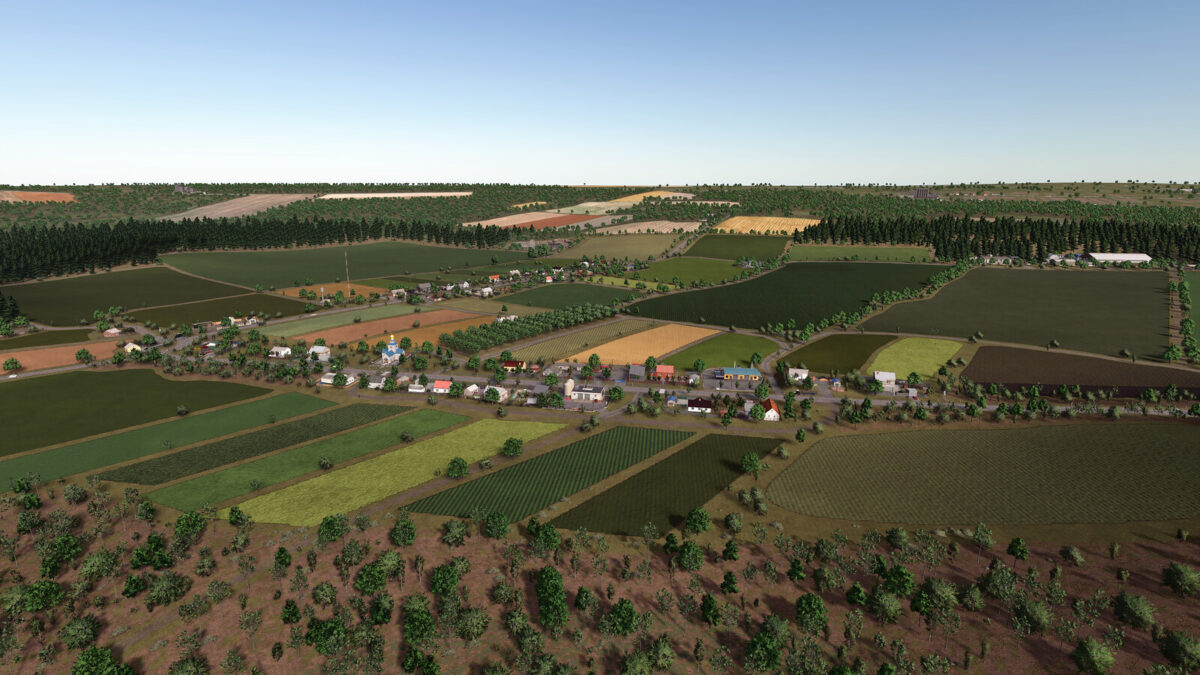
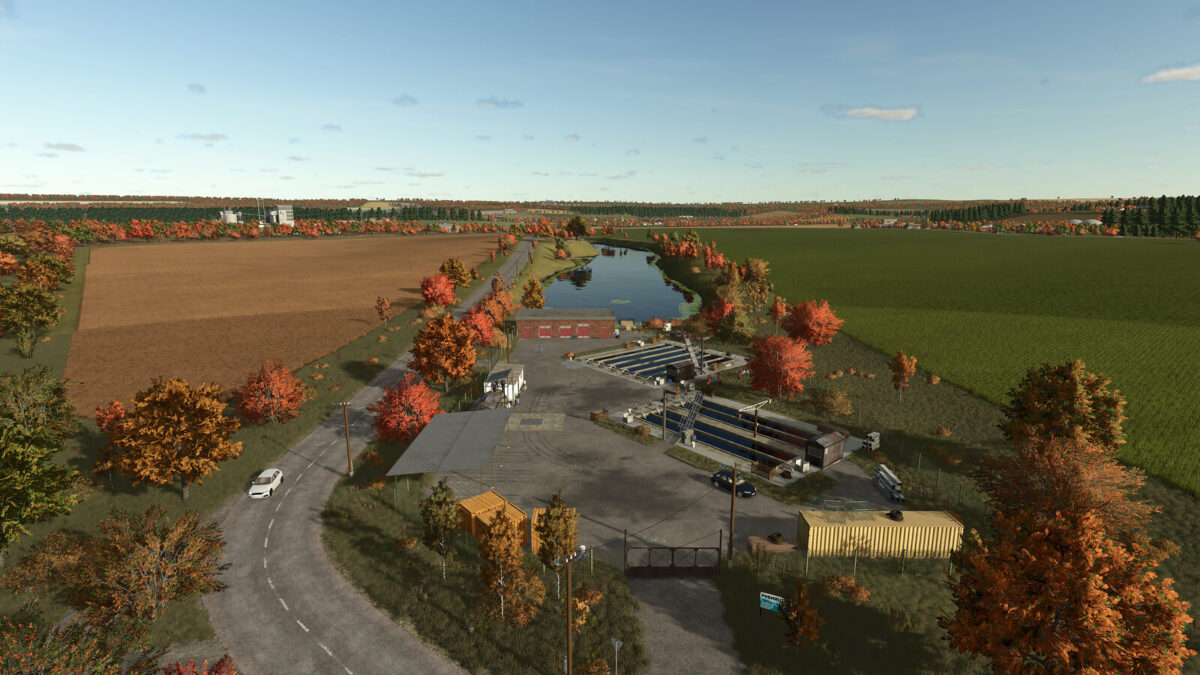
Where the sun rises over golden fields, where forests whisper quietly and country roads lead you home Krasylivka begins.
Here, every morning carries the scent of fresh soil, every field waits for caring hands, and honest work becomes a story of its own.
Take the wheel, start the engine, and set out to meet a new day.
Because Krasylivka is more than just a map.
It is a little piece of Ukraine, created with soul.
Many thanks to Kolesnychenko Slava for his help with models and textures, and to PfalzAgrar for the additional crops.
On the map, you will find:
Fields:
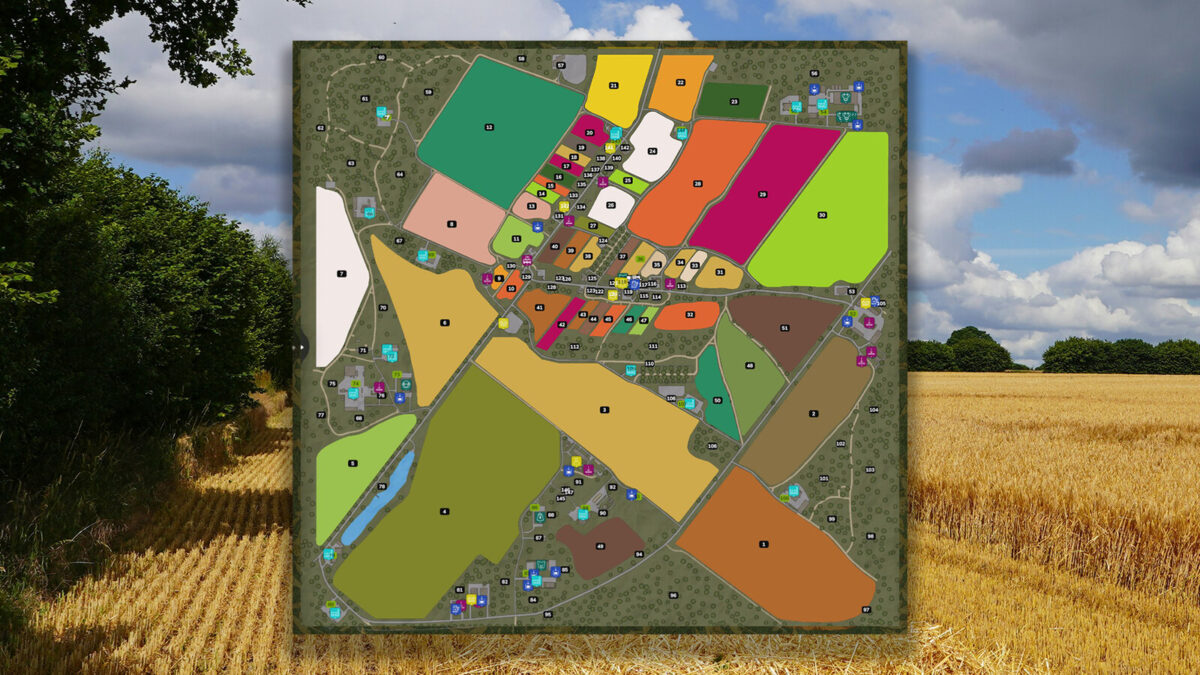
51 fields from 0.28 to 35,66 Ha
Productions:
– Poultry Farm
– Pig Farm
– Cow Barn
– Sheep Farm
– Fish Farm
– Apiary
– Sugar Factory
– Oil Mill
– Grain Mill
– Cardboard and Paper Production
– Sawmill
– Carpentry Workshop
– Bakery
– Dairy Plant
– Smokehouse
– Agro Plant — Fertilizer, Lime and Seed Production
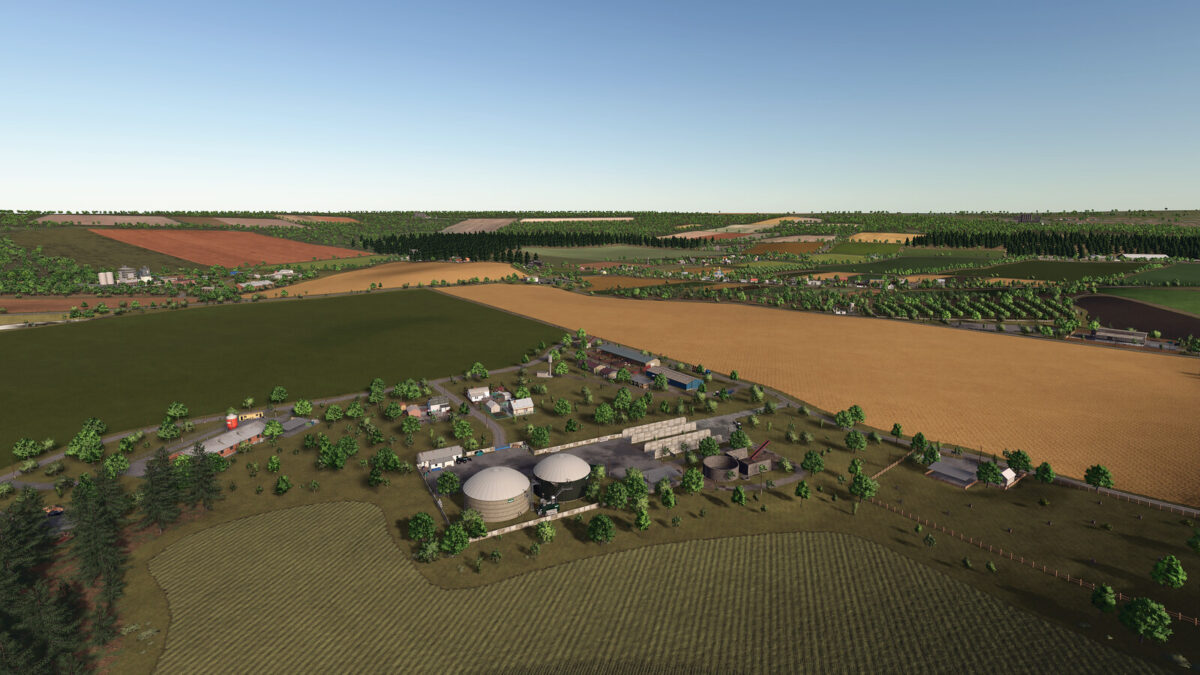
– Biogas Plant
– Biodiesel Production
– Stone Quarry
– Juice Production
– Cannery
– Textile and Spinning Mill
Selling Points:
– Wholesale Store
– Hay Barn
– Komora
– Shop
– Silage Buyer
– Heating Plant — Wood Chip Sales
– Construction Site — Board and Beam Sales
– Log Purchase
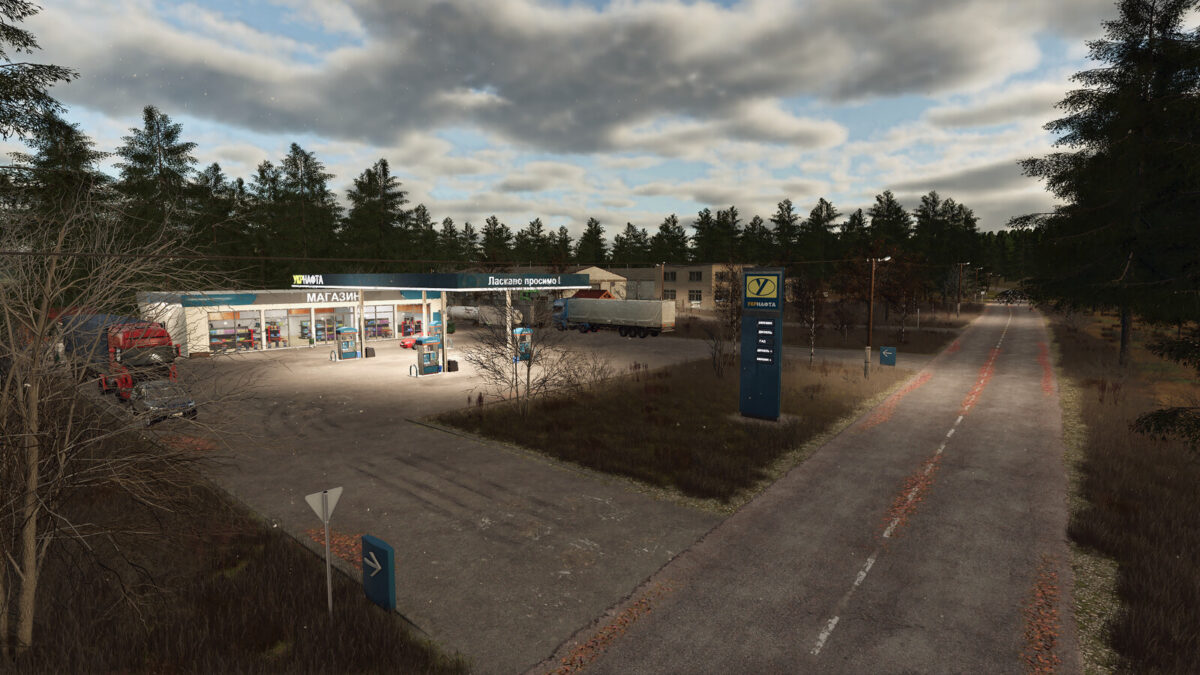
– Gas Station — Diesel Sales
Horticulture:
– Apple Orchard
– Apricot Orchard
– Greenhouses
Additional Features:
– Animal Buying and Selling
– Lake Water Collection Point
– Water Tower