

Lightning Shock v 1.1.2.2

Lightning Shock v 1.1.2.2
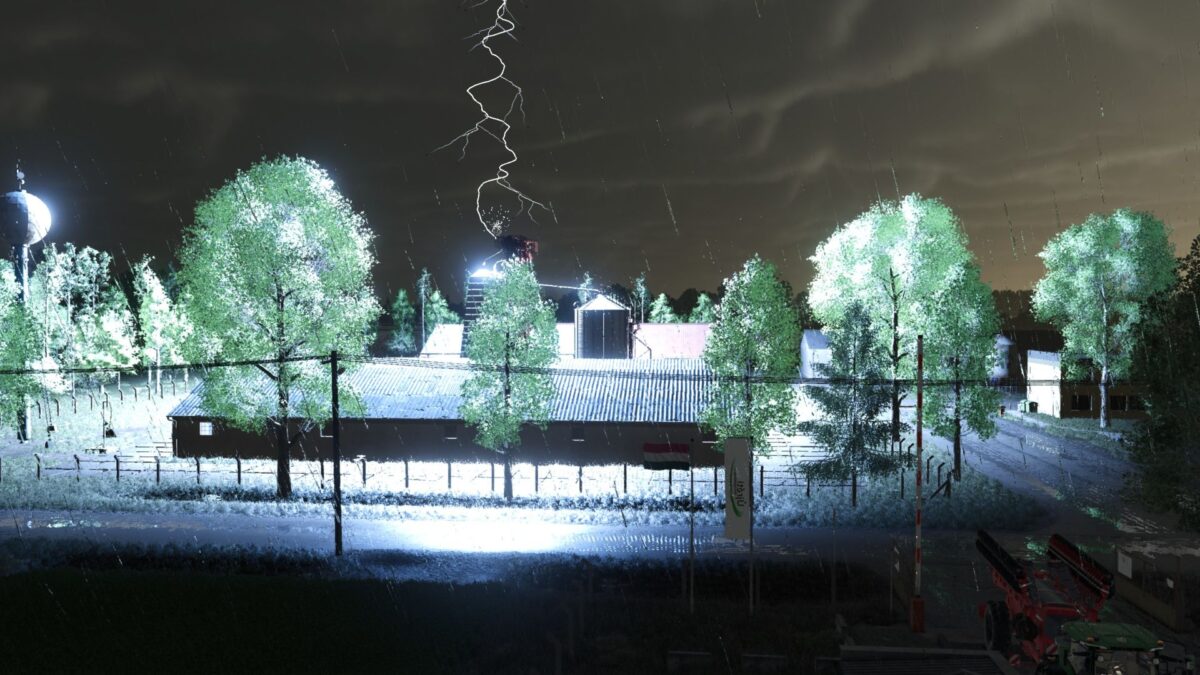
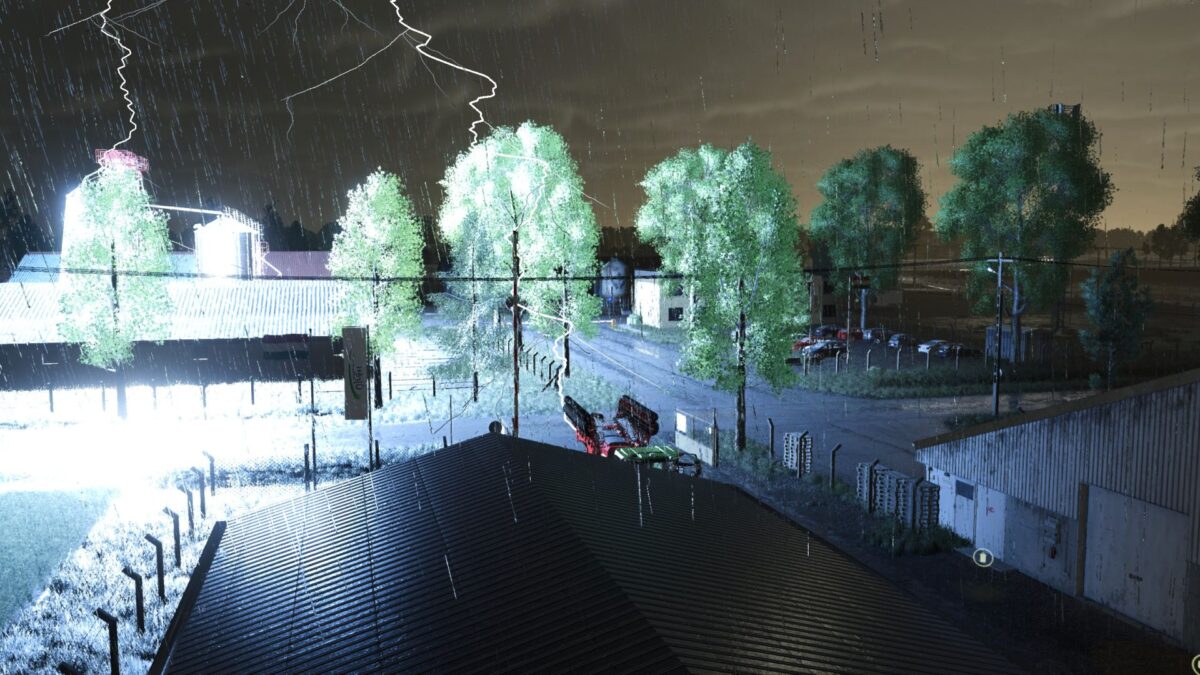
What if the storm were no longer just a visual effect?
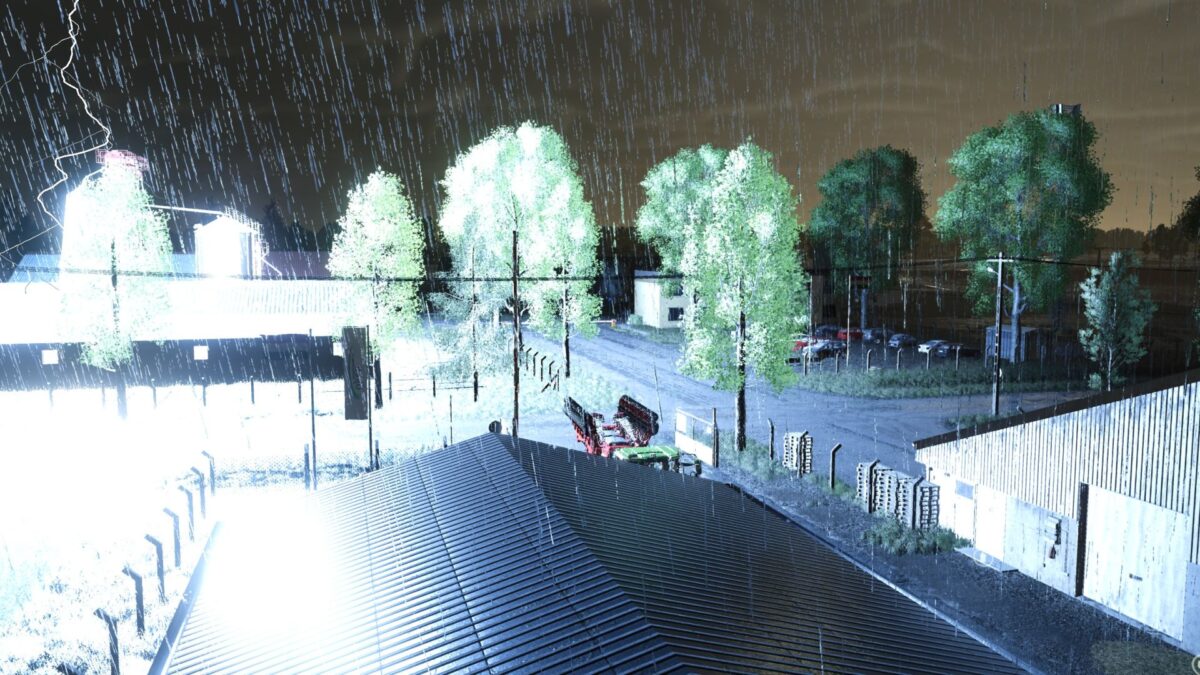
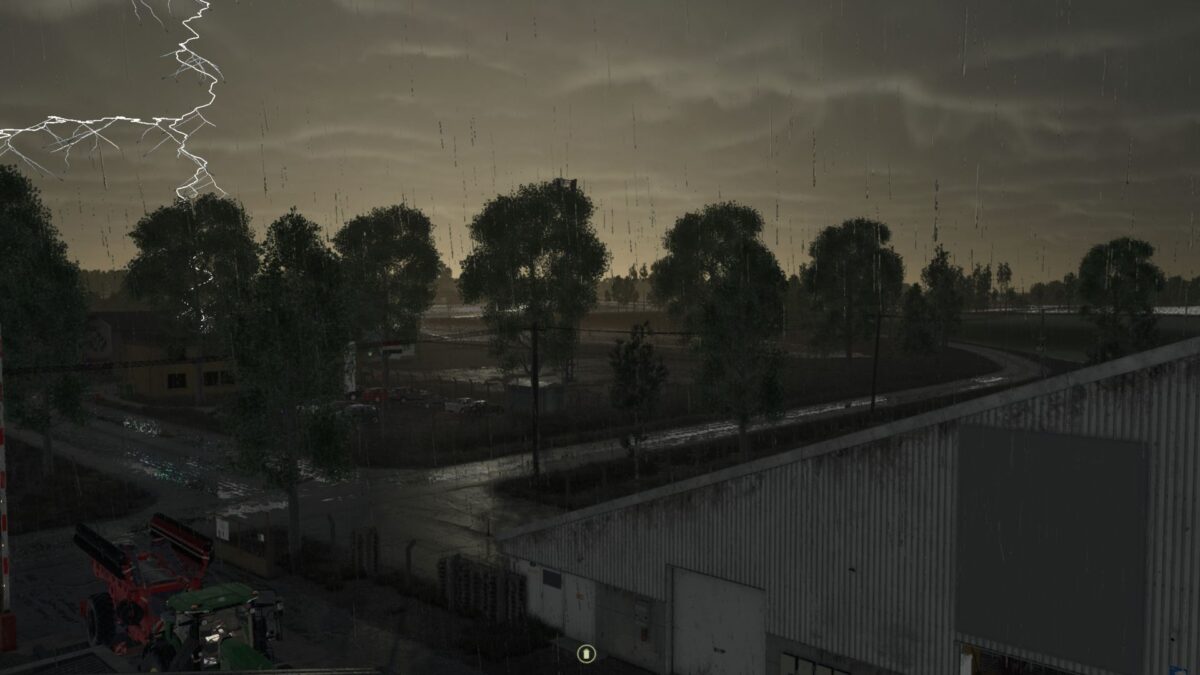
Lightning tears across the sky and thunder shakes the countryside but this time, something else is happening.
This mod goes beyond lights and sounds: the storm actively interferes with the gameplay, forcing you to adapt.
Version 1.1.2.2:
* When an AI driven vehicle is struck, no CP, AD, GIANTS AI or other controller can regain movement control before the LightningShock restart routine is complete
* CP jobs are no longer destroyed or replaced: they are only frozen/held, then released through CPs own resume calls
* AD routes are no longer cut off; they are paused/stopped, then resumed through ADs own release/unpause calls
* GIANTS AI still uses the saved job state for safe restart
* Fixed the risk of having to manually restart CP or AD after the LightningShock recovery sequence