

Lizard 379 v1.3.0.0

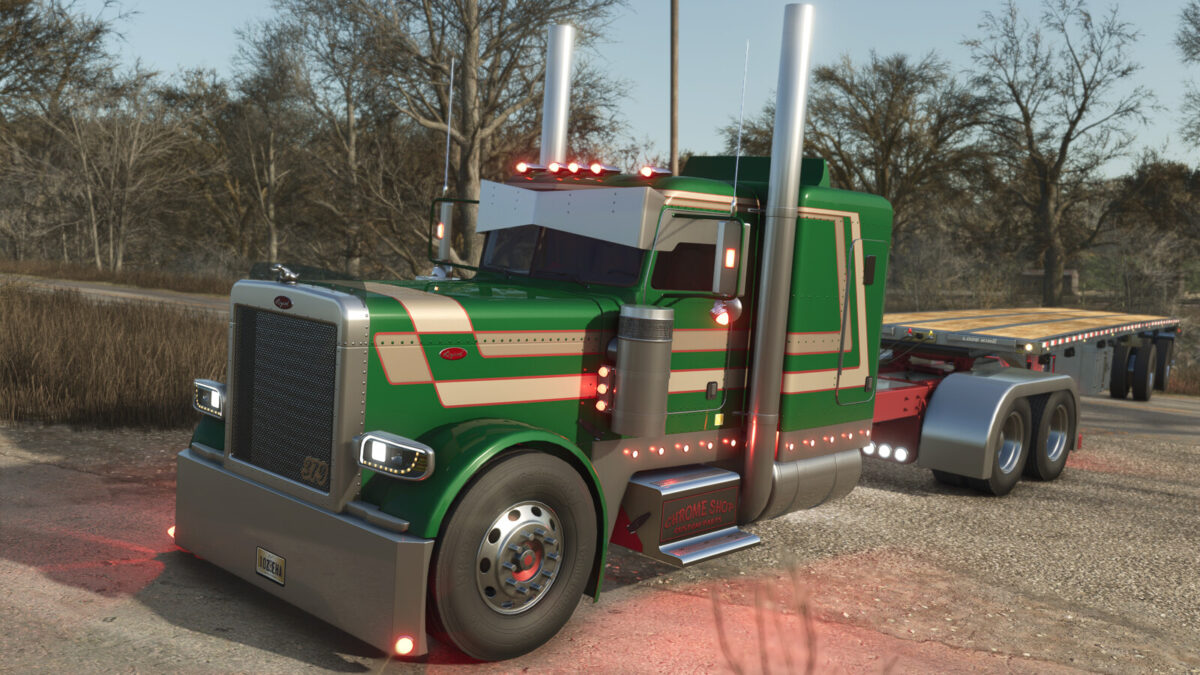
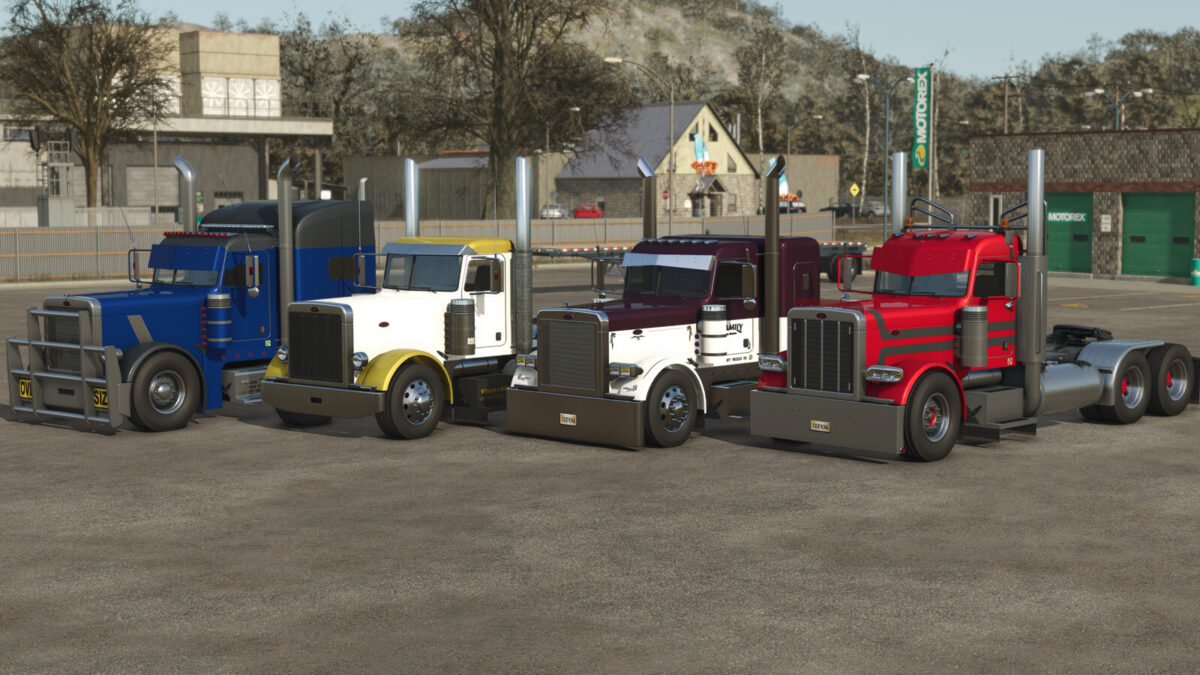
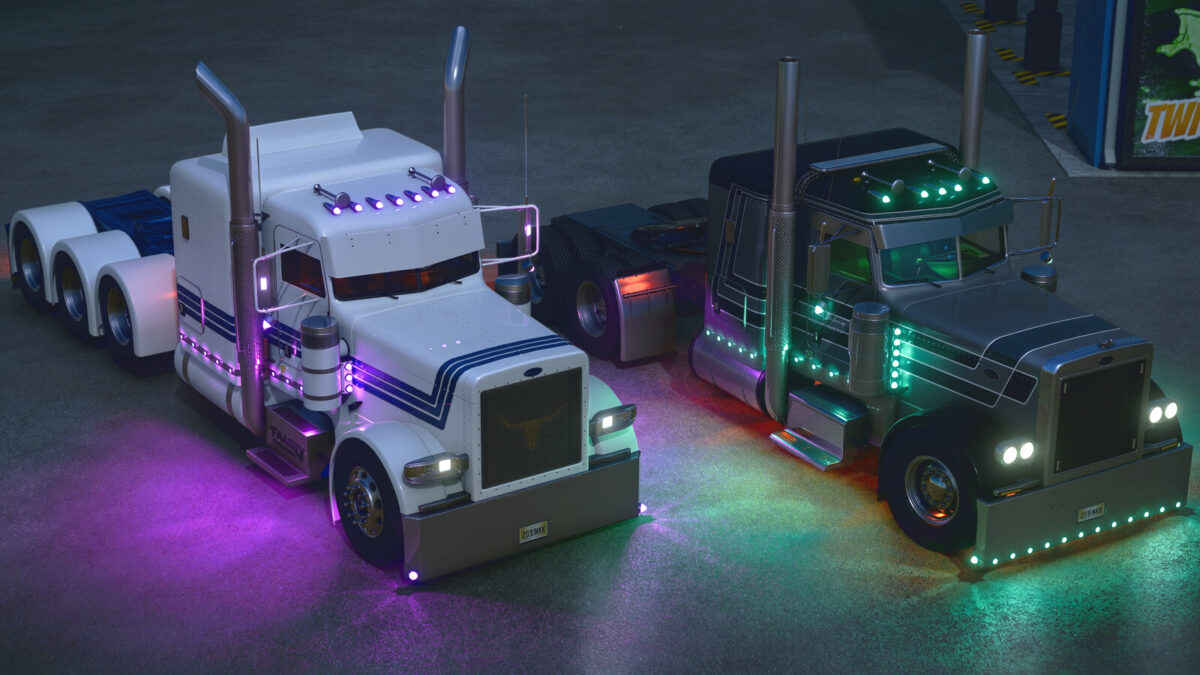
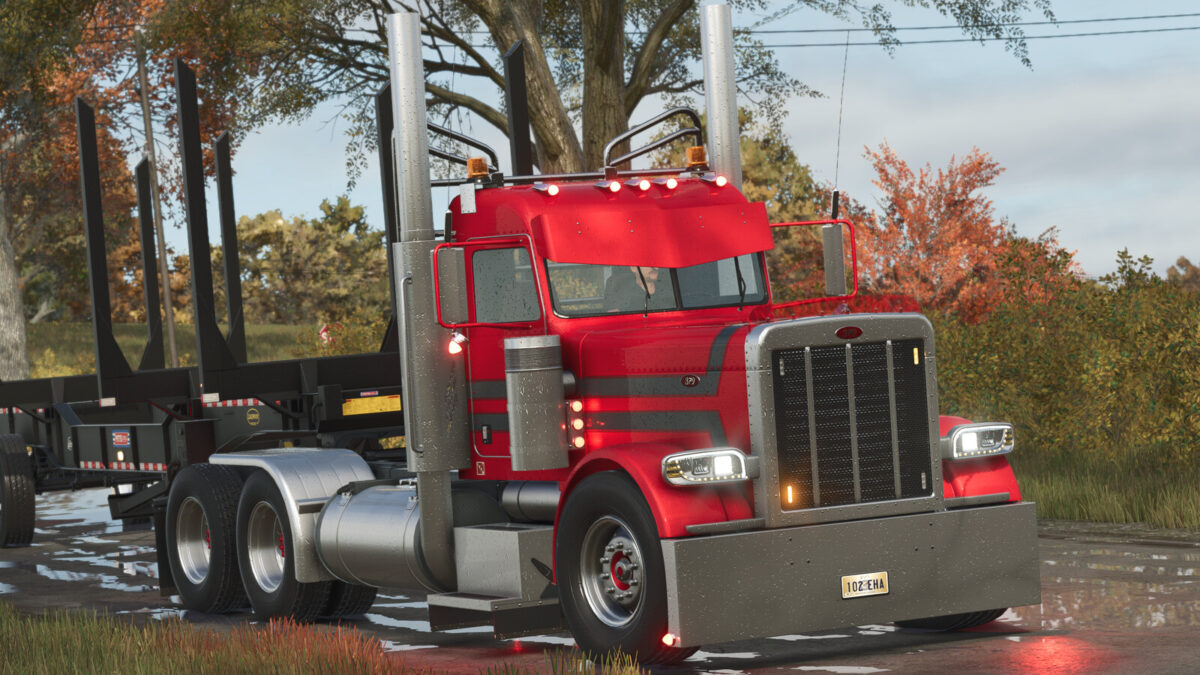
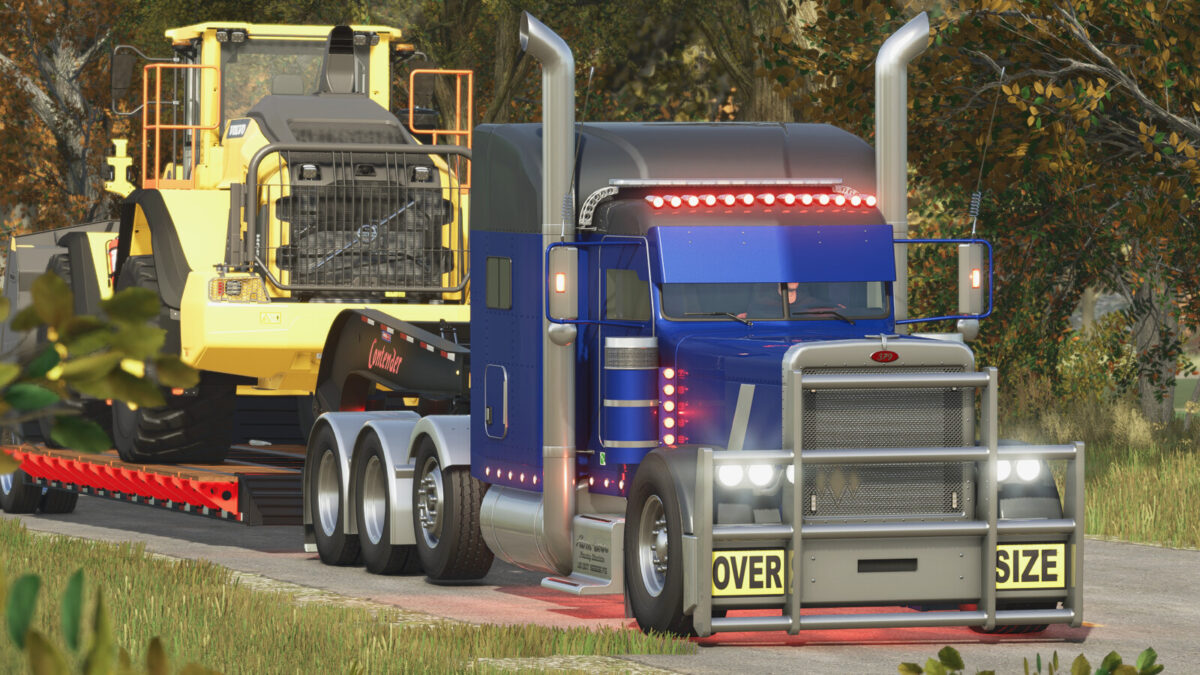
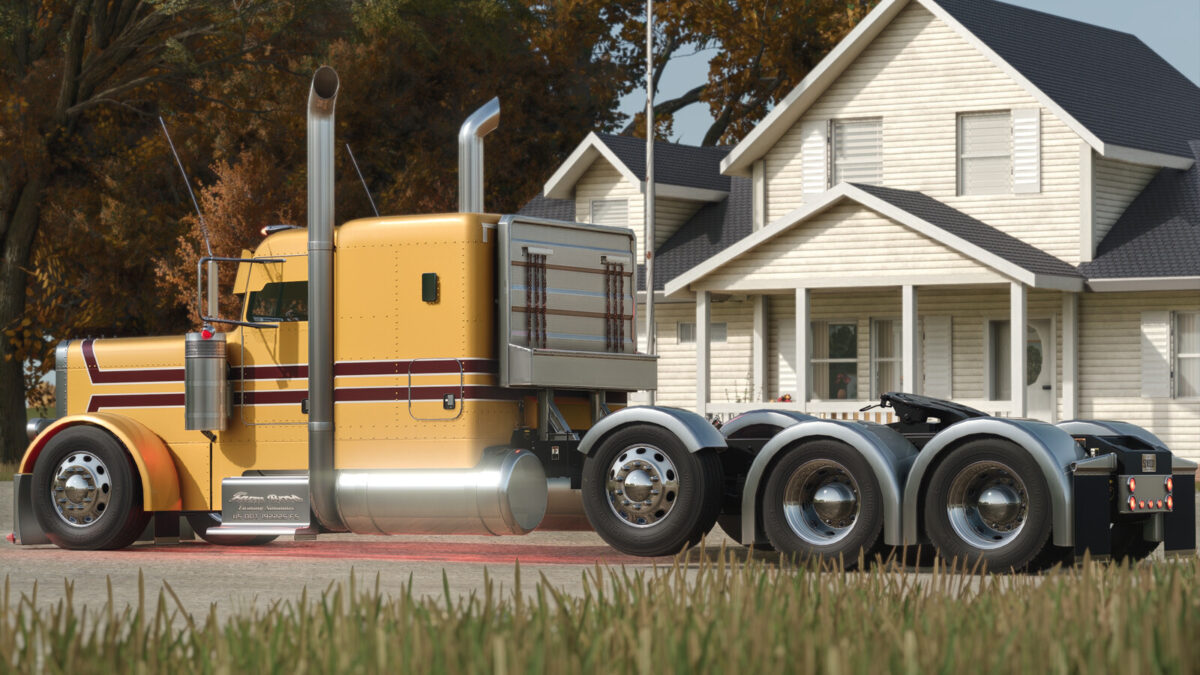
Lizard 379 v1.3.0.0
Category: Trucks
Price: 45.000 $
Power: 425 hp
Maximum speed: 120 km/h
Perfect large truck to use on your farm, although the 379 is no longer in production today, it was launched in 1986 and to this day is one of the most loved by those who are fans of large trucks, it is one of the most popular models of trucks for those who want a high quality vehicle.
Version:1.3.0.0
– Remodeled 4×2, 6×4, and 8×4 chassis
– Simplified chassis options in the shop
– Cabins now selected separately
– Remodeled main cabin roof
– High and low roof options for main cabin
– Remodeled extended cabin roof
– High and low roof options for extended cabin
– Added roof color configuration
– Added chassis with steerable third axle
– Remodeled and adjusted hood for long and flat versions
– Completely remade exhaust systems
– Exhaust models (flat top, curved DP, chino, mitered, and bull hauler)
– Exhausts with separate adjustment options for angle and height
– Remodeled exhaust heat shields
– Added new versions of exhaust heat shields
– Completely remade sun visors
– Added new, more realistic sun visors
– Option for chrome windshield trim
– Fully adjusted interior with new materials
– New interior colors
– Interior option with custom gear shifter
– Completely remade rear fenders
– New fender options
– Remade chassis center lights
– New chassis center light models
– Remade rear bumpers
– Rear bumpers can now be selected separately
– Remade cabin roof lights
– Remade side and bumper lights
– Remade air cleaner lights
– Added new air cleaner option
– Added interior lighting
– Interior light colors selectable separately
– Added under-chassis lighting
– Completely remade mirror lights
– Completely remade side decals and paint schemes
– Completely recreated Lizard logo decals
– Added side information decals
– Completely reworked bumpers
– Added new bumper options – Bumper options
– Redesigned front grille
– Added new front grille options
– Recreated front wheel fenders
– Added new Lizard logo model options (379, Classic)
– Added LED logo option
– Added new hood ornaments
– Headlights with new lens color options
– New headlight model
– Redesigned cab protectors
– Added hydraulic kit option
– Redesigned and repositioned window graphics
– New graphic design for extended cab rear window
– Recreated side panels
– Added new side panel models
– Customizable cab step
– Completely redone wheels
– Added new wheel models
– Added chassis step and panel
– Fuel tank covers
– New engine sounds
– New engine brake sounds
– Added and adjusted dynamic sounds for the model
– New color palette for the model
– Added new chrome texture
– Fixed automatic sliding issue
– Fixed and adjusted model dimensions
– Fixed low-quality textures
– Fixed mirror positioning
It is necessary to sell and buy the vehicle again to have the best experience!