

Lizard HLF 20 v1.1.0.1

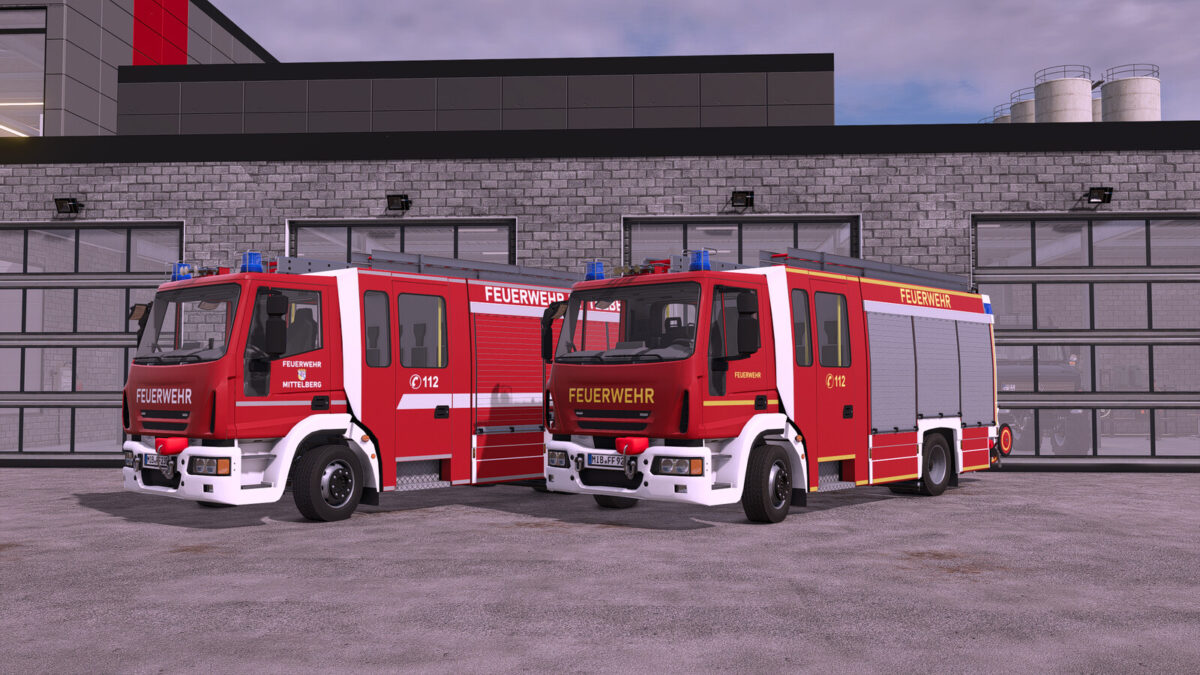
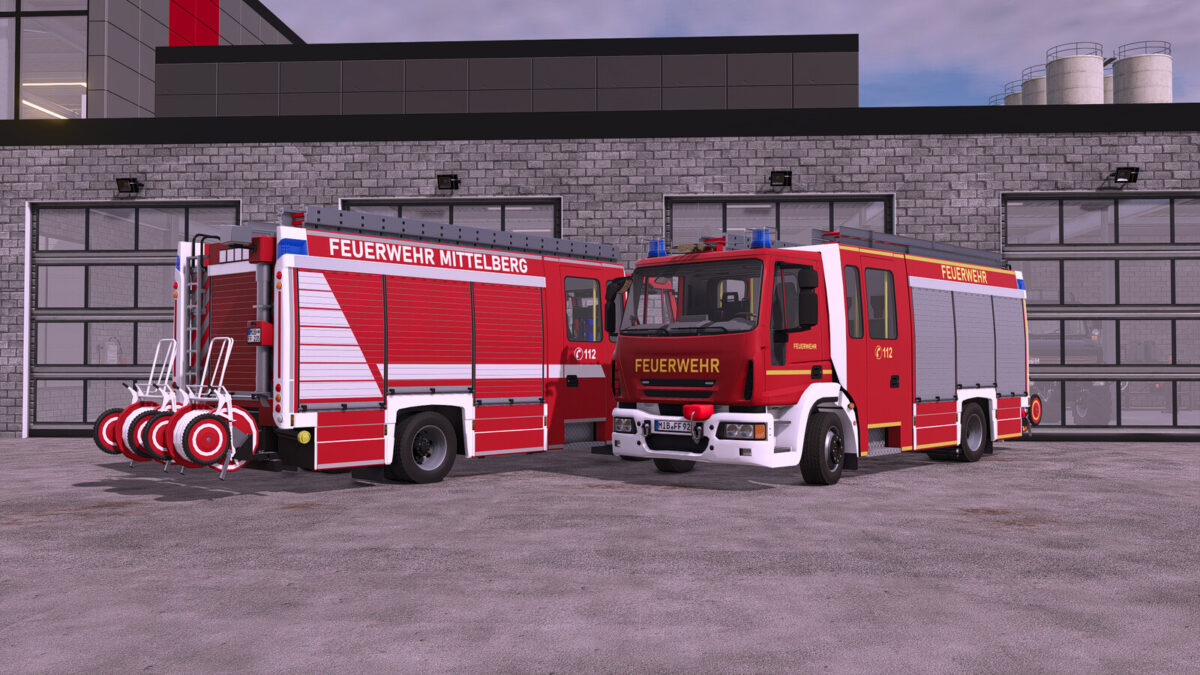
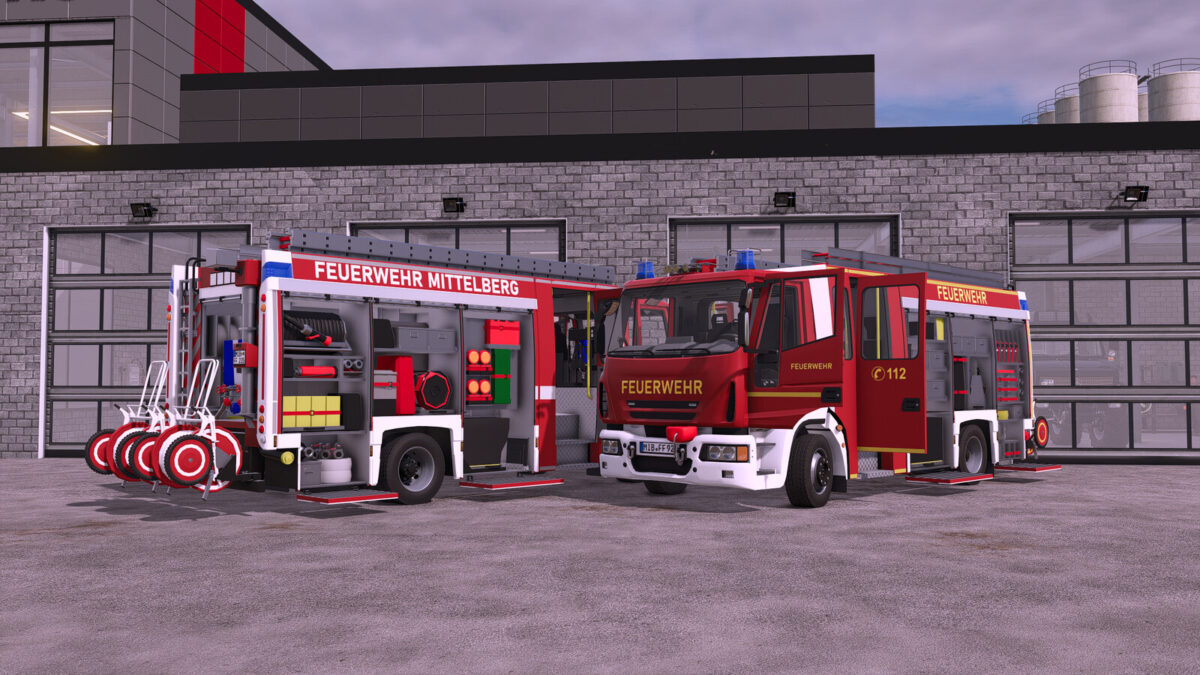
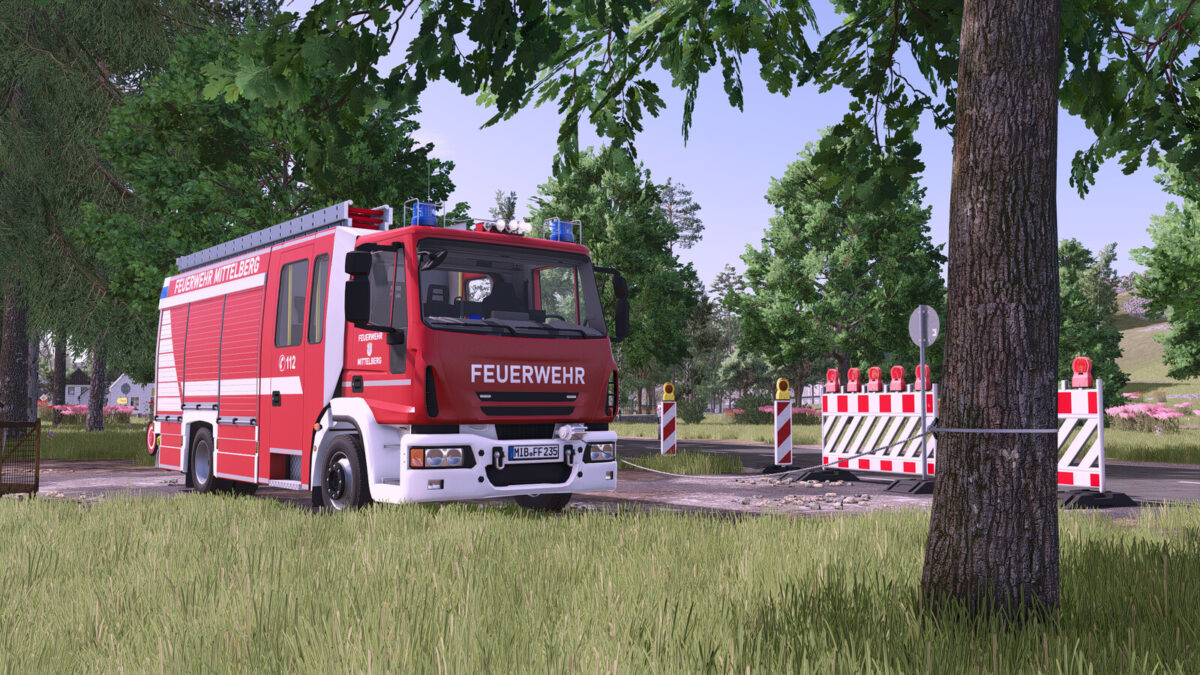
Lizard HLF 20 v1.1.0.1
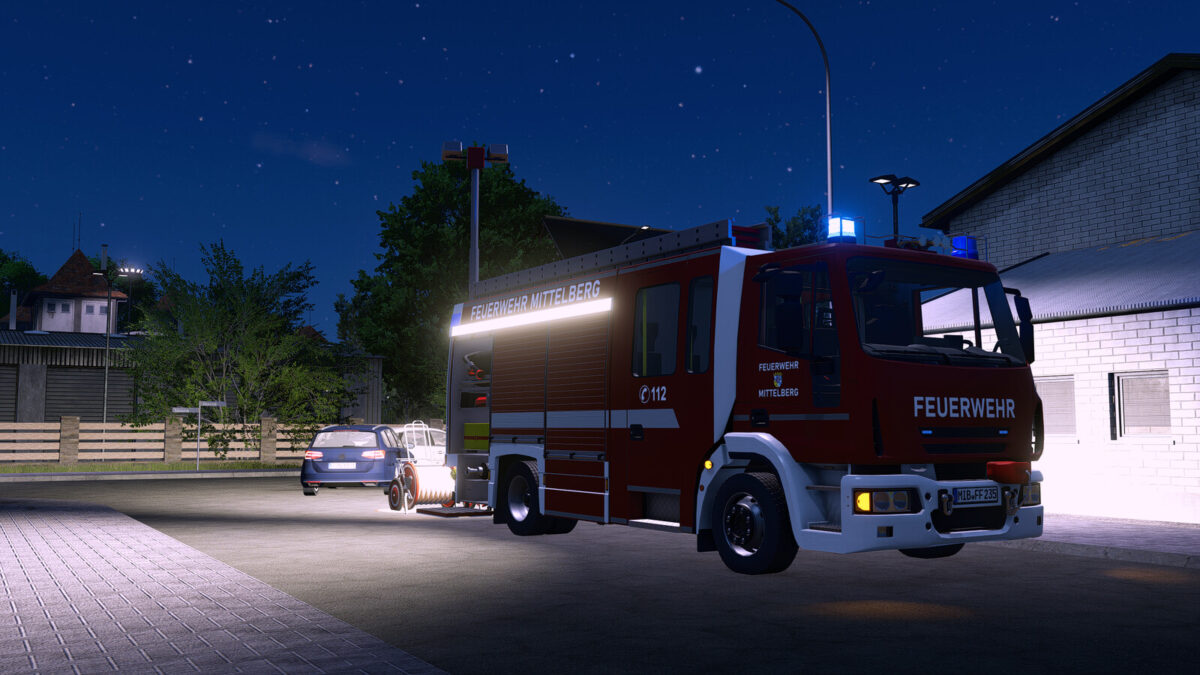
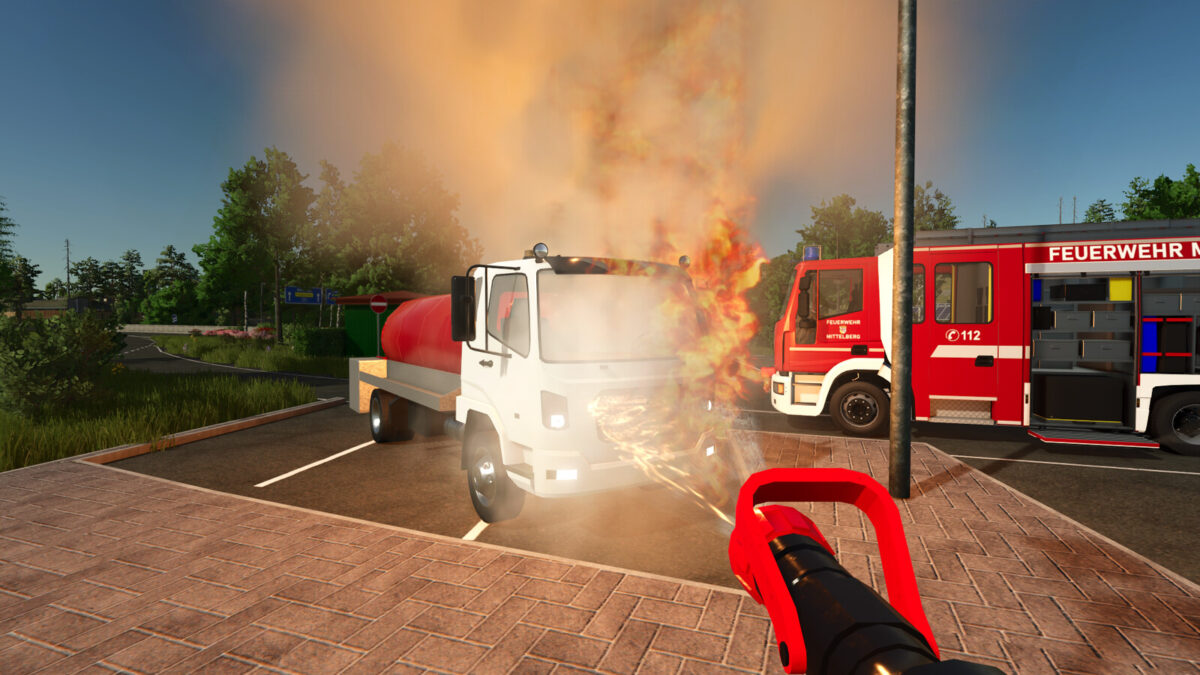
The Lizard HLF 20 is a modern rescue fire engine designed for in-game use.
It combines firefighting and technical rescue capabilities and features a large water tank as well as extensive equipment for a wide range of scenarios.
Thanks to its power and speed, the vehicle is well suited to reach the scene quickly and handle various tasks.
The HLF 20 is ideal for players who value realistic fire service vehicles and detailed roleplay.
Shop category: Miscellaneous
Price: $259,000
Power: 320 hp
Top speed: 110 kph
Water tank: 1600 l
Features:
– Animated speedometer
– Animated doors
– Animated roller shutters and steps
– Detailed interior
– Rear view camera (Mercedes DLC only)
– Trailer hitch
– Blue lights
– Light mast via button “X”
– Mounting point for hose reels
– Functional individually removable nozzle
– Functional winch
– Full Emergency Pack support:
+ Start and edit missions
+ Horn and tail warning via Emergency Pack
Configurations:
– Reflector color (gold/silver)
– Main color (red tone)
– Rim color
– Roller shutter color
– Design selection
Changelog 1.1.0.0:
– Added: Emergency Pack support
– Changed: Horn & rear warning now via Emergency Pack
– Changed: Vehicle Assistance System now only for rearview camera control
Changelog 1.1.0.1:
– Compatibility with Emergency Pack v1.3.0 (the water tank is now recognized correctly)