

Local Market Events v1.0.0.0

Local Market Events v1.0.0.0
Selling points on the map that no player owns (factories, farmers’ market and other buying points) occasionally announce time-limited events: a harvest festival, a bakery order, a biofuel drive and more.
During the event the selected product sells at a bonus price, but only up to a quantity limit. Once the limit is reached or the time runs out, the price returns to normal. If a player buys the selling point, the event is cancelled immediately.
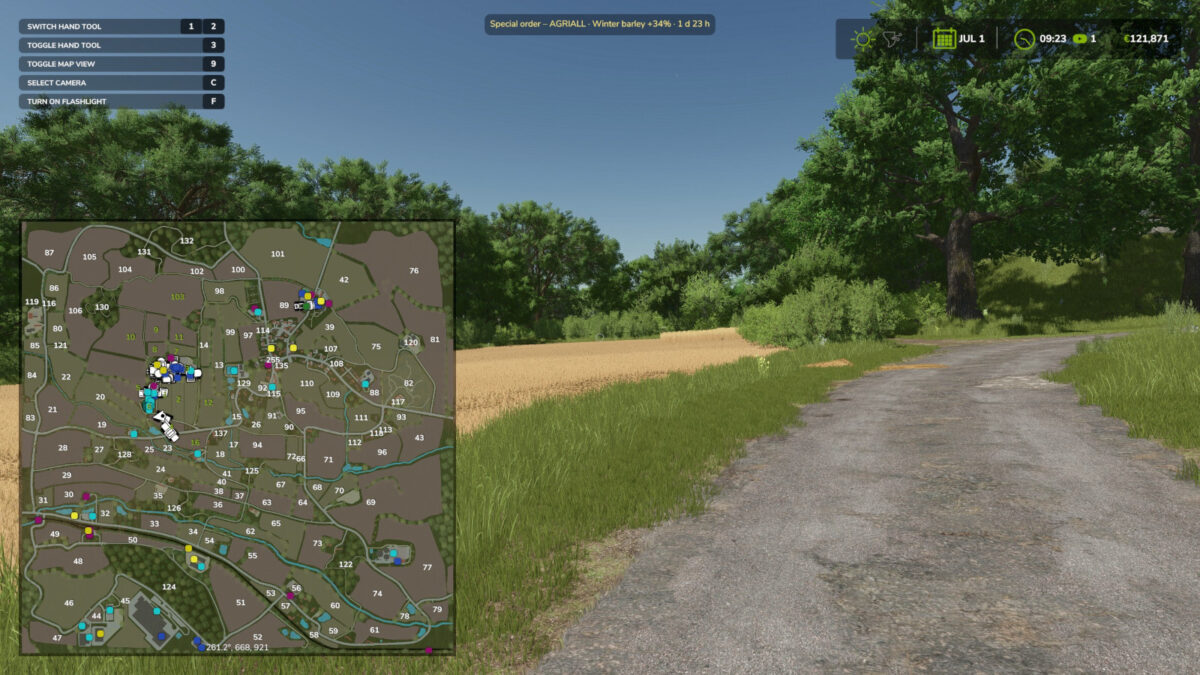
– blinking event marker on the map and a notification when an event starts
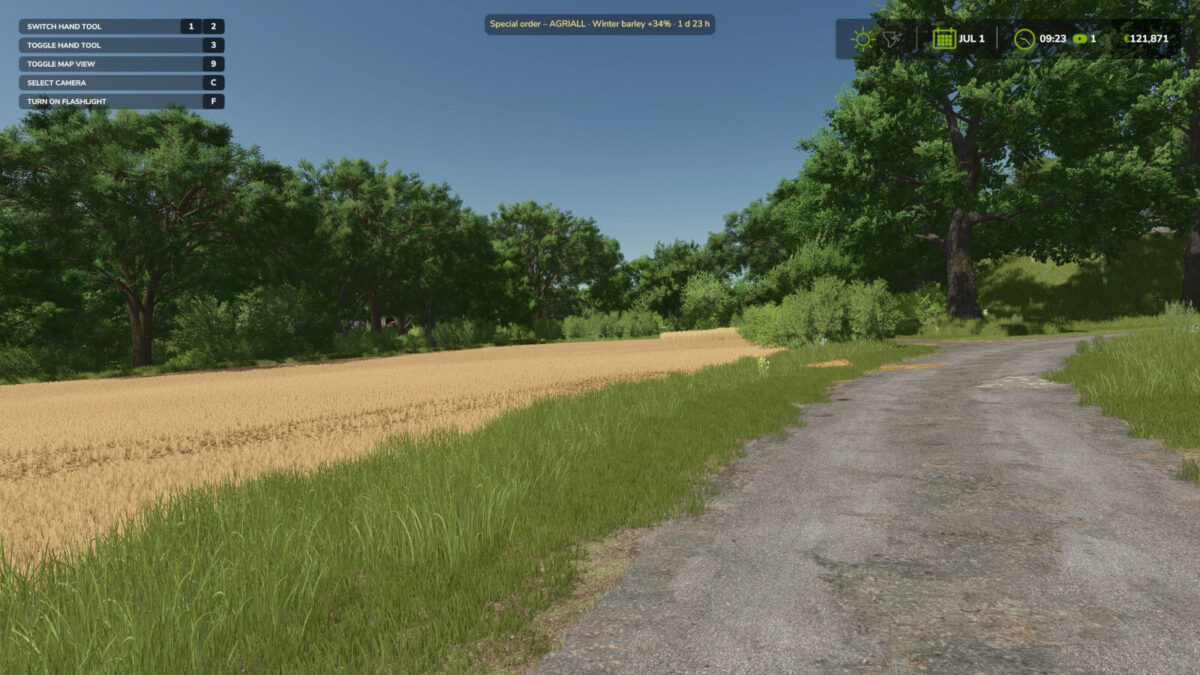
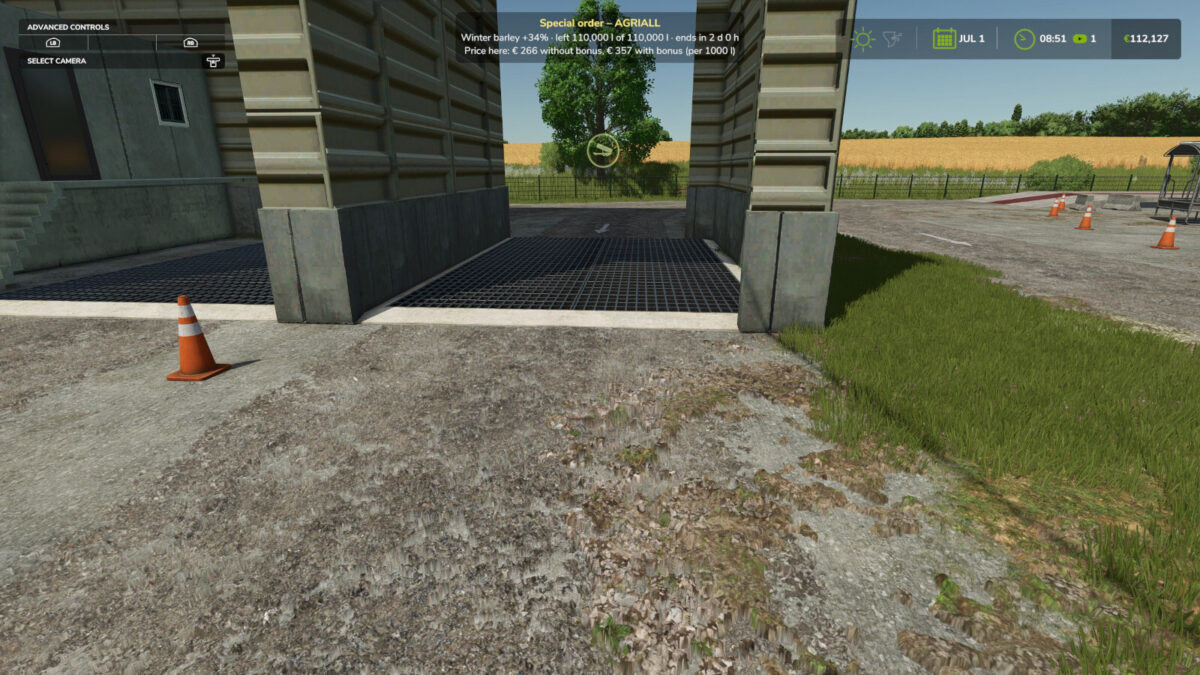
– reminder of active events at the top of the screen, full details when you are near the selling point
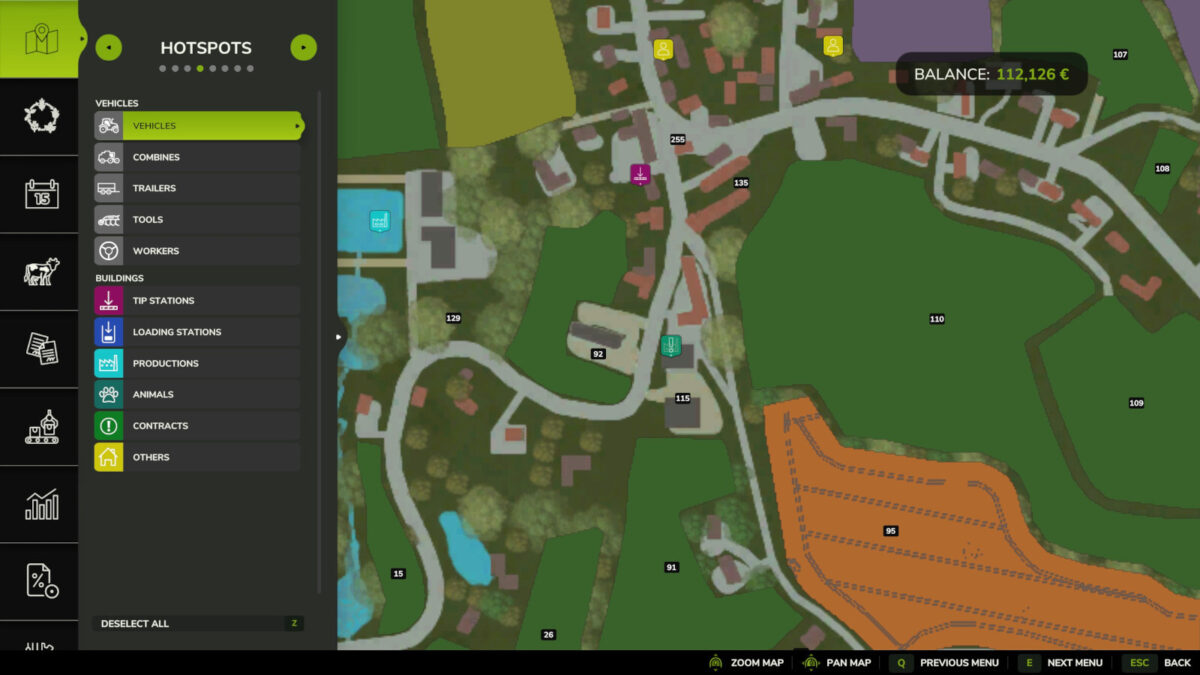
– bonus price visible in the prices menu
– saved with the savegame, multiplayer support
– supports products added by other mods (automatic scan on load)
– quantity limit scales with product value
– about four events per in-game year (roughly one per season), whatever the days per month setting; at least one guaranteed
– works on top of other price mods (the bonus is a multiplier)
Console: lmeSpawn [FILLTYPE], lmeList, lmeClear, lmeProducts