
Log Storage Silo v1.0.0.0

FS25 mods

Log Storage Silo v1.0.0.0

Log Storage Silo v1.0.0.0

Log Storage Silo v1.0.0.0

Log Storage Silo v1.0.0.0

Log Storage Silo v1.0.0.0
About the mod:

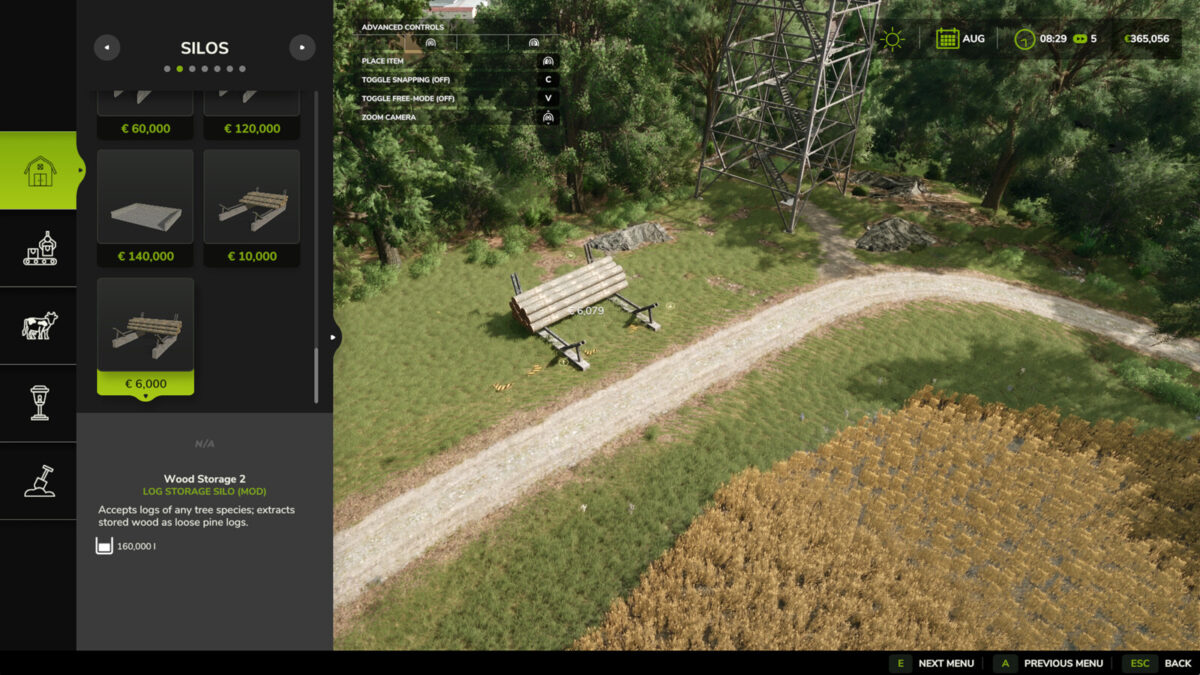
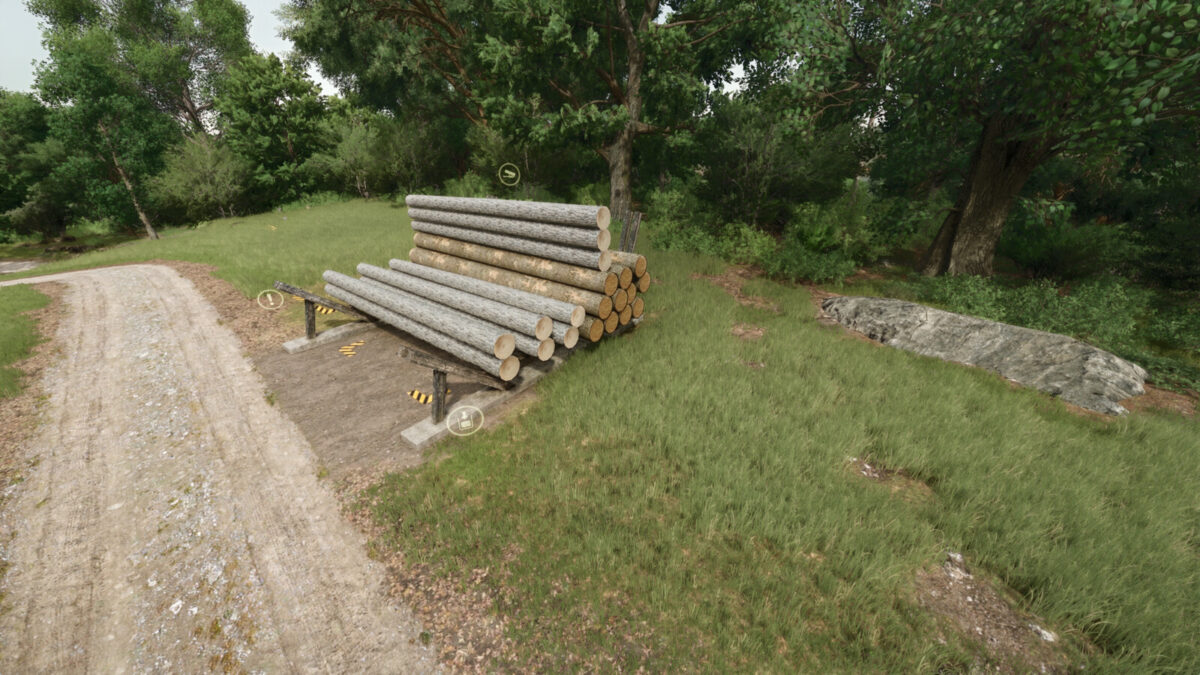
Store trees and logs of every species as wood in a silo and take them out again as real, loose pine logs.
Features
– Put any tree or log in the storage area and press “Store Logs” at the input marker: all species are stored as wood
– Extract logs at the output point: choose the length (7, 8, 10 or 12 m) and how many logs (up to 40 at once)
– Info box shows the amount of wood and how full the storage is
– Two sizes
Storage 1: price $10,000, upkeep $20 / day, capacity 300,000 liters
Storage 2: price $6,000, upkeep $10 / day, capacity 160,000 liters
Tip: long logs (10 and 12 m) stick out at the side of the building where you put the trees in. Keep that side free.
Credits
Building and textures based on Wood Storage by Kastor [D-S-Agrarservice], used with permission.
Scripts and silo conversion by Nozem_Oil_1982.

Credits:
Nozem_Oil_1982

How to install FS19 mods?

Firstly find a mod which you like and want to download. Then download a mod to your PC. Mods are usually in .zip format file. But sometimes it can be in .rar. If a mod file is a .zip format no needed additional actions. If a file is in .rar, then you must unarchive mod with software like WinRar or Zip7. Windows 10 users no need to use software for archives, Win10 itself has a feature to unarchive files.

The next step is to find mods folder in your PC. Usually, it is in Documents/My Games/Farming Simulator 19/2019. Open the "mods" folder and put downloaded .zip archive or unarchived .rar file to this folder.

Last step. Enjoy of FS19 mods!

Leave a Reply

Your email address will not be published. Required fields are marked *