

Manitou MTL 635/737 v2.0.0.0

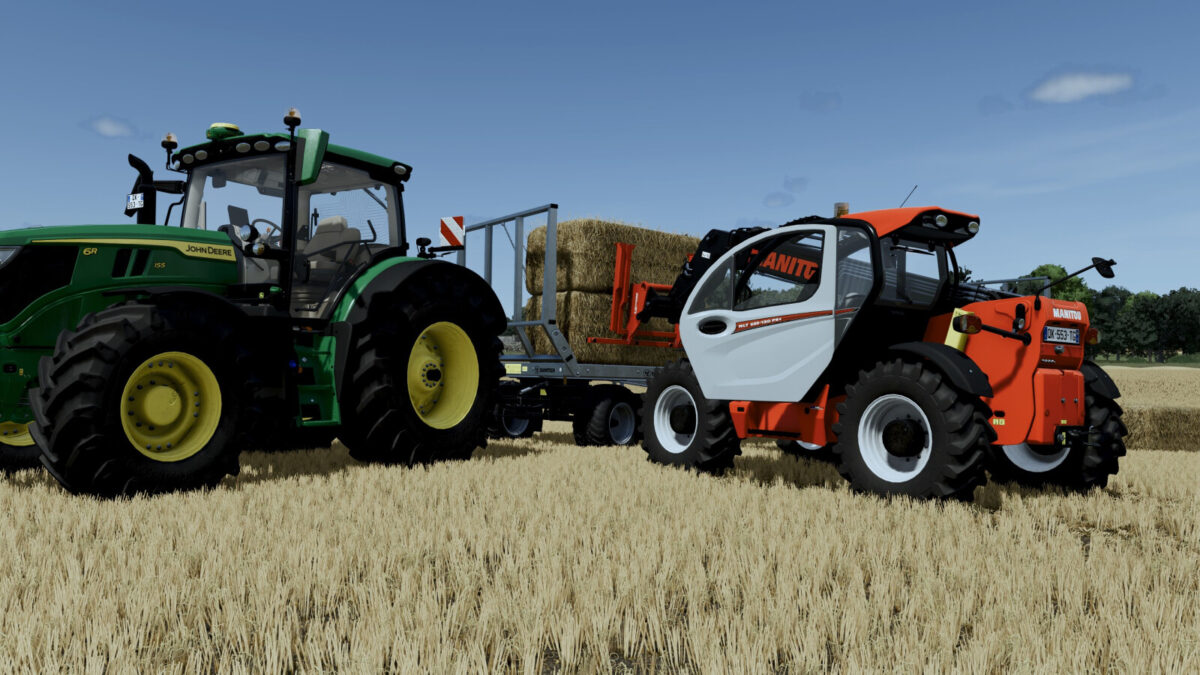
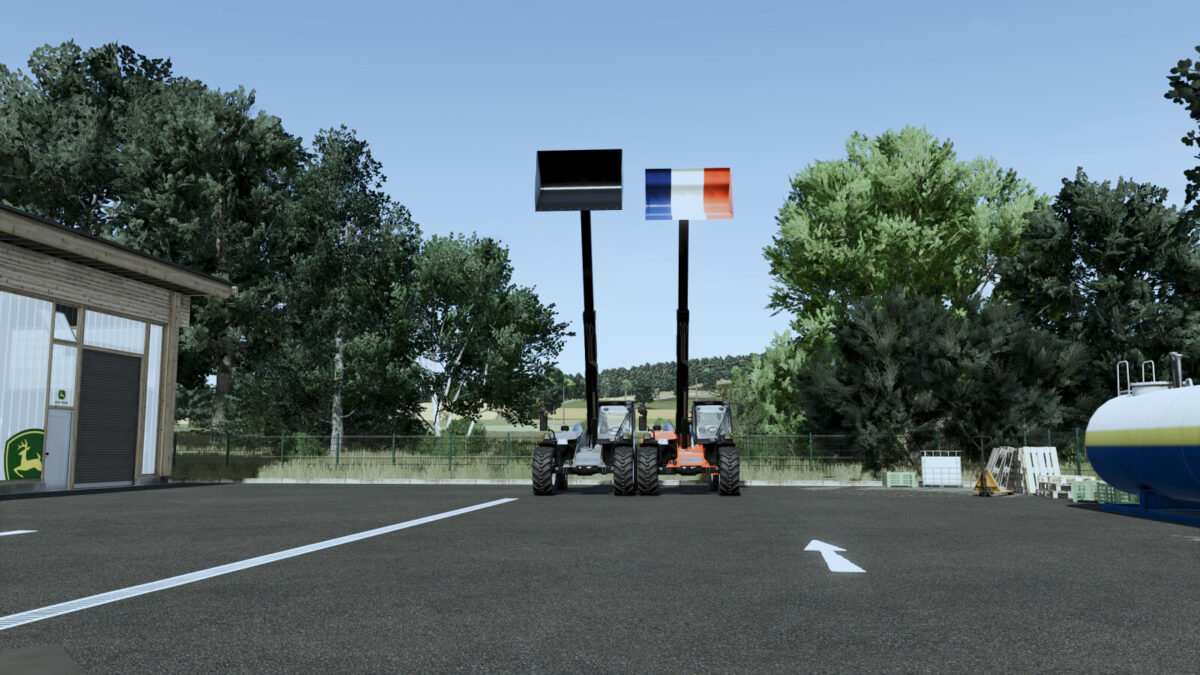
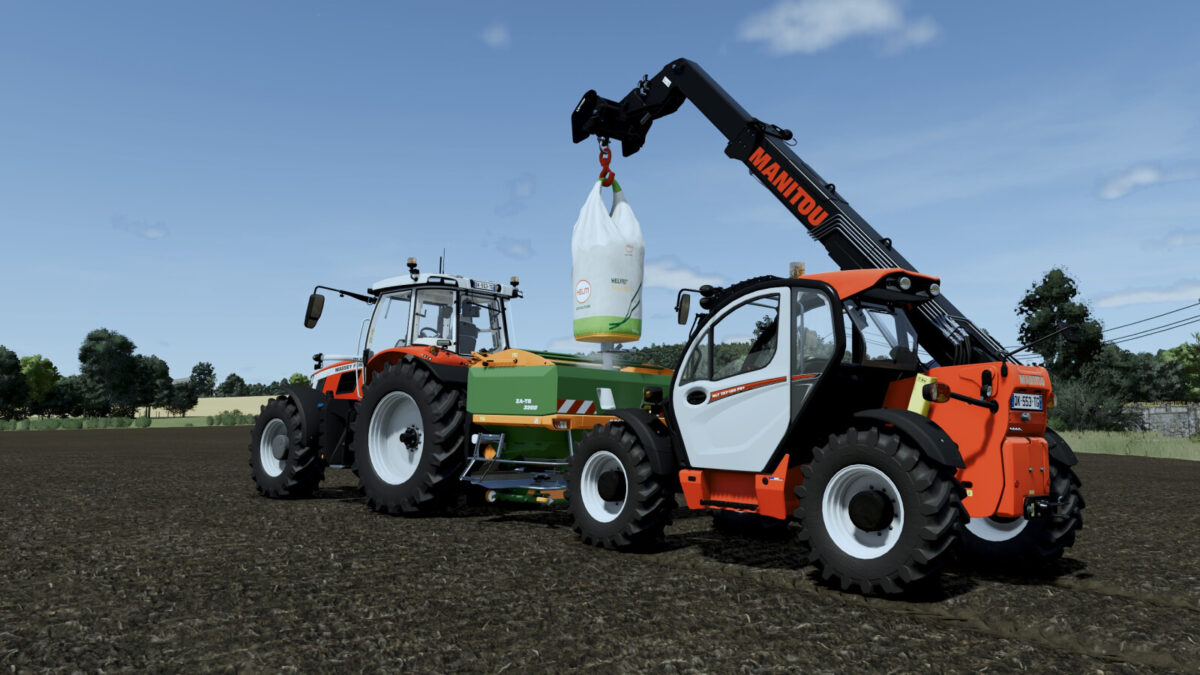
Manitou MTL 635/737 v2.0.0.0
MTL 635
Category: Loaders / Telehandlers
Price: 90.000 $
Power: 130 hp
Top speed: 40 kph
Color configurations
Choice between Manitou or Euro hitch
Multiple beacon configurations
Optional arm light
MTL 737
Category: Loaders / Telehandlers
Price: 98.000 $
Power: 129 hp
Top speed: 40 kph
Color configurations
Choice between Manitou or Euro hitch
Multiple beacon configurations
Optional arm light
Changelog 2.0.0.0:
– Added an extra beacon and rear hydraulic hoses.
– Fixed MLT 635 hydraulic connections when attaching implements.
– Exclusive choice between Interactive Control (PC/Mac) and mouse controls for the door and windows.
– Corrected the LCD needle pivot, orientation and travel.
– Boom-height indicator with two green points at rest, then progressive orange and red points.
– Animated LCD fuel segments using the actual fuel level and corrected overlapping marks.
– Added a fuel-empty warning lamp while the ignition is on.
– Animated LCD temperature segments using the game’s engine temperature.
– Safety bar parked in the original square holder on the bonnet beside the left wheel when the front implement is detached; corrected MLT 737 references.
– Corrected the interior mirror declaration and updated AI declarations.
– Updated the FS25 modDesc and consolidated all changes in this version.