

Manure and Slurry Dealer Pack v 1.0

Manure and Slurry Dealer Pack v 1.0
About the mod:
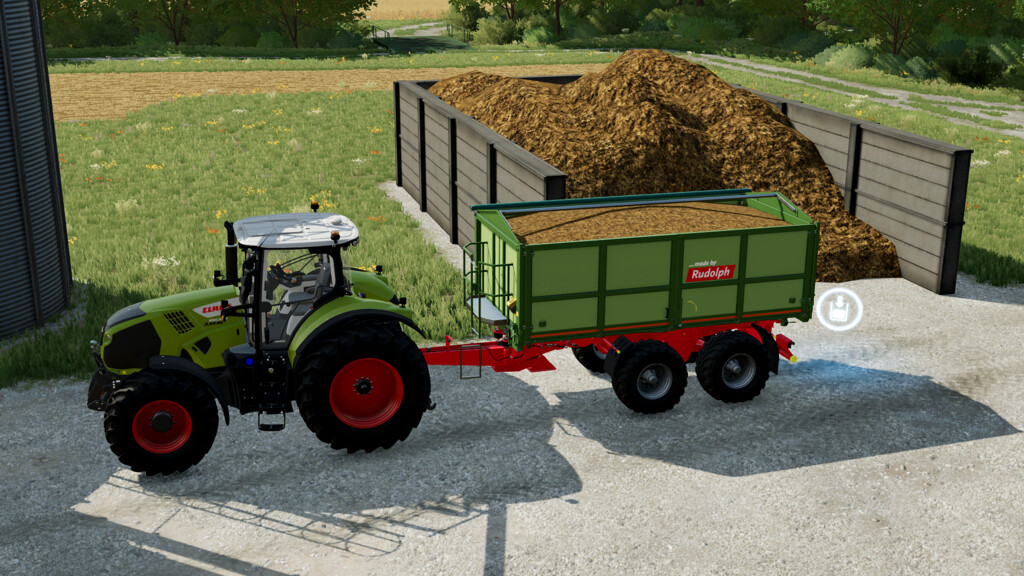
Buy, store or sell Manure and Slurry.
1. Manure purchase point:
Place this on your farm to buy manure.
Price: 25000 $
DailyUpkeep: 25 $
2. Manure point of sale:
Place this on your farm to sell manure.
Price: 25000 $
DailyUpkeep: 25 $
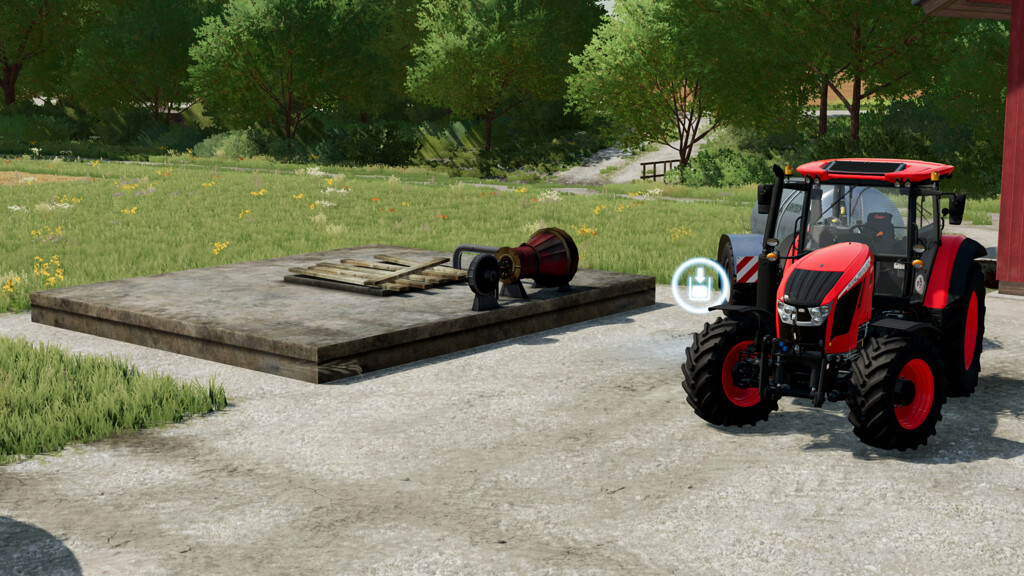
3. Slurry purchase point:
Place this on your farm to buy slurry.
Price: 20000 $
DailyUpkeep: 20 $
4. Slurry storage point:
Place this on your farm to storage your slurry.
Price: 20000 $
DailyUpkeep: 20 $
Capacity: 2 000 000 l
5. Slurry sales point:
Place this on your farm to storage your slurry.
Price: 20000 $
DailyUpkeep: 20 $
Credits:
Puma 145