

Mega Silo Pack v 1.1

Mega Silo Pack v 1.1
About the mod:
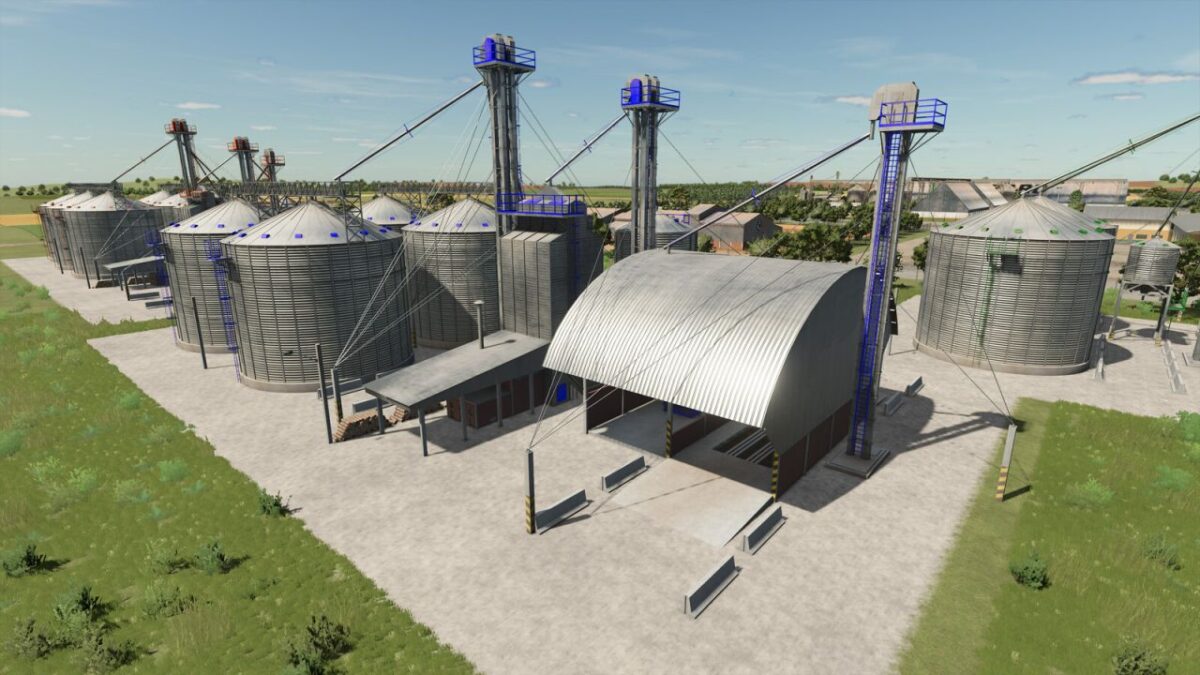
Pack of Silos.
Very large silo where you should have a large space to put it.
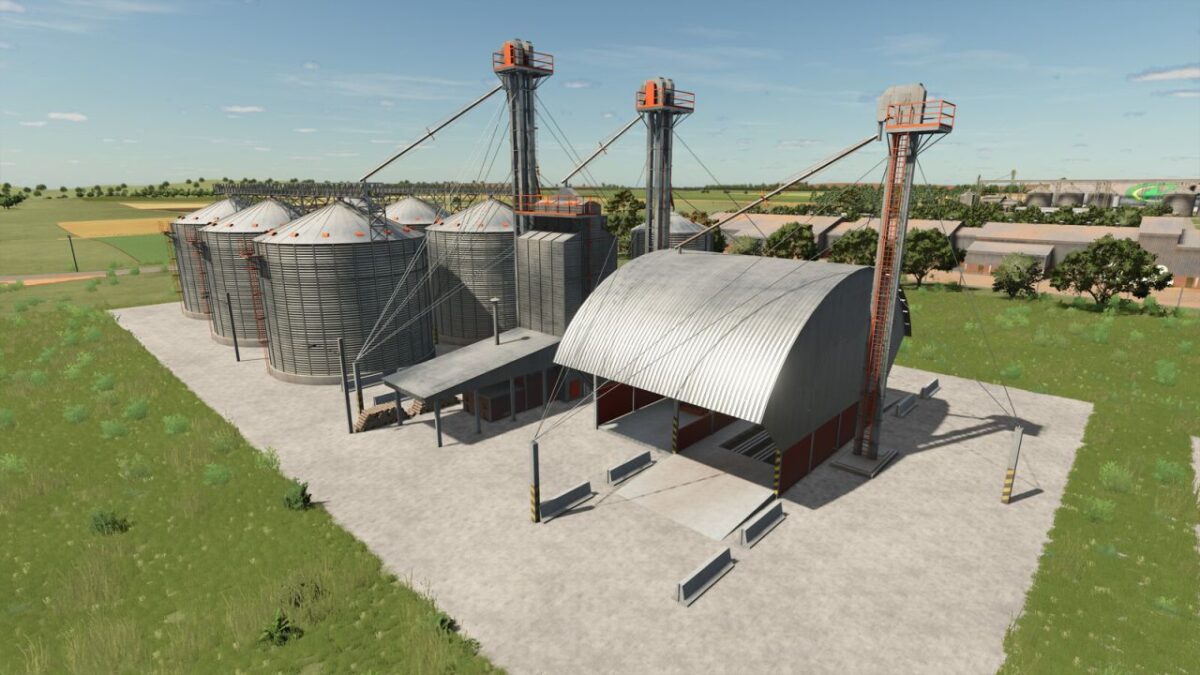
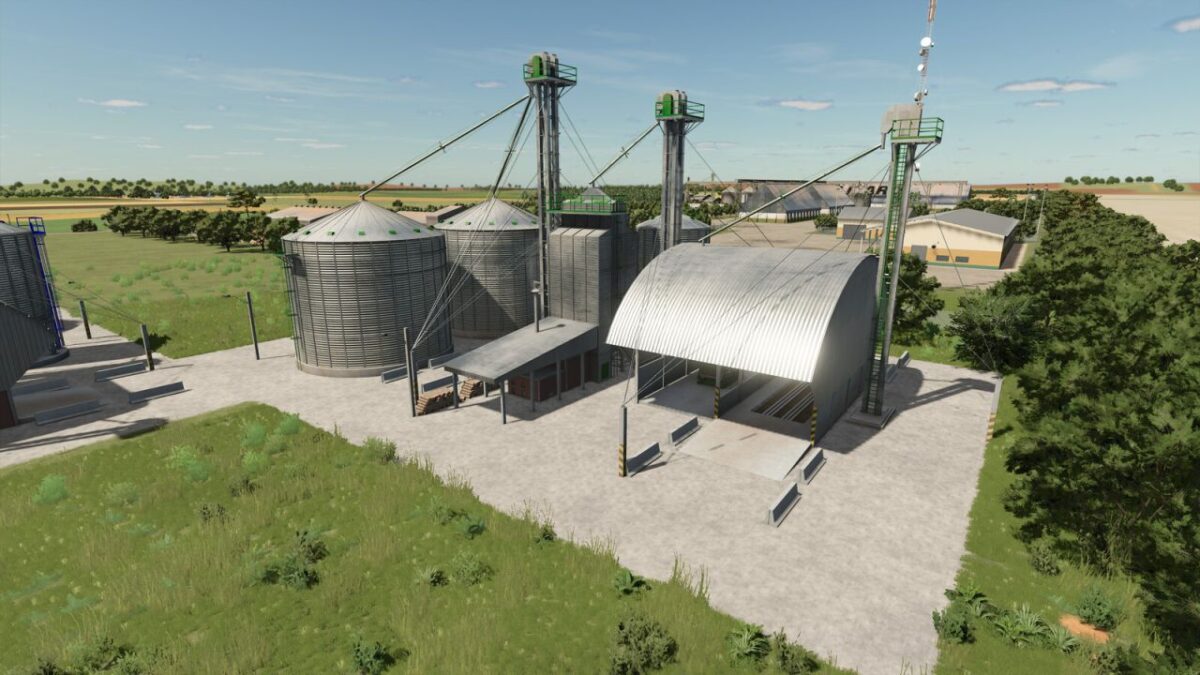
The silo has three finishing options: brick walls, concrete walls, and painted walls, with the color configurable according to preference.
Main color is configurable like ingame sheds
Small Silo
Price: 80.000 $
Capacity: 1.000.000l
Upkeep: 50 $ day
Medium Silo
Price: 150.000 €
Capacity: 4.000.000l
Upkeep: 80 $ day
Large Silo
Price: 200.000 $
Capacity: 6.000.000l
Upkeep: 100 $ day
Giant Silo
Price: 250.000 $
Capacity: 10.000.000l
Maintenance: 120 $ day
Version 1.1:
* The silo now accepts new crops added by maps
Credits:
Lostgamer