

Mittelhessen Map v 1.0.0.1

Mittelhessen Map v 1.0.0.1
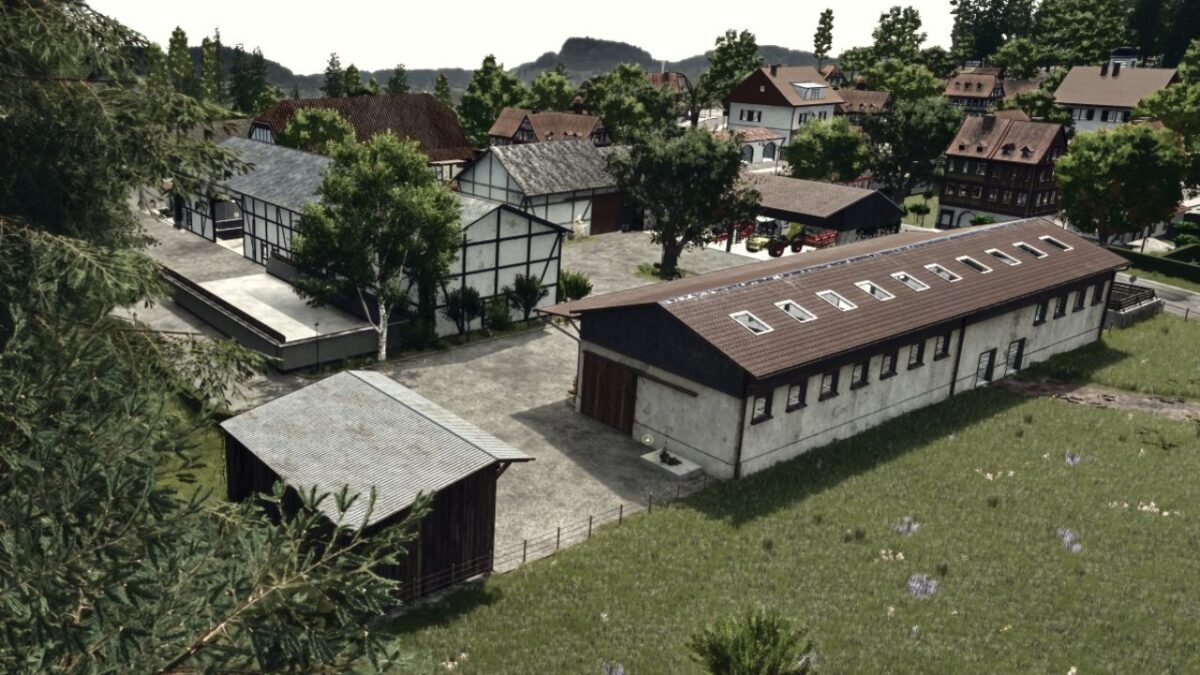
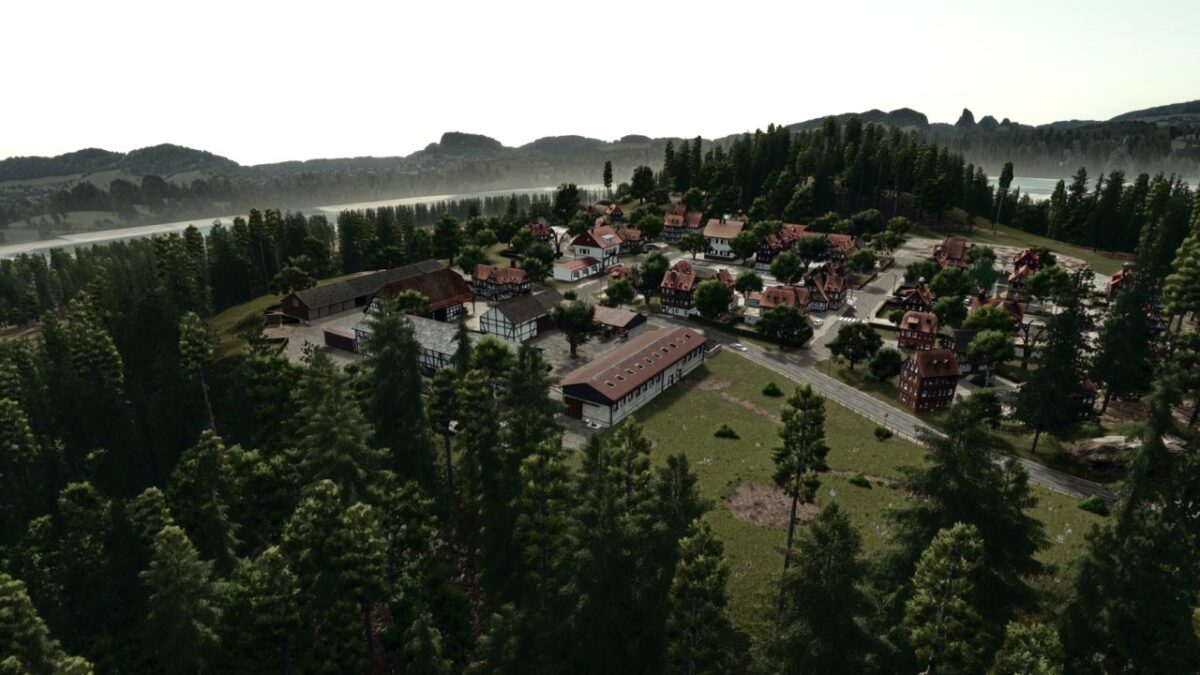
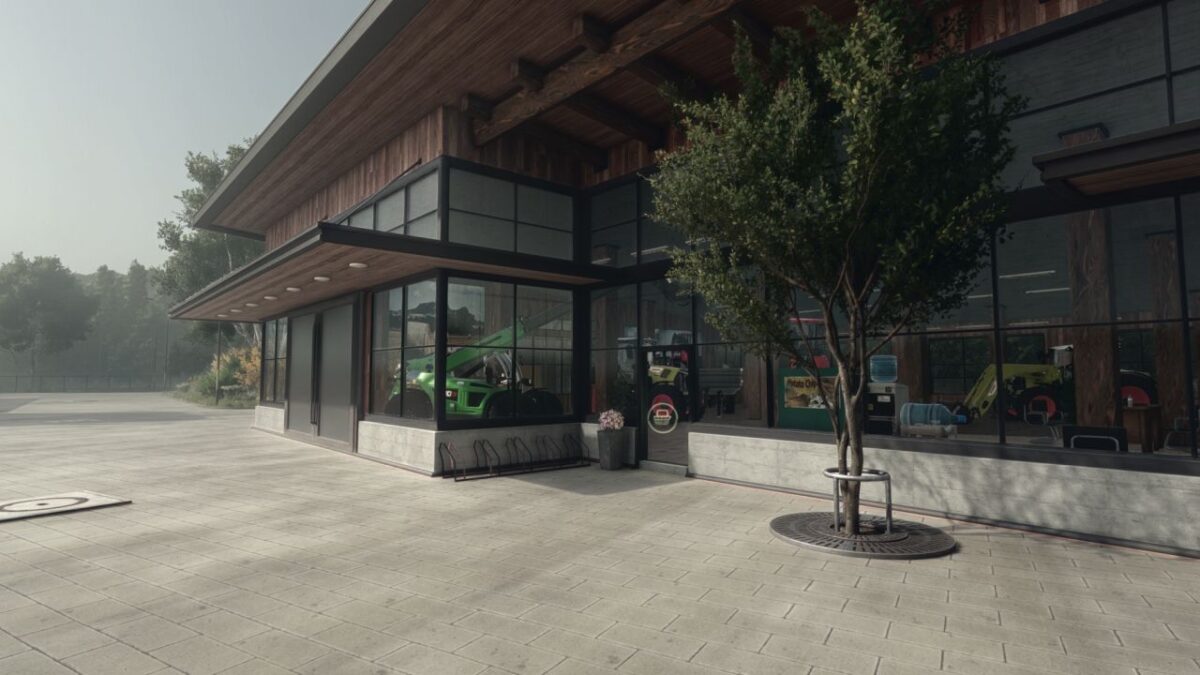
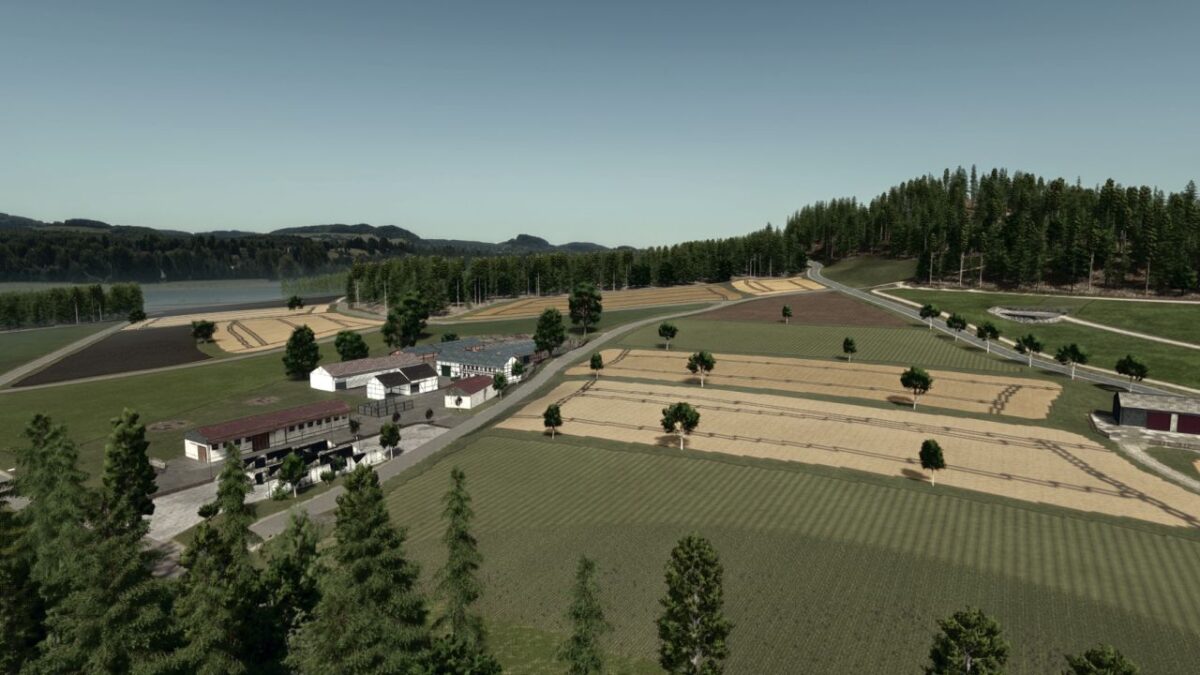
What awaits you on the map:
– 95 fields ranging from 0.17 ha to 8.8 ha
– 3 farms
– 1 contracting company
– Large biogas plant
– Various forests
– 3 fields with grapevines
– Police and fire department for RP
– Various productions
– Various open areas for your own design
– New products such as cherry juice, apple juice and fruit waste (as fertilizer or for sale)
– License plates adapted to the region
– An extended in-game help section explaining all the important functions and special features of the map.
Additional features of the Weekend Farmers Template Map
– 32 ground angles
– New crops: rye, spelt, triticale, green rye, vetch rye, mustard, Humus Aktiv, silage corn, flowering catch crop, winter wheat, spring wheat, winter barley, spring barley, clover and alfalfa
– Integrated stubble destruction
– Adapted planting and harvesting calendar
– Additional paintable textures (also in-game)
– Cotton and sugarcane are not planted by the AI
- Trees from Silverrun Forest integrated
– Revised lime texture
– New forage crops
Version 1.0.0.1:
* Added ambient sounds (birds, wind, etc…)
* Brought floating trees down to the ground