

More Flours – Grains (Rye, Spelt, Triticale) v1.0

More Flours – Grains (Rye, Spelt, Triticale) v1.0
Required: a map with MultiFruit (rye, spelt, triticale).
Have you ever wondered how grain actually turns into flour?
It works like this: you take some grain – rye, spelt or triticale, for example – and tip it into a mill. Inside, it gets ground up, finer and finer, and out the other end comes: flour. Sounds simple, and it is rather handy.
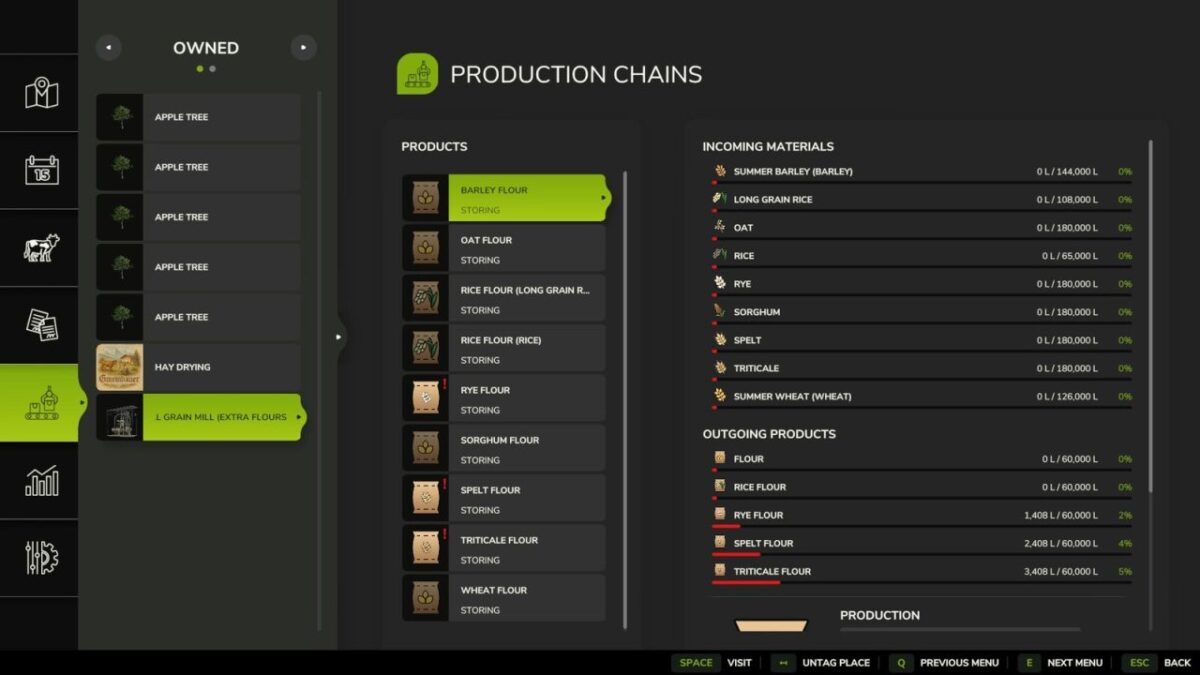
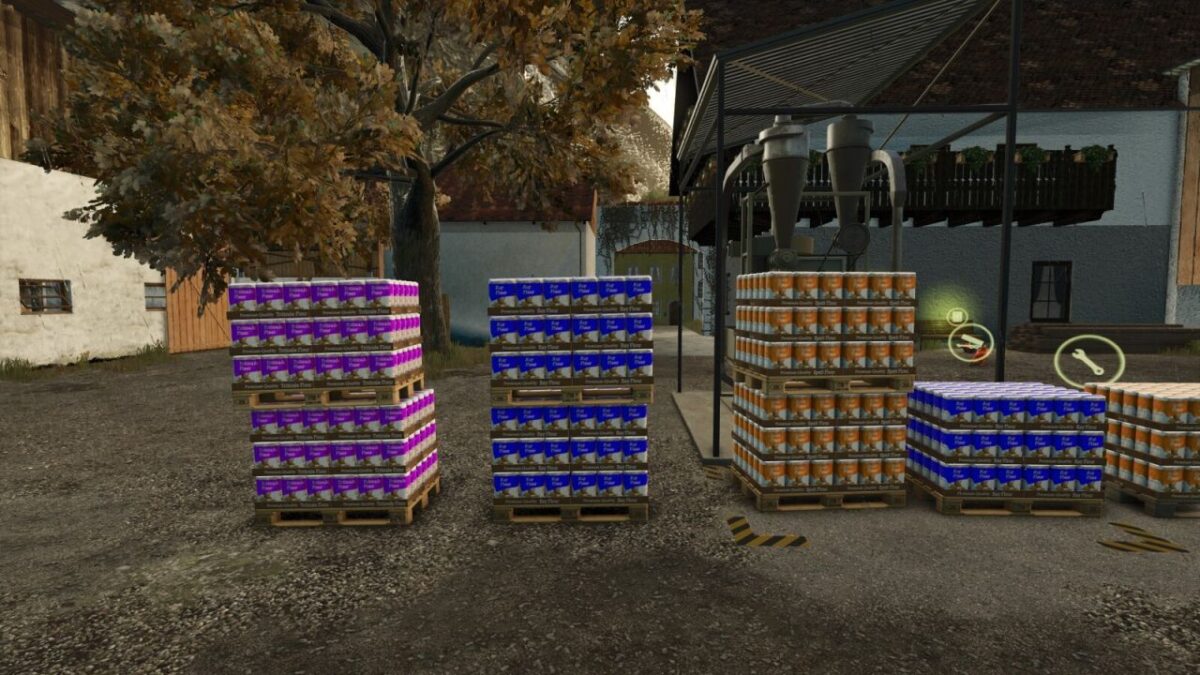
That is exactly what this mod does. It brings you two mills, a big one and a small one. You pour your grain into either of them, wait a little while, and there you have it: rye flour, spelt flour or triticale flour. You can then sell the flour. And if you like, you can pick up the finished flour pallets by hand.
A few things are good to know:
– For this to work, you need a map where rye, spelt and triticale actually grow. Those come from the MultiFruit pack. No grain, no flour – it is that simple.
– There is not a single script in this mod. And because of that, it also works on consoles.
– The little icons and the packaging are only borrowed for now and do not look very pretty yet. You can easily swap them for your own later on.