

Net Worth Tracker v1.1.0.3

Net Worth Tracker v1.1.0.3
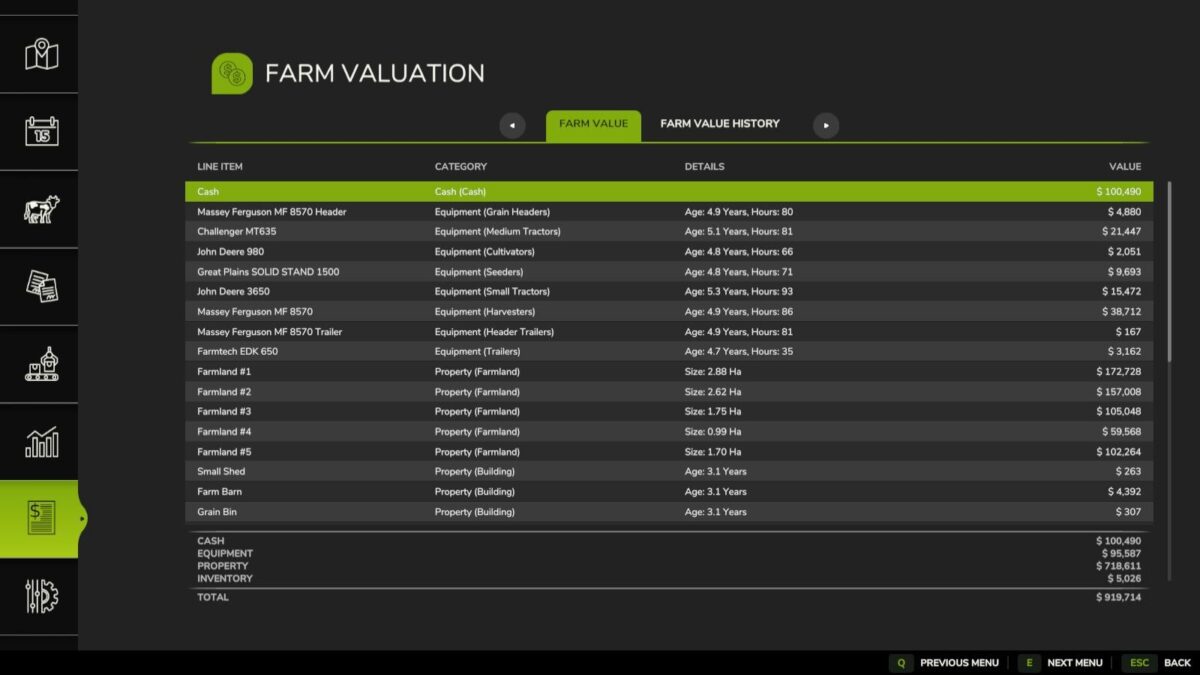
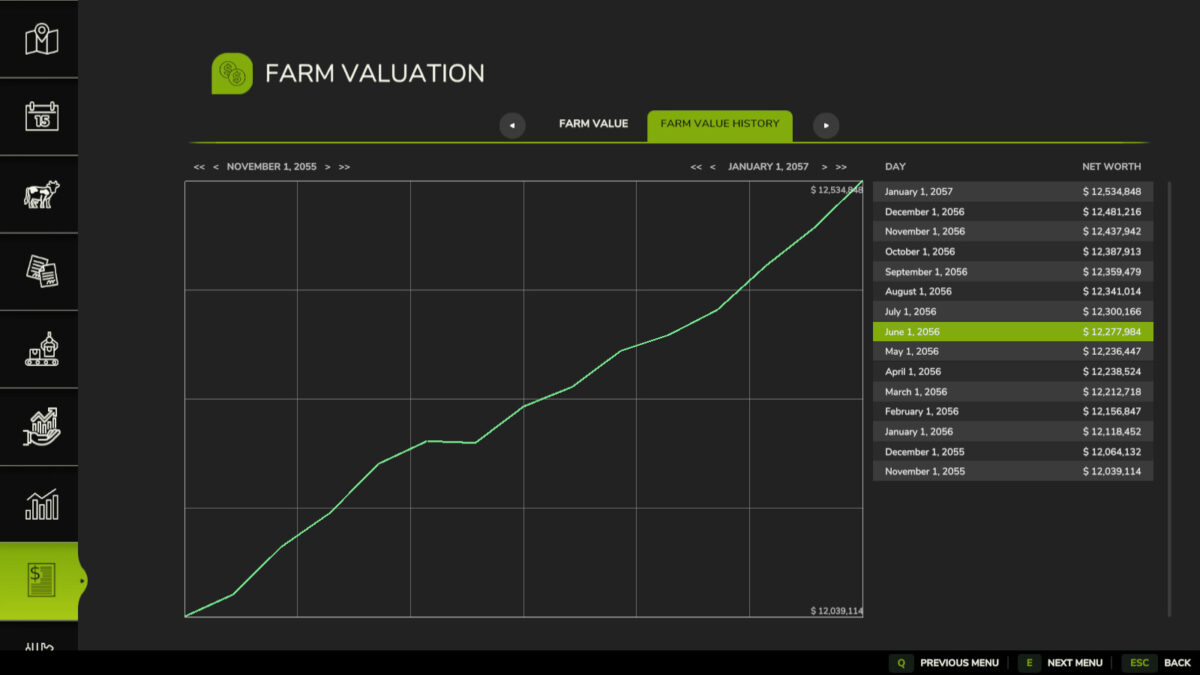
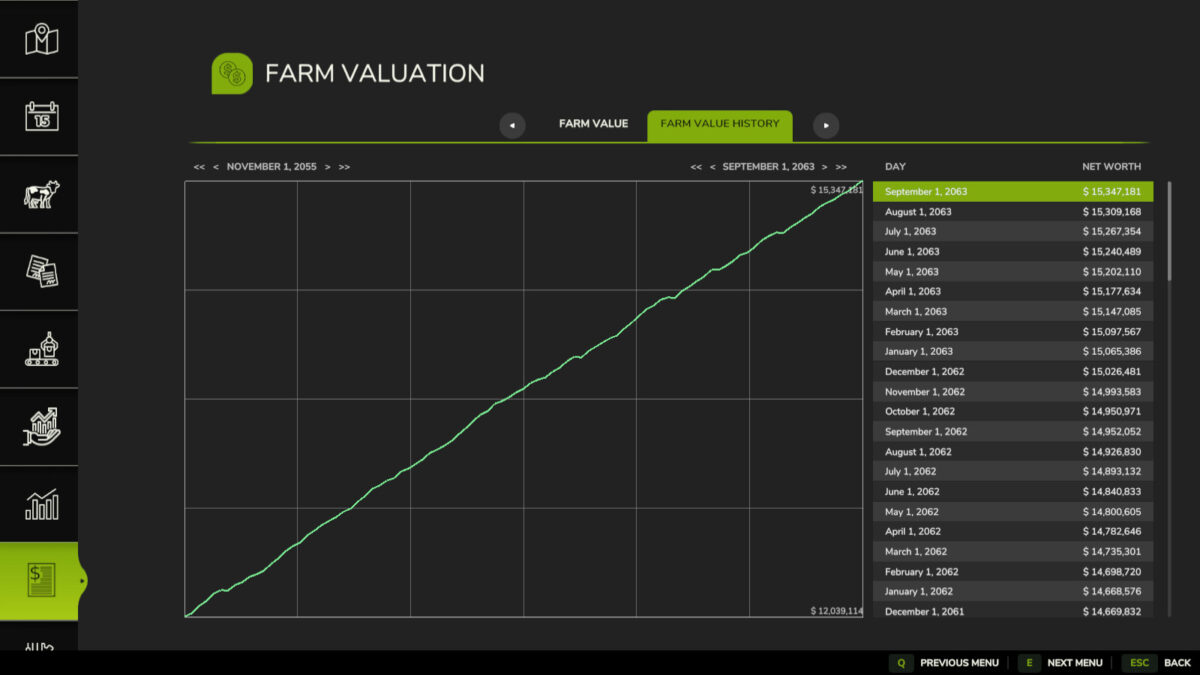
Adds menu screen with a tab to sumarize your farms total value in a balance sheet and a history tab to summaries the history of your farms value.
Farm Value:
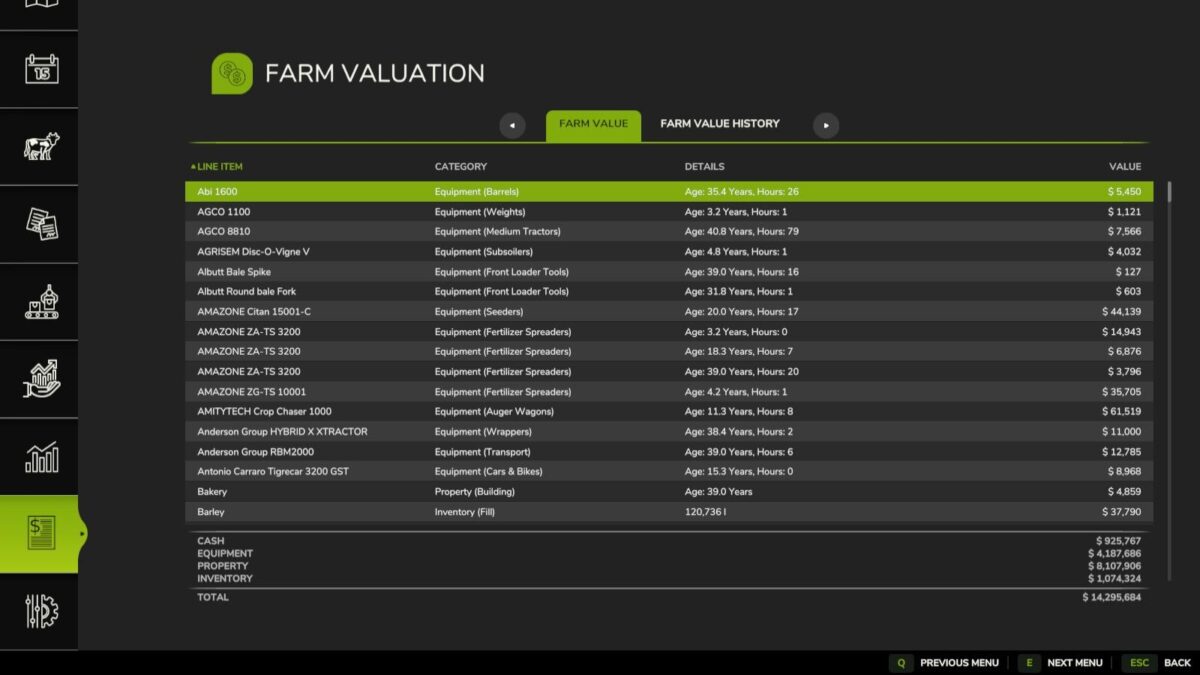
This is the summary of the current day’s farm value. Each line item in the balance sheet contains a name, catagory, additional details and a value and are sortable by name, catagory and value.
The line items are summaized into four subtotals:
– Cash: cash and loans
– Equipment
– Property: land and buildings
– Inventory: fill and livestock
Farm Value History:
This is a history of farm values recorded at the end of each day. Each line item notes a day and the value of the farm at the end of the day. It is sortable by date.
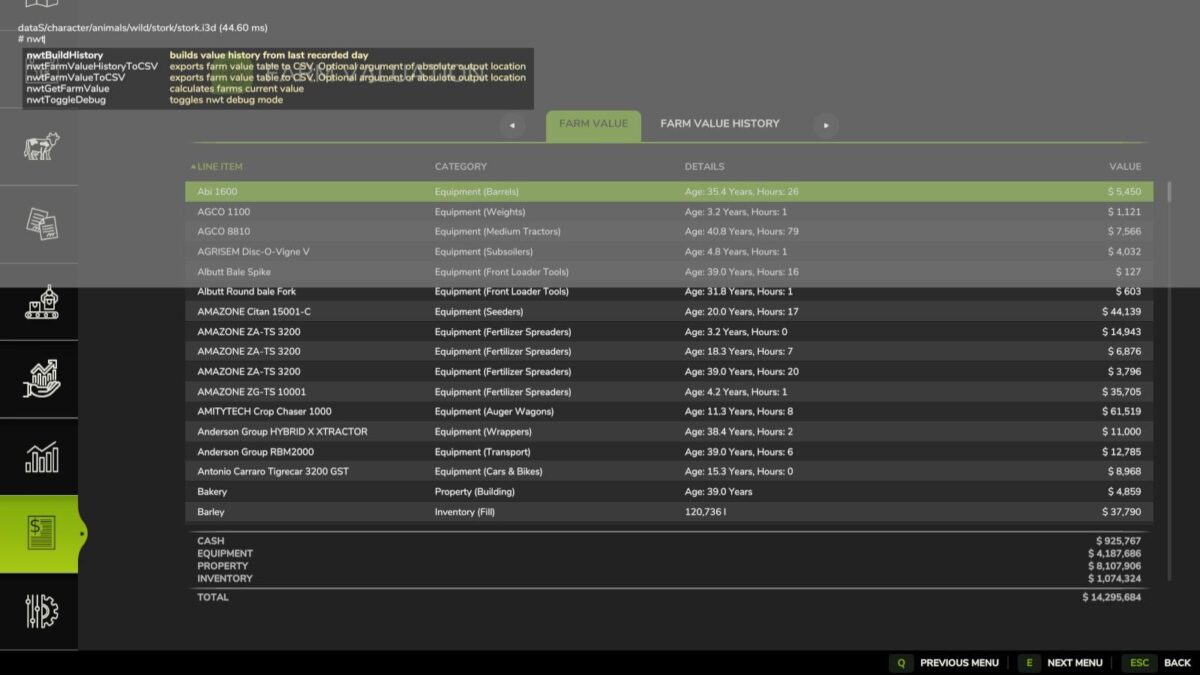
Dev Console Commands:
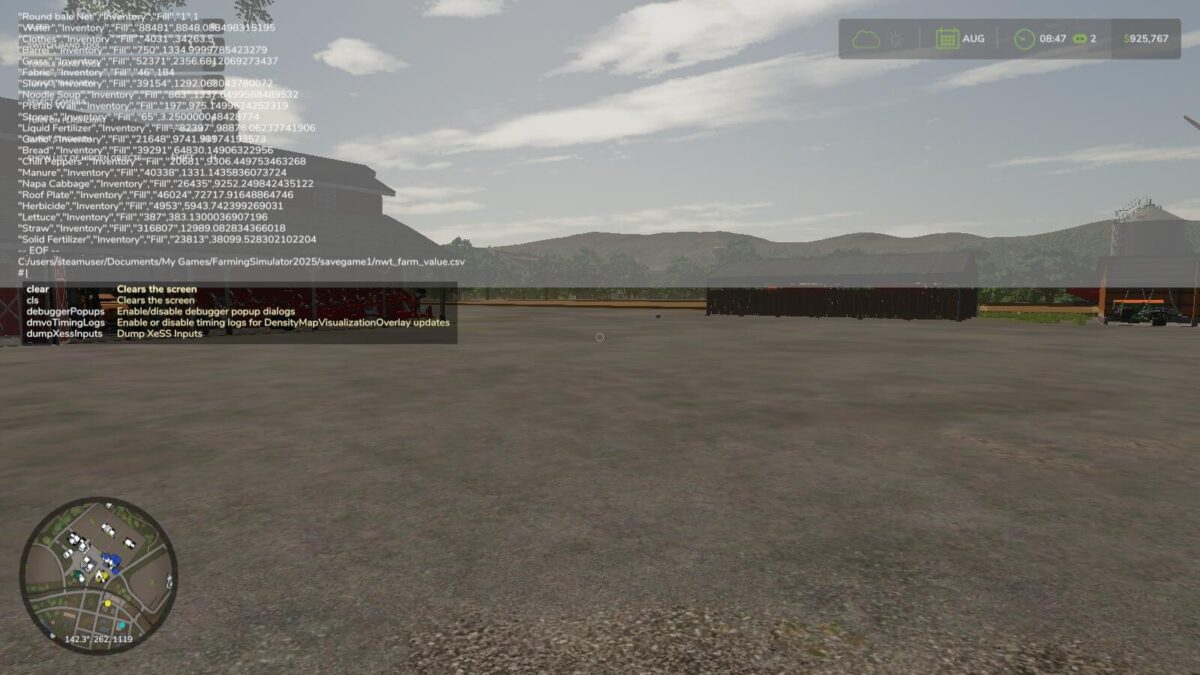
– `nwtBuildHistory` – rebuilds fake value history from previous day
– `nwtToggleDebug` – toggles debug mode for the mod
– `nwtGetFarmValue` – calculates the current farm value
– `nwtFarmValueToCSV ` – exports the farms current value to CSV. Optional param of the absolute file location of the file to be saved. The defualt save location is `/nwt_farm_value.csv`
– `nwtFarmValueHistoryToCSV ` – exports the farms value history to CSV. Optional param of the absolute file location of the file to be saved. The defualt save location is `/nwt_famr_value_history.csv`
GitHub link: https://github.com/EvanKirsch/fs25_nwt
Changelog
—
1.1.0.3:
– Adds Farm Value History graph with date range filtering
– Localizes farmland name and size strings
– Adds fill type icons to entry list rows
– Fixes error when deriving vehicle category
– Fixes cash amount lookup for multi-farm saves
– Fixes date string operator precedence when year is null
1.1.0.2:
– Corrects animal value when health or fitness is less than 100%
– Fixes error when generating files before game has been saved
1.1.0.1:
– Adds PL translation
– Removes GIANTS `Object` superclass from instantiated data objects to reduce object clutter resulting in reduced server performance
1.1.0.0:
– Adds Farm Value History tab
– Adds console commands `nwtBuildHistory`, `nwtToggleDebug`, `nwtGetFarmValue`, `nwtFarmValueToCSV`, `nwtFarmValueHistoryToCSV`
1.0.0.2:
– Updates German translations
– Adds multiplayer support
1.0.0.1:
– Initial release